
Soft Studio collection
Studio portrait prompts: Soft Studio
Good studio portrait prompts keep the set simple and the light broad, so nothing competes with your face. This page shows the Soft Studio collection: broad soft light, simple gray, cream and dark backdrops, and relaxed expressions. Skin and fabric keep enough detail to look photographed rather than retouched. Every example sits beside the reference portrait it was made from. Pick a look, then run it on a clear, evenly lit photo of yourself in your AI image tool.
Examples with reference portraits.
Every example in this section is an AI-generated illustration of a fictional adult, including the reference portraits. They are not customer photos and they do not promise the same result in your tool. The examples were made with Nano Banana 2, a Google Gemini image model.
- 01
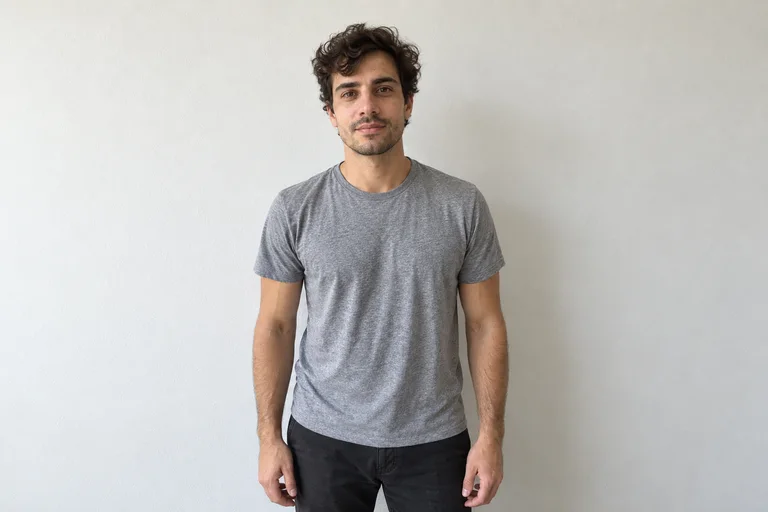
Reference portrait, AI-generated 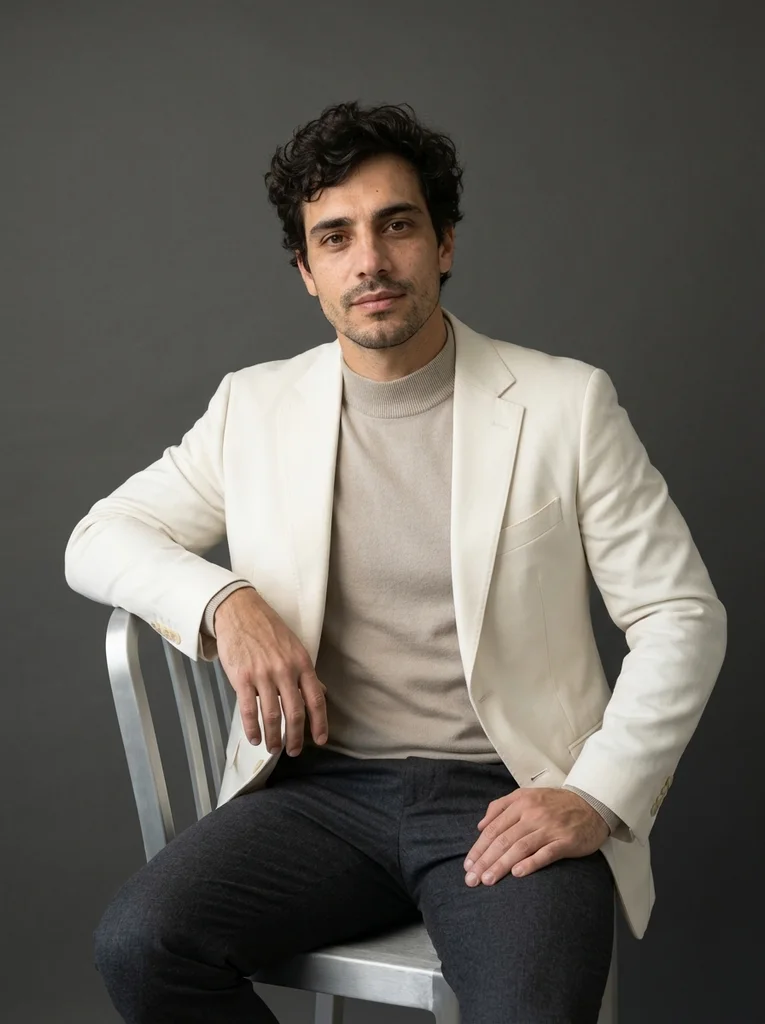
Example result, AI-generated, not a customer photo Light Form
Sculptural light tailoring against a graphite studio, with soft dimensional light and a confident natural presence.
The full prompt is included with a subscription.See plans
- 02
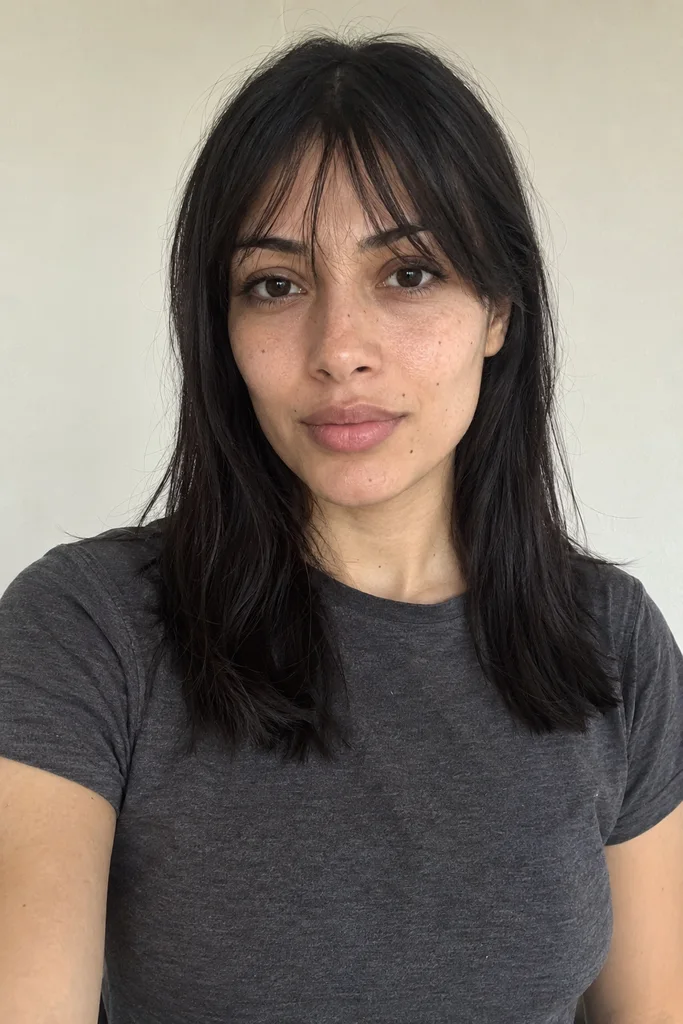
Reference portrait, AI-generated 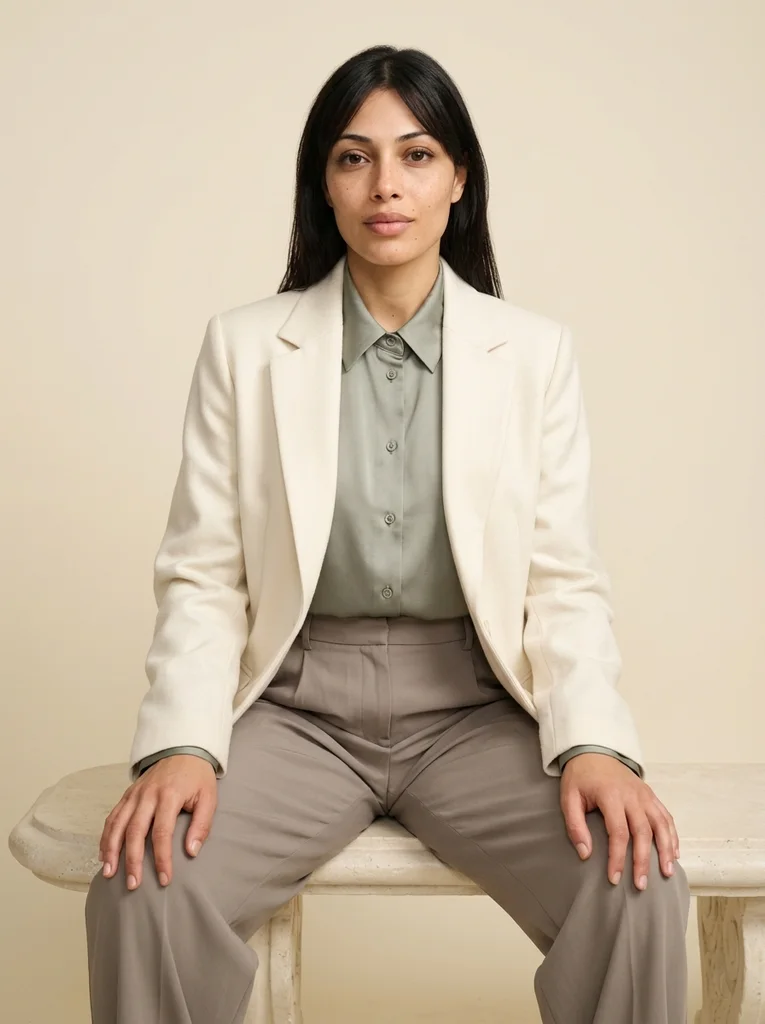
Example result, AI-generated, not a customer photo Soft Studio, Sculpted Silk
A refined sage-and-ivory studio portrait with soft beauty light and beautifully constructed fabric.
The full prompt is included with a subscription.See plans
- 03
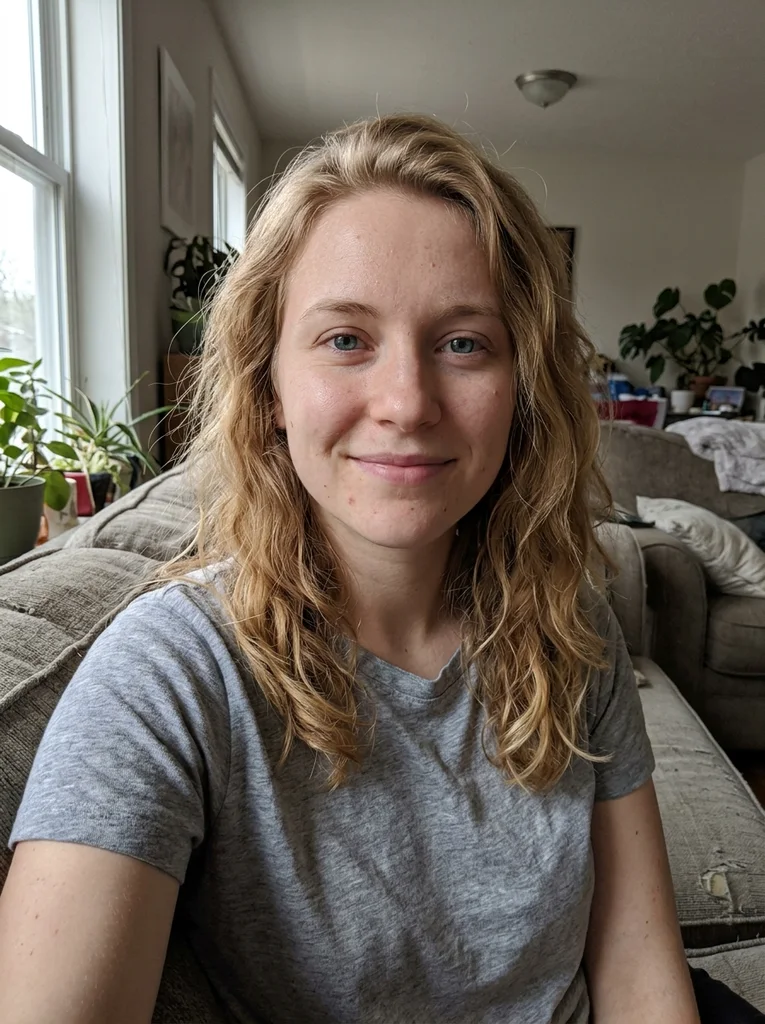
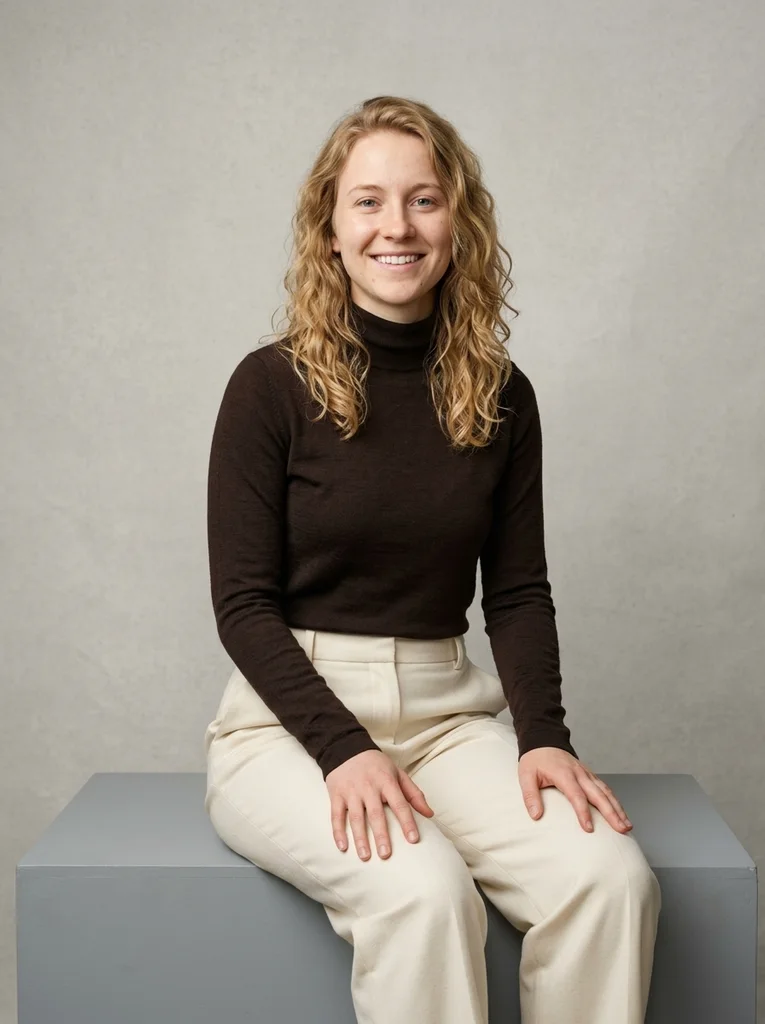
Reference portrait, AI-generated Example result, AI-generated, not a customer photo Gray Plinth, Soft Merino
A broad gray plinth and refined merino create a seated portrait with sculptural clarity.
Free prompt
Use the uploaded reference photograph to create one photorealistic editorial portrait of the same adult. The source may be an ordinary imperfect everyday selfie: use it for identity, not as a studio template. Give the result a subtly more attractive, magazine-quality finish through tasteful, identity-preserving portrait retouching, flattering exposure, and a natural pose and expression. Gently reduce temporary blemishes and reddish blotches, soften under-eye shadows and harsh lighting, lightly even skin tone, and tidy distracting flyaway hairs. Retain realistic pores and skin detail, recognizable facial geometry and natural asymmetry, the natural skin tone, freckles, moles and other permanent identity marks, the apparent adult age, body shape and proportions, and natural hair texture and hairline. Do not erase permanent expression lines or other identifying features. No waxy or plastic skin, excessive smoothing, replacement with a new face, face or body reshaping, age reset, or skin whitening. Apply this restrained retouching within the following setting, outfit, pose and lighting direction. Create a polished photographic fashion editorial in a low wide matte-gray studio plinth before a softly textured light-gray paper surface. Dress me in a rich espresso merino high-neck top and cream fluid wool trousers. Sit near one plinth corner with torso upright, both complete hands softly separated on the thighs and a gentle shoulder turn. Large shaped soft beauty key and a broad neutral reflector keep the face luminous while preserving dark merino texture. Use a 55mm knee-up view with the full plinth contact and generous headroom. Make one vertical 3:4 photograph. Keep the entire head, all existing hair and chin inside the frame with visible breathing room above and beside them; every shown hand and wrist must be complete and anatomically plausible. Keep the same recognizable adult, natural skin tone, apparent age, facial identity marks and real body proportions. Use flattering magazine exposure and tasteful identity-preserving retouching while retaining pores; no plastic skin, body reshaping, age reset or skin whitening. Exactly one fully clothed adult, no extra or reflected heads, readable text, logos, watermarks, borders or collages; avoid complex reflections. Produce one vertical 3:4 photograph, with the entire head and hair inside the frame and visible space above them. Keep any shown hands complete and anatomically plausible. The subject is a fully clothed adult; fit the described clothes naturally to the same body. Use realistic photographic depth, natural fabric construction and restrained color. No additional people, duplicated features, in-image text, brand logos, watermarks, borders or collages. No illustration or CGI appearance.Scroll to read the whole prompt, or copy it with the button.
- 04
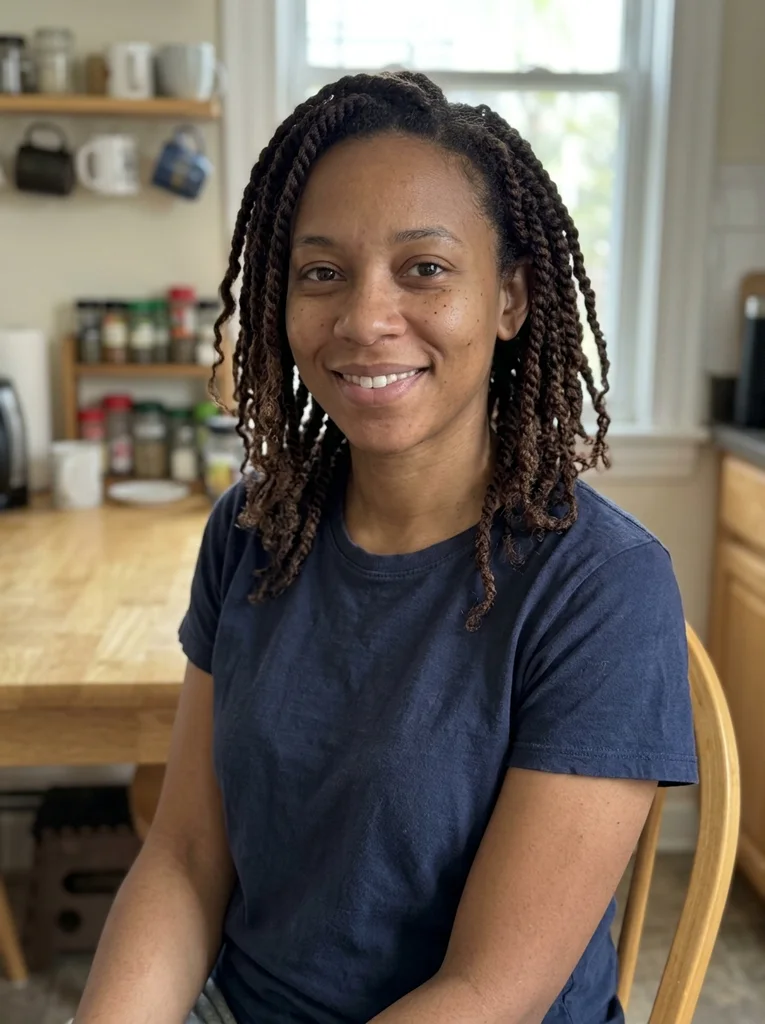
Reference portrait, AI-generated 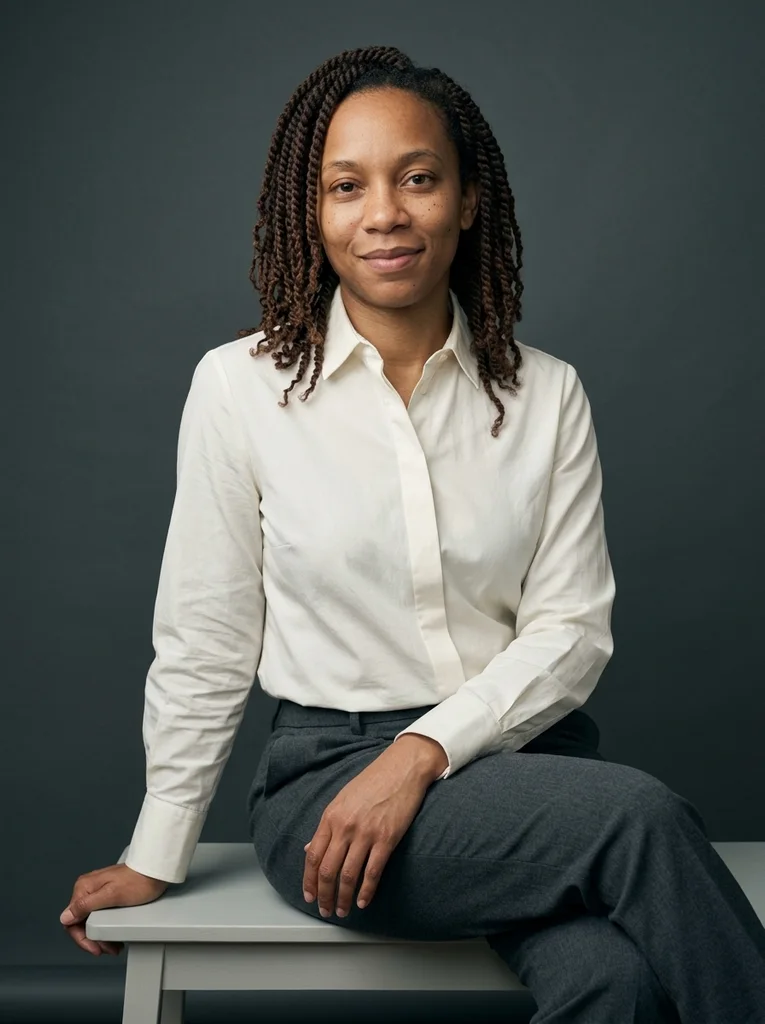
Example result, AI-generated, not a customer photo Gray Bench, Sculpted Cotton
A sculptural cotton shirt and low gray bench make a composed, material-rich studio portrait.
The full prompt is included with a subscription.See plans
- 05
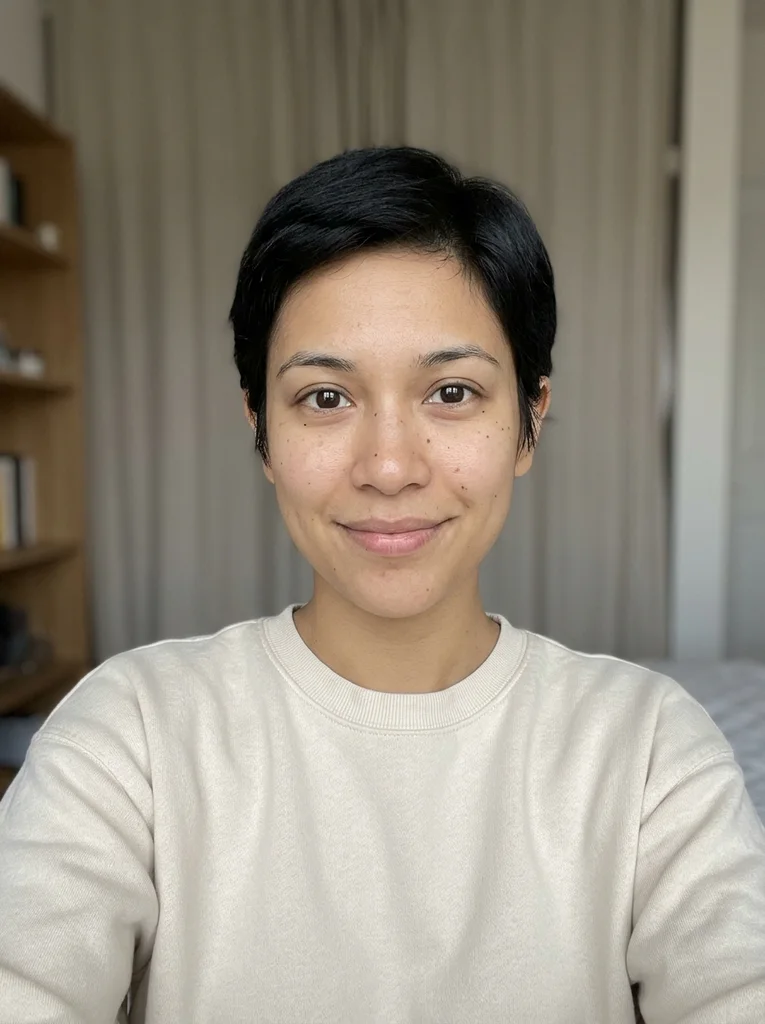
Reference portrait, AI-generated 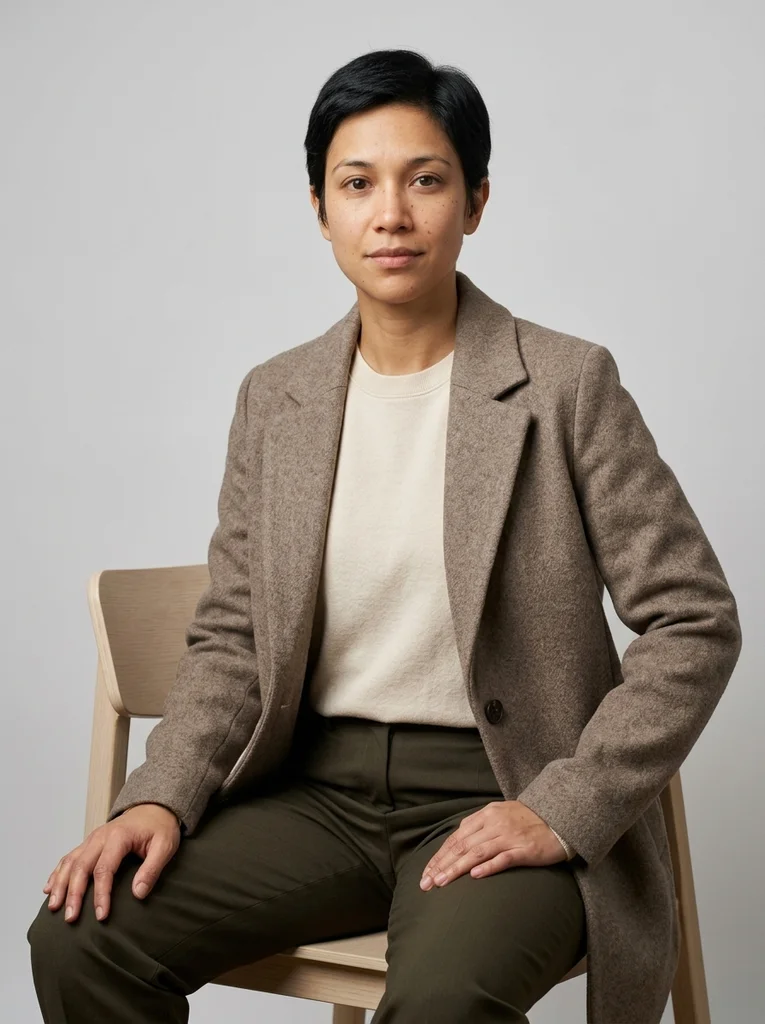
Example result, AI-generated, not a customer photo Gray Chair, Warm Wool
Warm wool and a minimal chair make an intimate, softly lit seated editorial.
The full prompt is included with a subscription.See plans
- 06
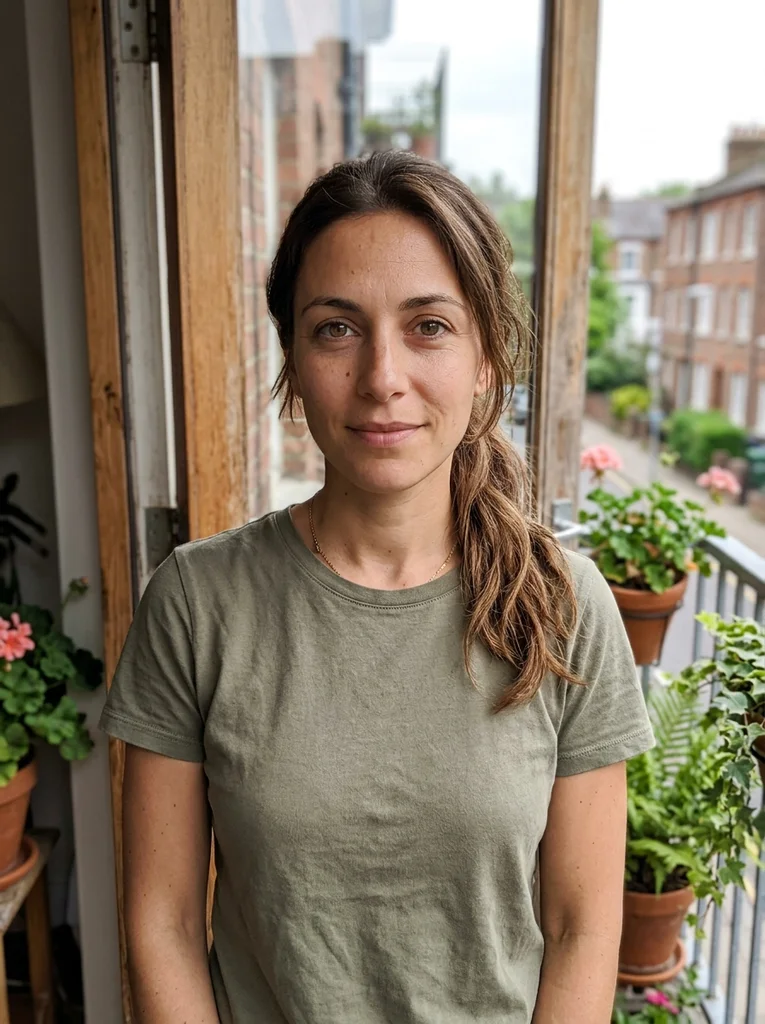
Reference portrait, AI-generated 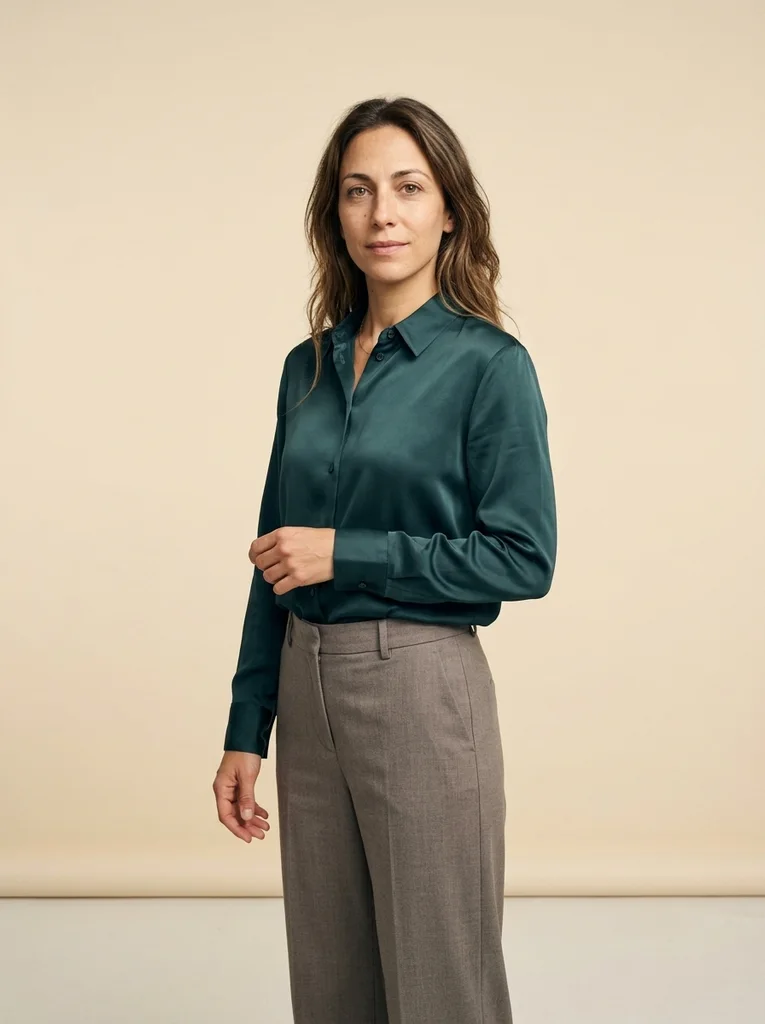
Example result, AI-generated, not a customer photo Cream Plane, Petrol Silk
A refined petrol silk silhouette stands cleanly against a physical cream studio sweep.
The full prompt is included with a subscription.See plans
- 07
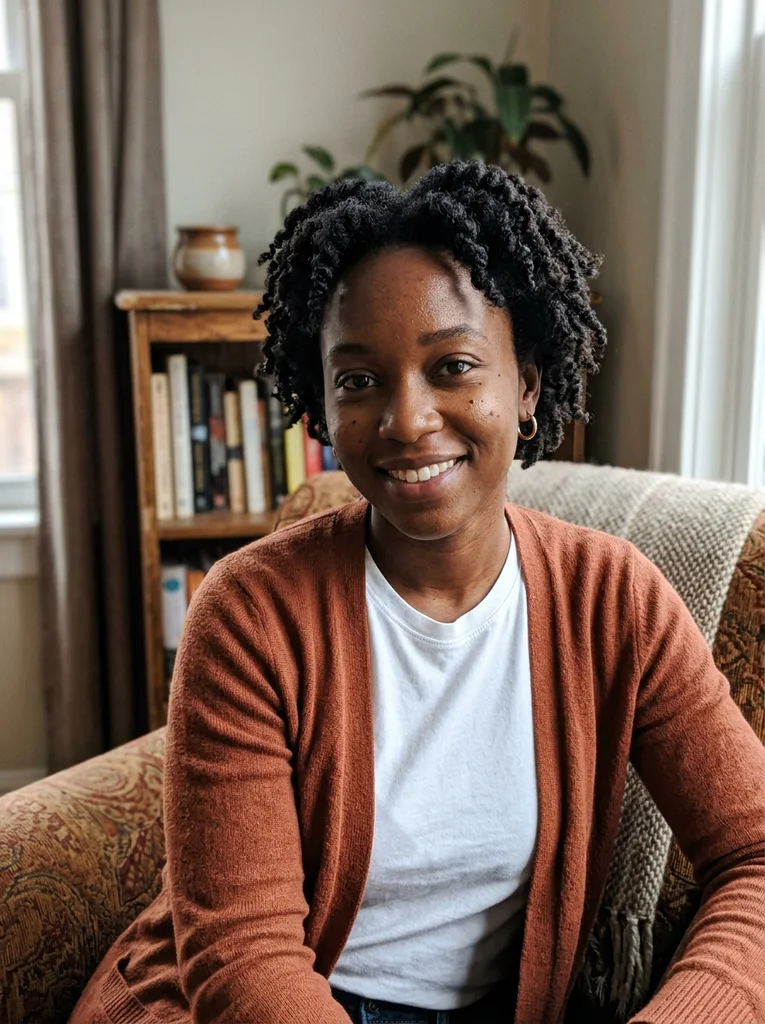
Reference portrait, AI-generated 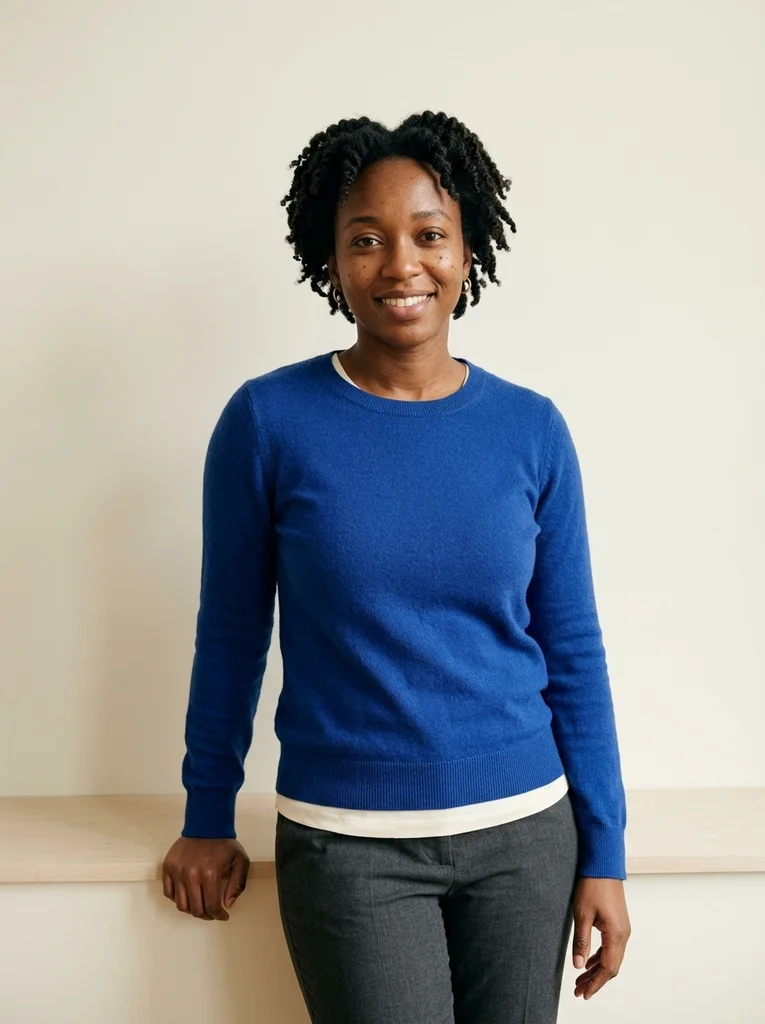
Example result, AI-generated, not a customer photo Cream Ledge, Cobalt Knit
A cobalt knit and low cream ledge bring quiet color into a soft studio standing portrait.
The full prompt is included with a subscription.See plans
- 08
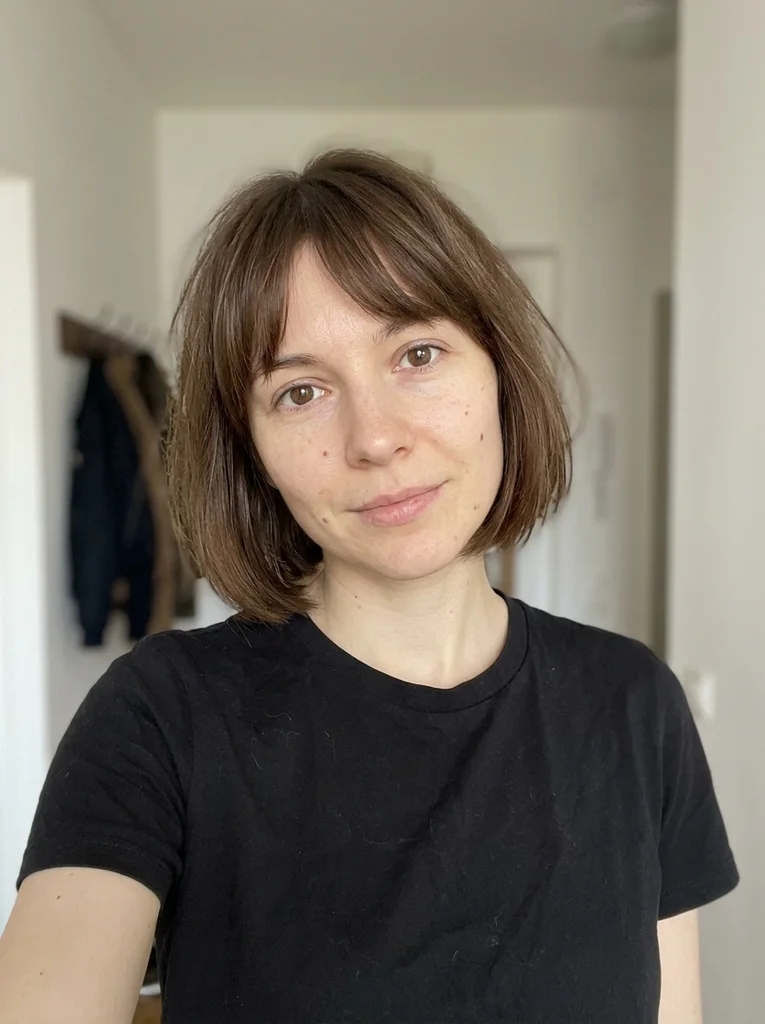
Reference portrait, AI-generated 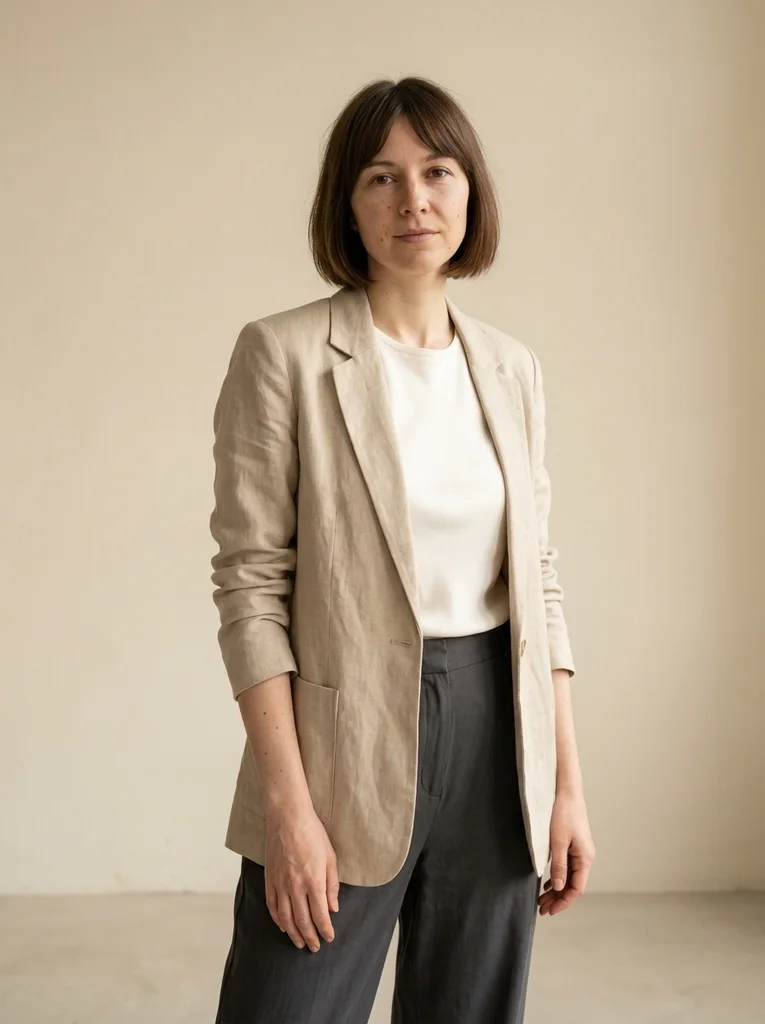
Example result, AI-generated, not a customer photo Cream Wall, Linen Form
A sculptural linen layer and a relaxed stance make an airy studio fashion portrait.
The full prompt is included with a subscription.See plans
- 09
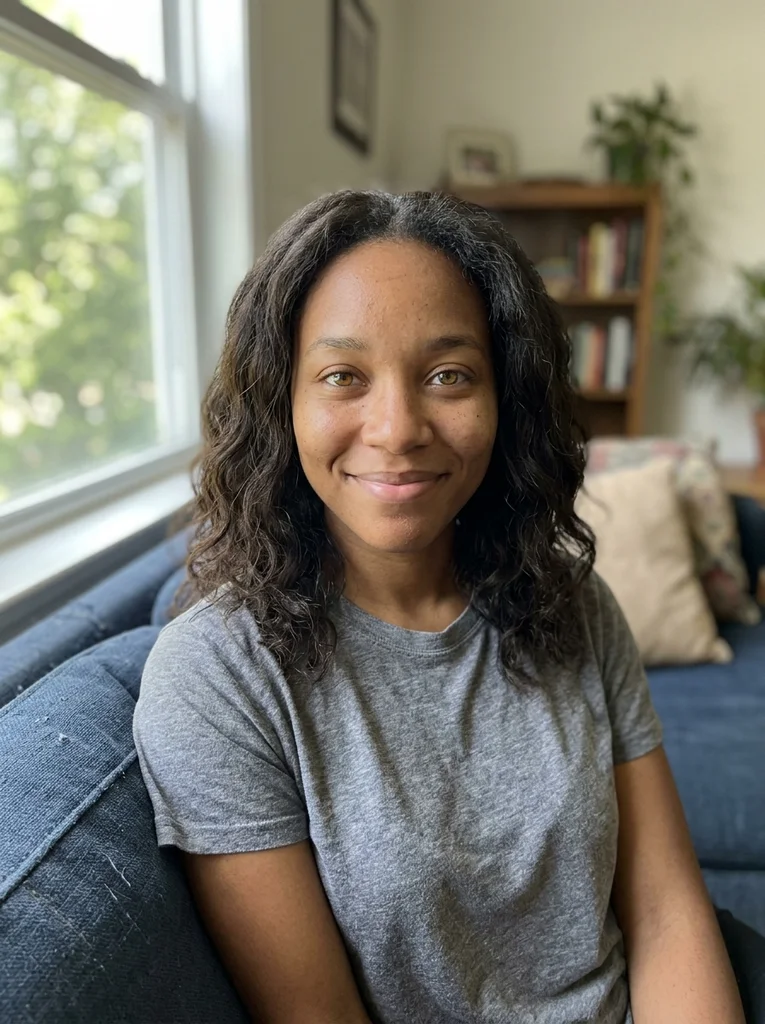
Reference portrait, AI-generated 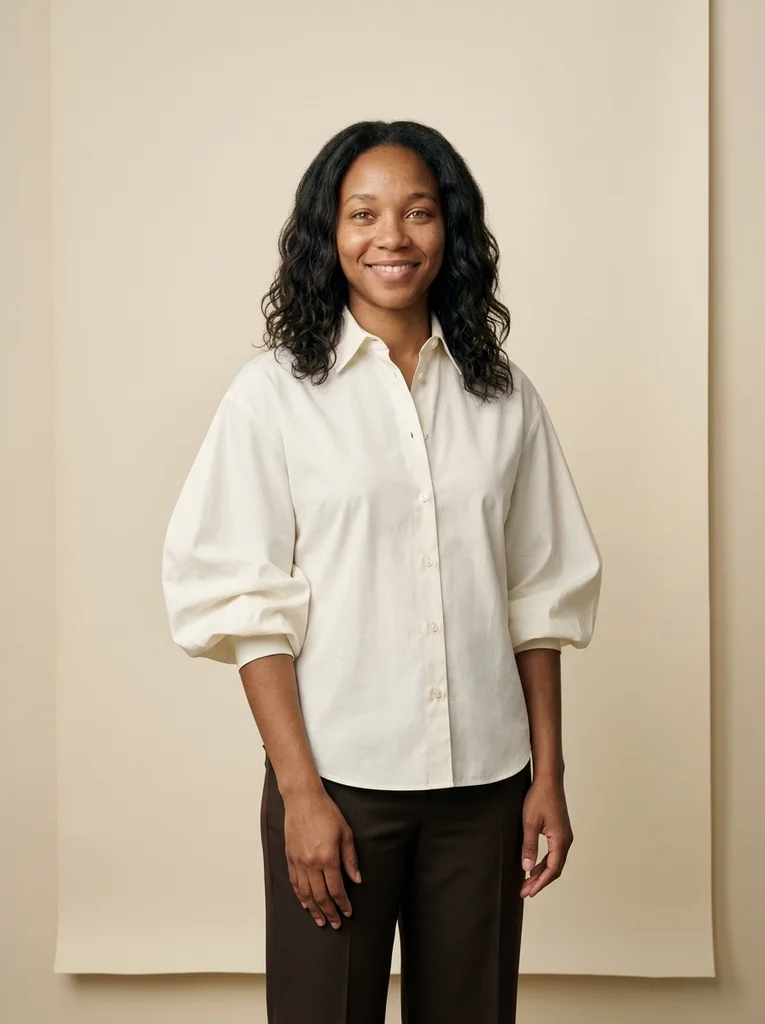
Example result, AI-generated, not a customer photo Cream Panel, Wide Cotton
A wide cotton sleeve and physical cream panel create a deliberate studio fashion shape.
The full prompt is included with a subscription.See plans
- 10
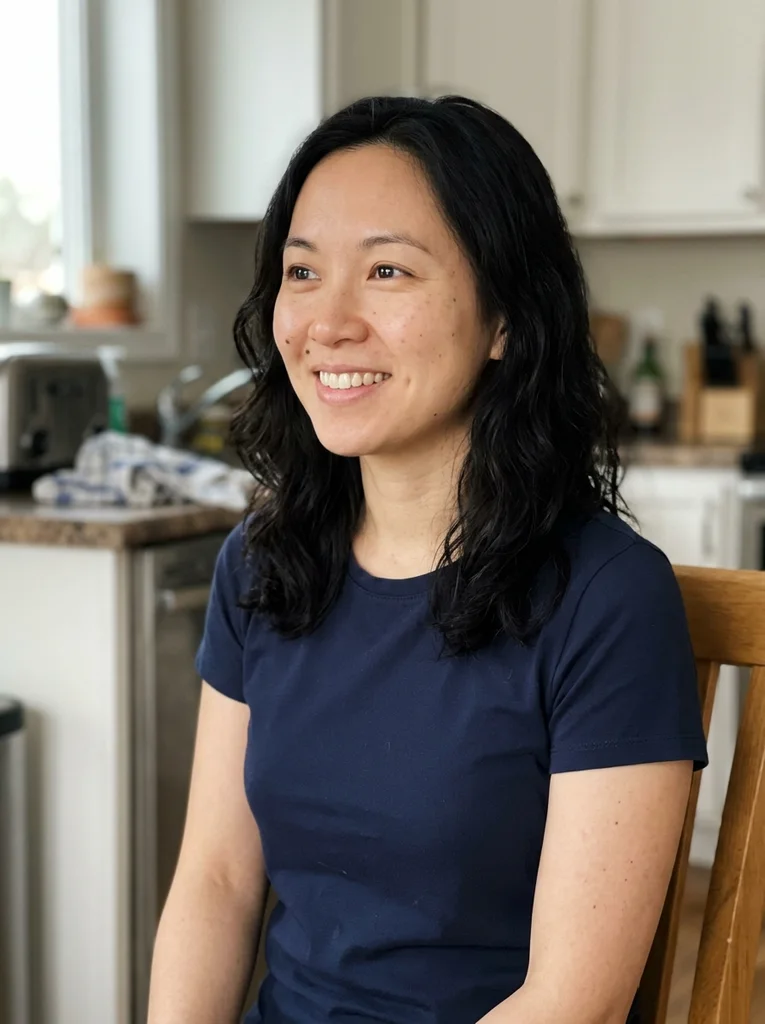
Reference portrait, AI-generated 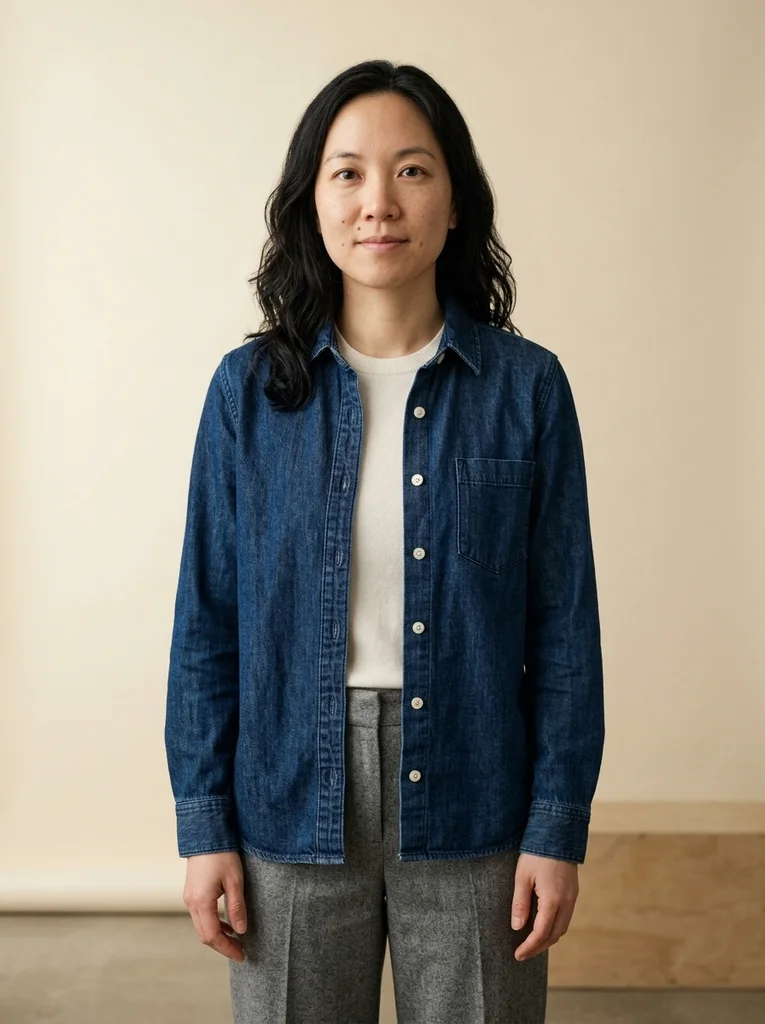
Example result, AI-generated, not a customer photo Cream Studio, Soft Denim
Refined denim and cream space make a relaxed, contemporary studio portrait.
The full prompt is included with a subscription.See plans
- 11
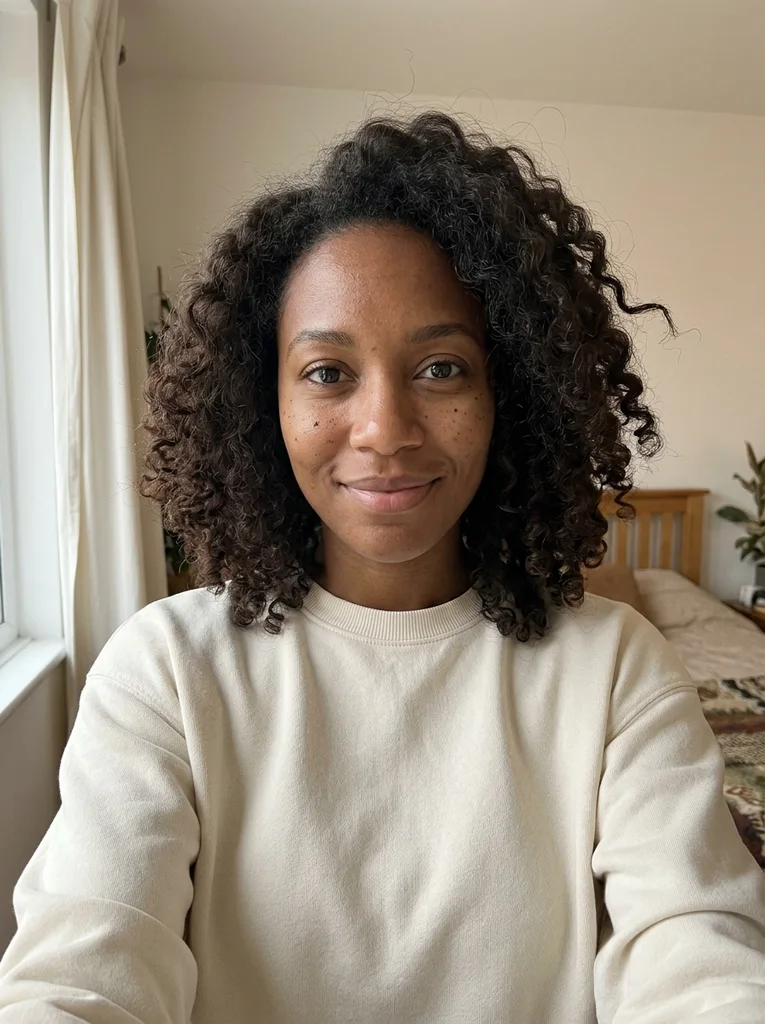
Reference portrait, AI-generated 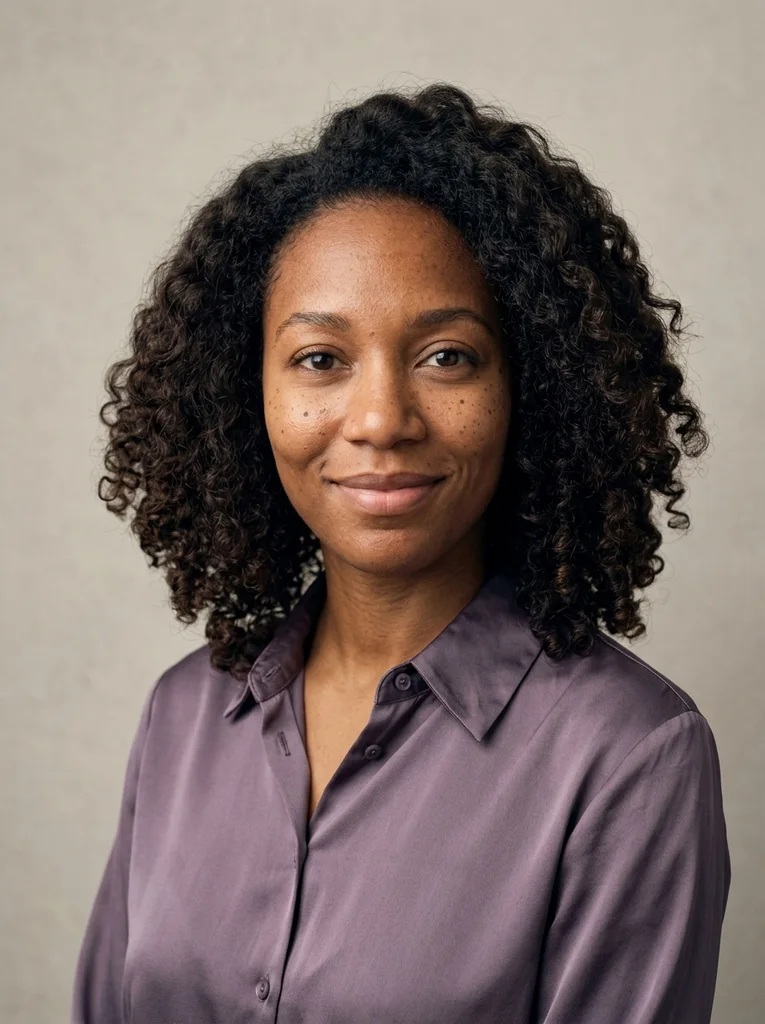
Example result, AI-generated, not a customer photo Soft Side, Violet Silk
A close violet-silk portrait lets luminous soft side light shape the same recognizable face.
The full prompt is included with a subscription.See plans
- 12
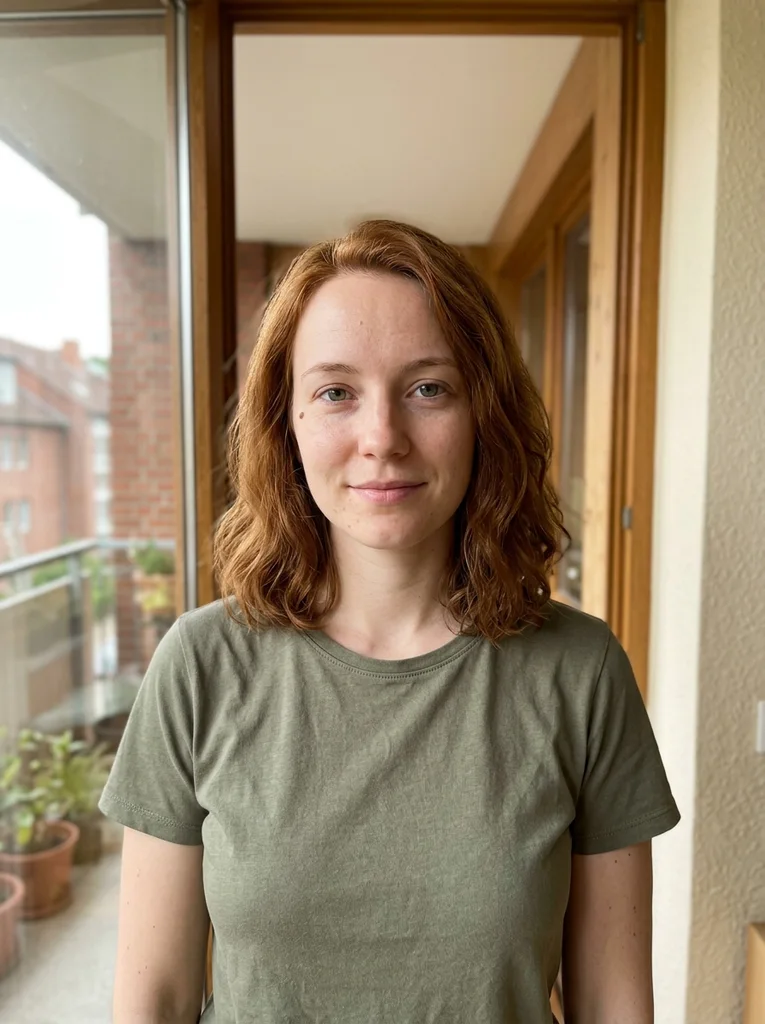
Reference portrait, AI-generated 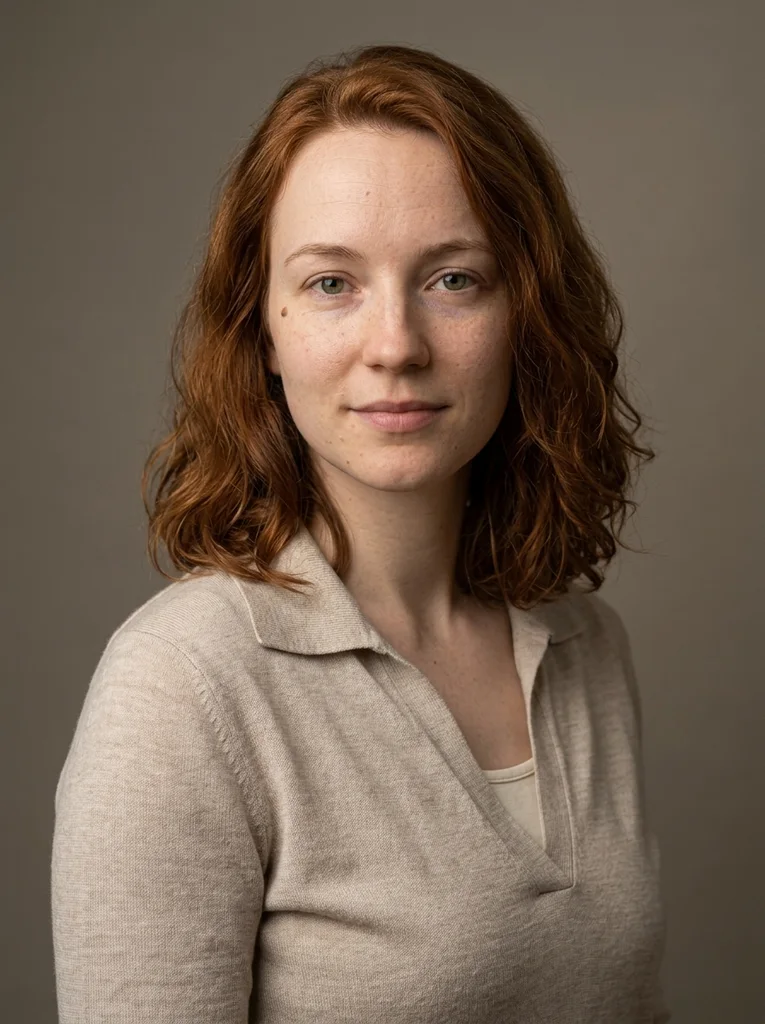
Example result, AI-generated, not a customer photo Soft Collar, Warm Gray
A refined knit collar and softly sculpted cheeks create a close studio editorial.
The full prompt is included with a subscription.See plans
- 13
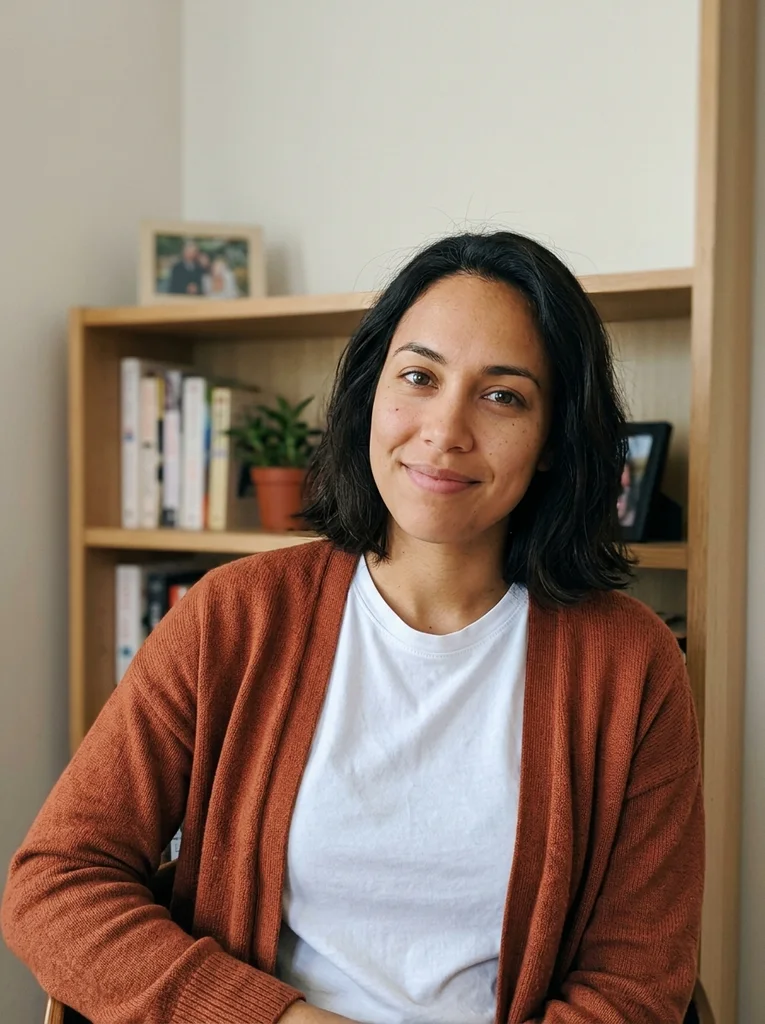
Reference portrait, AI-generated 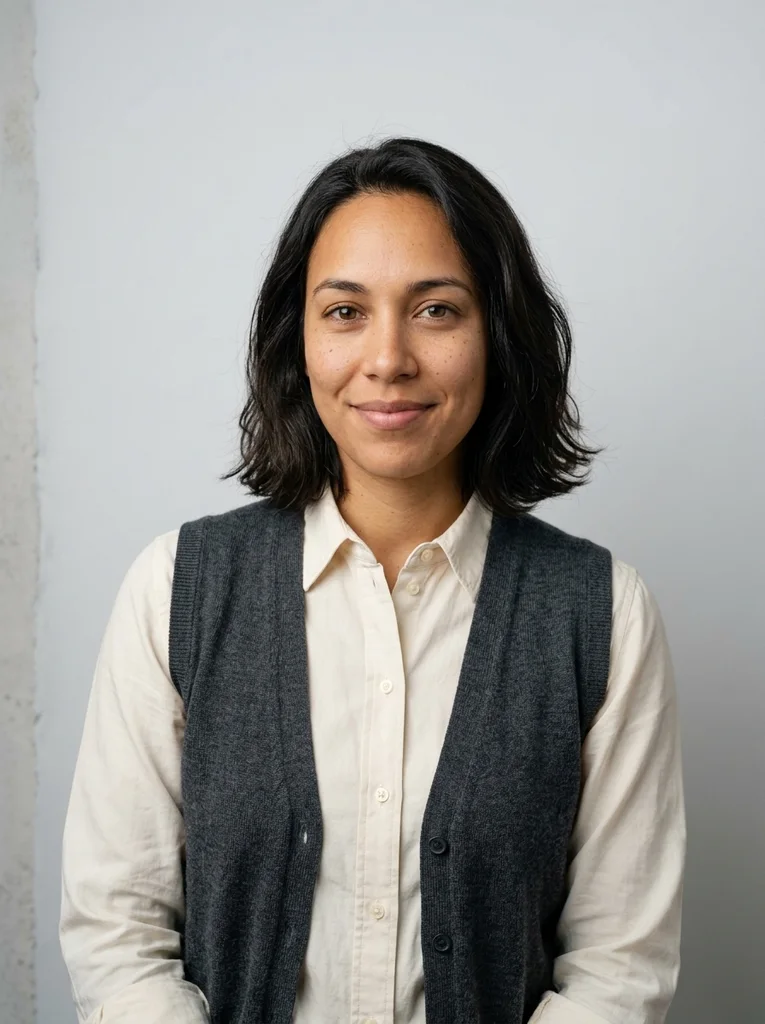
Example result, AI-generated, not a customer photo Soft Side, Cotton Edge
A structured cotton collar brings tactile precision to an intimate soft-light portrait.
The full prompt is included with a subscription.See plans
- 14
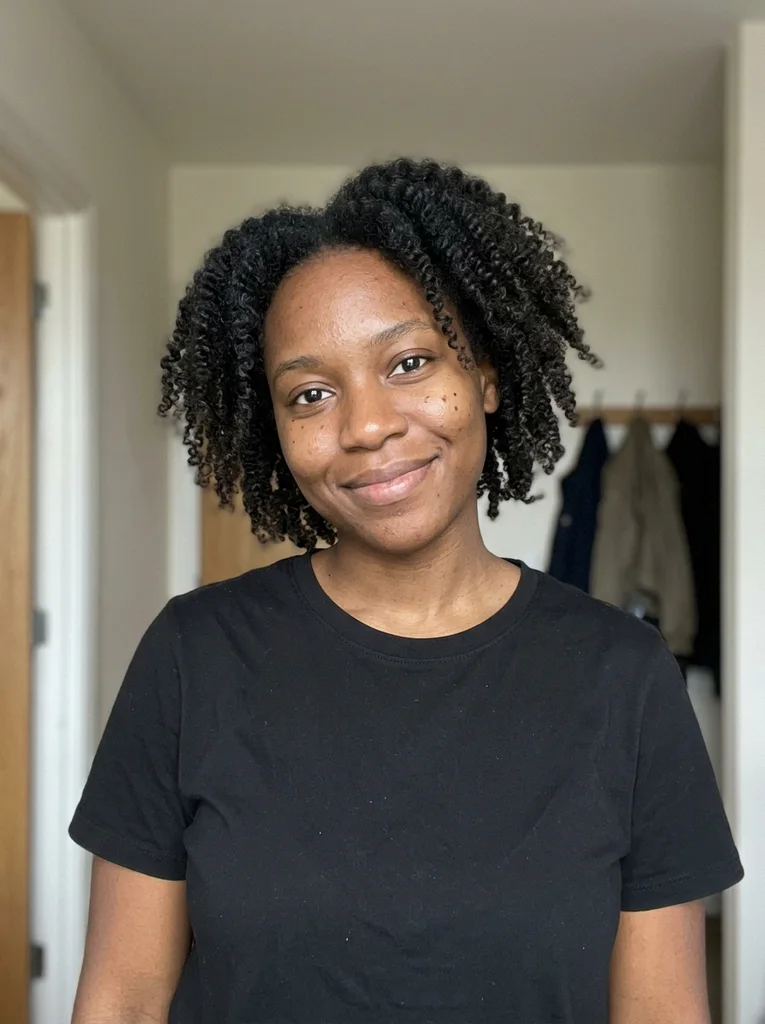
Reference portrait, AI-generated 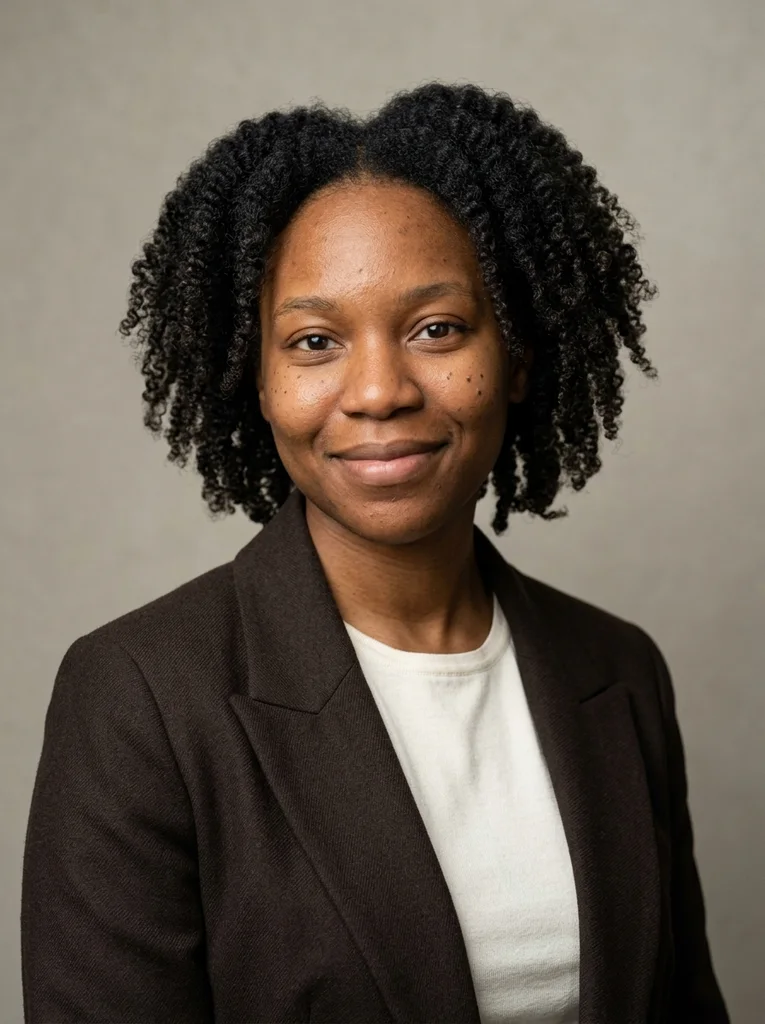
Example result, AI-generated, not a customer photo Soft Side, Espresso Wool
A refined dark wool collar and open facial shadows make a quietly striking close portrait.
The full prompt is included with a subscription.See plans
- 15
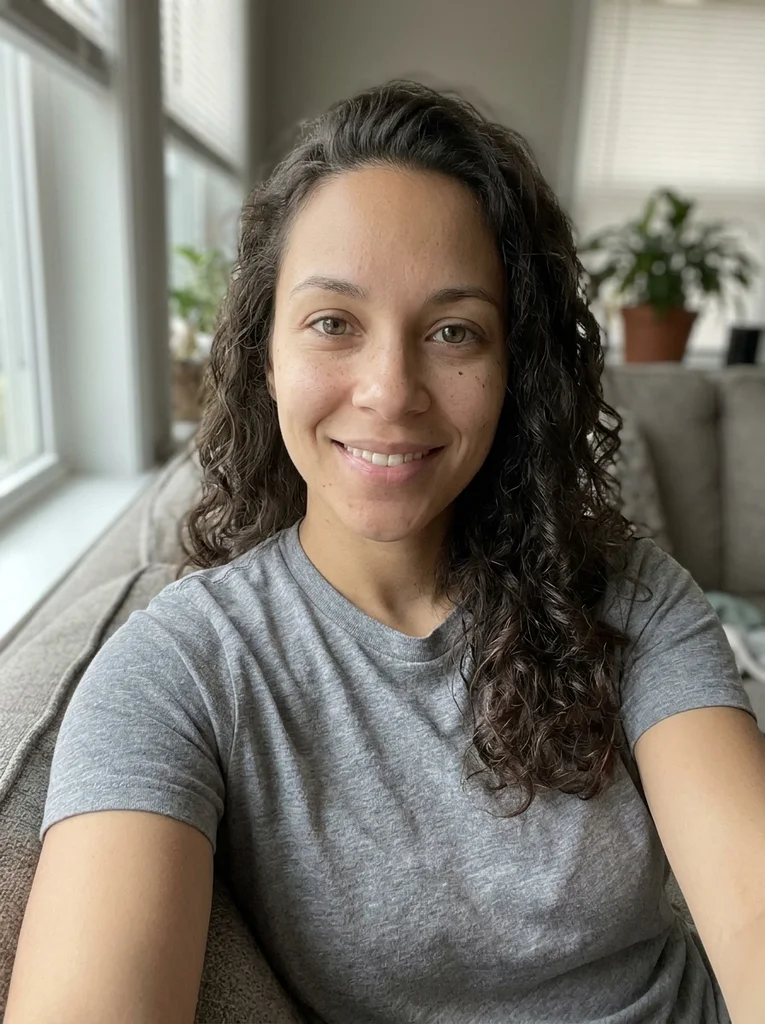
Reference portrait, AI-generated 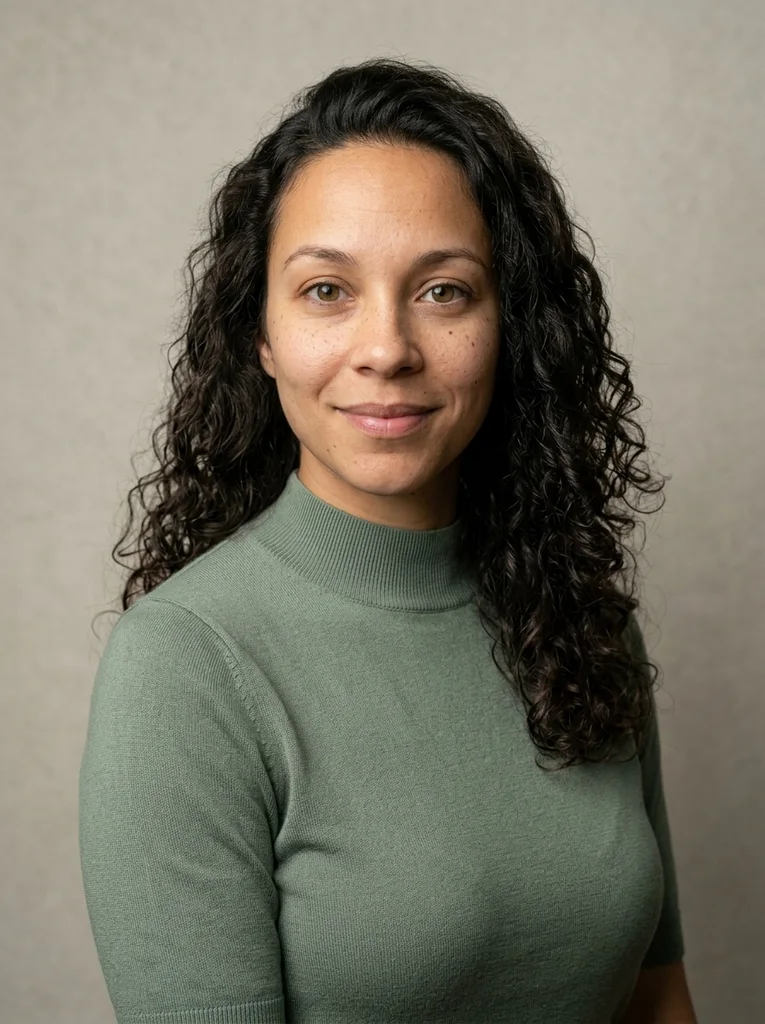
Example result, AI-generated, not a customer photo Soft Face, Sage Knit
Sage knit and delicate side light create an intimate, naturally polished studio portrait.
The full prompt is included with a subscription.See plans
- 16
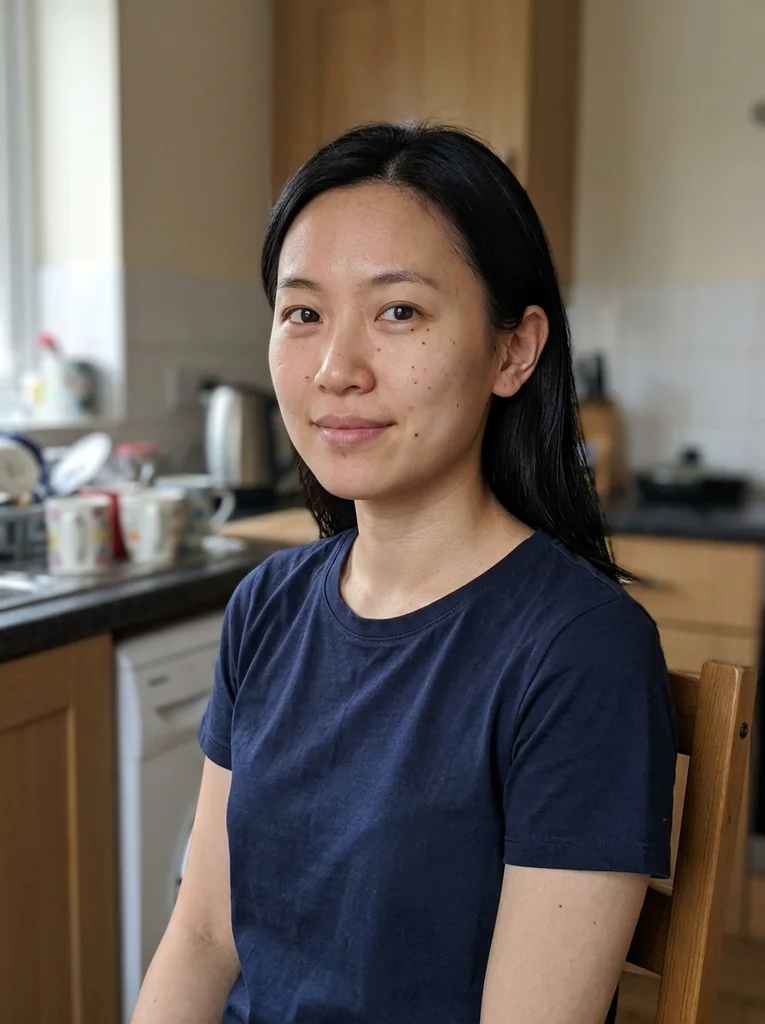
Reference portrait, AI-generated 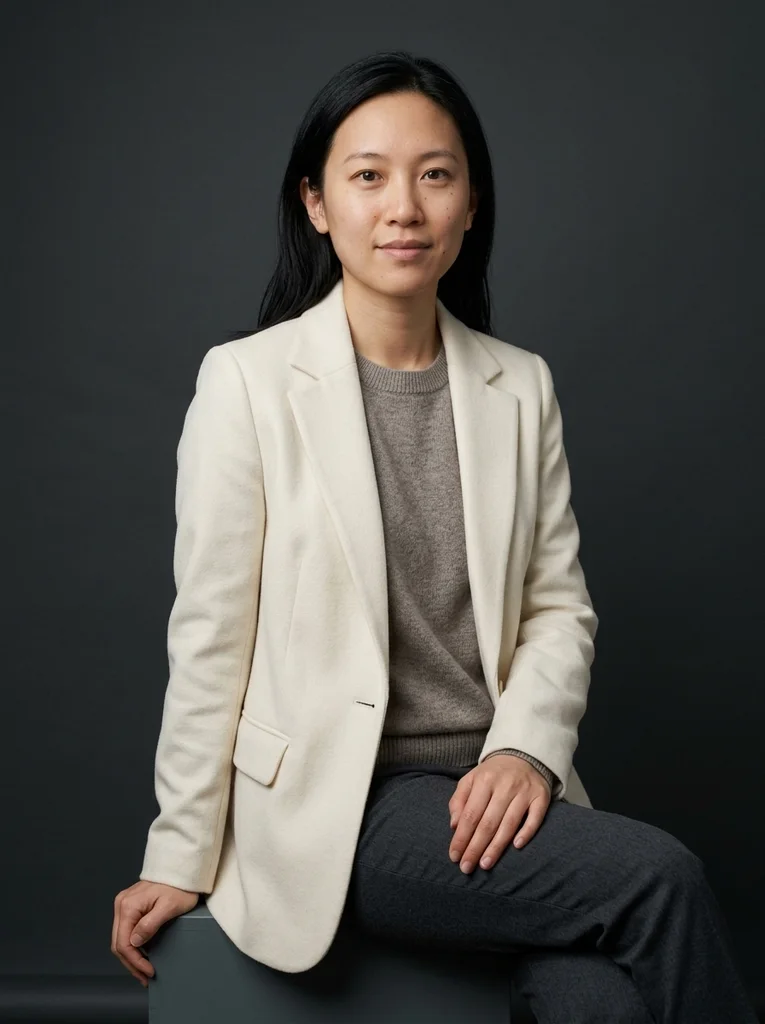
Example result, AI-generated, not a customer photo Dark Sweep, Ivory Structure
Ivory tailoring and open shadows make a refined portrait against a dark physical studio sweep.
The full prompt is included with a subscription.See plans
- 17
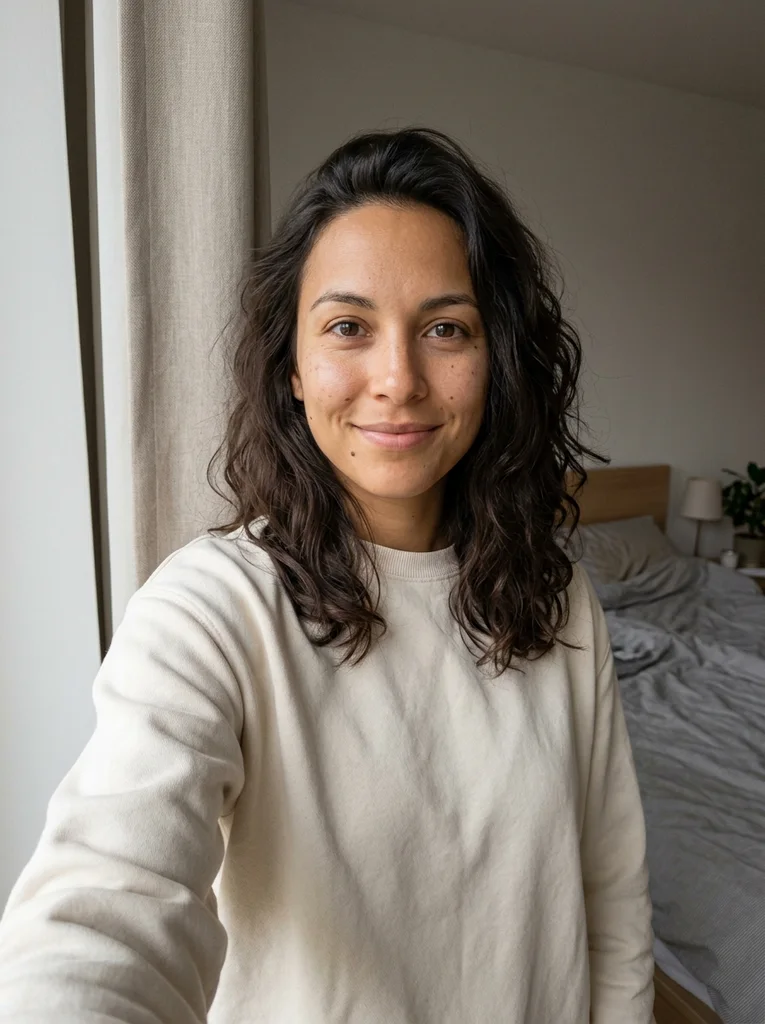
Reference portrait, AI-generated 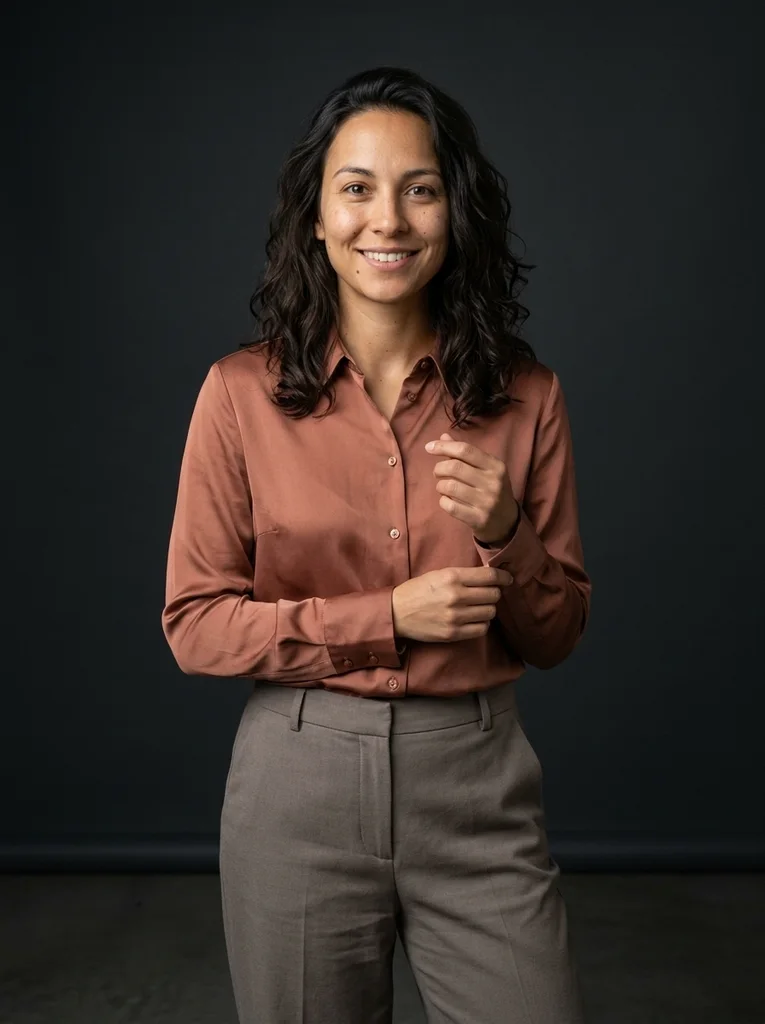
Example result, AI-generated, not a customer photo Dark Studio, Copper Silk
Copper silk and a dark studio backdrop create a warm, naturally lit fashion portrait.
The full prompt is included with a subscription.See plans
- 18
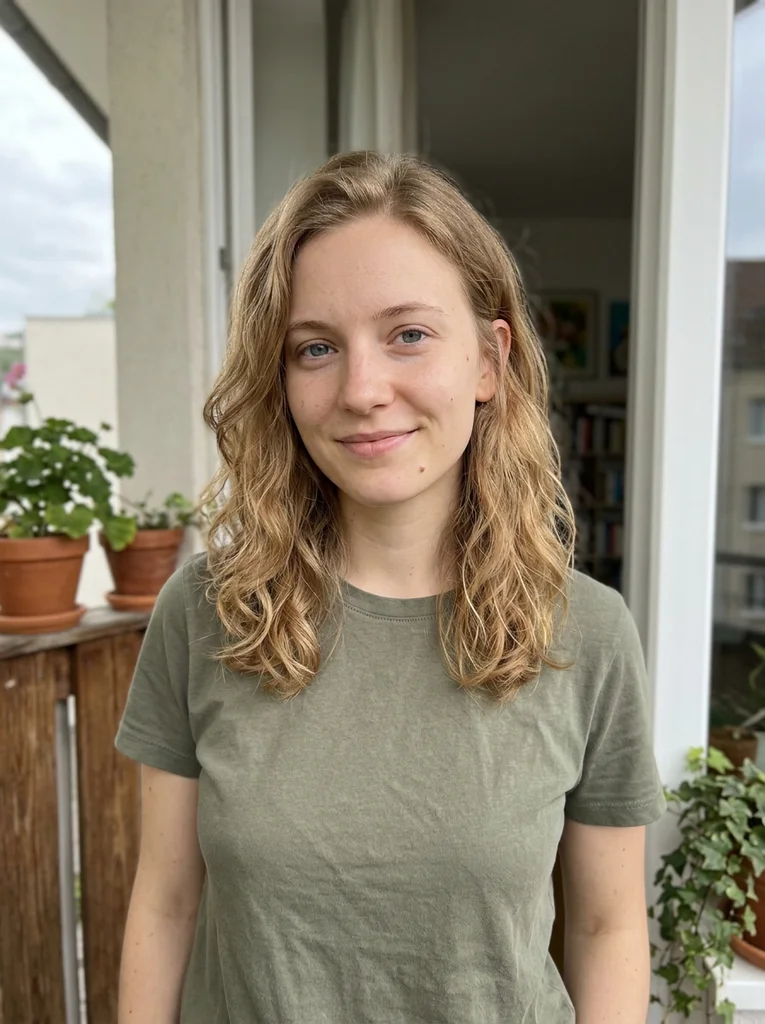
Reference portrait, AI-generated 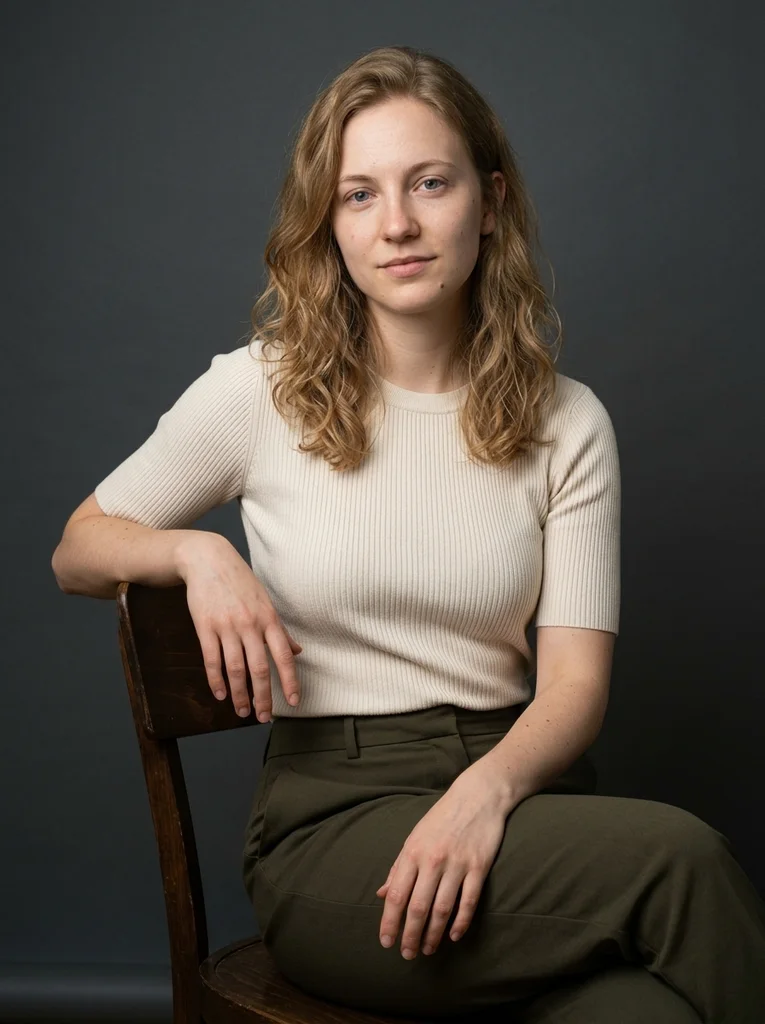
Example result, AI-generated, not a customer photo Dark Chair, Soft Cream Knit
Cream knit and a dark timber chair bring tactile clarity to an open-shadow portrait.
The full prompt is included with a subscription.See plans
- 19
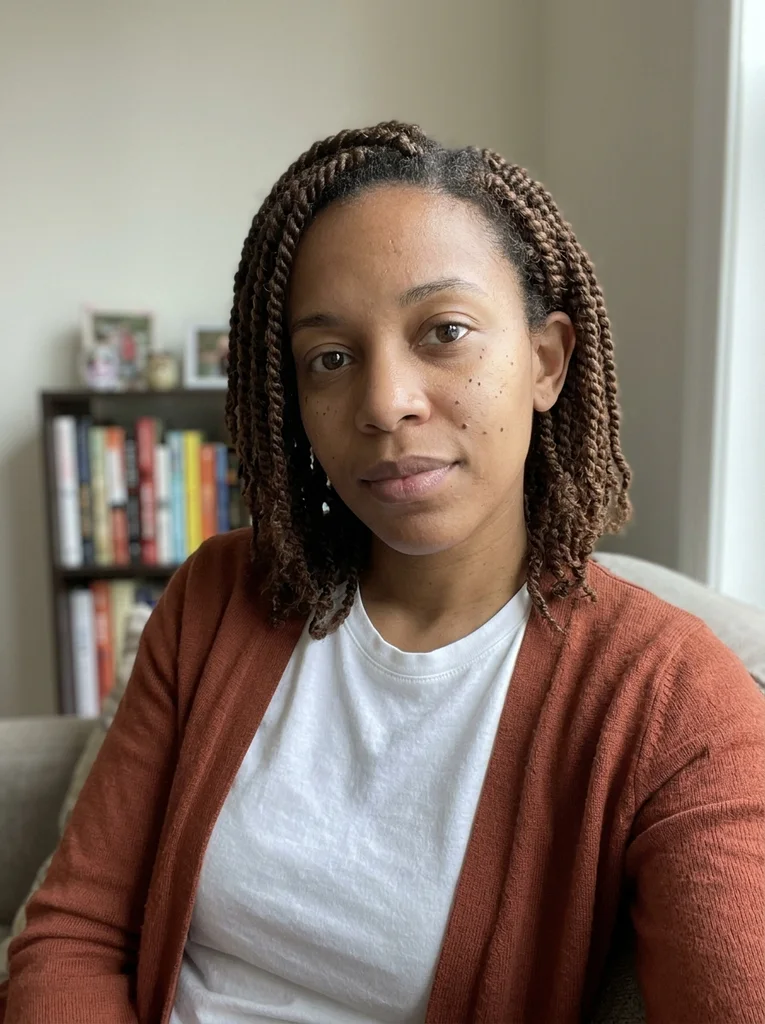
Reference portrait, AI-generated 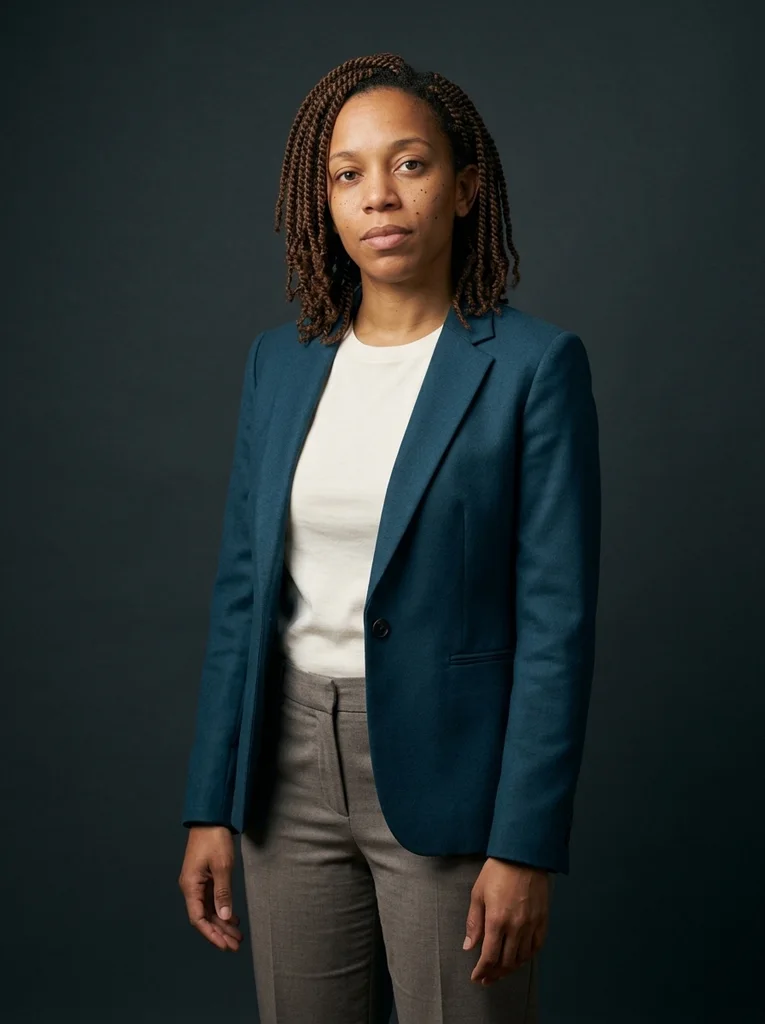
Example result, AI-generated, not a customer photo Dark Sweep, Petrol Wool
A rich petrol wool layer stands out against dark studio paper with beautifully exposed skin.
The full prompt is included with a subscription.See plans
- 20
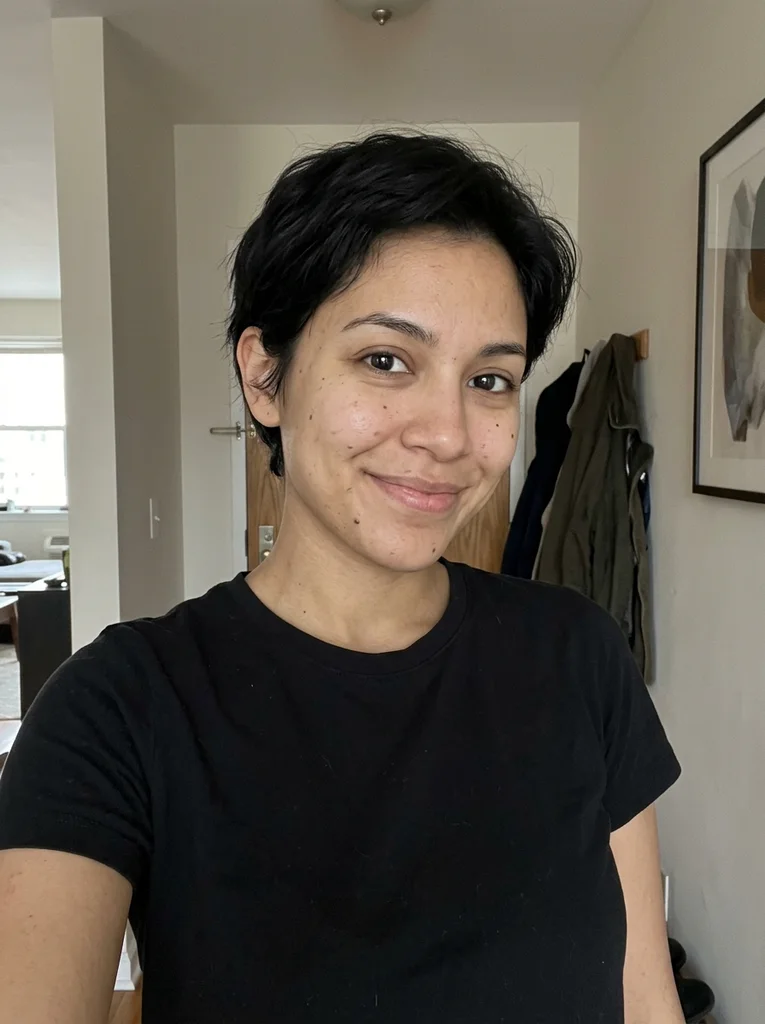
Reference portrait, AI-generated 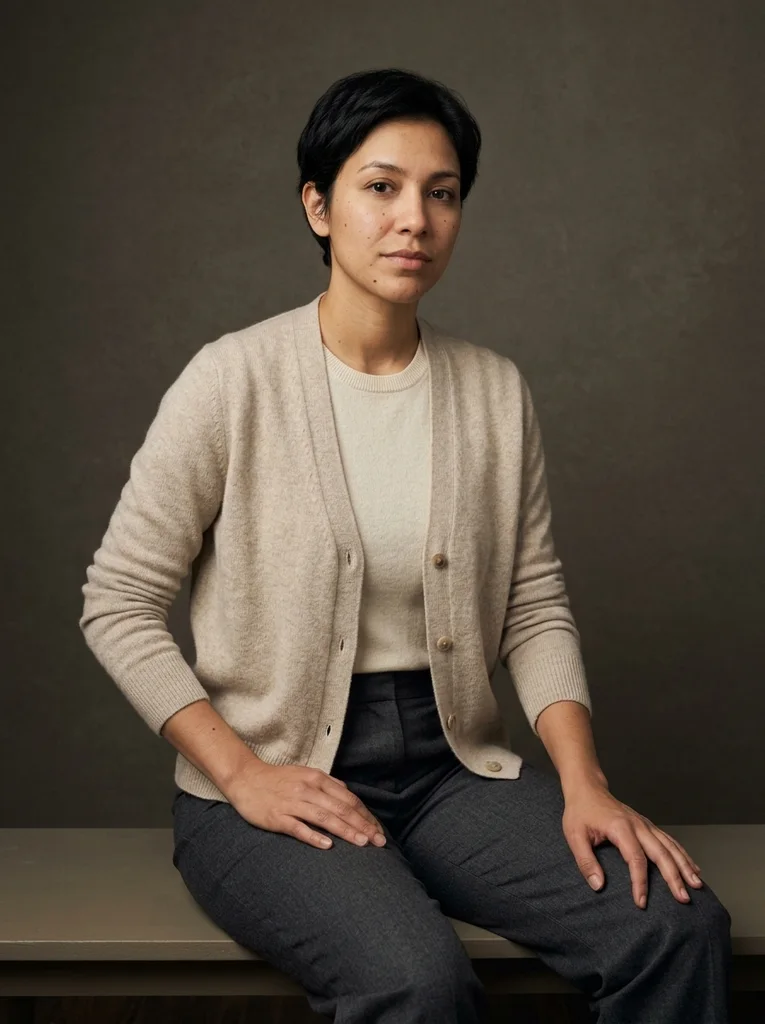
Example result, AI-generated, not a customer photo Dark Bench, Cashmere
A low bench and fine cashmere create a dark-background portrait with soft, luminous facial detail.
The full prompt is included with a subscription.See plans
- 21
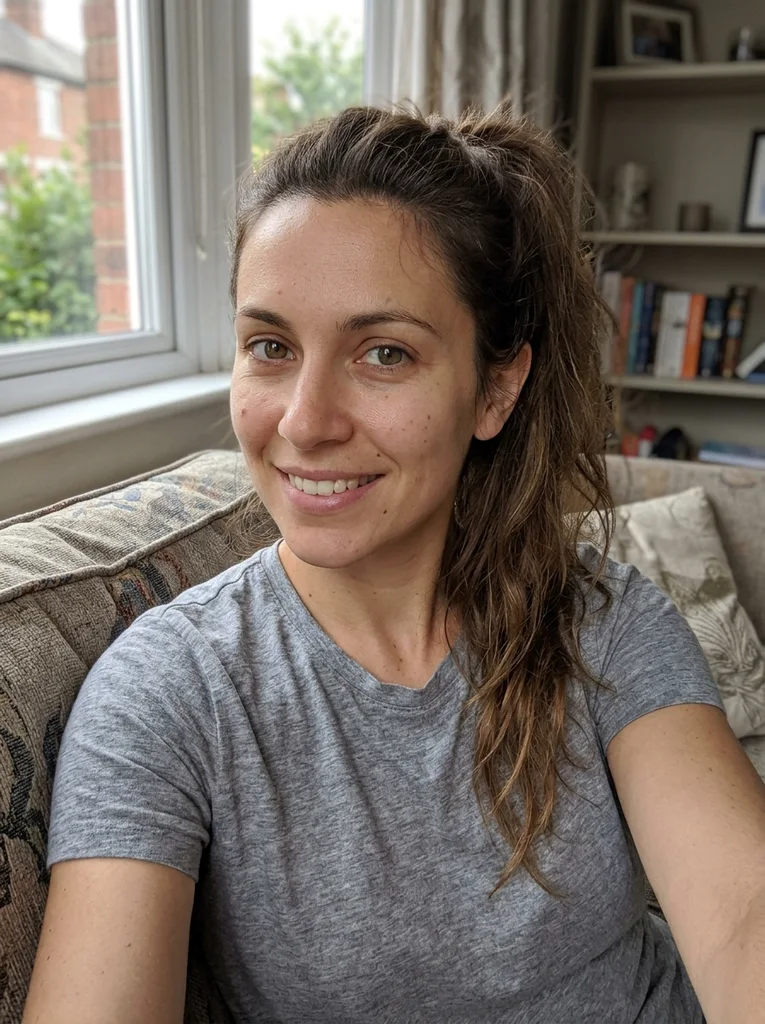
Reference portrait, AI-generated 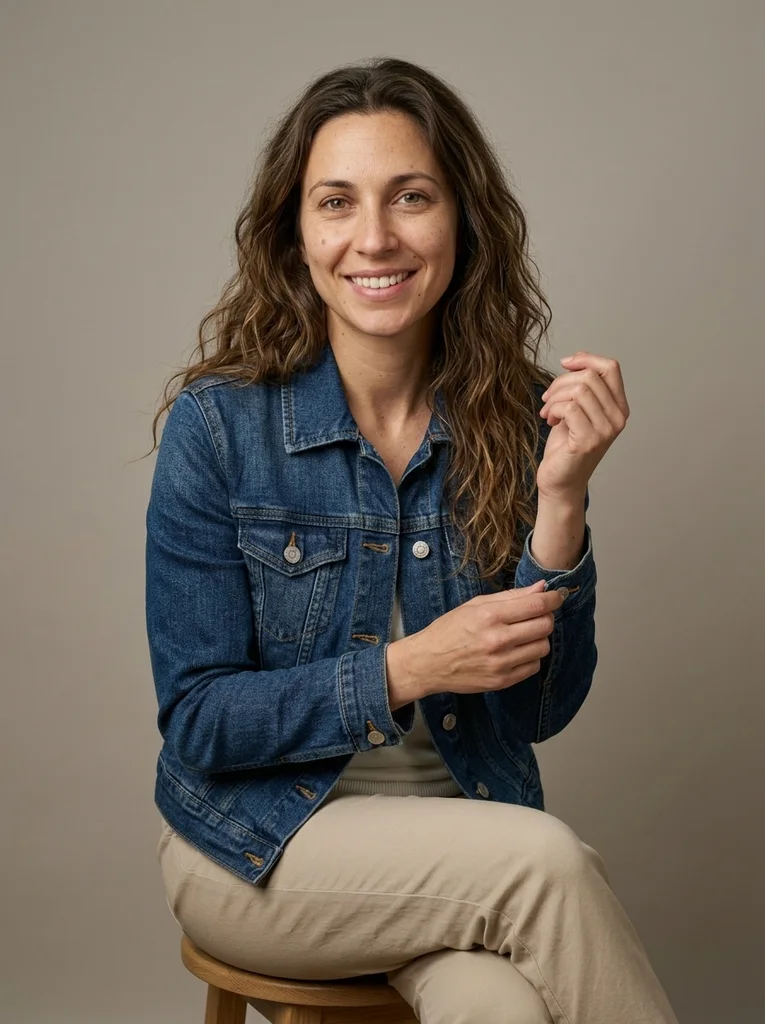
Example result, AI-generated, not a customer photo Denim Cuff, Soft Studio
A refined denim cuff gesture brings relaxed clothing into a deliberate fashion portrait.
The full prompt is included with a subscription.See plans
- 22
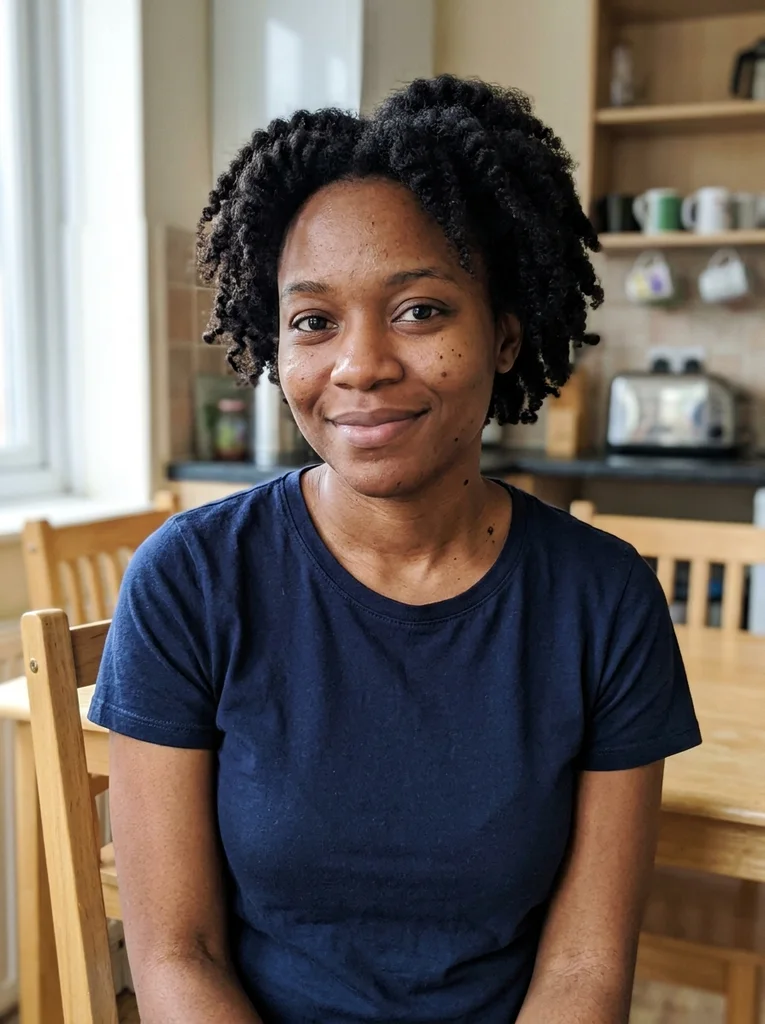
Reference portrait, AI-generated 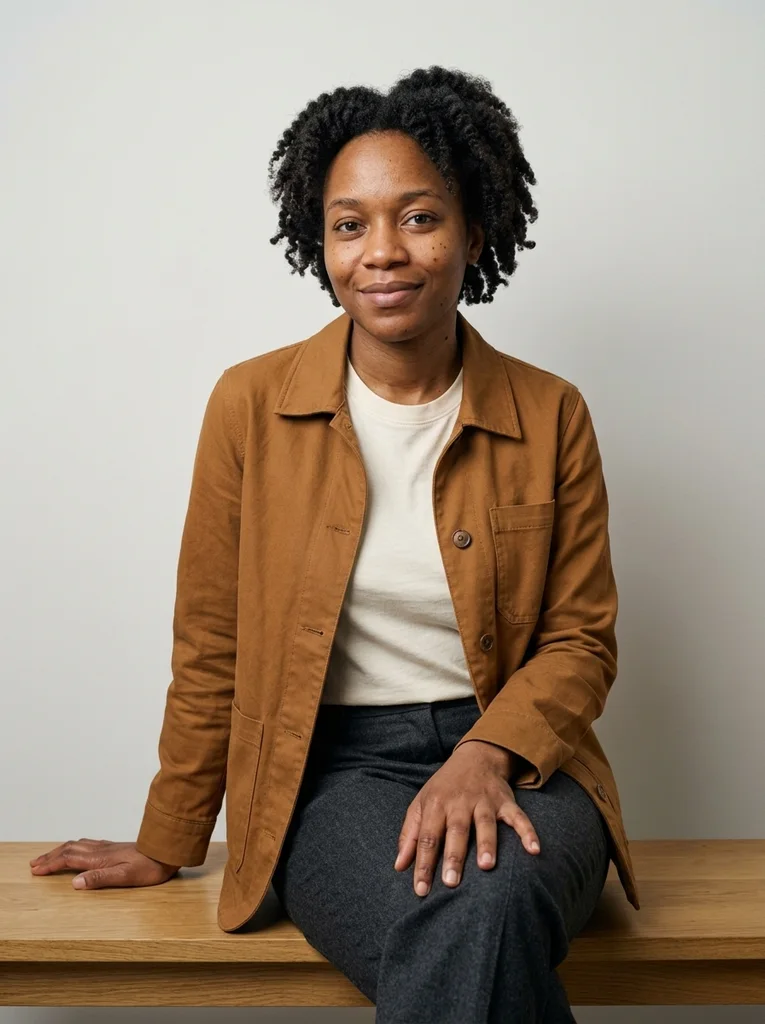
Example result, AI-generated, not a customer photo Fine Tee, Canvas Jacket
A fine cotton tee and canvas jacket make a polished everyday-clothes studio editorial.
The full prompt is included with a subscription.See plans
- 23
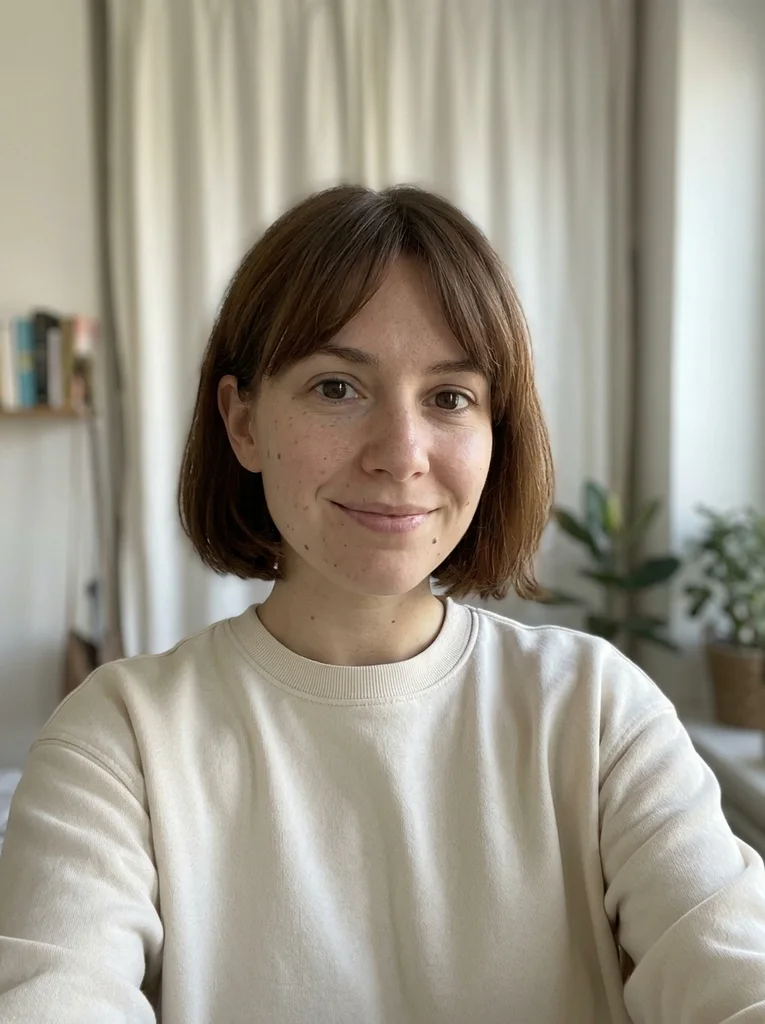
Reference portrait, AI-generated 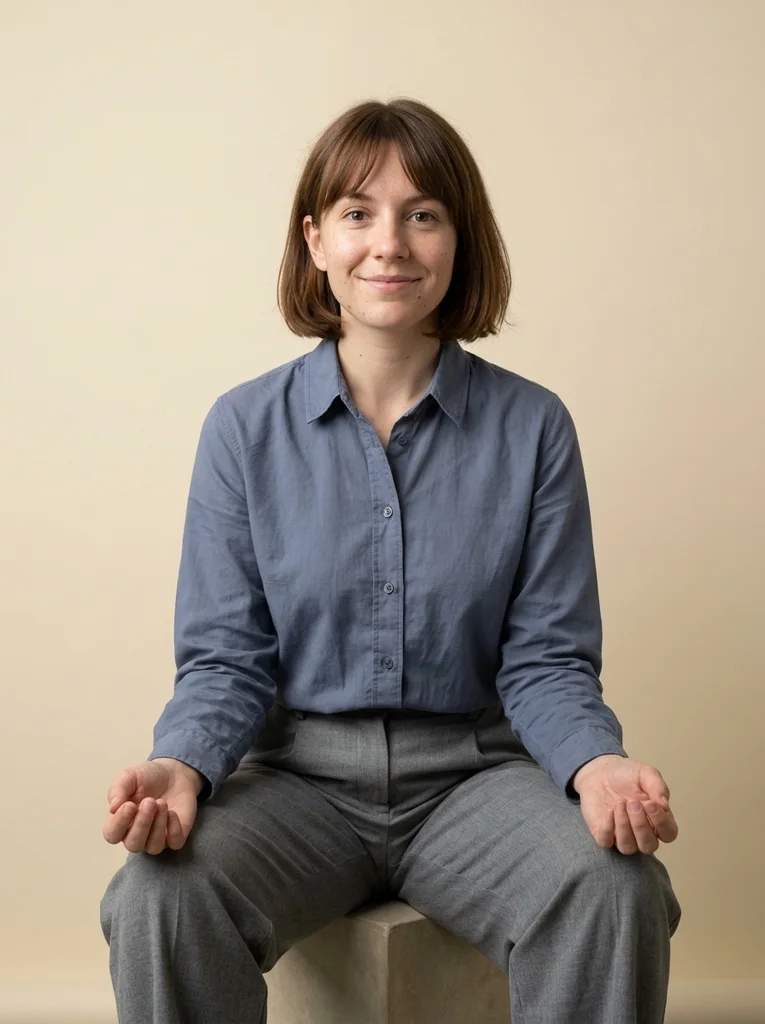
Example result, AI-generated, not a customer photo Soft Shirt, Open Hands
A refined cotton shirt and relaxed open hands make a clear, naturally posed studio portrait.
The full prompt is included with a subscription.See plans
- 24
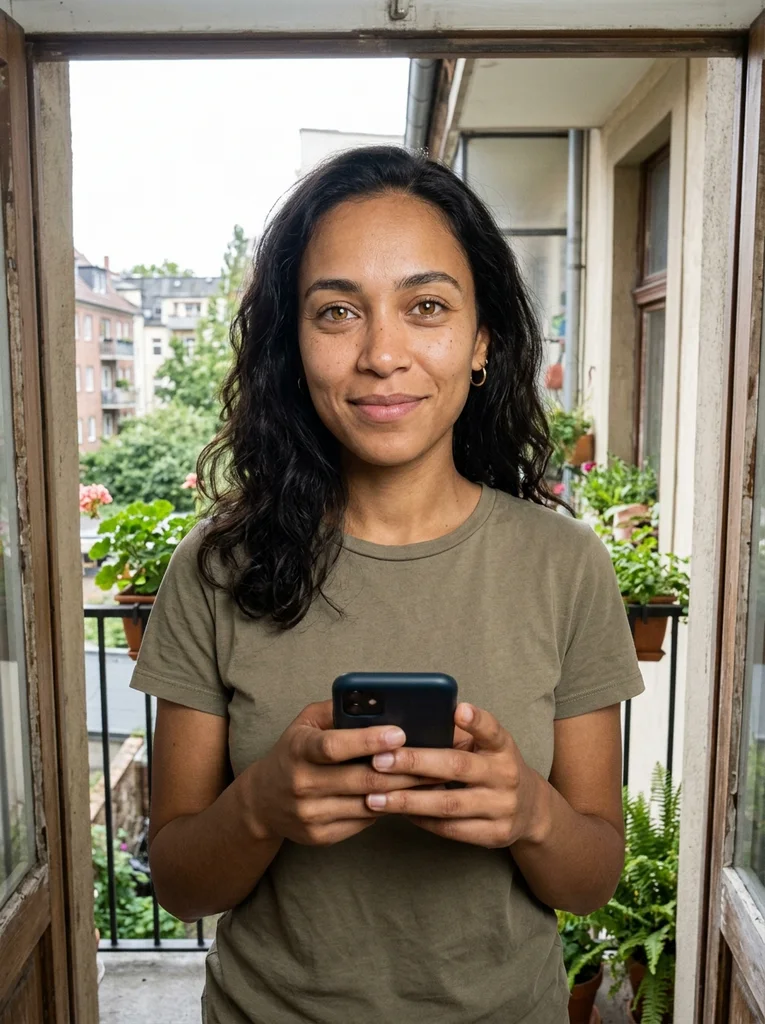
Reference portrait, AI-generated 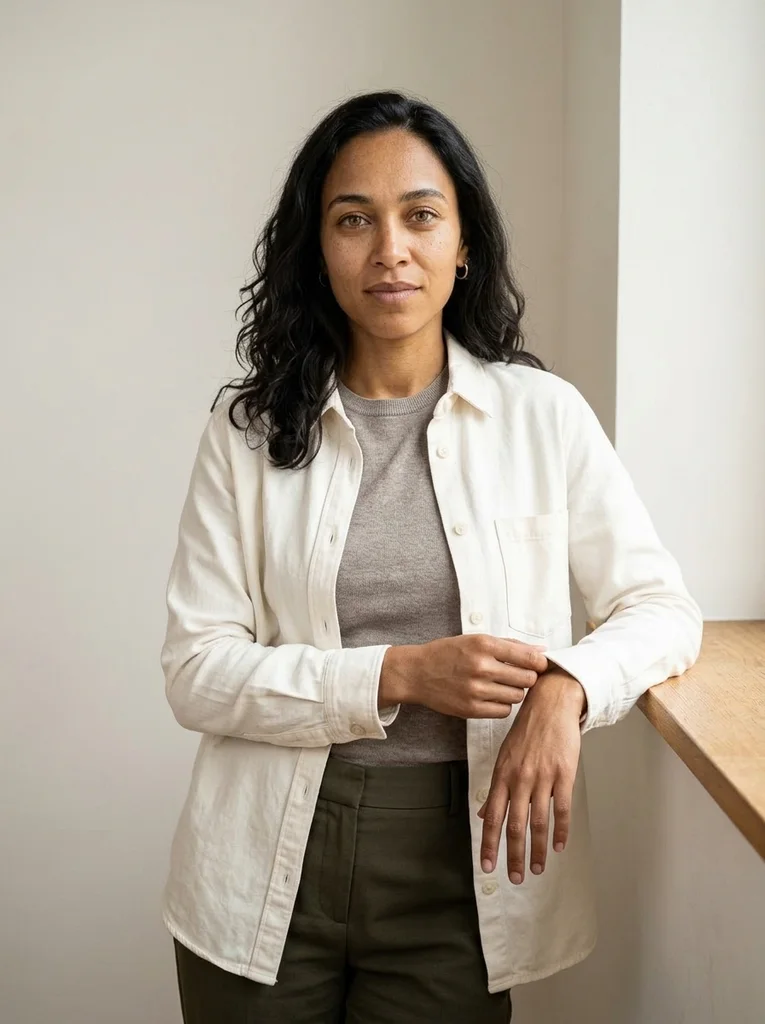
Example result, AI-generated, not a customer photo Knit Sleeve, Low Ledge
A fine knit sleeve and low studio ledge form an easy standing fashion gesture.
The full prompt is included with a subscription.See plans
- 25
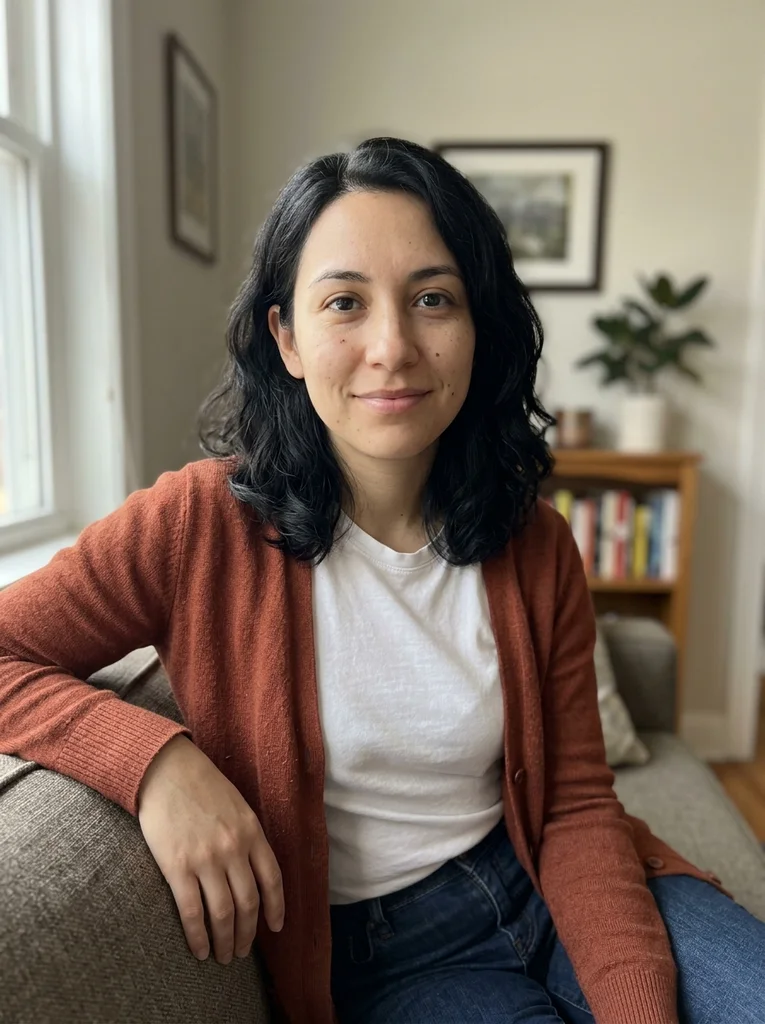
Reference portrait, AI-generated 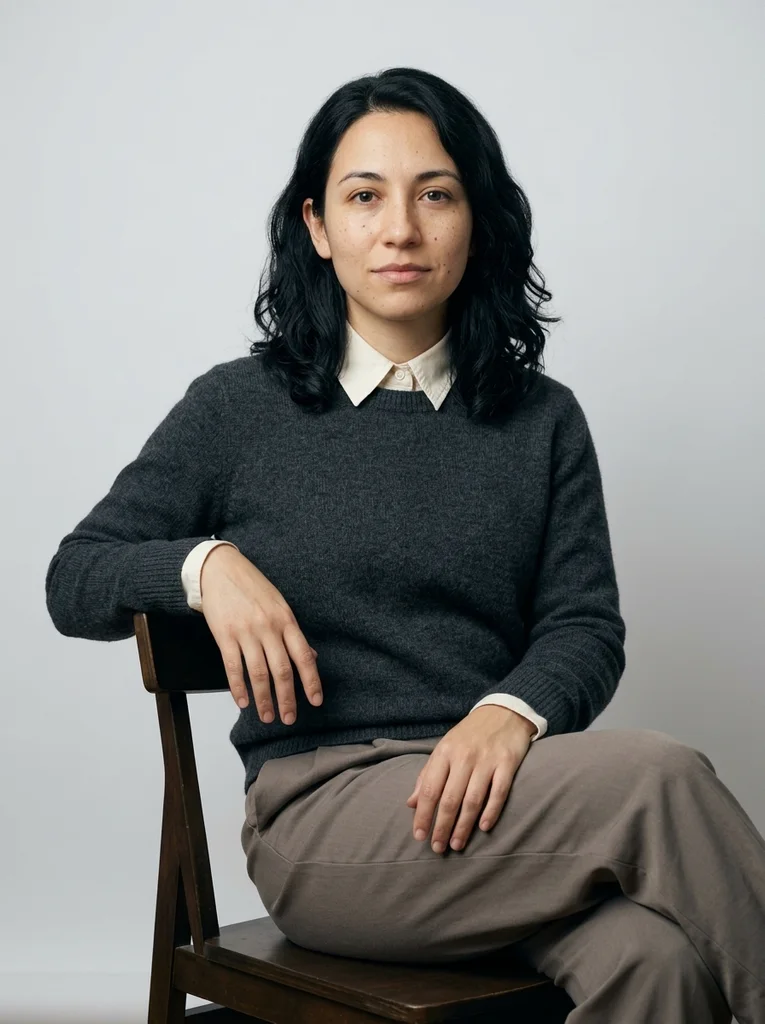
Example result, AI-generated, not a customer photo Cotton Collar, Hands at Ease
A refined cotton collar and comfortably separated hands finish the studio collection with clear poise.
The full prompt is included with a subscription.See plans
How to use these prompts.
- 01
Start from soft, even light on your face
Face a large window or stand in open shade, with a plain wall behind you and the phone at eye level. Even light and a clean hair outline make the studio result easy to check.
- 02
Pick a backdrop and a pose
Choose pale gray, cream or dark, then decide between seated, standing and close-up. Each look pairs a backdrop, an outfit and a pose, so this choice sets most of the mood.
- 03
Paste the full prompt, then adjust one detail
Attach your photo in your AI image tool and paste the prompt as written. If a result is close but not right, change a single detail per attempt so you can see what caused the difference.
- 04
Check skin, hands and fabric at full size
Zoom in on a cheek to see whether pores and small marks survived, count the fingers, and look for the weave of the cloth. Waxy skin or blurred fabric means it is time for the fixes below.
What defines this look.
Use one large, soft light source
A big window or broad diffused light wraps around the face and keeps shadows open, so the shaded side still shows detail. For a close portrait, light from one side lets the far cheek fall into gentle shadow.
Keep the set simple and physical
Pale gray, cream or a dark paper sweep makes a quiet backdrop. Add one low piece, such as a plinth, bench or chair, and stop there: extra props pull attention away from your face.
Separate clothes from the backdrop by tone
Cream knit stands out on a dark backdrop, and a deep blue or green reads clearly on cream. Clothes close in tone to the wall melt into it and flatten the portrait.
Choose fabric with a visible surface
Merino, cotton, linen, wool and silk read as distinct materials even in soft light. Tiny stripes and busy prints can shimmer on screen, so a plain weave is the calmer choice.
Let the hands rest open and loose
Relaxed hands rest on a knee, hang open at the sides or adjust a cuff. Clenched fists and tightly laced fingers are harder for many AI tools to draw cleanly.
Aim for a calm face, not a stiff smile
Eyes soft toward the lens and a quiet mouth or small smile suit this collection, which steers away from stiff headshot posing. A fixed wide grin pulls the result back toward that look.
Common problems and fixes.
The result looks like a stiff headshot
Choose a seated look or a relaxed standing look in everyday clothes, and ask for an easy expression with the shoulders turned slightly. Straight-on, symmetrical posing is what makes results feel uniform.
The backdrop looks like a smooth digital gradient
Ask for a physical surface such as seamless paper, painted plaster or a cream panel, with slight tonal variation and a visible floor line. A real backdrop is rarely completely even.
Hair and sleeves vanish into a dark backdrop
Ask for open shadows with detail visible in the hair and sleeves. Pick lighter clothes, such as cream or ivory, so the outline of your shoulders stays clear.
The face looks smoothed and generic
Describe natural skin with visible pores and fine lines, and keep retouching minimal. Words such as flawless or porcelain push the result toward an over-smoothed finish.
FAQ
Common questions.
01What is a studio portrait prompt?
It is text you paste into your AI image tool, with your own photo, to get a portrait that looks shot in a simple studio. A good one names the light, backdrop, outfit and pose, and says your face must stay unchanged.
02Which backdrop color works best for a studio photo prompt?
Pale gray and cream are dependable starting points because they keep attention on your face and suit most clothing colors. A dark backdrop adds depth and works best with lighter clothes and open shadows.
03Is a studio portrait the same as a headshot?
No. A headshot usually aims for a formal, uniform result. Soft Studio looks favor relaxed expressions, a simple set and natural detail, which sits closer to an editorial portrait than to a staff photo.
04Do I need a studio or special lighting for my source photo?
No. The reference portraits in these examples are deliberately everyday-looking, often shown indoors and framed from the chest up. Soft daylight on your face, from the front or slightly to one side, is enough to start from.
05Should I pick a seated, standing or close-up look?
Pick by what you want to show. Close portraits focus on the face and collar, seated looks show posture and resting hands, and standing looks show the outfit and silhouette. The collection includes all three.
06What is in the Soft Studio collection?
It covers seated portraits against pale gray and easy standing portraits against cream. Other looks are close portraits lit softly from one side and portraits against a dark backdrop with the shadows left open. Another group focuses on ordinary clothes and relaxed hands.
Keep exploring.
A little inspiration.
On the house.
10 free photo prompts, with examples and instructions. A small edit for your next photo, ready for your own image tool.
No account or payment needed.
Get the library
Your next look
starts here.
$5.99 / month
New looks and refined prompts, added regularly.
Included while your subscription is active.
- 500+ ready-to-copy photo prompts
- 20 curated collections with before-and-after examples
- New looks & ongoing prompt improvements
- Save favorites & revisit your looks
Renews monthly at $5.99.
Cancel renewal anytime. Image-tool fees separate.