
Direct Flash collection
Flash portrait prompts: Direct Flash
Flash portrait prompts succeed when a single direct flash is the main light and the setting stays quiet. This page shows the Direct Flash collection: candid, magazine-style portraits in which faces stay clear, fabric shows its texture and shadows look believable. The settings are corridors, dressing rooms, doorways and plain evening interiors, not a party. Each result is paired with the reference portrait that started it. Choose a look and try it with a clear photo of yourself in your AI image tool.
Examples with reference portraits.
Every example in this section is an AI-generated illustration of a fictional adult, including the reference portraits. They are not customer photos and they do not promise the same result in your tool. The examples were made with Nano Banana 2, a Google Gemini image model.
- 01
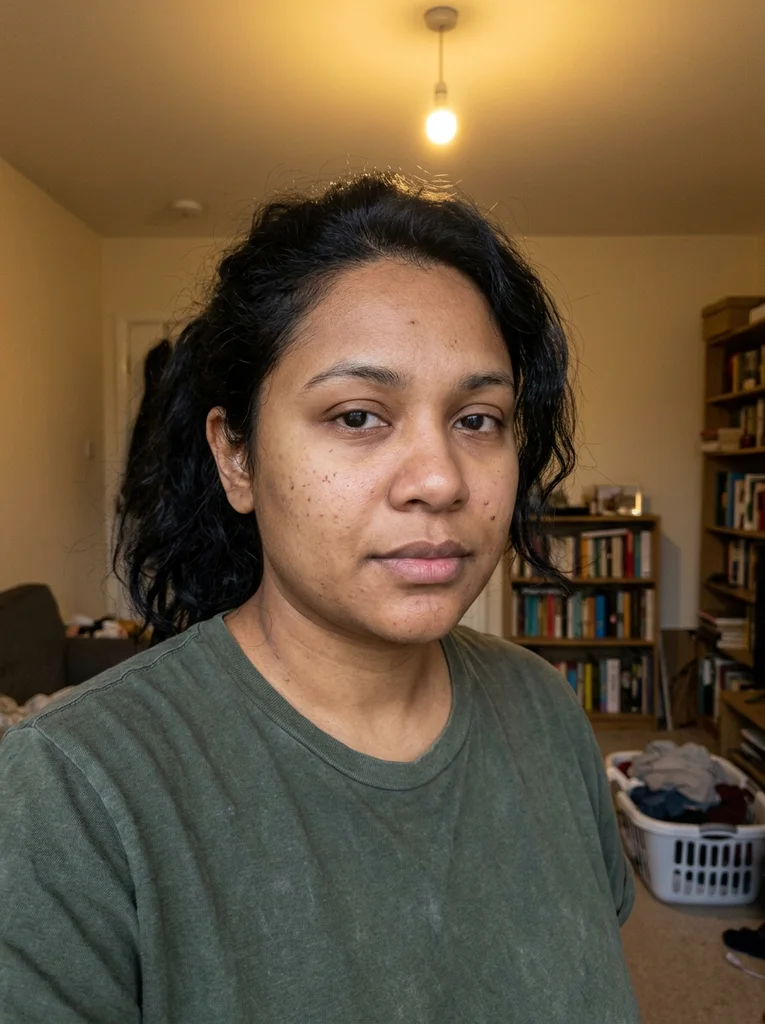
Reference portrait, AI-generated 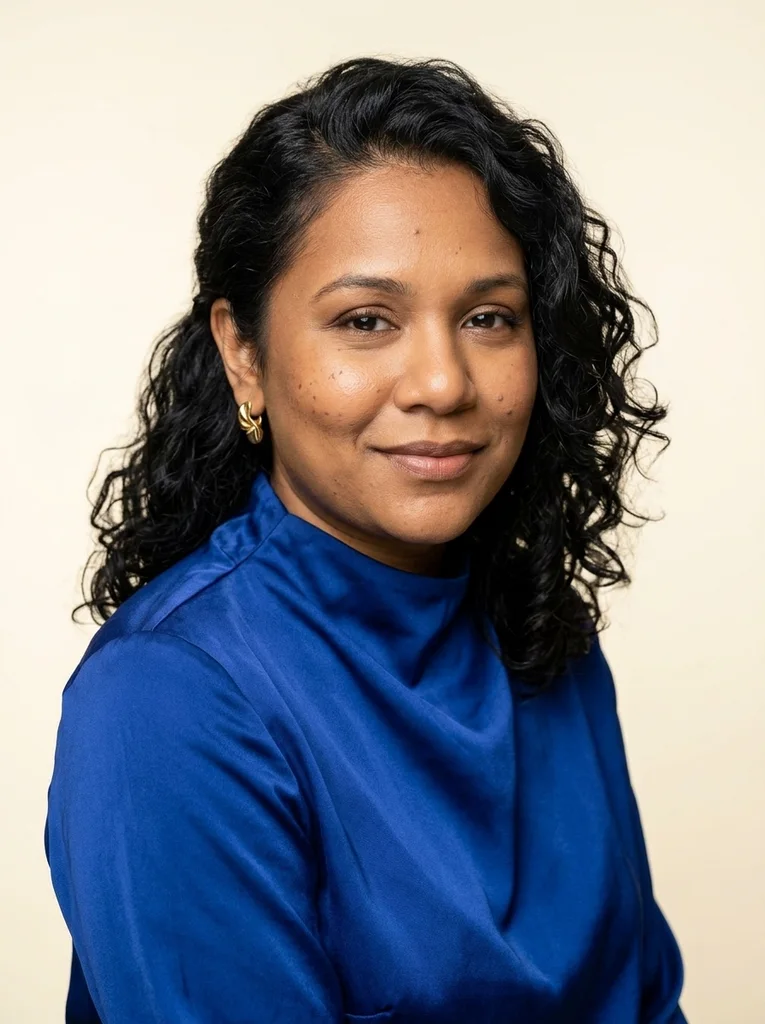
Example result, AI-generated, not a customer photo Cobalt Beauty
Glossy cobalt silk, luminous beauty light and a confident editorial portrait with polished natural skin.
The full prompt is included with a subscription.See plans
- 02
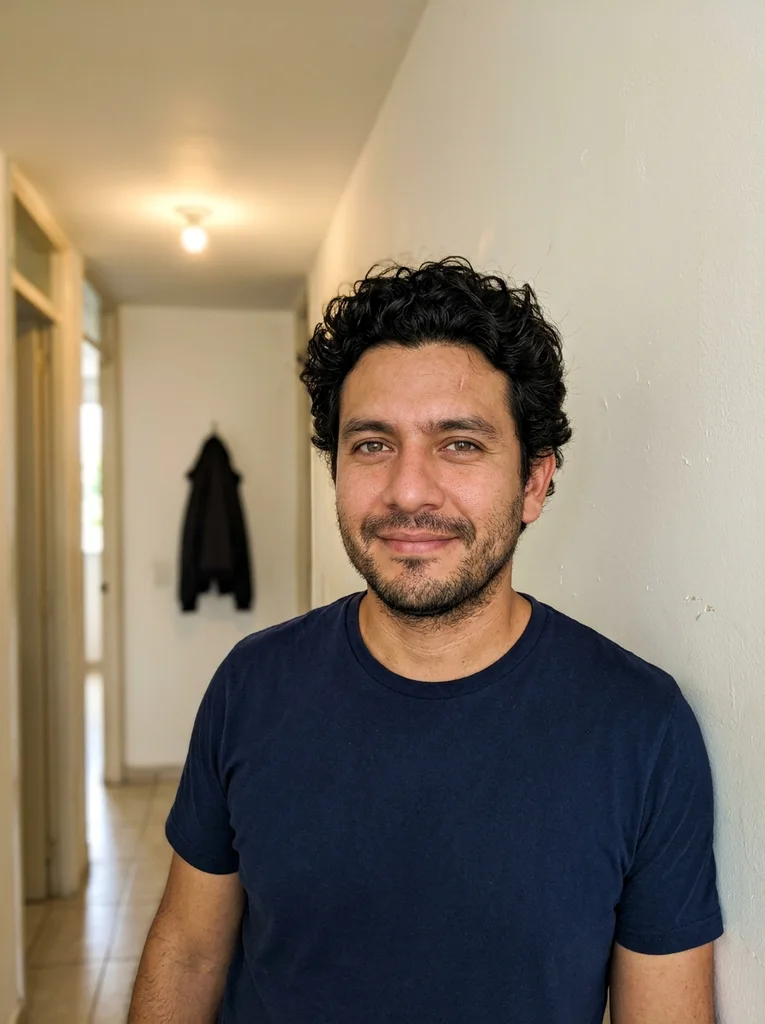
Reference portrait, AI-generated 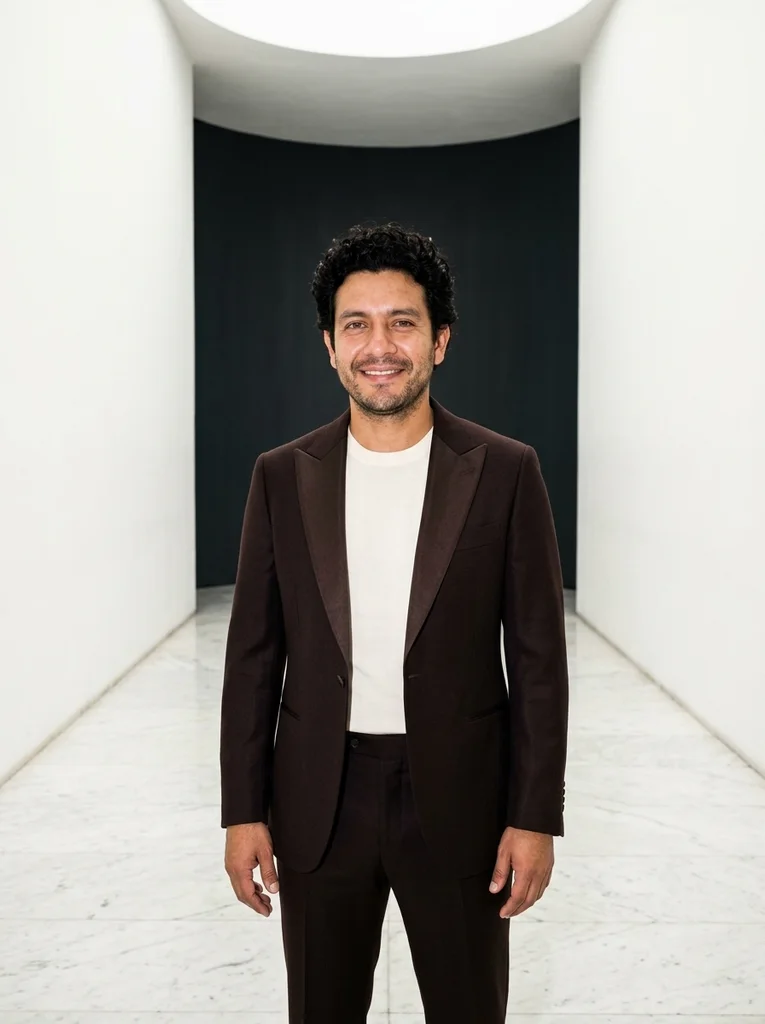
Example result, AI-generated, not a customer photo Marble Turn
A sharp tuxedo-inspired portrait with stone, satin and easy presence.
The full prompt is included with a subscription.See plans
- 03
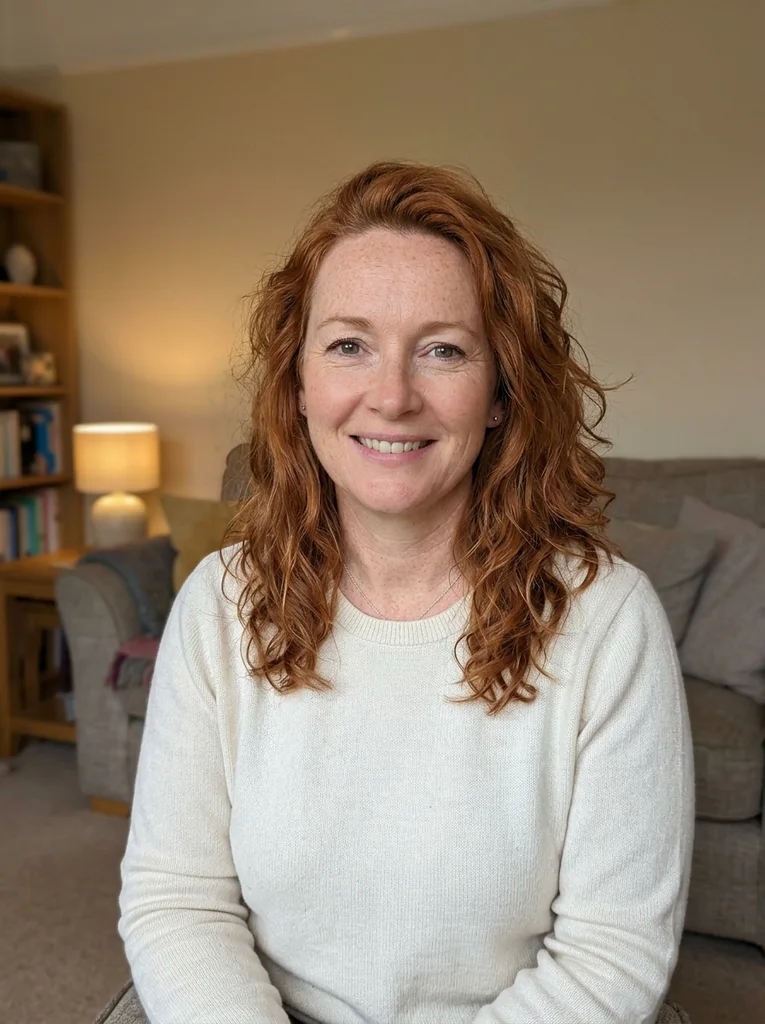
Reference portrait, AI-generated 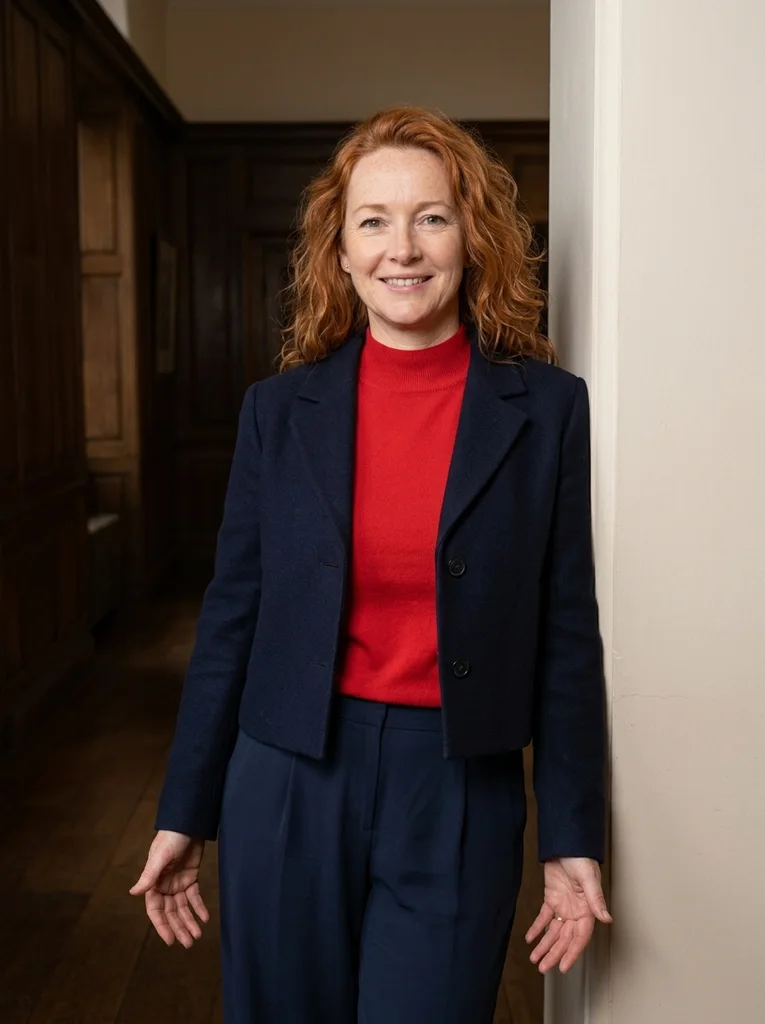
Example result, AI-generated, not a customer photo Scarlet Passage
Scarlet knitwear brings graphic energy to a dark timber passage.
The full prompt is included with a subscription.See plans
- 04
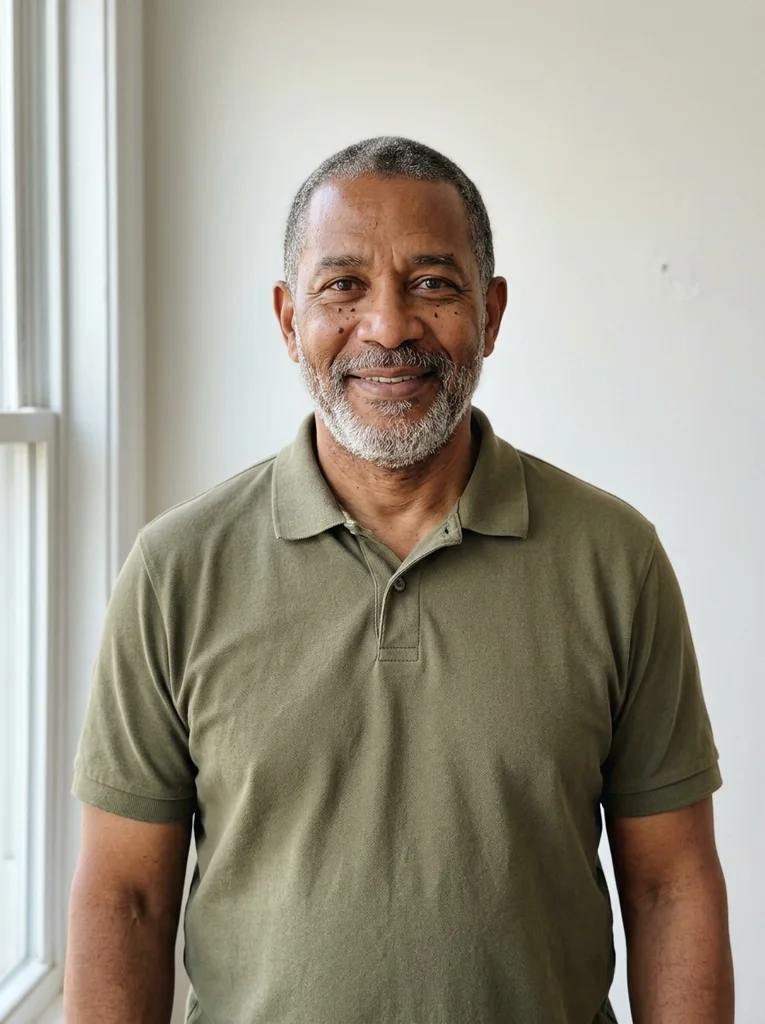
Reference portrait, AI-generated 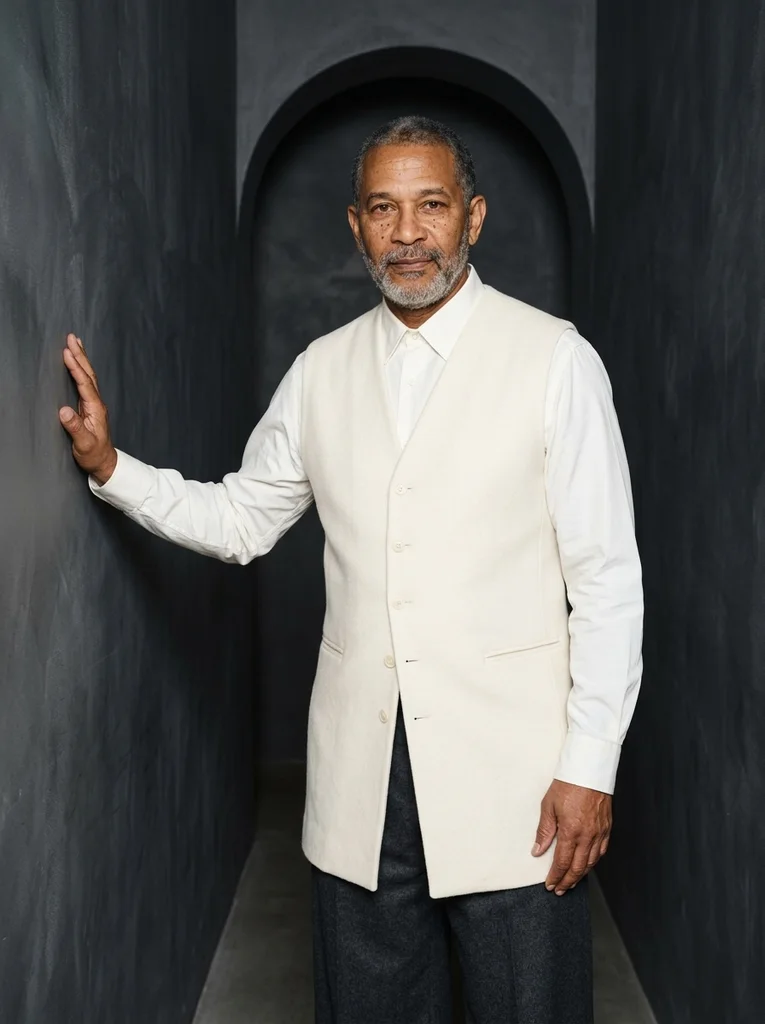
Example result, AI-generated, not a customer photo Longline Ivory
A luminous flash portrait built around elegant longline tailoring.
The full prompt is included with a subscription.See plans
- 05
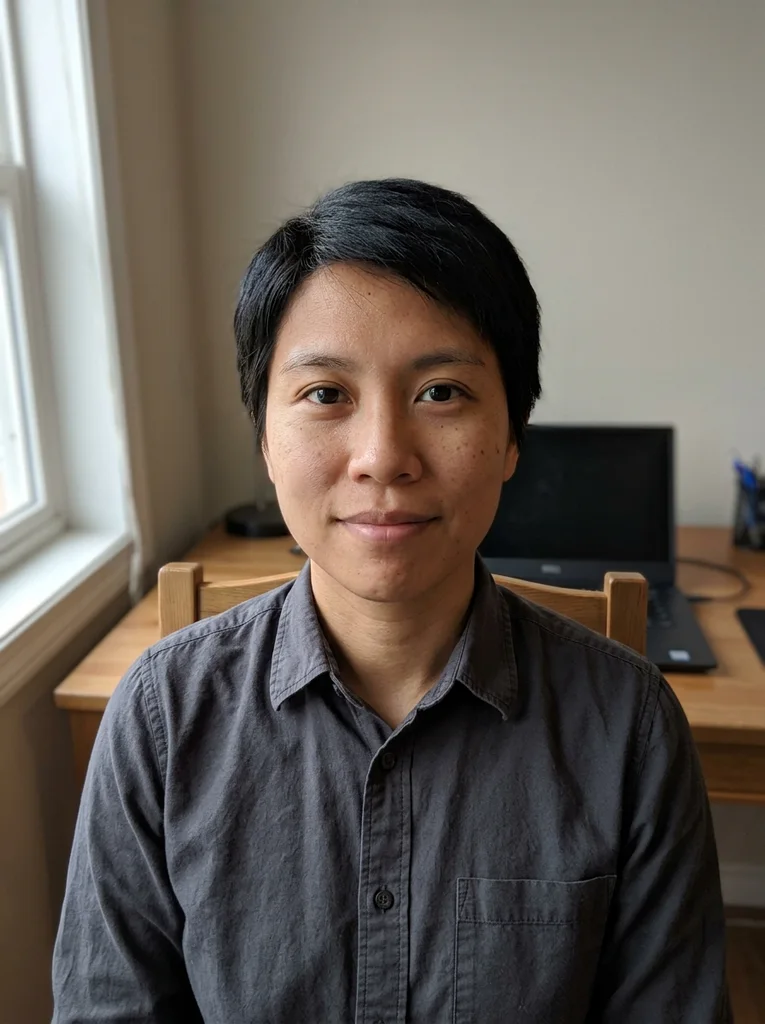
Reference portrait, AI-generated 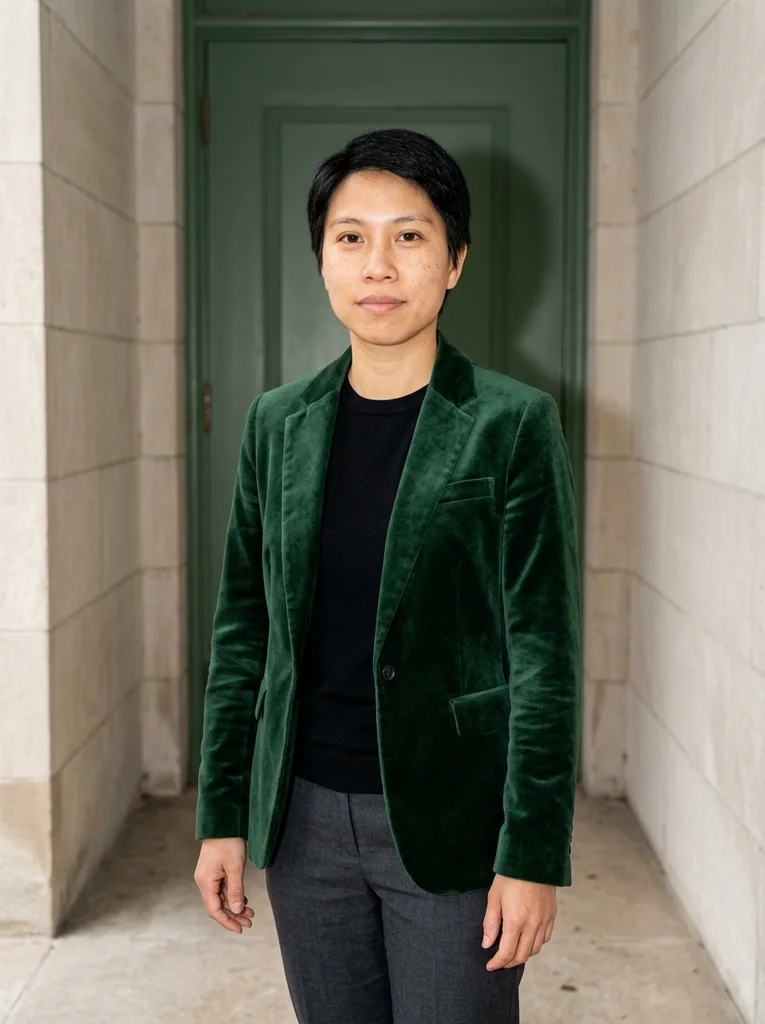
Example result, AI-generated, not a customer photo Velvet Threshold
Forest velvet and pale stone make a tactile evening portrait.
The full prompt is included with a subscription.See plans
- 06
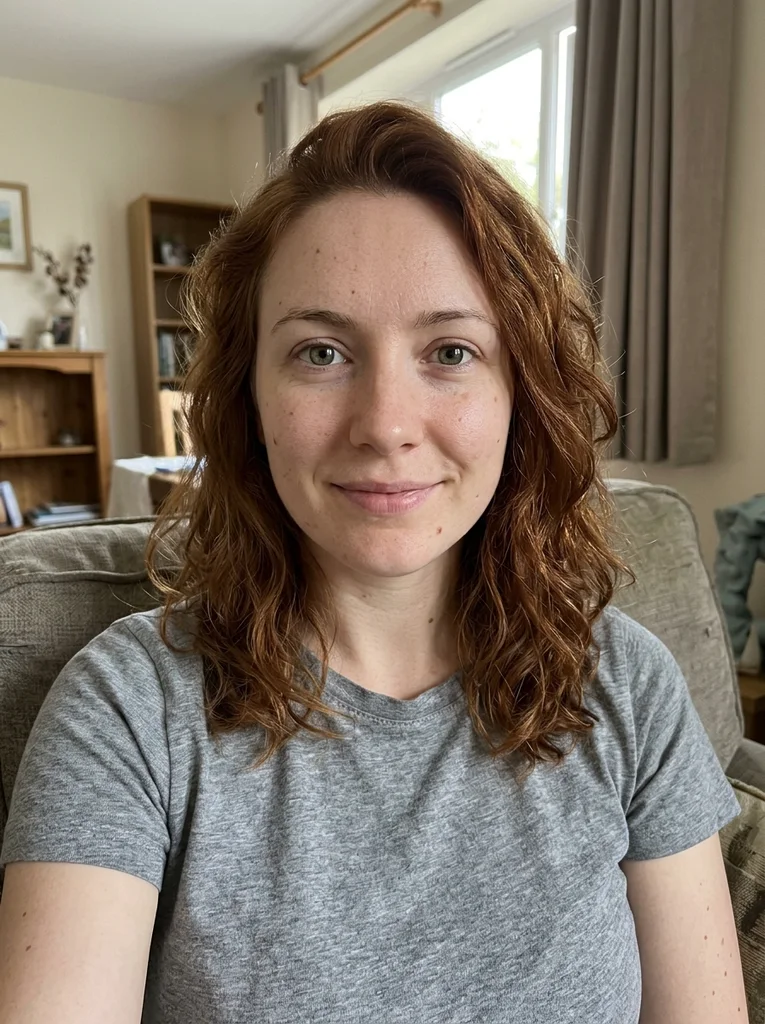
Reference portrait, AI-generated 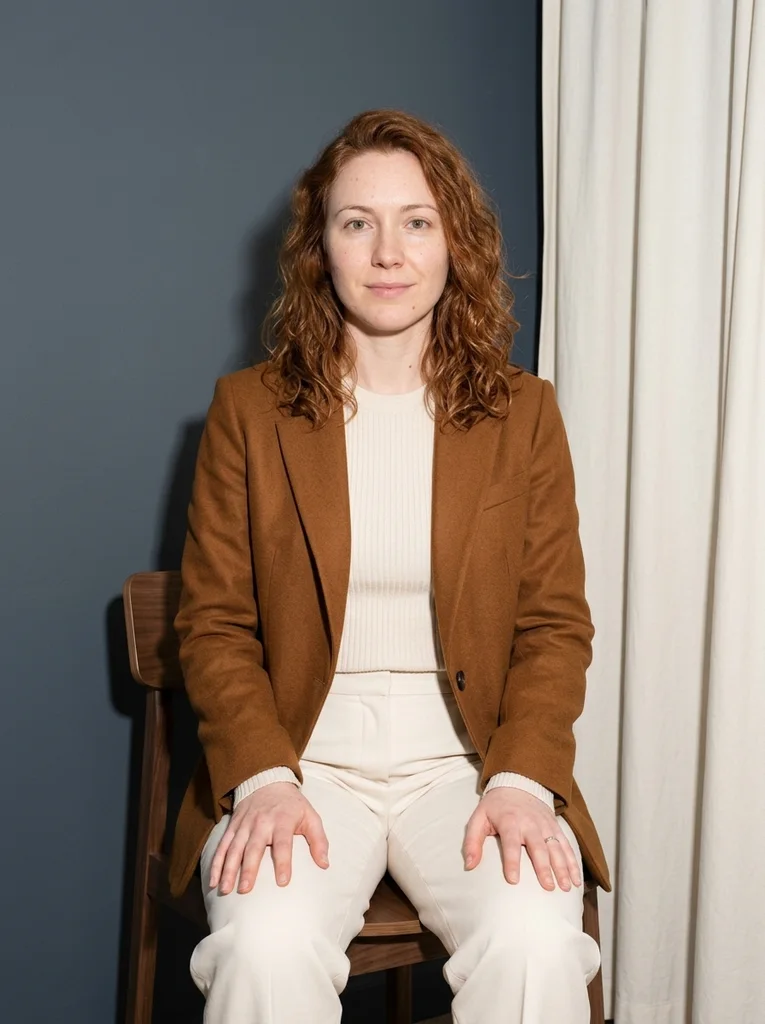
Example result, AI-generated, not a customer photo Walnut Seat
Strong flash and a sculptural chair lift cream-and-tobacco layers.
The full prompt is included with a subscription.See plans
- 07
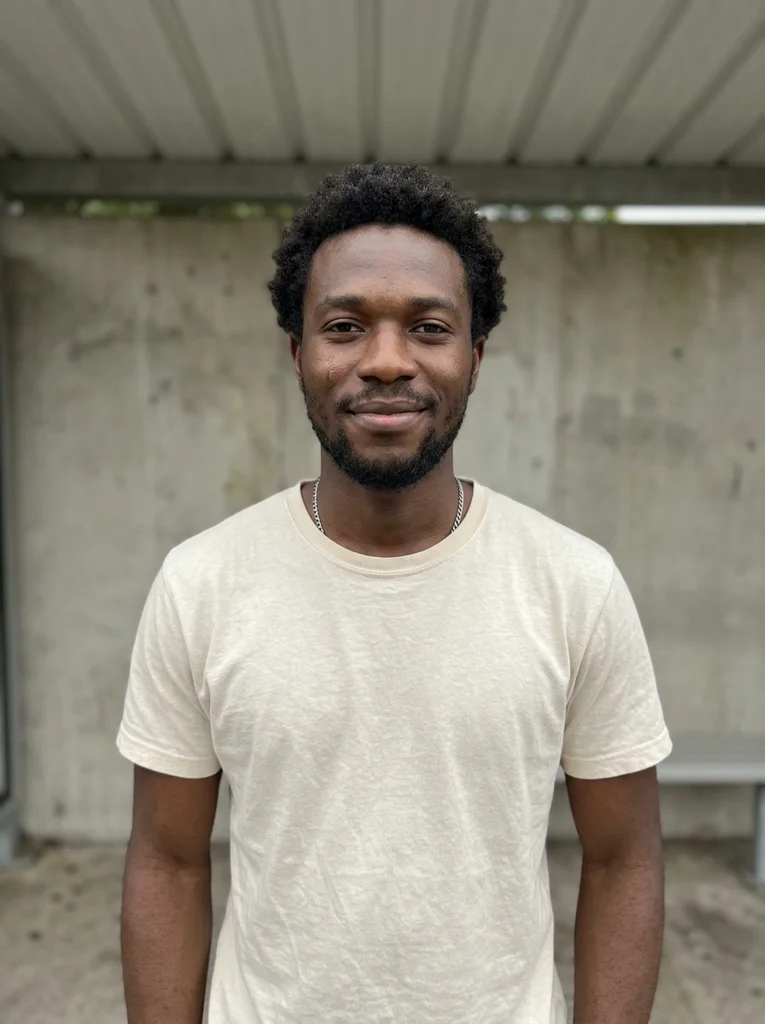
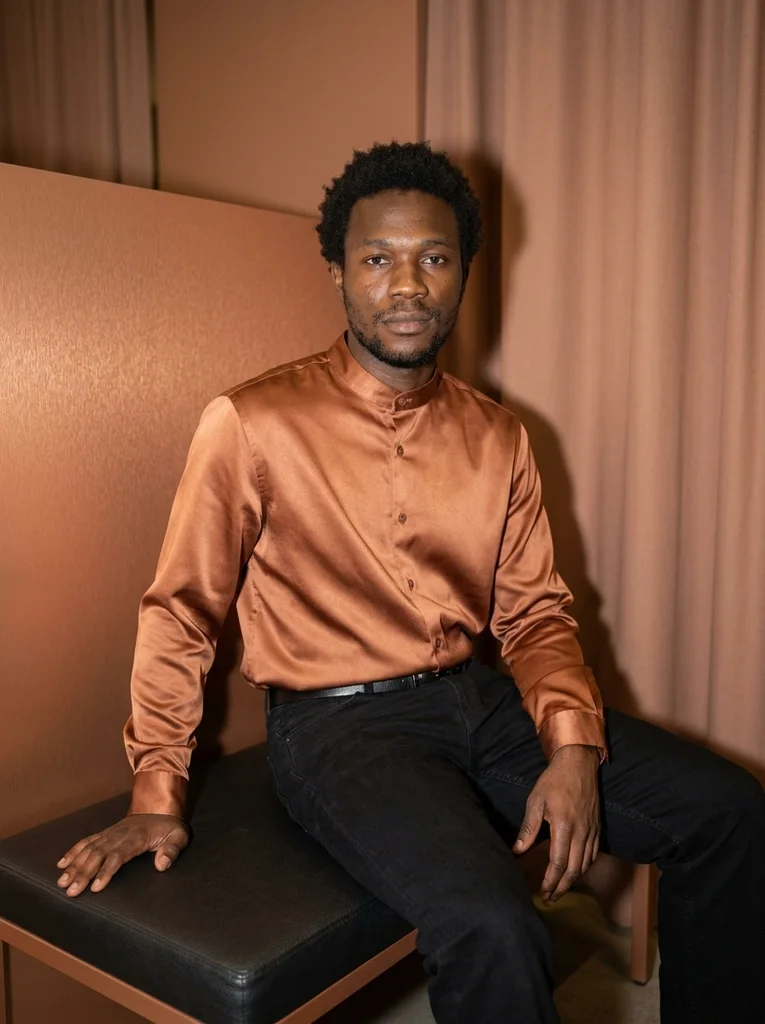
Reference portrait, AI-generated Example result, AI-generated, not a customer photo Copper Bench
Copper satin, black denim and flash create a relaxed dressing-room edit.
Free prompt
Use the uploaded reference photograph to create one photorealistic editorial portrait of the same adult. The source may be an ordinary imperfect everyday selfie: use it for identity, not as a studio template. Give the result a subtly more attractive, magazine-quality finish through tasteful, identity-preserving portrait retouching, flattering exposure, and a natural pose and expression. Gently reduce temporary blemishes and reddish blotches, soften under-eye shadows and harsh lighting, lightly even skin tone, and tidy distracting flyaway hairs. Retain realistic pores and skin detail, recognizable facial geometry and natural asymmetry, the natural skin tone, freckles, moles and other permanent identity marks, the apparent adult age, body shape and proportions, and natural hair texture and hairline. Do not erase permanent expression lines or other identifying features. No waxy or plastic skin, excessive smoothing, replacement with a new face, face or body reshaping, age reset, or skin whitening. Apply this restrained retouching within the following setting, outfit, pose and lighting direction. Place me on a low dark upholstered bench beside a matte copper-toned partition and a plain hanging curtain. Dress me in a copper satin overshirt buttoned high, straight black denim and a narrow unbranded black belt, fitted naturally to my existing body. Sit with the torso turned across the bench, one hand flat on the seat beside the hip and the other resting fully on a thigh; face the camera. Use a small near-camera flash as the main source, gentle lower fill and a physical shadow behind the bench; control satin highlights. Frame with a natural eye-level perspective from above the hair to the knees, including both wrists and every fingertip. Compose one vertical 3:4 photograph with the entire head and hair inside the image and visible breathing room above. Keep shown hands complete with all fingertips comfortably inside the frame; when the direction excludes hands, introduce no partial hand at an edge. Maintain realistic portrait perspective, physical garment construction and a fully clothed adult. Produce one vertical 3:4 photograph, with the entire head and hair inside the frame and visible space above them. Keep any shown hands complete and anatomically plausible. The subject is a fully clothed adult; fit the described clothes naturally to the same body. Use realistic photographic depth, natural fabric construction and restrained color. No additional people, duplicated features, in-image text, brand logos, watermarks, borders or collages. No illustration or CGI appearance.Scroll to read the whole prompt, or copy it with the button.
- 08
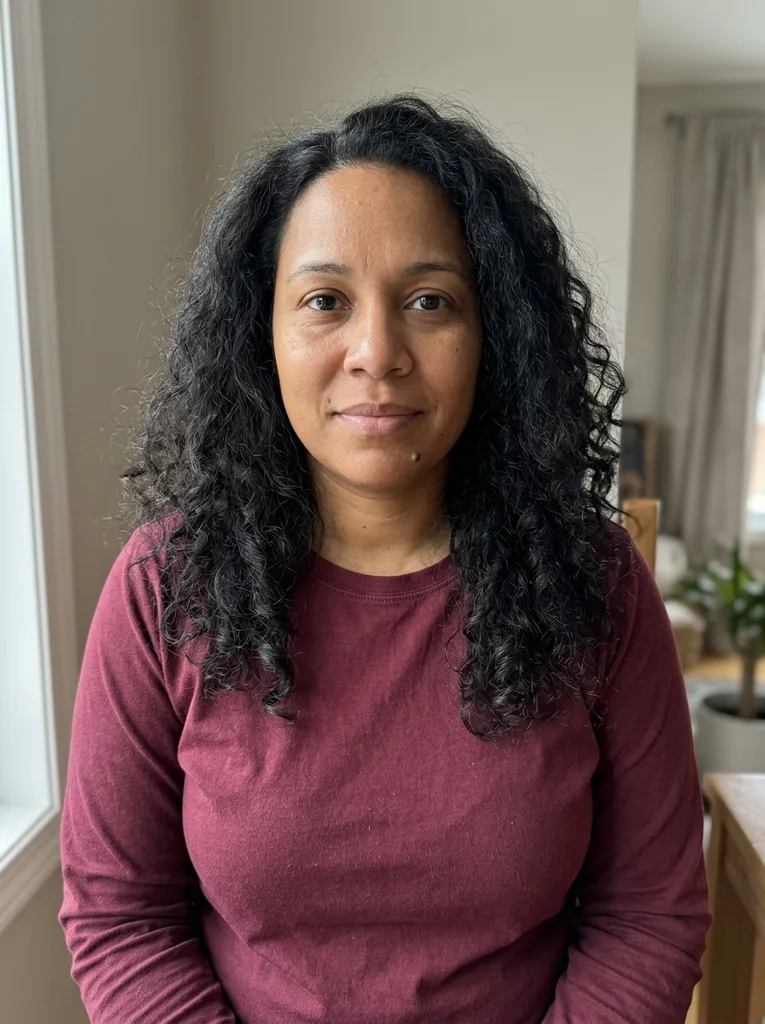
Reference portrait, AI-generated 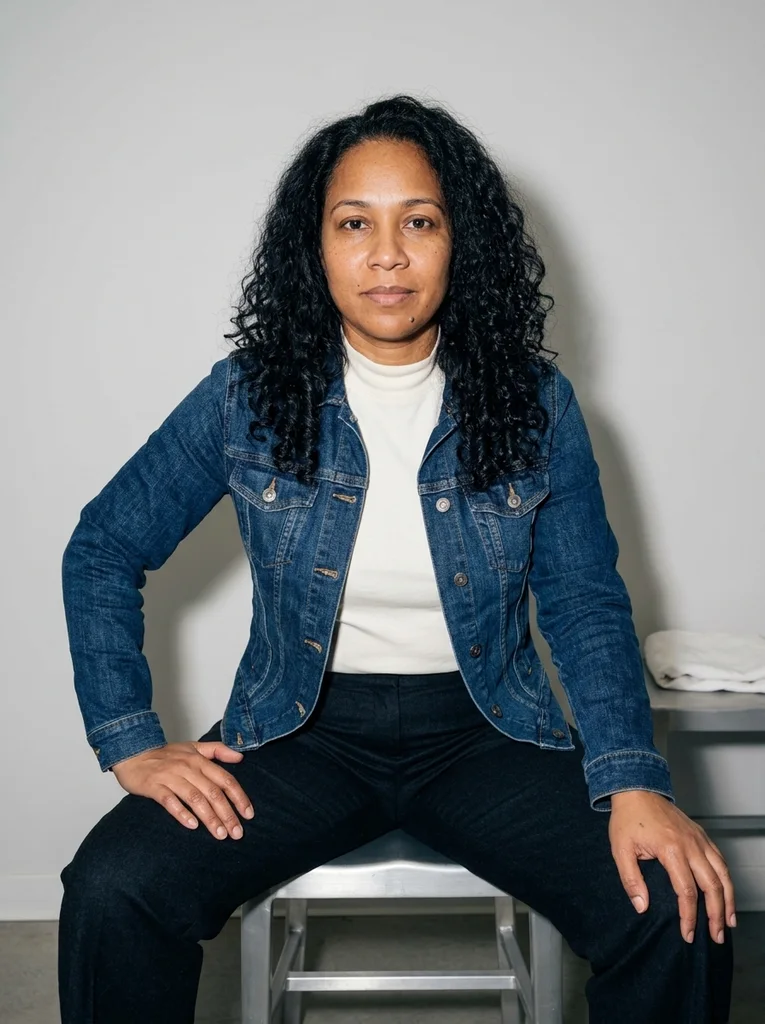
Example result, AI-generated, not a customer photo Indigo Dressing Chair
An assured seated portrait with tactile indigo and direct flash.
The full prompt is included with a subscription.See plans
- 09
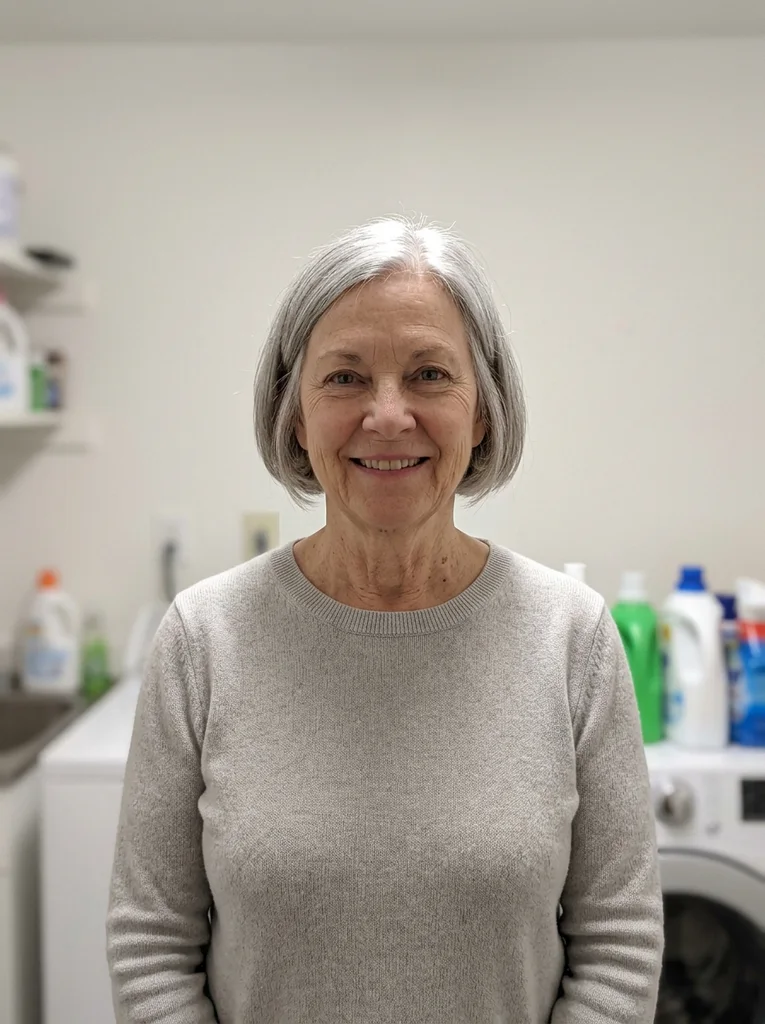
Reference portrait, AI-generated 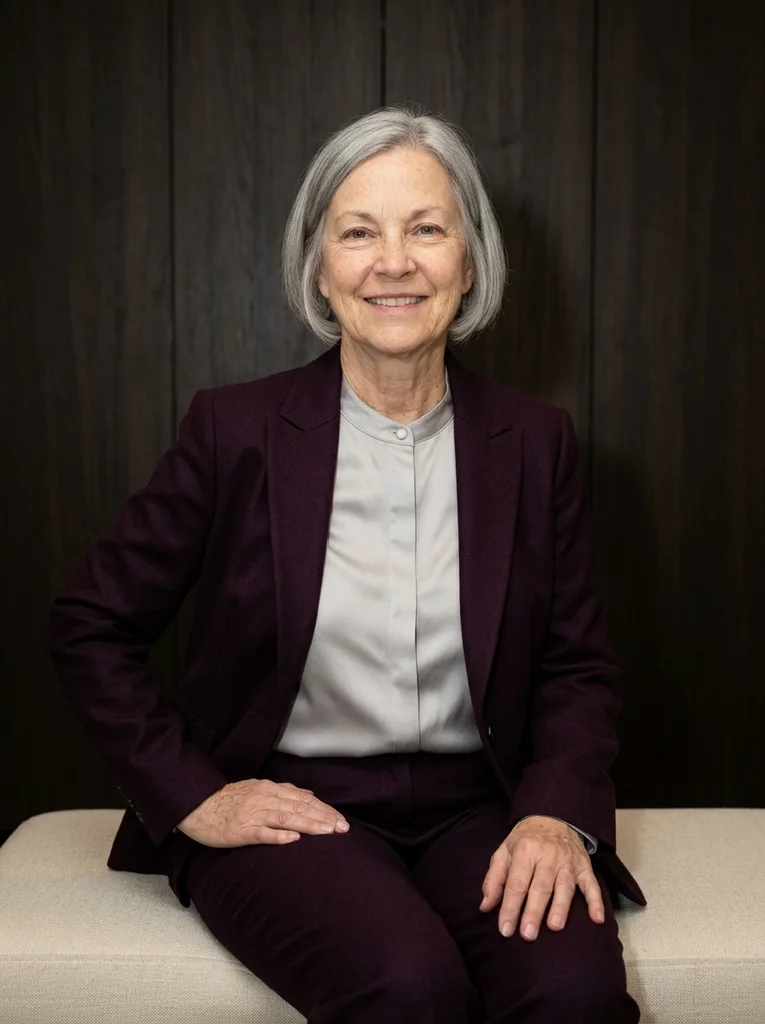
Example result, AI-generated, not a customer photo Satin Fold
Pearl satin and matte tailoring meet in a poised flash portrait.
The full prompt is included with a subscription.See plans
- 10
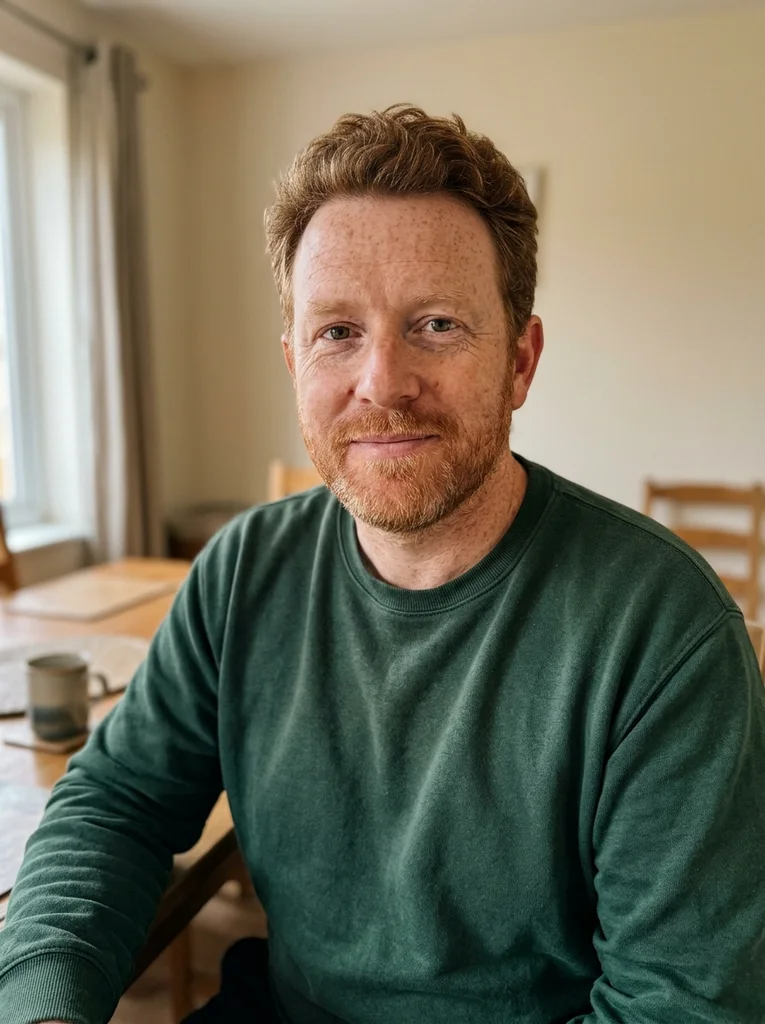
Reference portrait, AI-generated 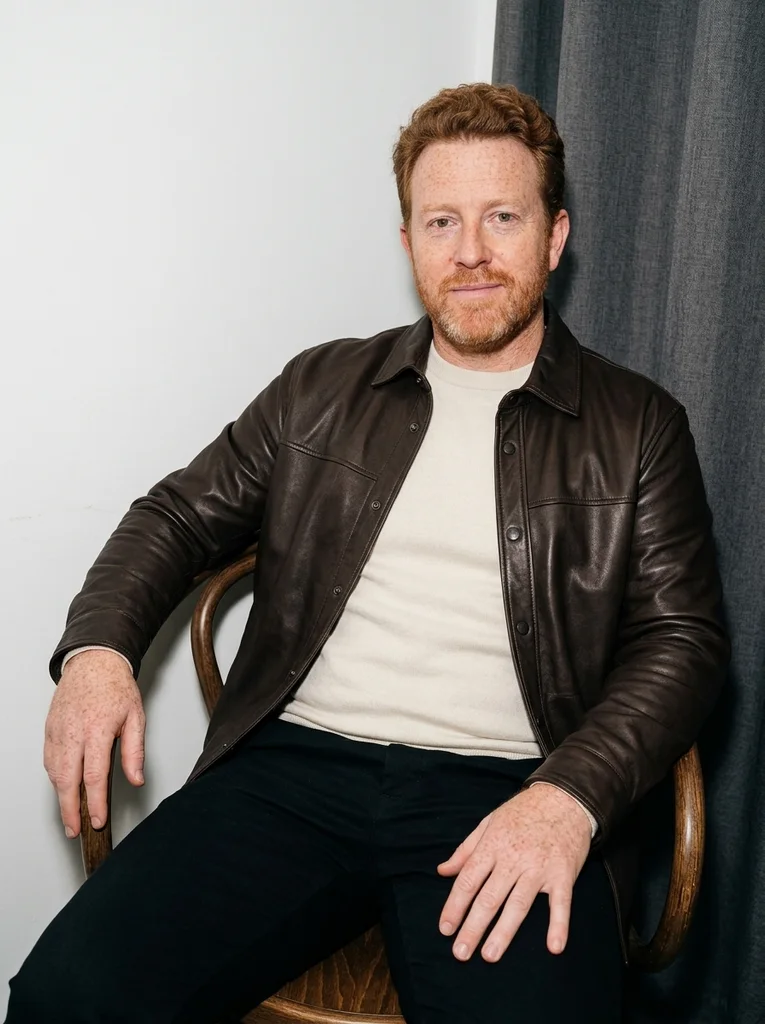
Example result, AI-generated, not a customer photo Leather and Chalk
Soft leather tailoring gains clarity against a chalk dressing-room set.
The full prompt is included with a subscription.See plans
- 11
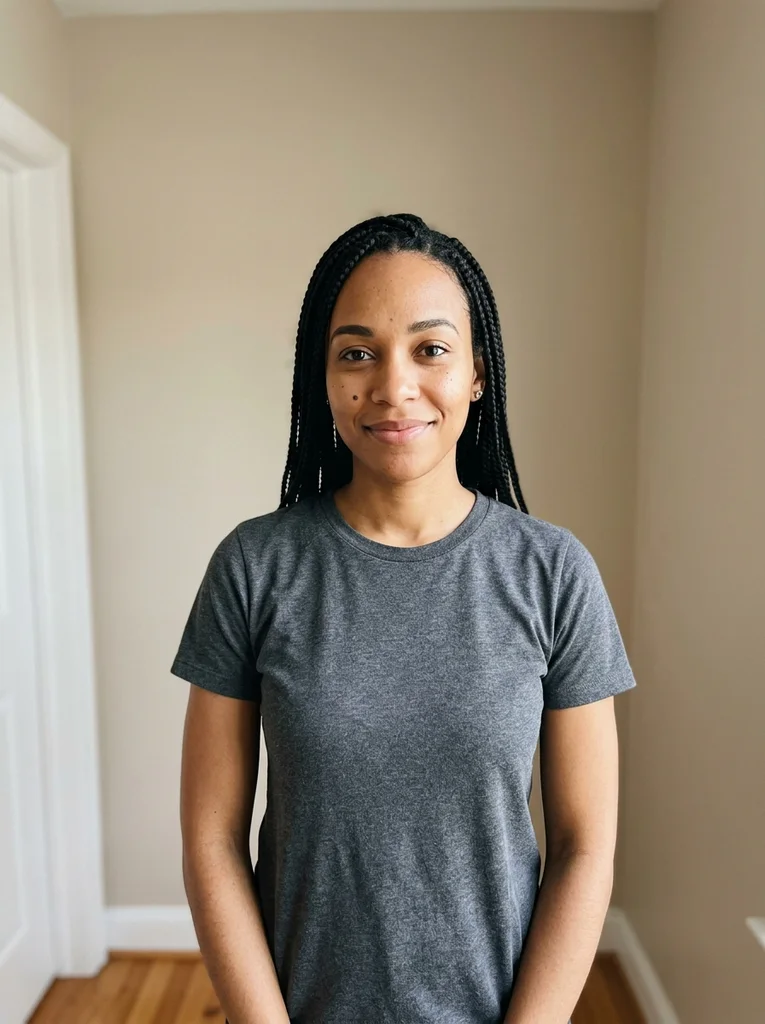
Reference portrait, AI-generated 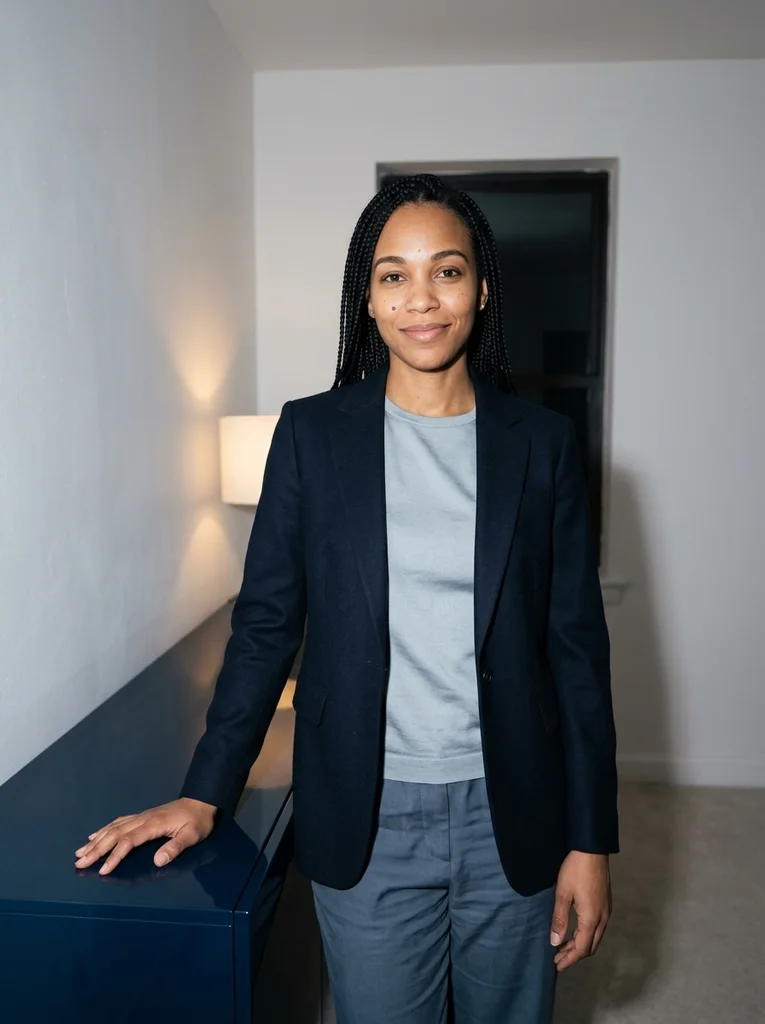
Example result, AI-generated, not a customer photo Ink Console
An evening interior becomes a clean flash fashion story.
The full prompt is included with a subscription.See plans
- 12
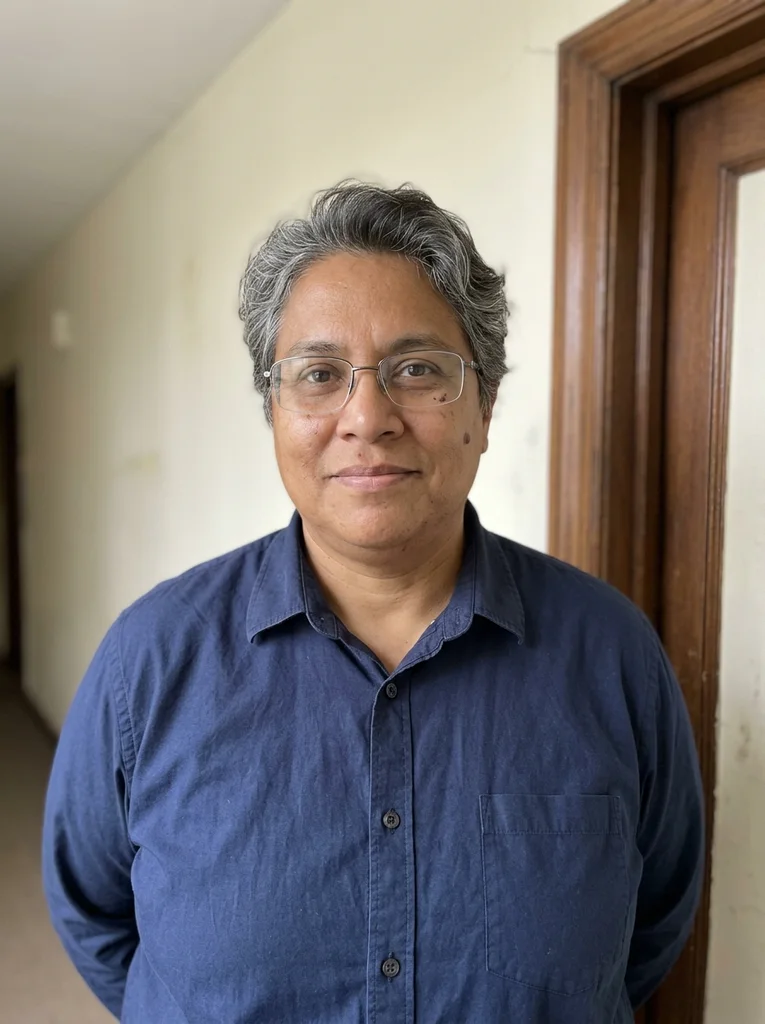
Reference portrait, AI-generated 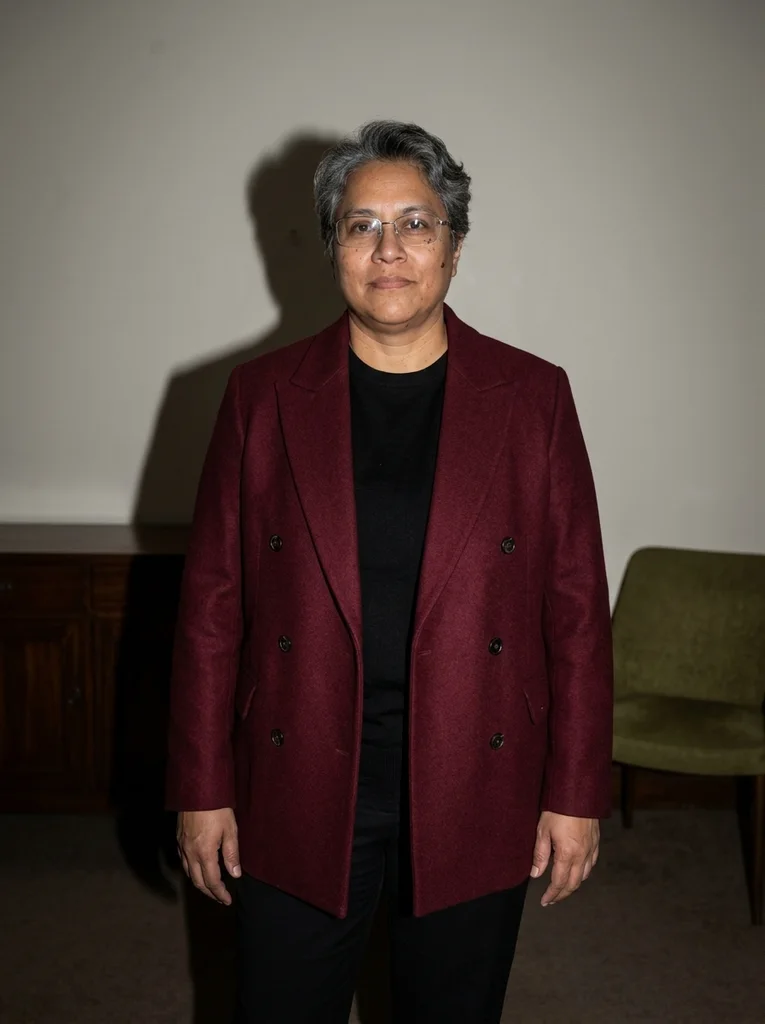
Example result, AI-generated, not a customer photo Burgundy Lounge
Rich burgundy tailoring and crisp flash in a restrained lounge.
The full prompt is included with a subscription.See plans
- 13
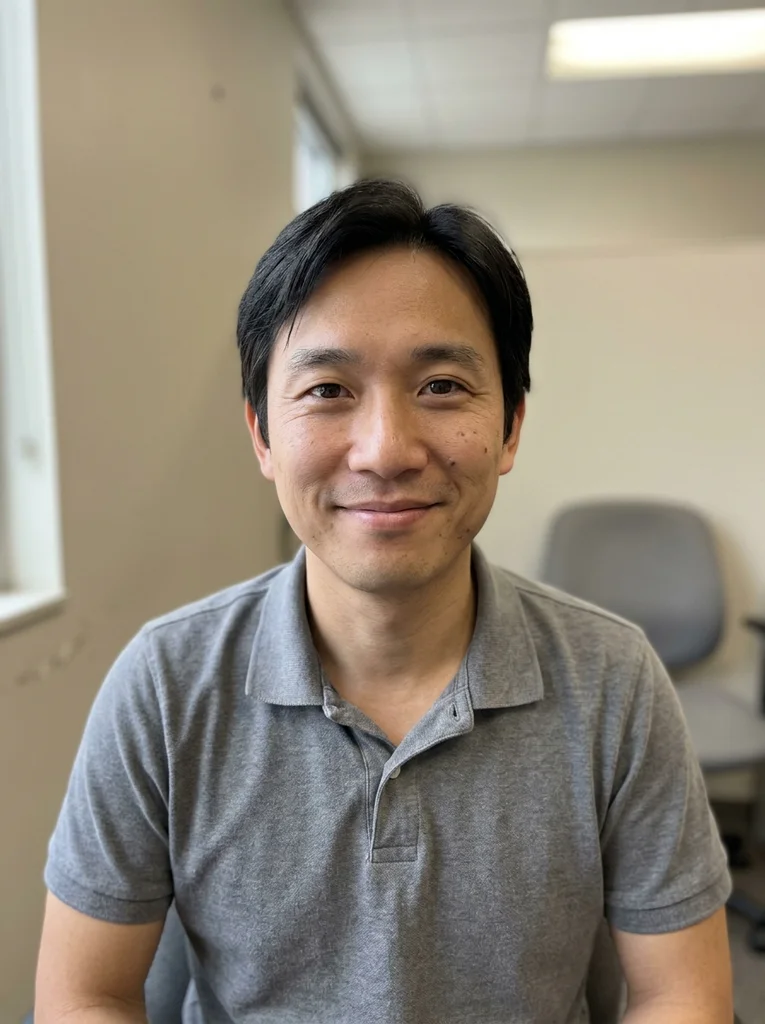
Reference portrait, AI-generated 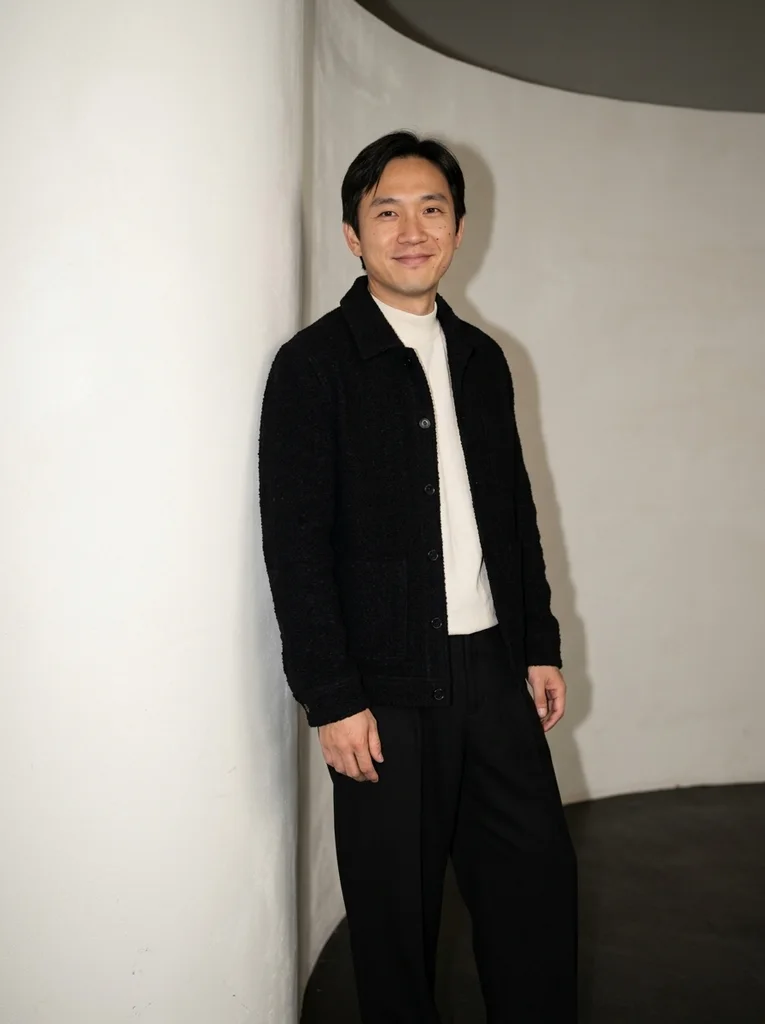
Example result, AI-generated, not a customer photo Curved Wall
A modern flash portrait with cream knit and graphic black texture.
The full prompt is included with a subscription.See plans
- 14
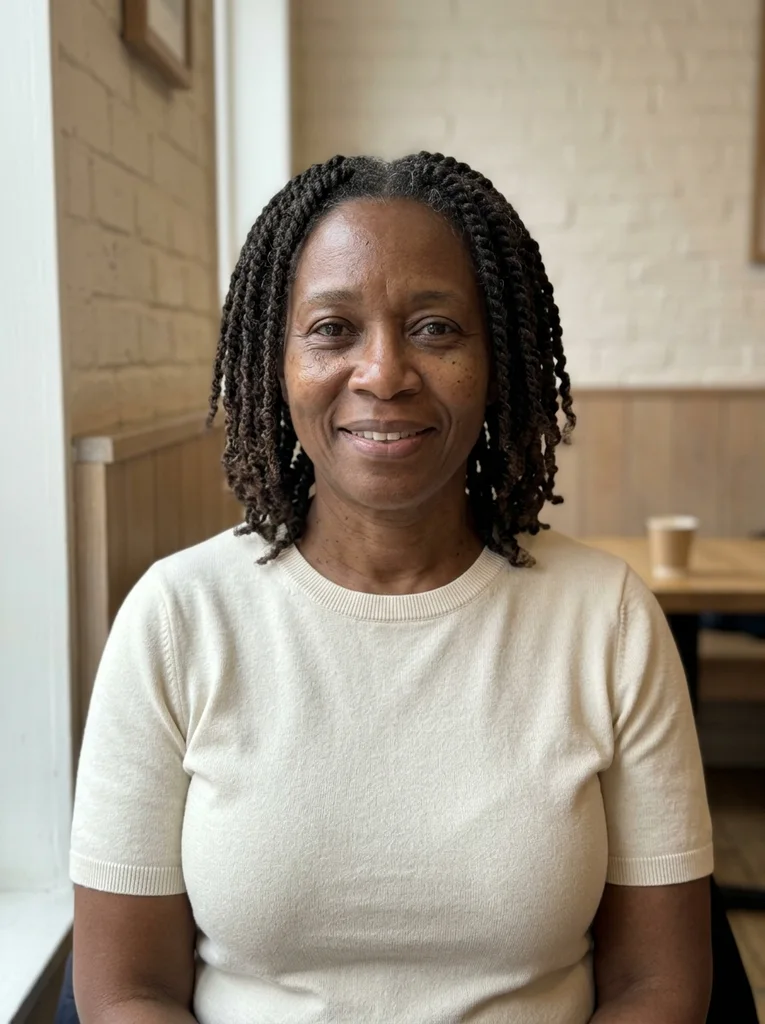
Reference portrait, AI-generated 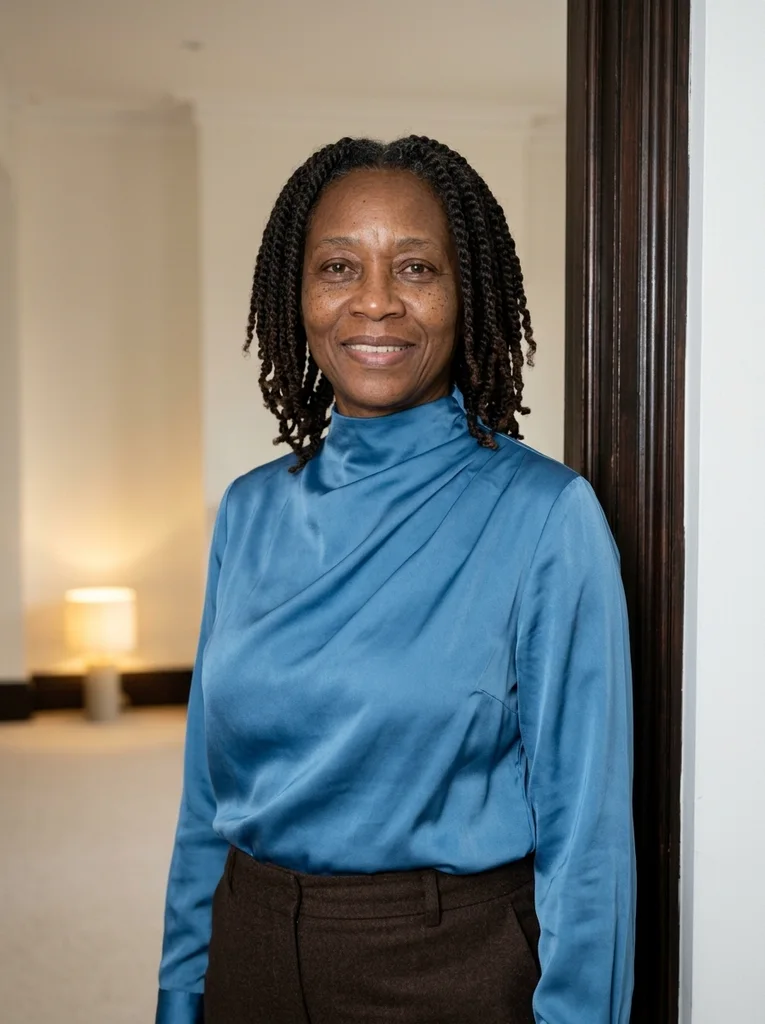
Example result, AI-generated, not a customer photo Cerulean Room
A luminous silk portrait in a quiet late-evening room.
The full prompt is included with a subscription.See plans
- 15
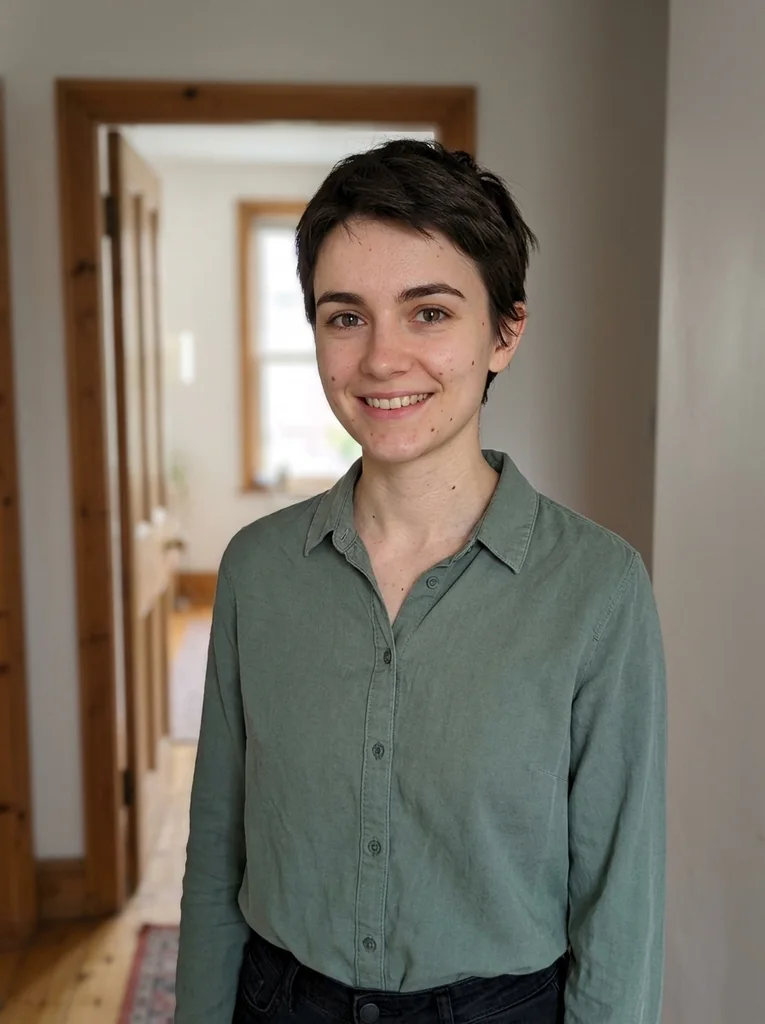
Reference portrait, AI-generated 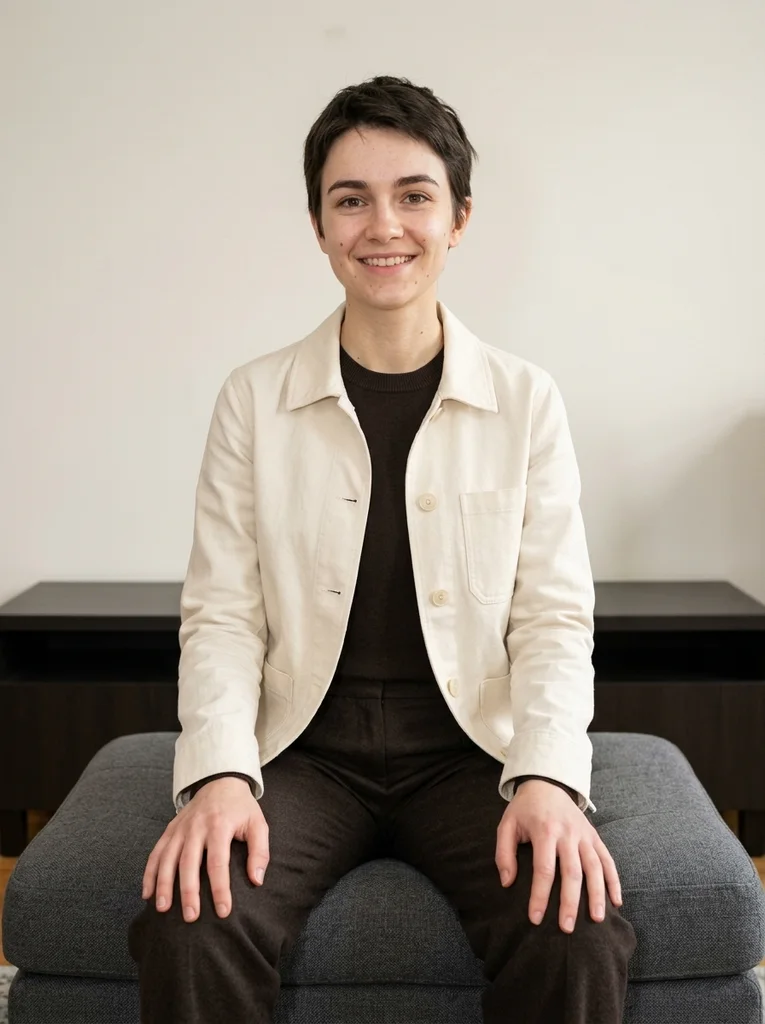
Example result, AI-generated, not a customer photo Graphite Ottoman
A low seated flash composition with confident relaxed tailoring.
The full prompt is included with a subscription.See plans
- 16
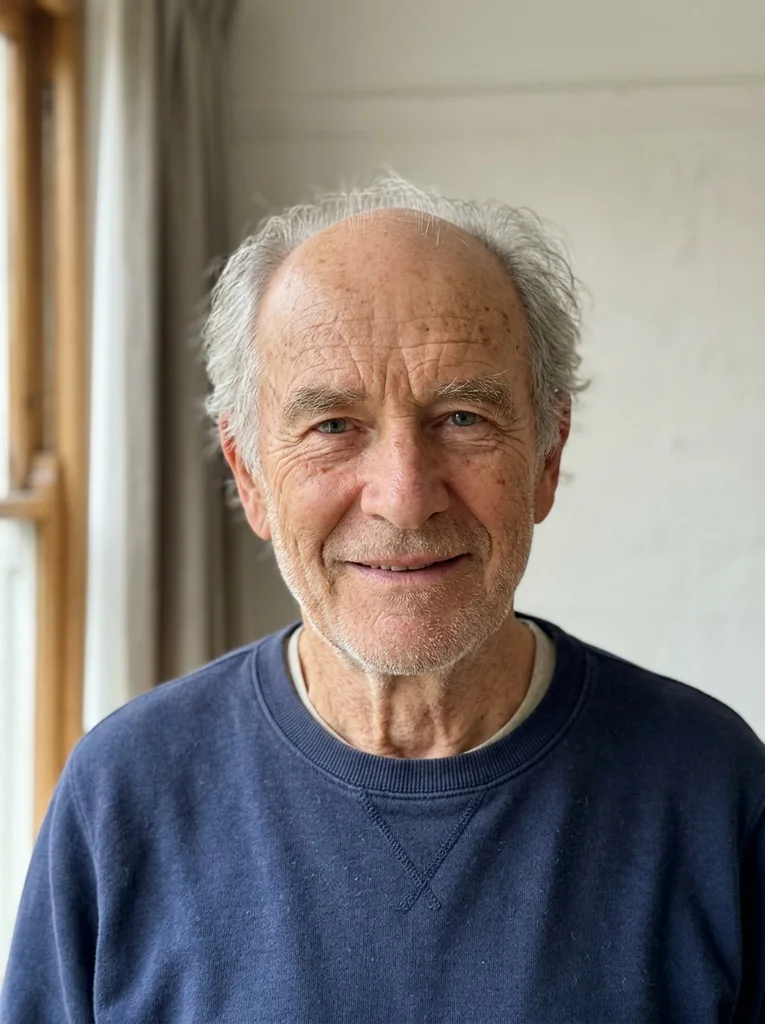
Reference portrait, AI-generated 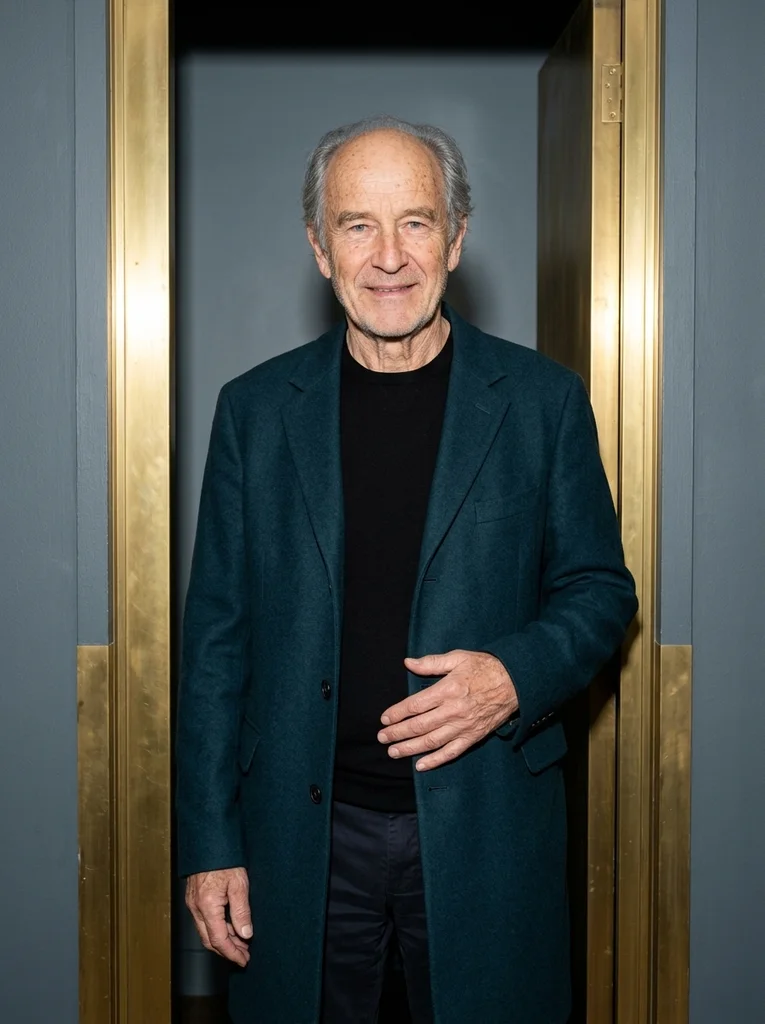
Example result, AI-generated, not a customer photo Brass Door
A precise flash portrait beside dark metal and rich outerwear.
The full prompt is included with a subscription.See plans
- 17
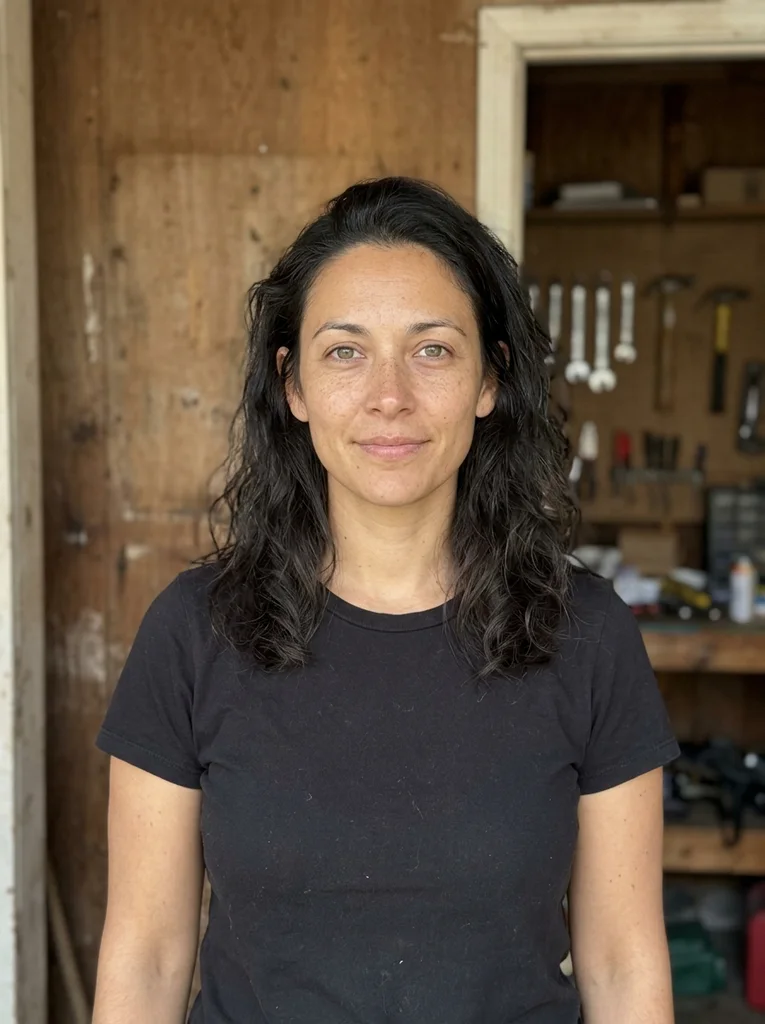
Reference portrait, AI-generated 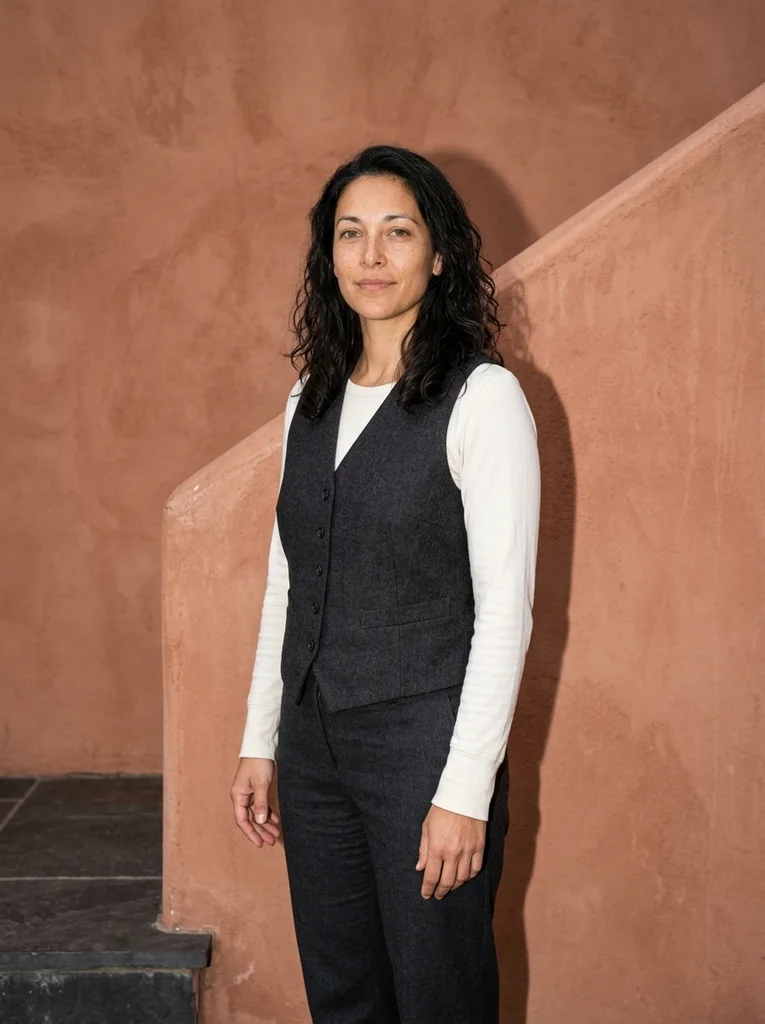
Example result, AI-generated, not a customer photo Terracotta Stair
A warm-toned flash fashion pause on broad architectural steps.
The full prompt is included with a subscription.See plans
- 18
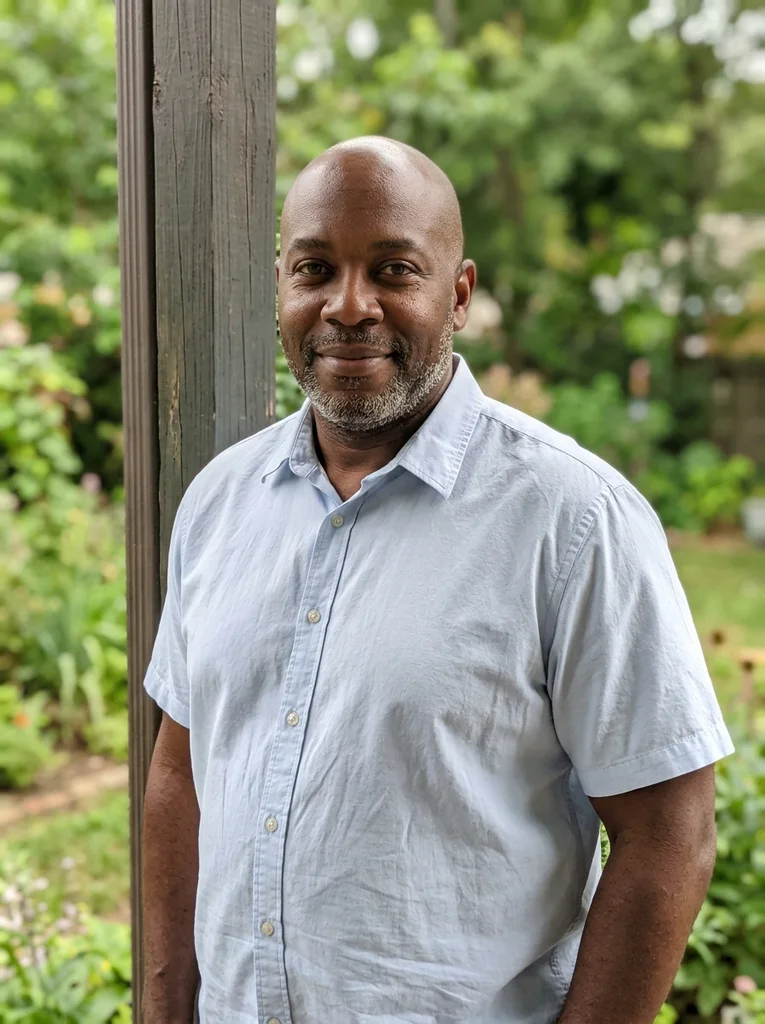
Reference portrait, AI-generated 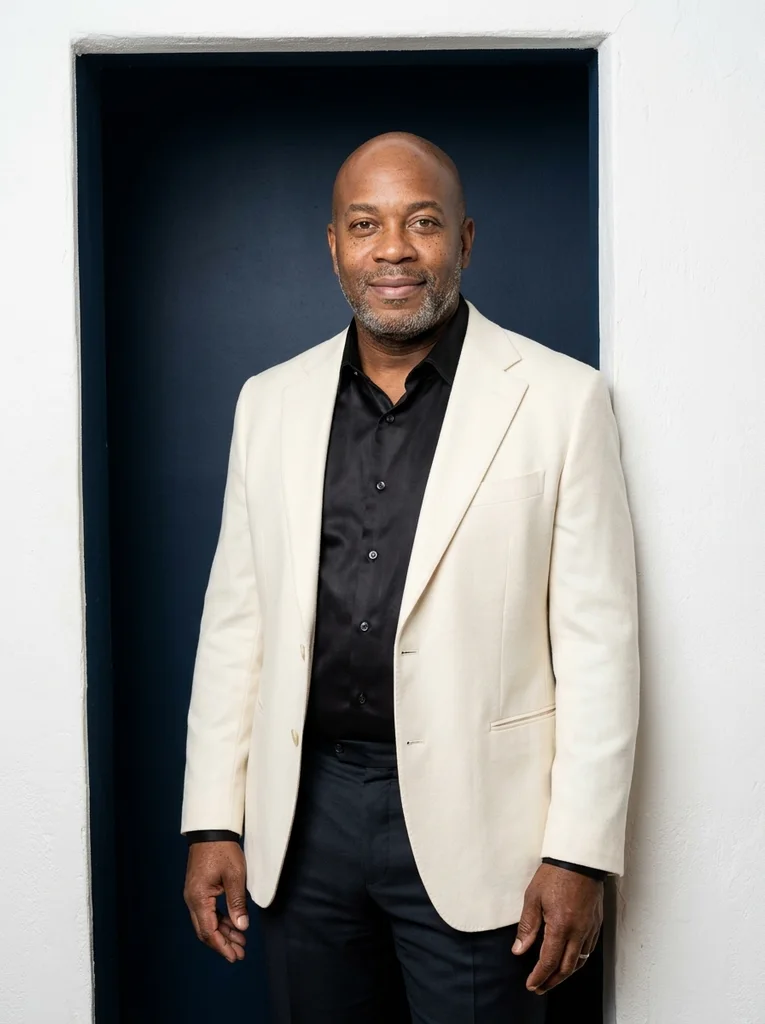
Example result, AI-generated, not a customer photo Chalk Doorway
Luminous flash and black silk against a strong architectural opening.
The full prompt is included with a subscription.See plans
- 19
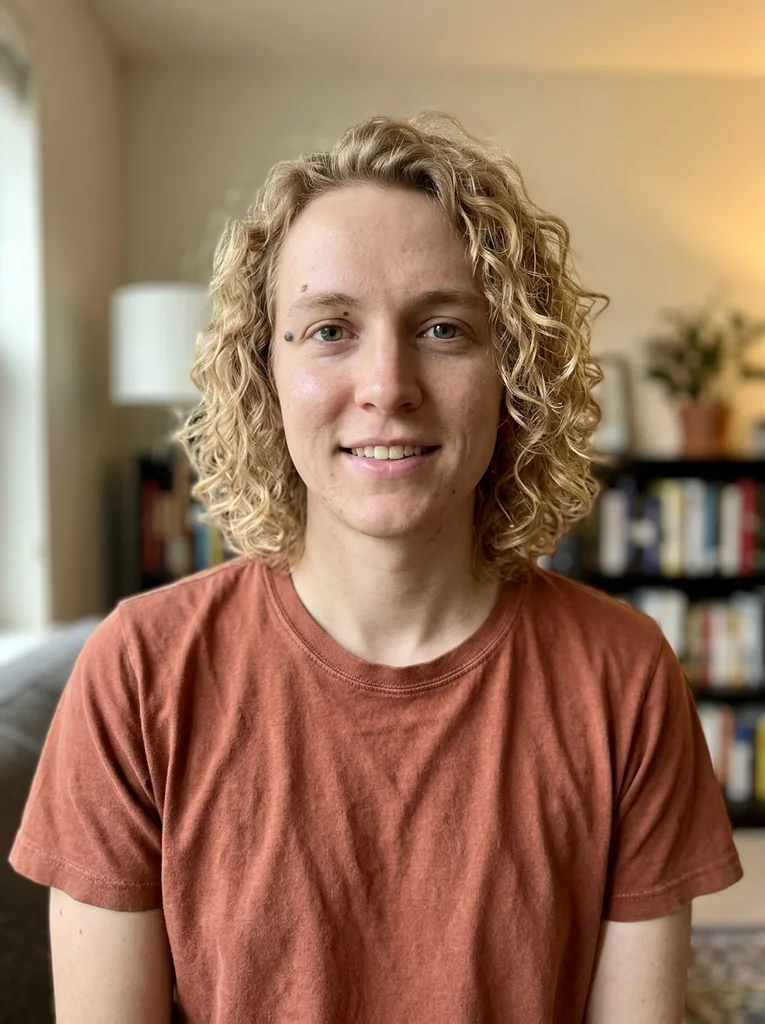
Reference portrait, AI-generated 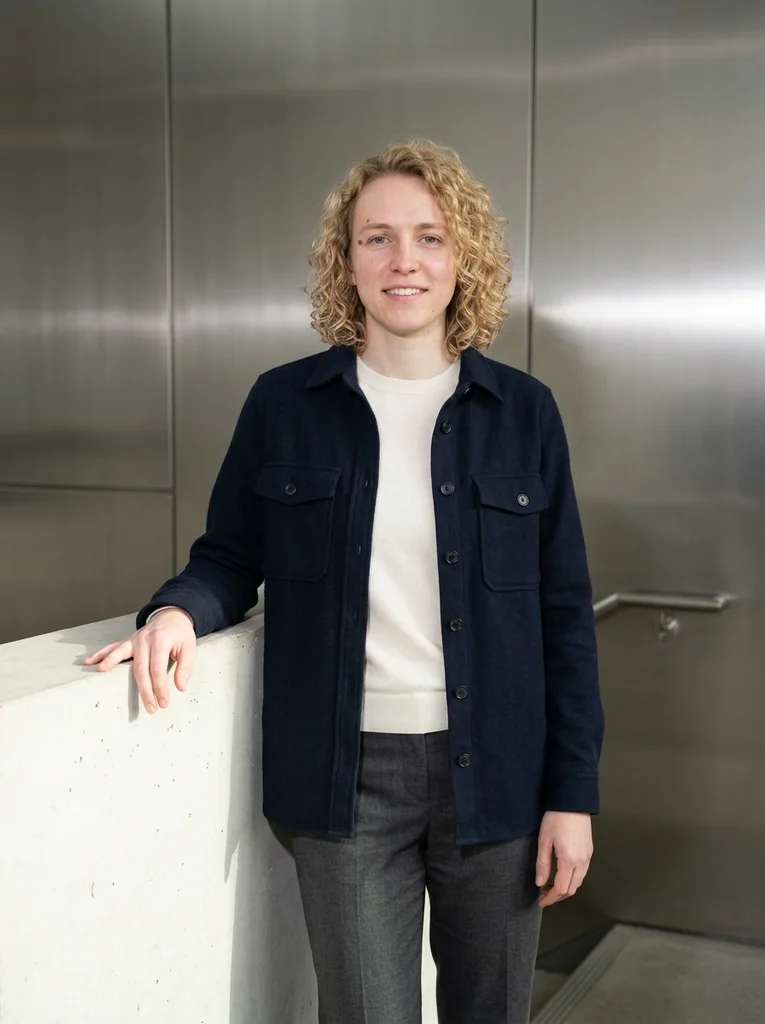
Example result, AI-generated, not a customer photo Steel Landing
A crisp industrial fashion portrait with tactile blue wool.
The full prompt is included with a subscription.See plans
- 20

Reference portrait, AI-generated 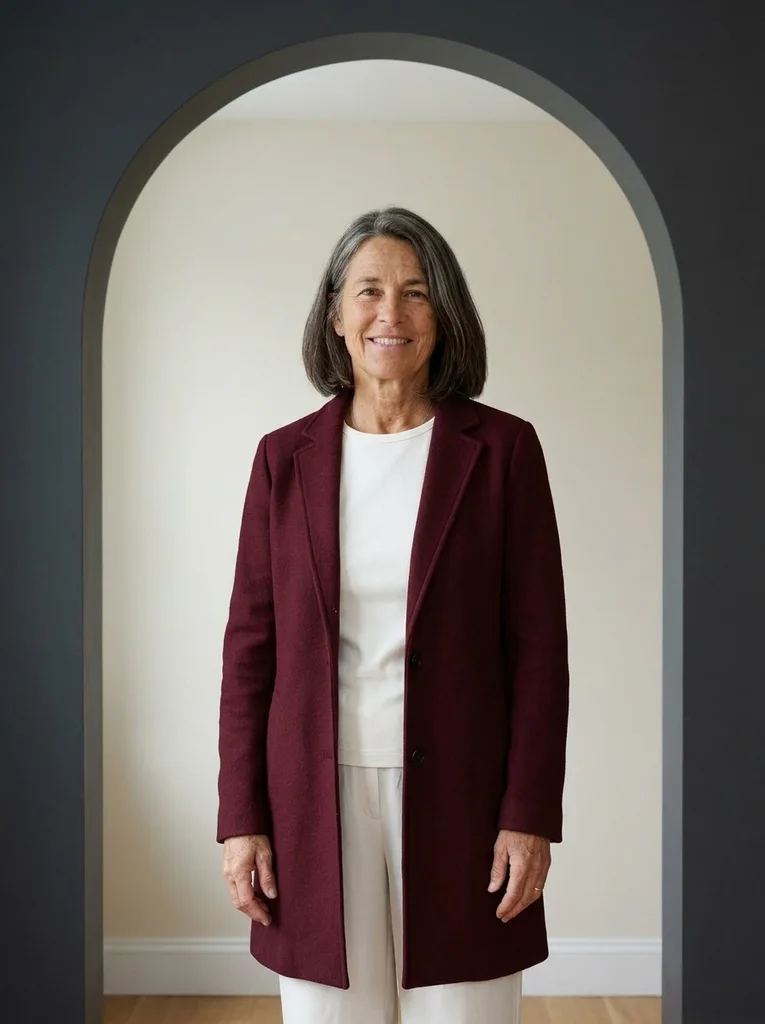
Example result, AI-generated, not a customer photo Wine Arch
A sculptural flash portrait with a graceful tailored silhouette.
The full prompt is included with a subscription.See plans
- 21
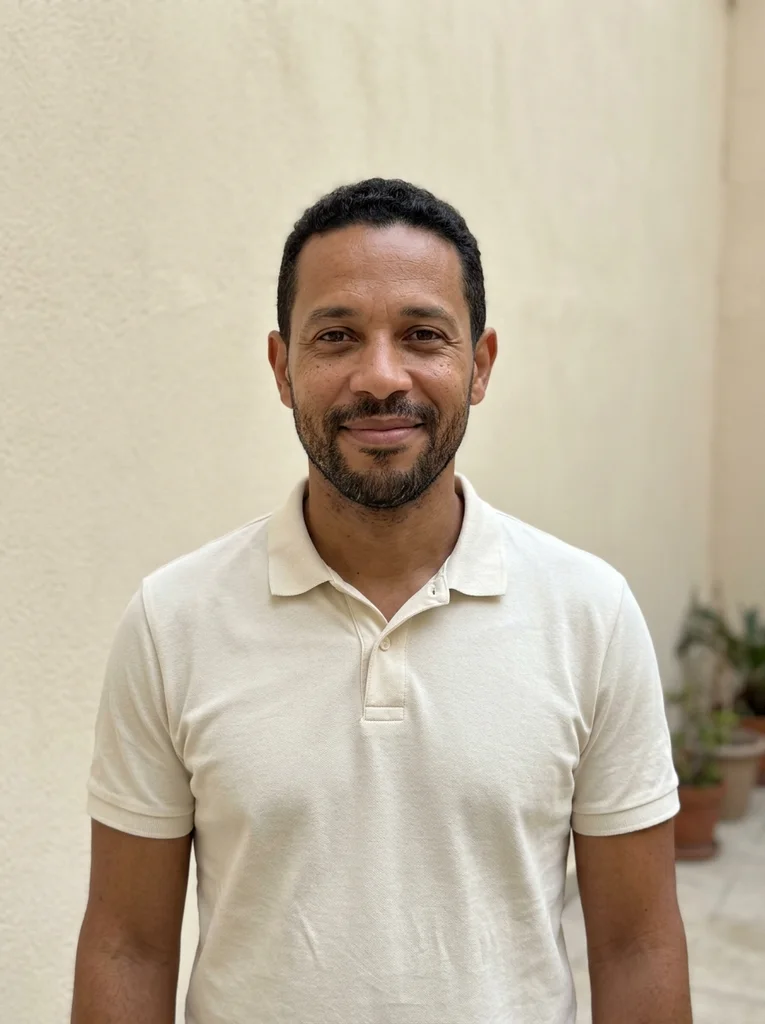
Reference portrait, AI-generated 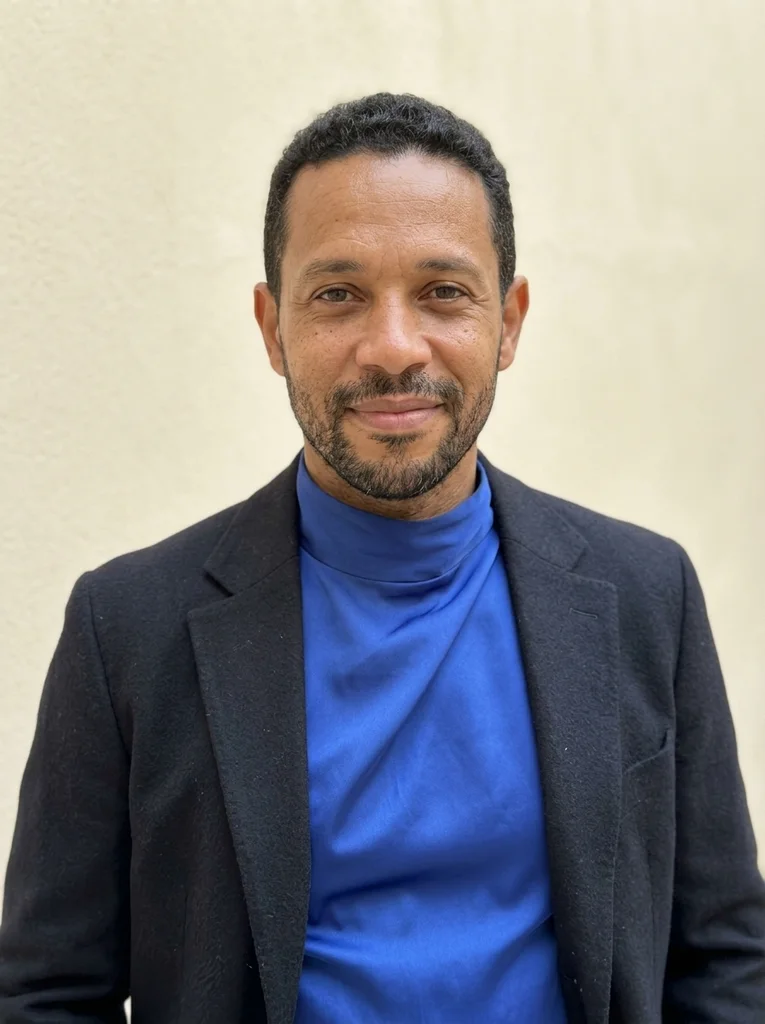
Example result, AI-generated, not a customer photo Silk Close
Refined direct flash reveals cobalt silk and a natural, confident face.
The full prompt is included with a subscription.See plans
- 22
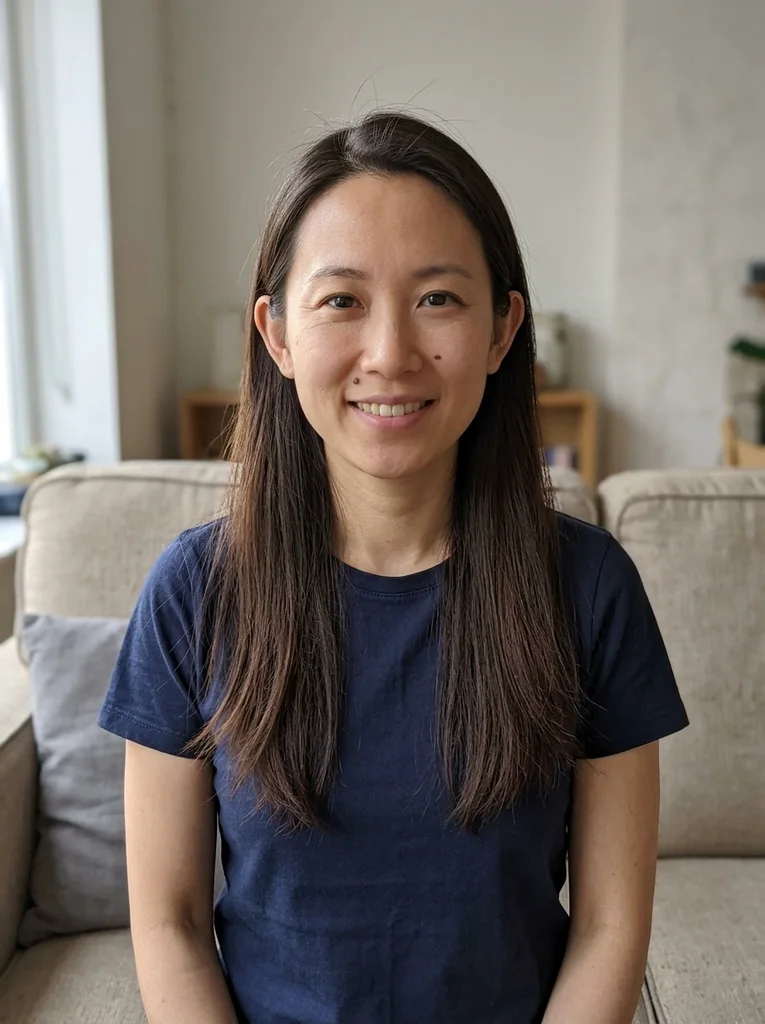
Reference portrait, AI-generated 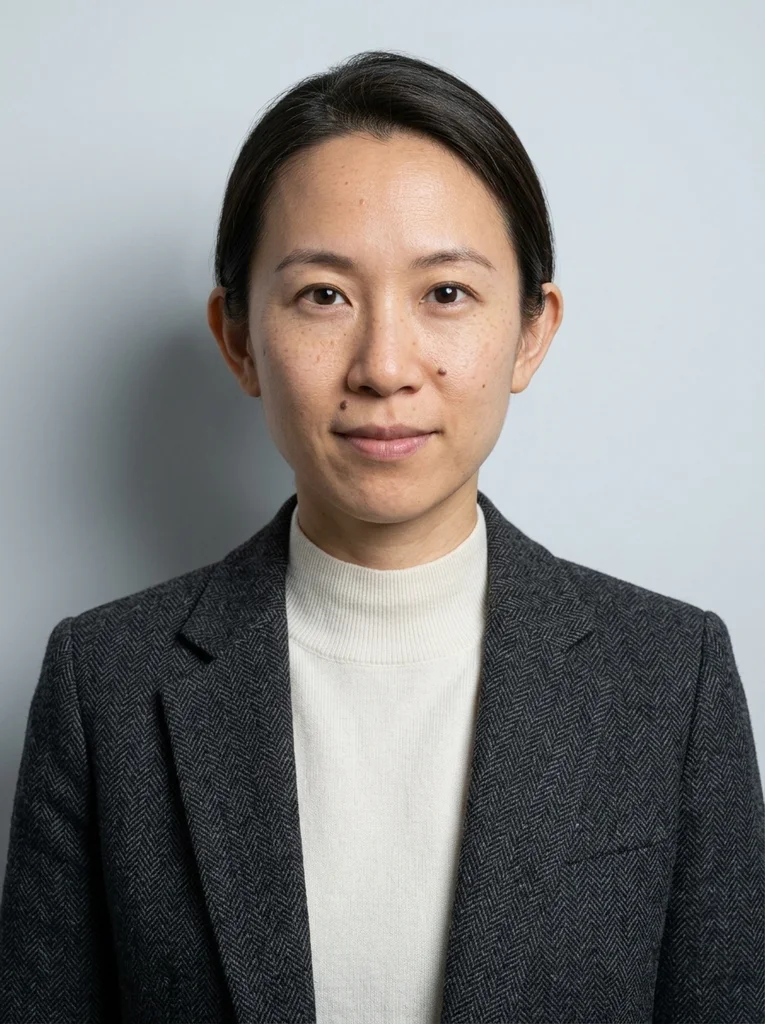
Example result, AI-generated, not a customer photo Wool Detail
An intimate flash portrait shaped by rich charcoal texture.
The full prompt is included with a subscription.See plans
- 23
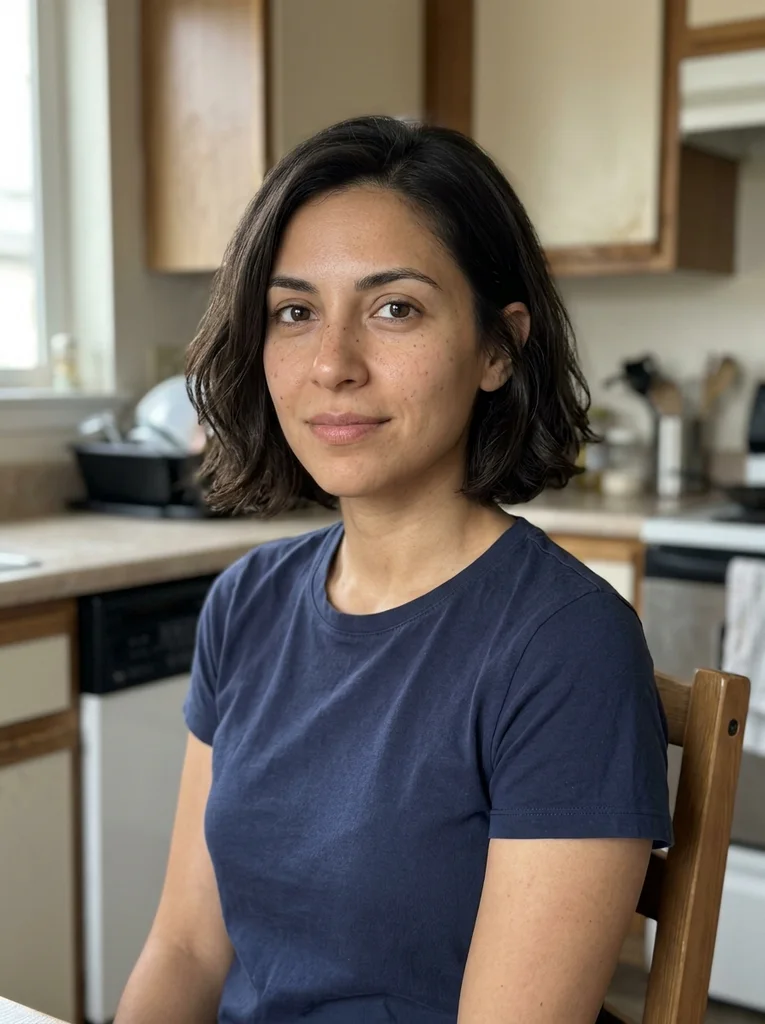
Reference portrait, AI-generated 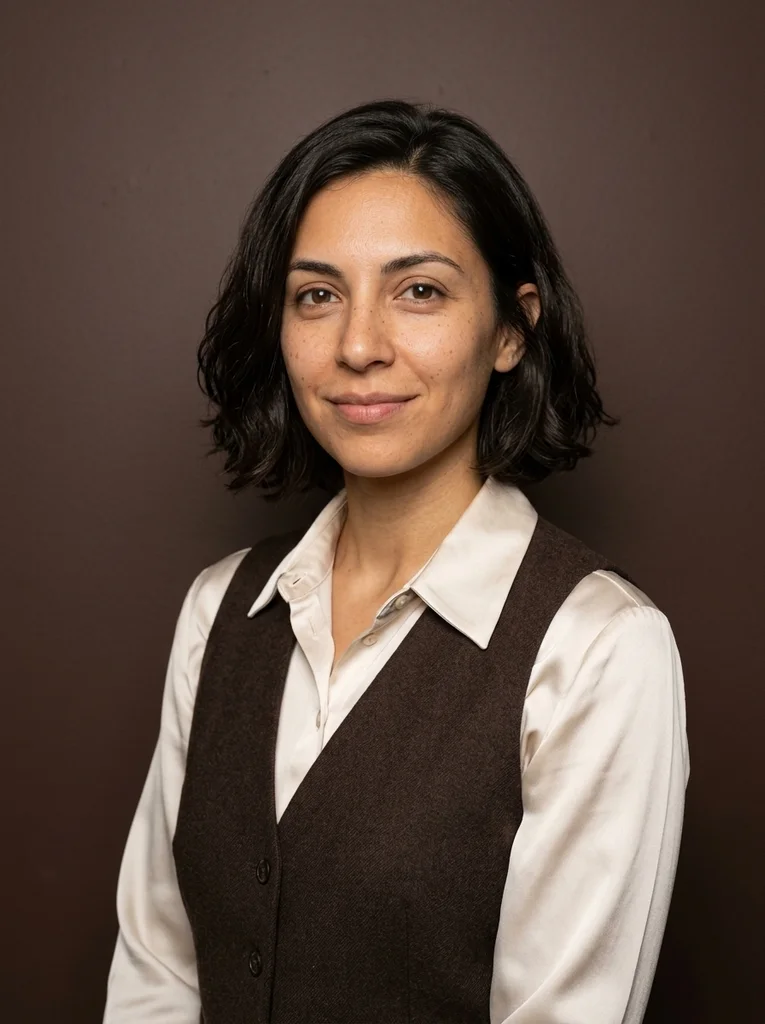
Example result, AI-generated, not a customer photo Pearl Collar
Pearl satin frames a warmly expressive flash portrait.
The full prompt is included with a subscription.See plans
- 24
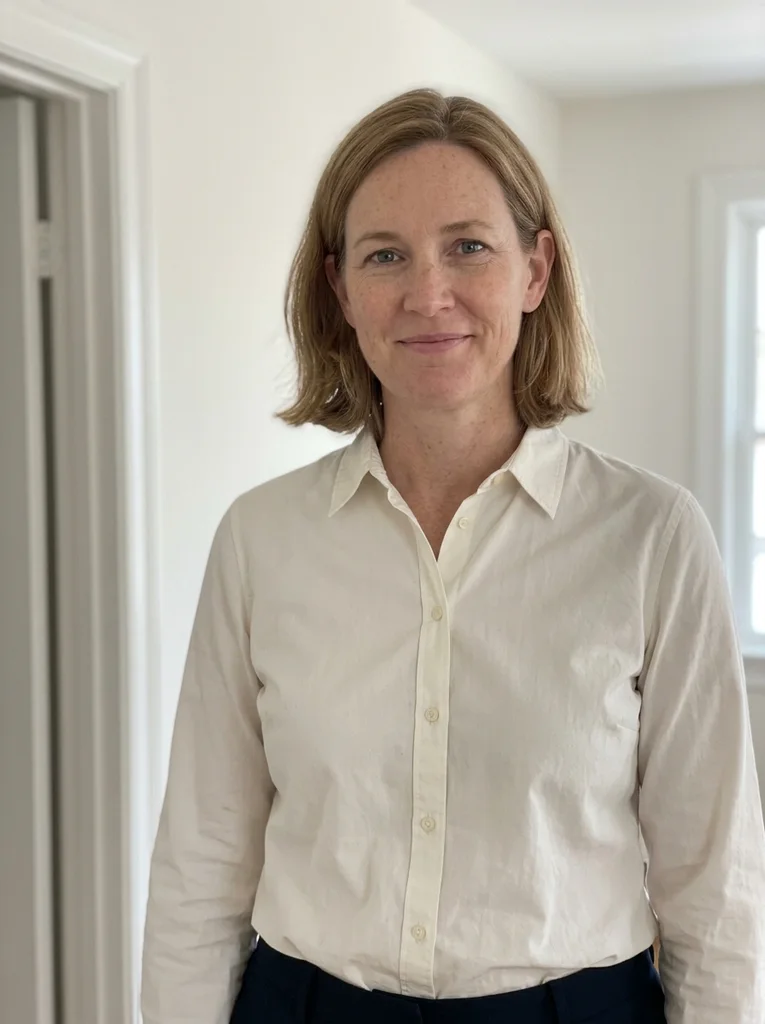
Reference portrait, AI-generated 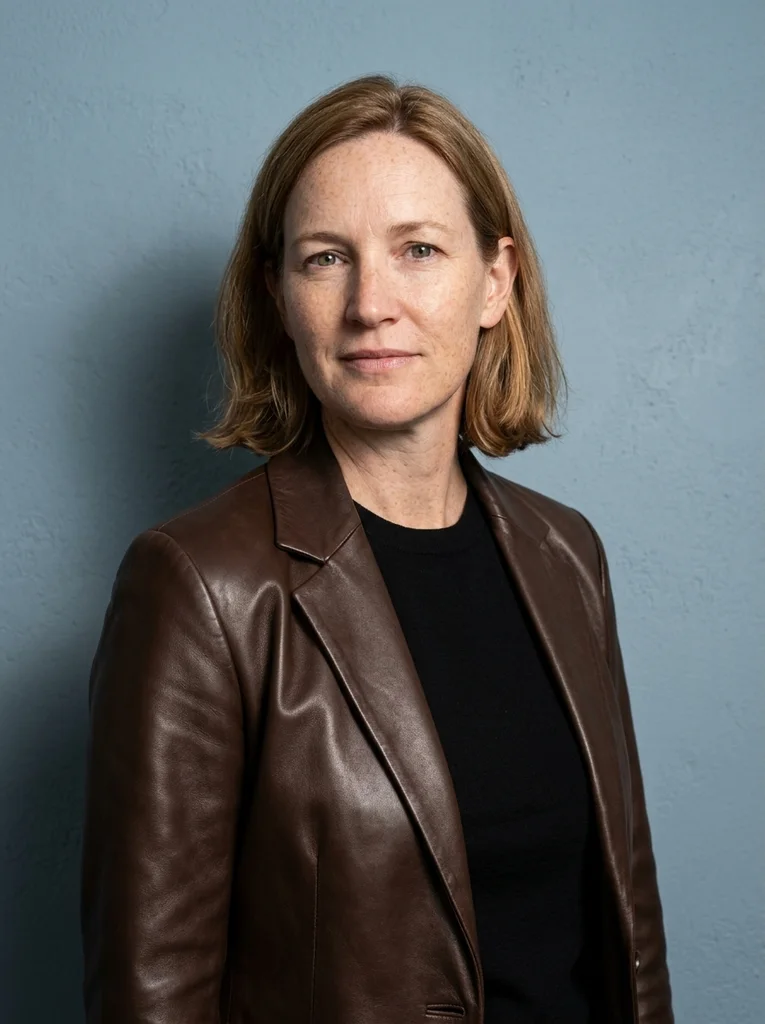
Example result, AI-generated, not a customer photo Leather Light
Soft leather and crisp flash bring presence to a simple portrait.
The full prompt is included with a subscription.See plans
- 25
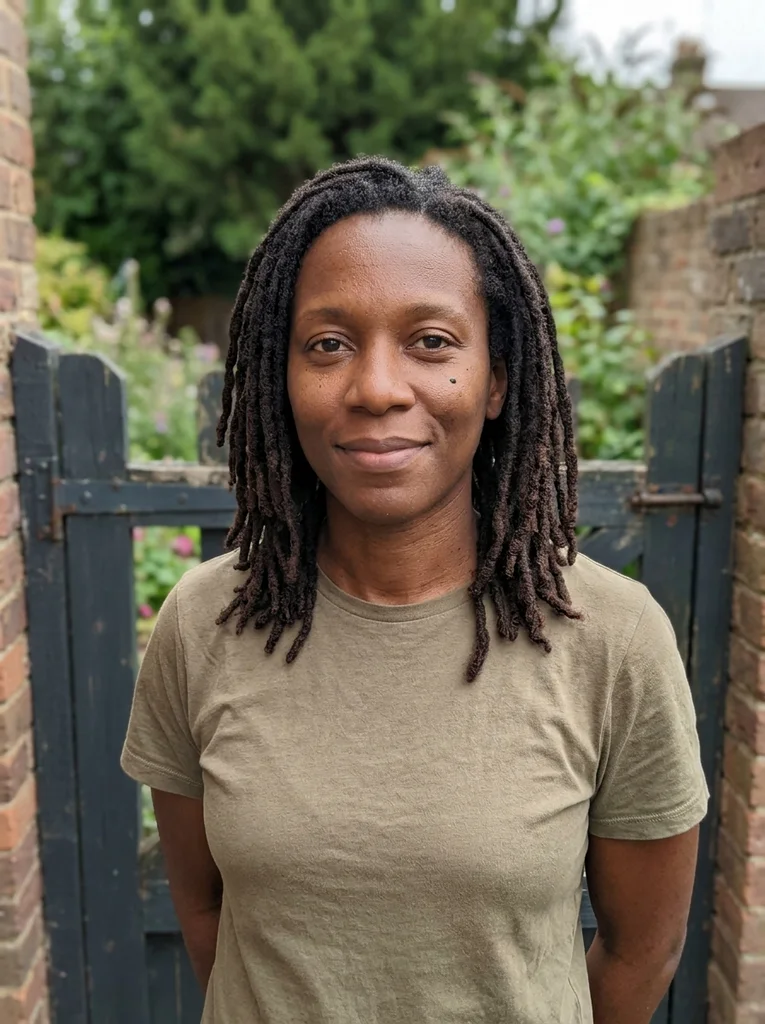
Reference portrait, AI-generated 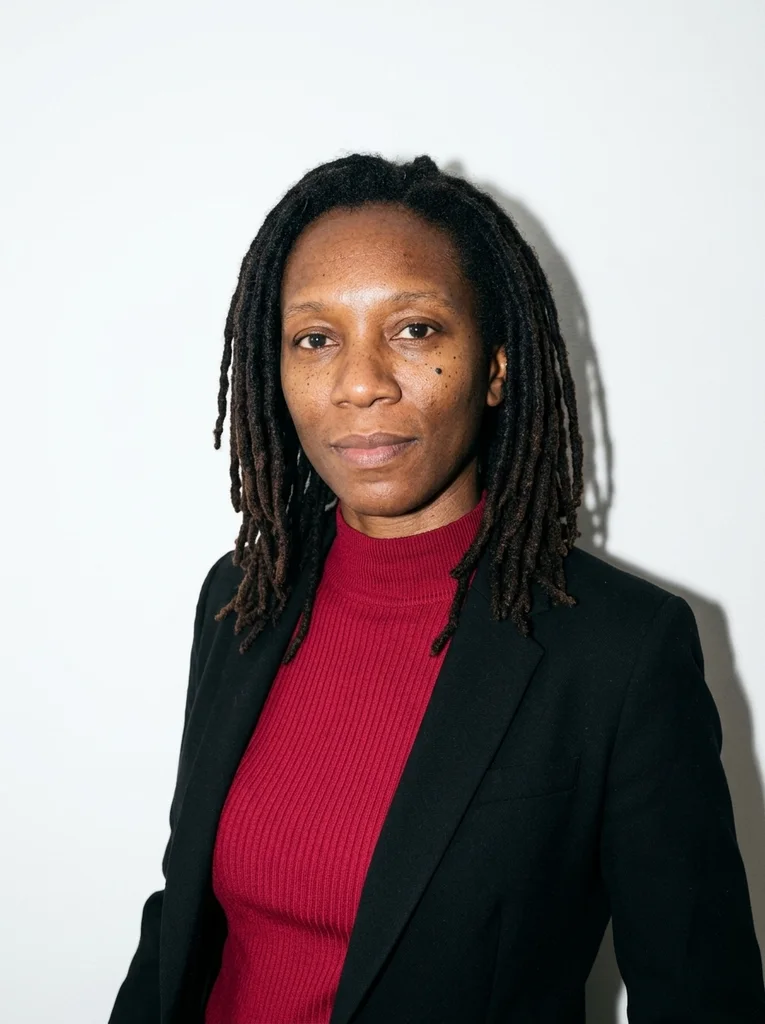
Example result, AI-generated, not a customer photo Crimson Knit
Tactile crimson knitwear in a bright, graphic flash portrait.
The full prompt is included with a subscription.See plans
How to use these prompts.
- 01
Choose a photo with a clear, open face
Pick a photo where both eyes are open and nothing shades your face, such as a hat brim or a fall of hair. Flash shows every feature, so a clear face gives the tool more to match.
- 02
Choose the setting first
Decide between a corridor, a dressing-room seat, a quiet evening interior, a doorway or stairs, or a close-up. The setting decides how much background the flash reaches and how close the shadow sits to you.
- 03
Generate a couple of results and compare
Attach your photo in your AI image tool, paste the entire prompt and generate more than once. How the flash lands on the face varies between results, so keep the one that looks most natural.
- 04
Check shine, shadows and reflections
Look at the forehead and nose for shine, at the wall behind you for a believable shadow, and at glasses or jewelry for stray reflections. Generate again if any of them looks added on.
What defines this look.
Let one flash be the main light
Direct flash lights the front of the face and clothes evenly, then fades quickly with distance. With the wall far behind, the background falls toward dark; a pale wall close behind stays bright.
Choose clothes with texture
Wool, knit, velvet, leather and satin catch flash and show their surface clearly. With very pale, glossy cloth, ask for its texture to stay visible so it does not overexpose.
Decide how close the wall sits
A wall close behind the subject catches a crisp shadow outline. With more space behind, the shadow turns fainter and the background darker. Pick a look, or ask for the distance, that matches the mood you want.
Keep the setting quiet and plain
A corridor, a bench in a dressing room, a plain doorway or a landing gives the flash clean surfaces and keeps attention on one person. Skip crowds, neon and busy party scenes.
Catch a pause rather than a pose
A step onto a landing, a hand on a door frame or a glance just past the lens reads as candid. A fixed grin straight into the lens reads as posed.
Use close-ups for fabric detail
A frame from the chest up makes the collar, lapel or knit the subject. Flash brings out weave and grain, so a herringbone coat or ribbed sweater suits it better than a plain tee.
Common problems and fixes.
Skin looks oily or too shiny
Flash puts highlights on the forehead and nose. Ask for natural skin with visible texture and soft highlights, and leave out glossy, dewy or wet-look wording. A slight head turn can also reduce direct shine.
The background goes almost black
Flash light fades with distance, so a dark wall far behind you disappears. Choose a look with a pale wall or an architectural opening close behind, or ask for a lit wall in a mid tone.
It looks like a nightclub photo
Ask for a quiet, empty interior with a single person in tailored or textured clothes, and say there is no crowd, neon or party lighting. Corridors, dressing rooms and doorways keep the focus on the portrait.
Glasses show a white flash reflection
Ask for a slight head turn, or for clear lenses without glare. If reflections still cover your eyes, choose a look where the face turns a little away from the camera.
FAQ
Common questions.
01What is a flash portrait prompt?
It is text you paste into your AI image tool, with your own photo, to get a portrait that looks lit by one direct flash. A good one makes the flash the only strong light, describes the setting and fabric, and keeps your face unchanged.
02Why does flash leave a shadow behind the subject?
A small flash close to the lens lights the subject head-on and throws the shadow straight back onto the wall. The nearer the wall, the sharper the shadow; more distance makes it fainter and softer.
03Does a flash photo prompt need a source photo taken with flash?
No. The look supplies the flash, so your photo only needs to show your face clearly. Avoid a source with closed eyes, sunglasses or strong shadows across the face, because the tool needs your features to be visible.
04Which fabrics work best in a flash portrait?
Textured fabrics such as wool, knit, leather, velvet and satin work well, because direct flash shows weave and sheen clearly. If you adjust the outfit, choose solid colors; with very pale, glossy cloth, ask for its texture to stay visible so it does not overexpose.
05Is direct flash flattering for portraits?
It can be, with care. Direct flash gives a clear, evenly lit face and crisp detail, but it also flattens depth and shows skin texture and shine. A slight head turn and natural skin wording keep the result believable.
06What is in the Direct Flash collection?
It covers hallways and corridors, short stops on a dressing-room seat, and sparse evening rooms. It also includes pauses in doorways and on stairs, plus tight close-ups that show fabric texture.
Keep exploring.
A little inspiration.
On the house.
10 free photo prompts, with examples and instructions. A small edit for your next photo, ready for your own image tool.
No account or payment needed.
Get the library
Your next look
starts here.
$5.99 / month
New looks and refined prompts, added regularly.
Included while your subscription is active.
- 500+ ready-to-copy photo prompts
- 20 curated collections with before-and-after examples
- New looks & ongoing prompt improvements
- Save favorites & revisit your looks
Renews monthly at $5.99.
Cancel renewal anytime. Image-tool fees separate.