
Sunlit Hour collection
Golden hour portrait prompts: Sunlit Hour
Golden hour portrait prompts depend on real sunlight: low, warm and coming from one side. When the light is right, skin keeps its natural color. This page shows the Sunlit Hour collection: relaxed afternoon portraits in restrained color, set against sun-warmed walls, gardens and steps. Each example is shown beside the reference portrait it began as. Browse the settings, then try one on a clear photo of yourself in your AI image tool.
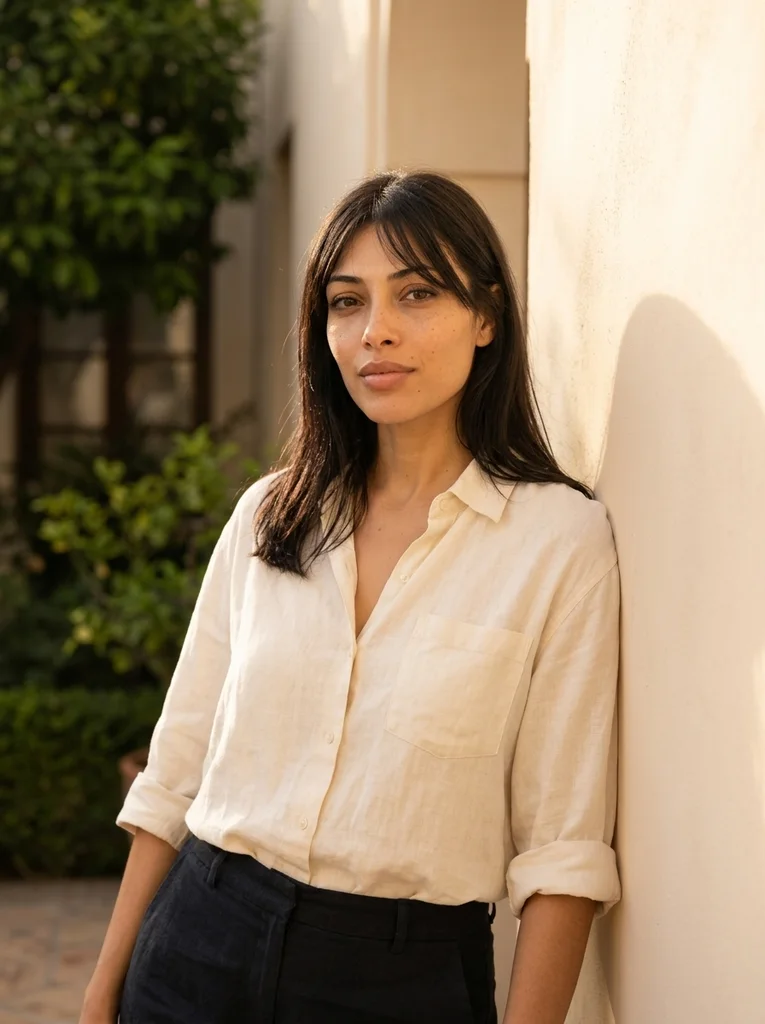
Examples with reference portraits.
Every example in this section is an AI-generated illustration of a fictional adult, including the reference portraits. They are not customer photos and they do not promise the same result in your tool. The examples were made with Nano Banana 2, a Google Gemini image model.
- 01

Reference portrait, AI-generated Example result, AI-generated, not a customer photo Courtyard Light
A late-afternoon portrait beside warm plaster, with restrained sun and natural color.
Free prompt
Use the uploaded reference photograph to create one photorealistic editorial portrait of the same adult. The source may be an ordinary imperfect everyday selfie: use it for identity, not as a studio template. Give the result a subtly more attractive, magazine-quality finish through tasteful, identity-preserving portrait retouching, flattering exposure, and a natural pose and expression. Gently reduce temporary blemishes and reddish blotches, soften under-eye shadows and harsh lighting, lightly even skin tone, and tidy distracting flyaway hairs. Retain realistic pores and skin detail, recognizable facial geometry and natural asymmetry, the natural skin tone, freckles, moles and other permanent identity marks, the apparent adult age, body shape and proportions, and natural hair texture and hairline. Do not erase permanent expression lines or other identifying features. No waxy or plastic skin, excessive smoothing, replacement with a new face, face or body reshaping, age reset, or skin whitening. Apply this restrained retouching within the following setting, outfit, pose and lighting direction. Place me beside a warm, pale plaster wall in a small courtyard during late afternoon. Dress me in a loose cream linen shirt with sleeves casually rolled and plain dark trousers. Have me lean lightly against the wall with shoulders relaxed and look just beside the camera; keep the expression natural. Let low sunlight arrive from one side, with light reflected from the wall softly opening the shadow side of my face. Keep exposed skin close to its natural color, without an orange wash or artificial flare. Include subtle linen creases and a small patch of greenery well behind me. Frame a relaxed waist-up portrait with air above my hair. Produce one vertical 3:4 photograph, with the entire head and hair inside the frame and visible space above them. Keep any shown hands complete and anatomically plausible. The subject is a fully clothed adult; fit the described clothes naturally to the same body. Use realistic photographic depth, natural fabric construction and restrained color. No additional people, duplicated features, in-image text, brand logos, watermarks, borders or collages. No illustration or CGI appearance.Scroll to read the whole prompt, or copy it with the button.
- 02

Reference portrait, AI-generated 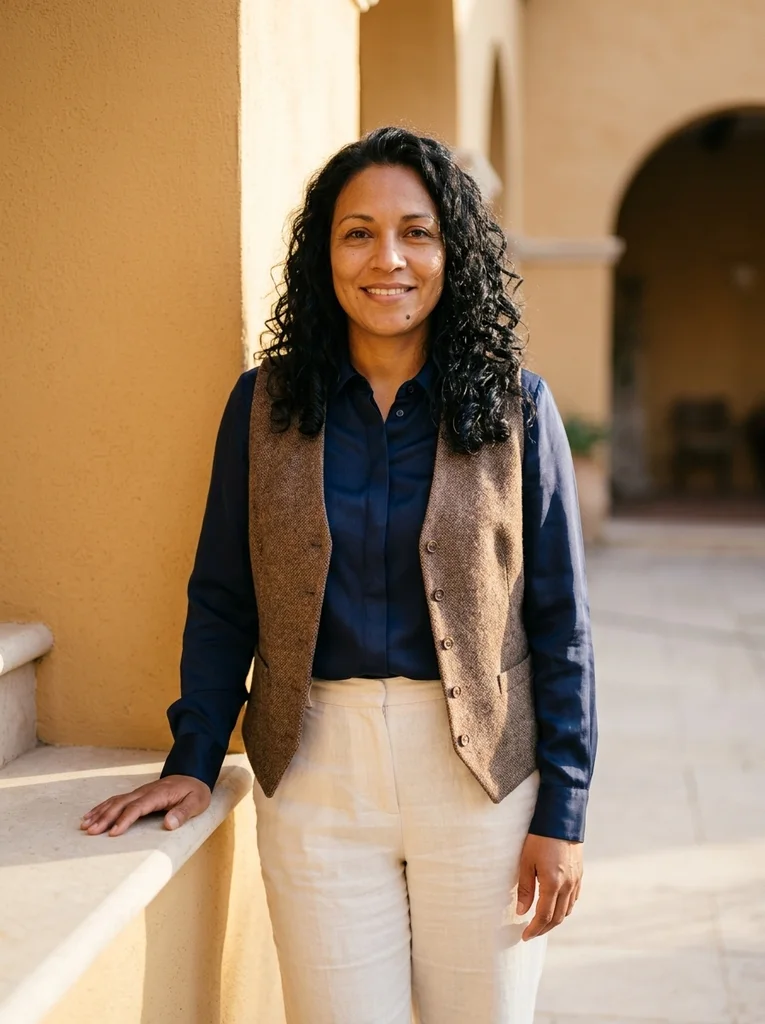
Example result, AI-generated, not a customer photo Ochre and Navy
Deep navy silk against a sunlit ochre wall.
The full prompt is included with a subscription.See plans
- 03

Reference portrait, AI-generated 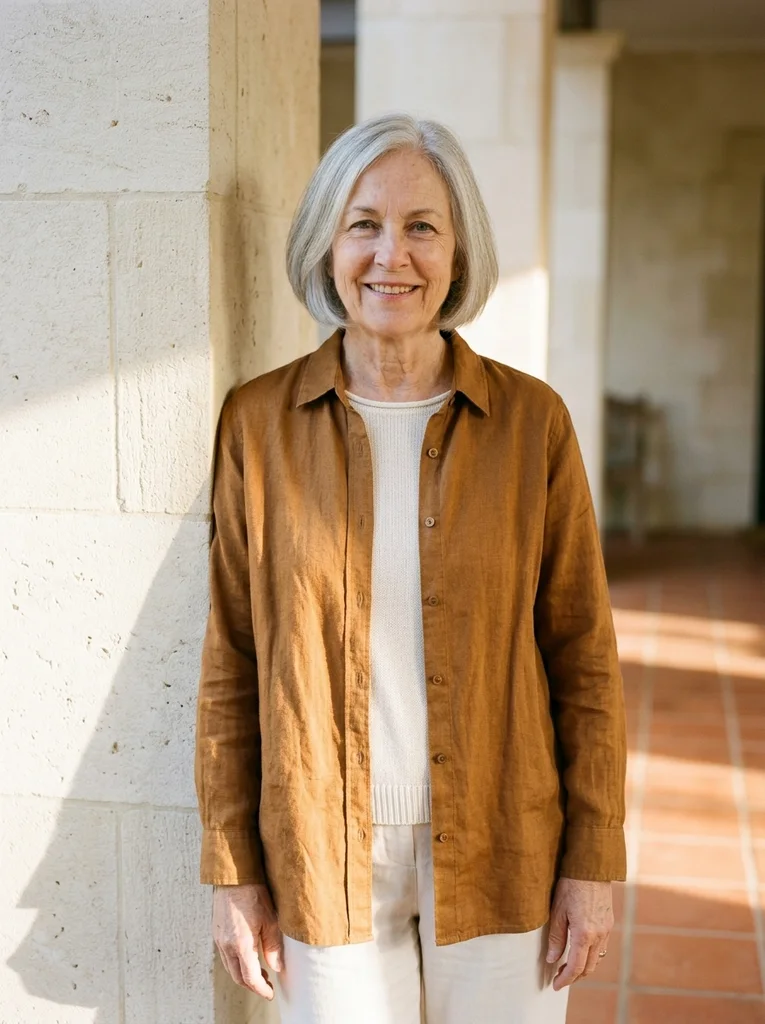
Example result, AI-generated, not a customer photo Limestone Afternoon
A refined summer portrait with warm limestone and tobacco linen.
The full prompt is included with a subscription.See plans
- 04
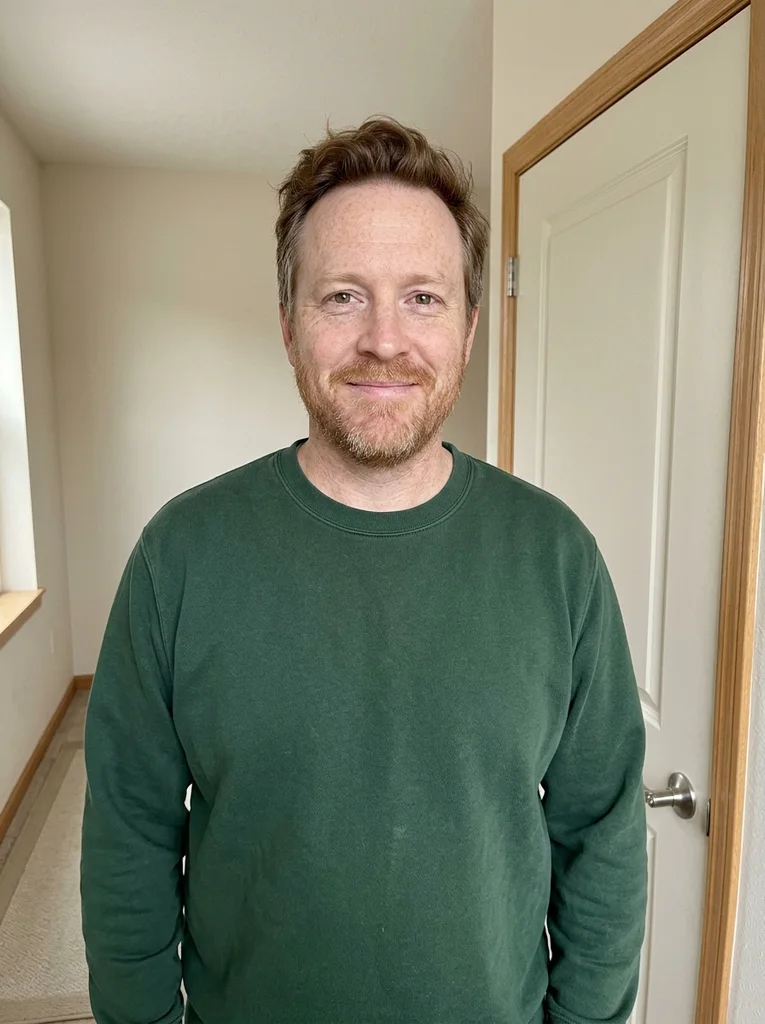
Reference portrait, AI-generated 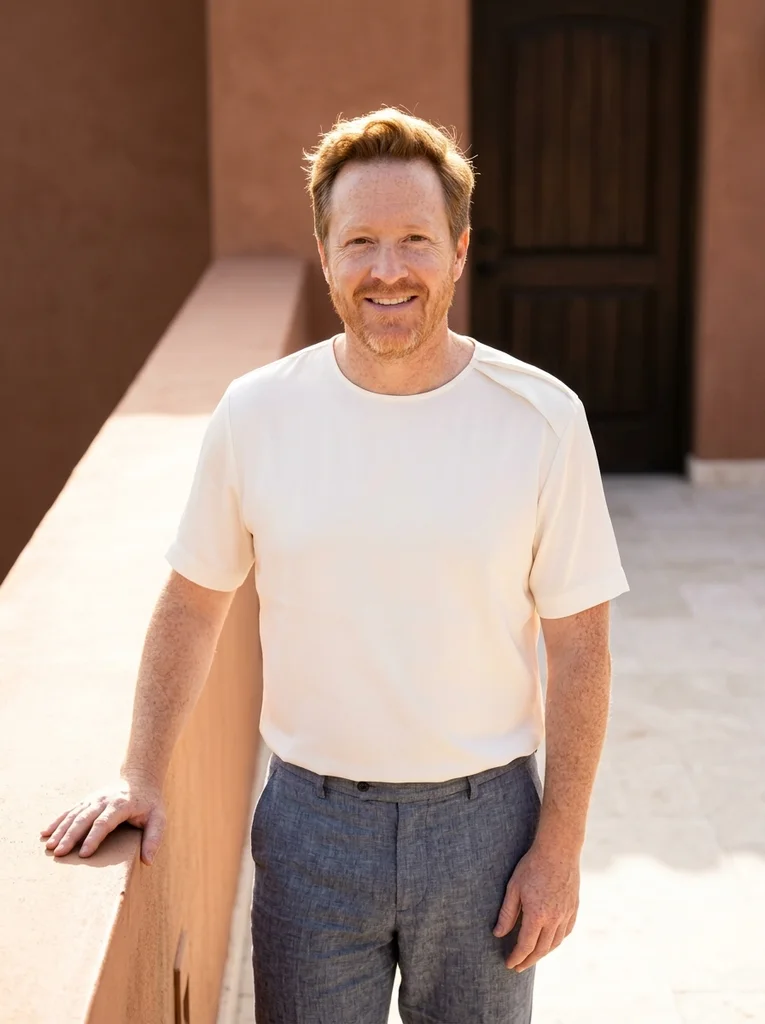
Example result, AI-generated, not a customer photo Terrace Fold
Soft ivory folds and a dark courtyard wall in clear sunshine.
The full prompt is included with a subscription.See plans
- 05

Reference portrait, AI-generated 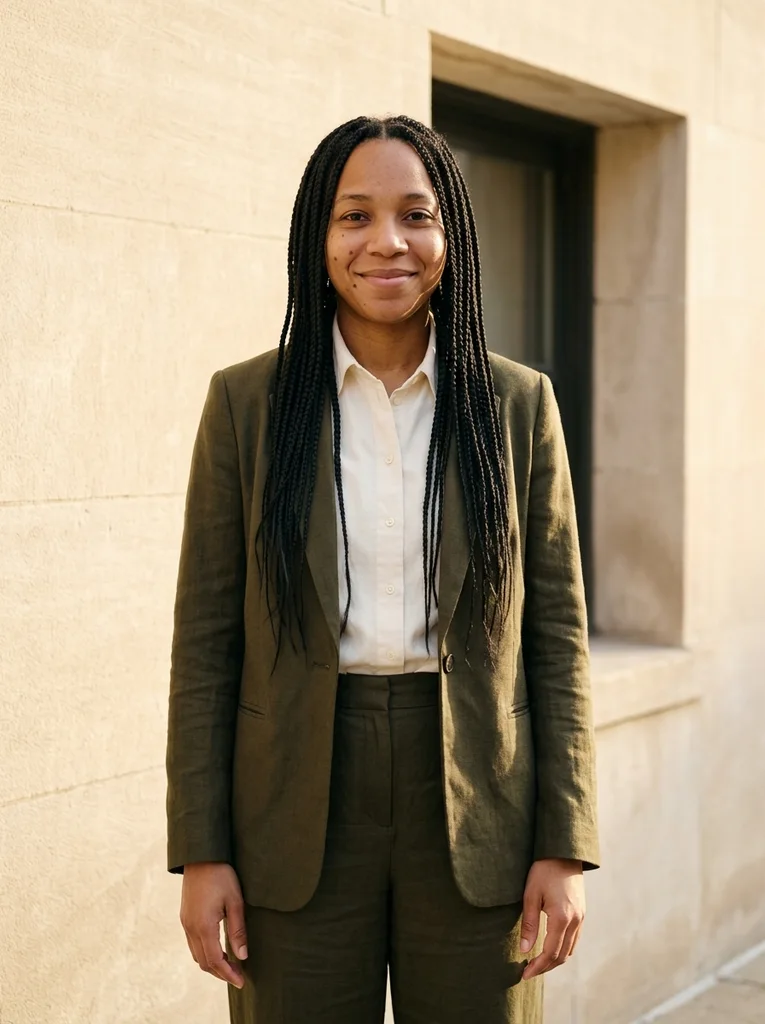
Example result, AI-generated, not a customer photo Olive Wall
Rich olive tailoring in a warm, graphic courtyard portrait.
The full prompt is included with a subscription.See plans
- 06

Reference portrait, AI-generated 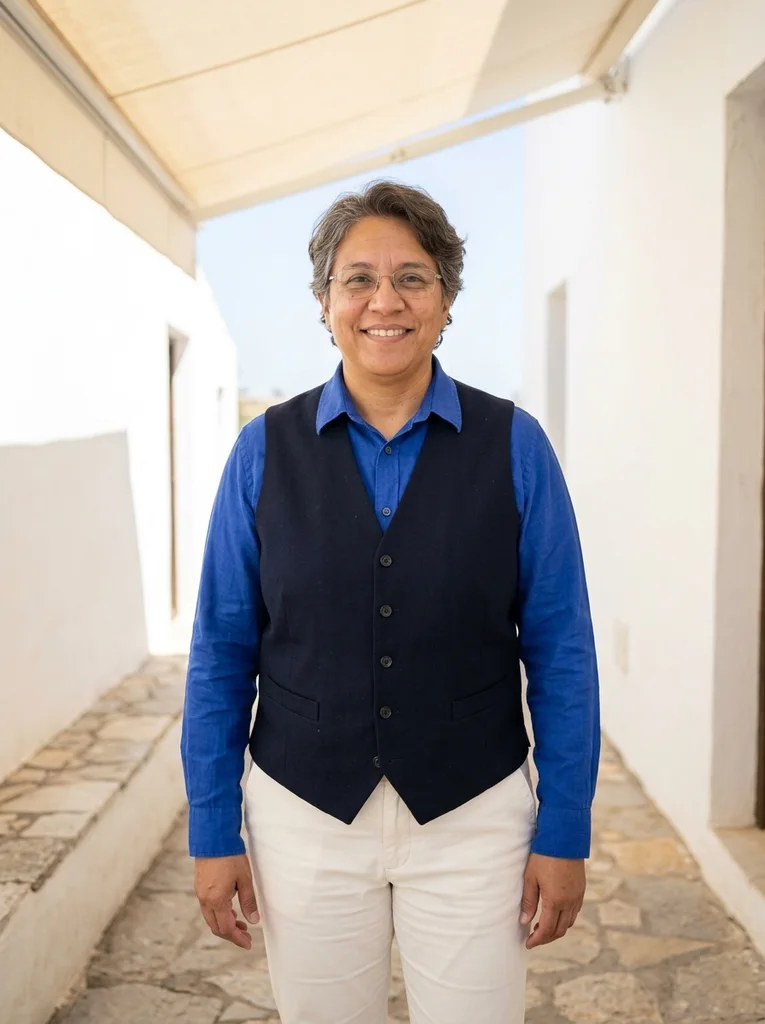
Example result, AI-generated, not a customer photo Shade Line
A bright summer portrait at the gentle edge of shade.
The full prompt is included with a subscription.See plans
- 07

Reference portrait, AI-generated 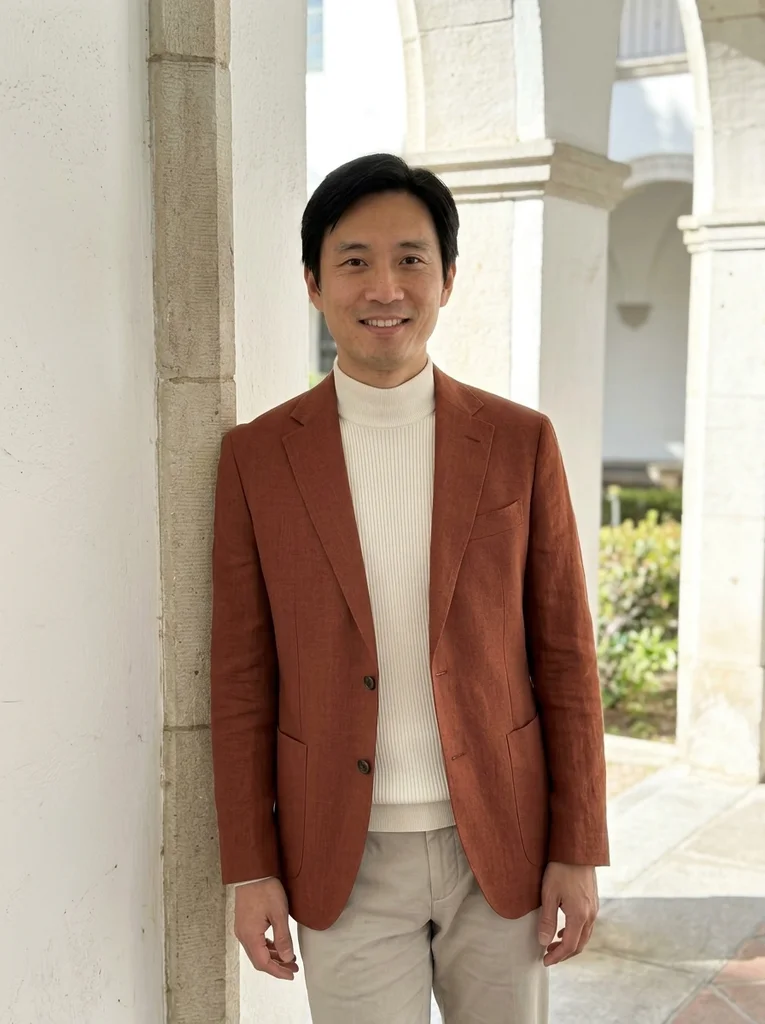
Example result, AI-generated, not a customer photo White Arcade
Fine rust linen and luminous reflected sunlight in an arcade.
The full prompt is included with a subscription.See plans
- 08

Reference portrait, AI-generated 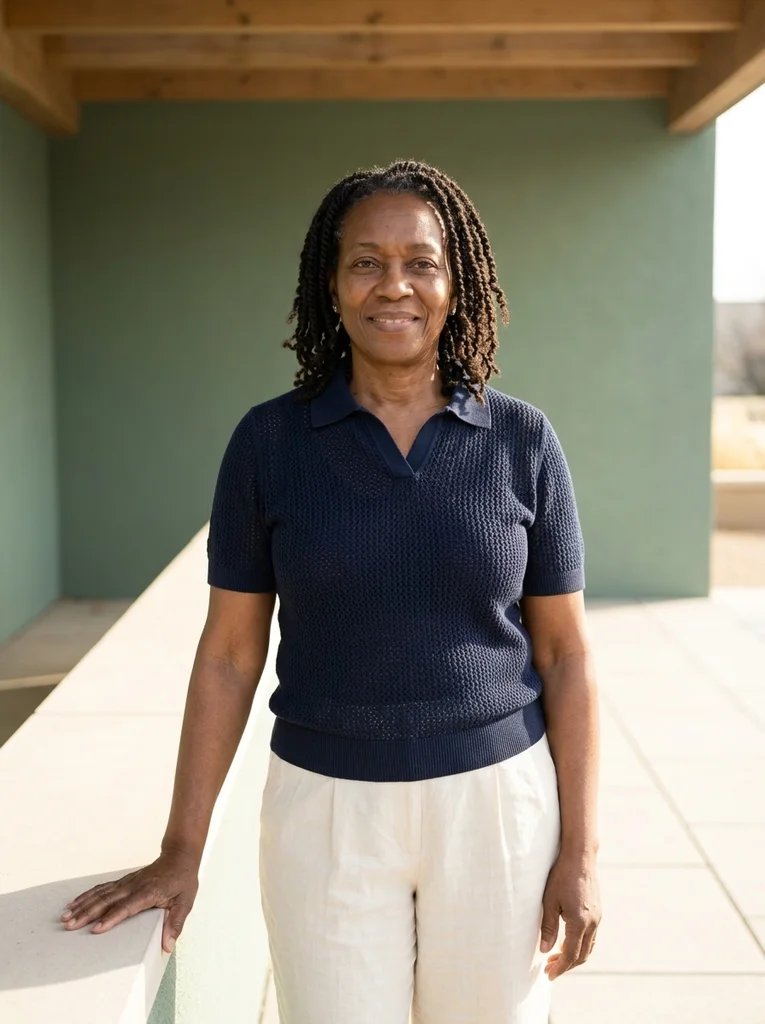
Example result, AI-generated, not a customer photo Canopy Glow
Warm reflected sunlight and navy knit in a clean shaded setting.
The full prompt is included with a subscription.See plans
- 09
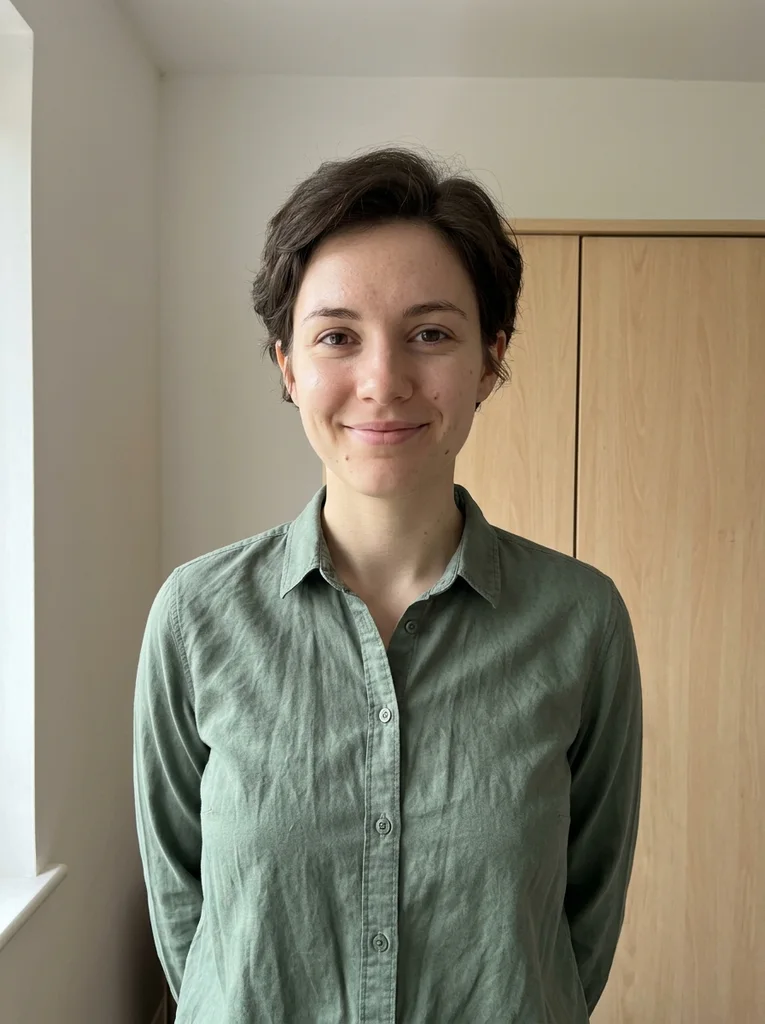
Reference portrait, AI-generated 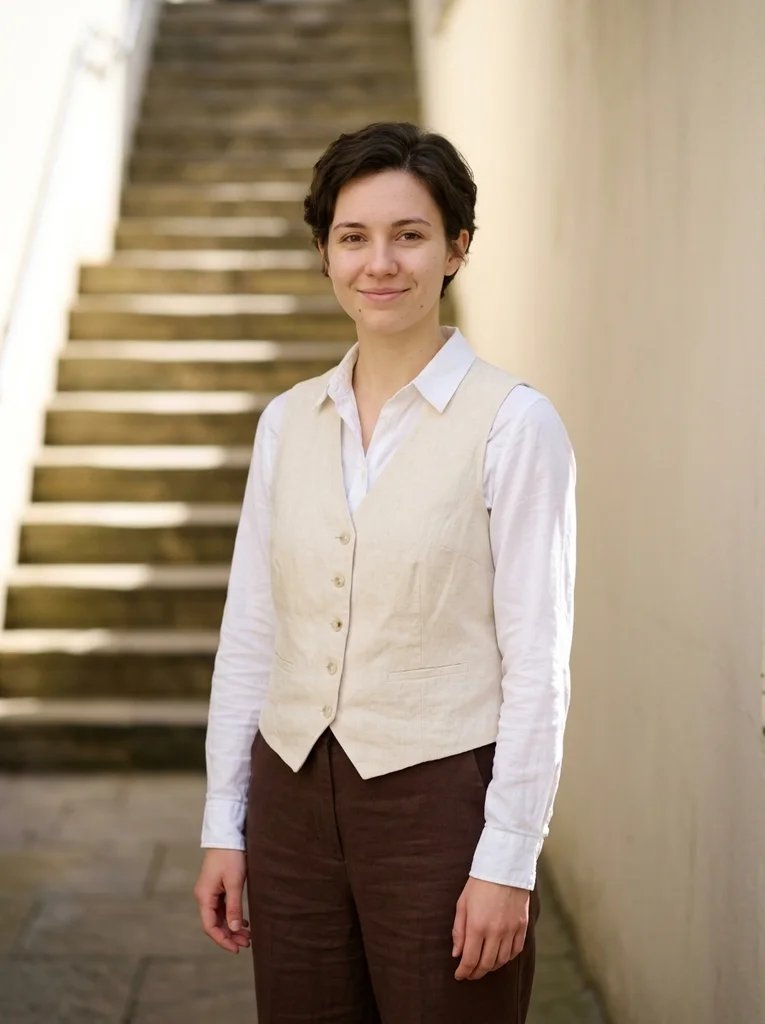
Example result, AI-generated, not a customer photo Courtyard Shade
A polished linen portrait with calm shadows and bright summer architecture.
The full prompt is included with a subscription.See plans
- 10
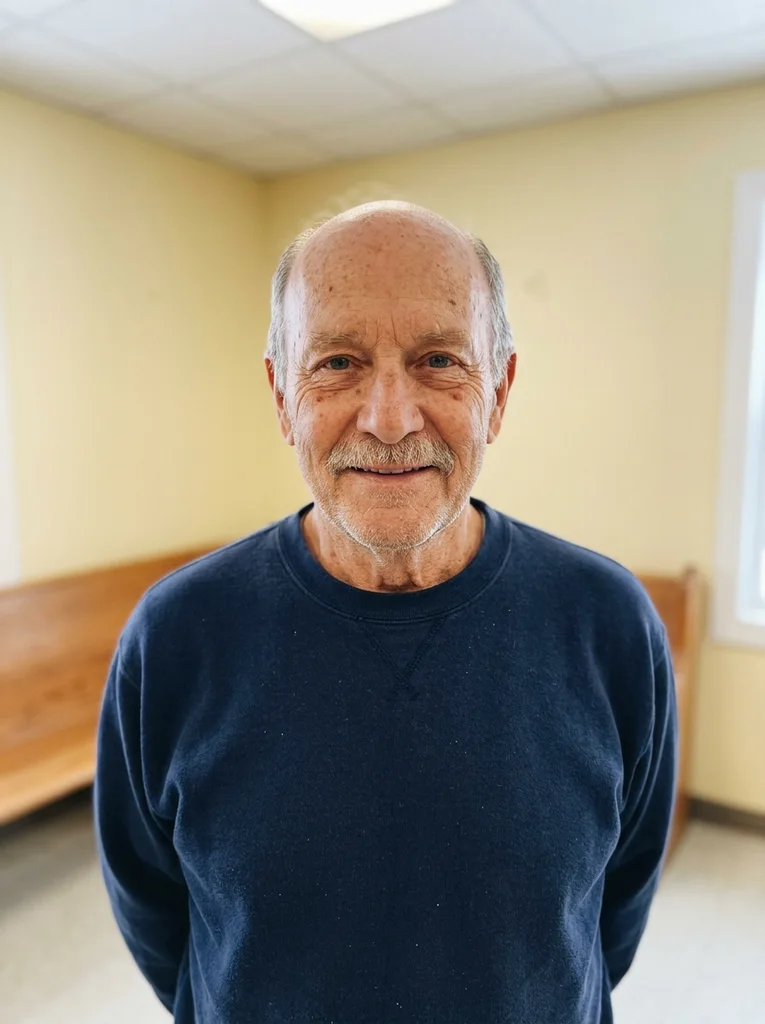
Reference portrait, AI-generated 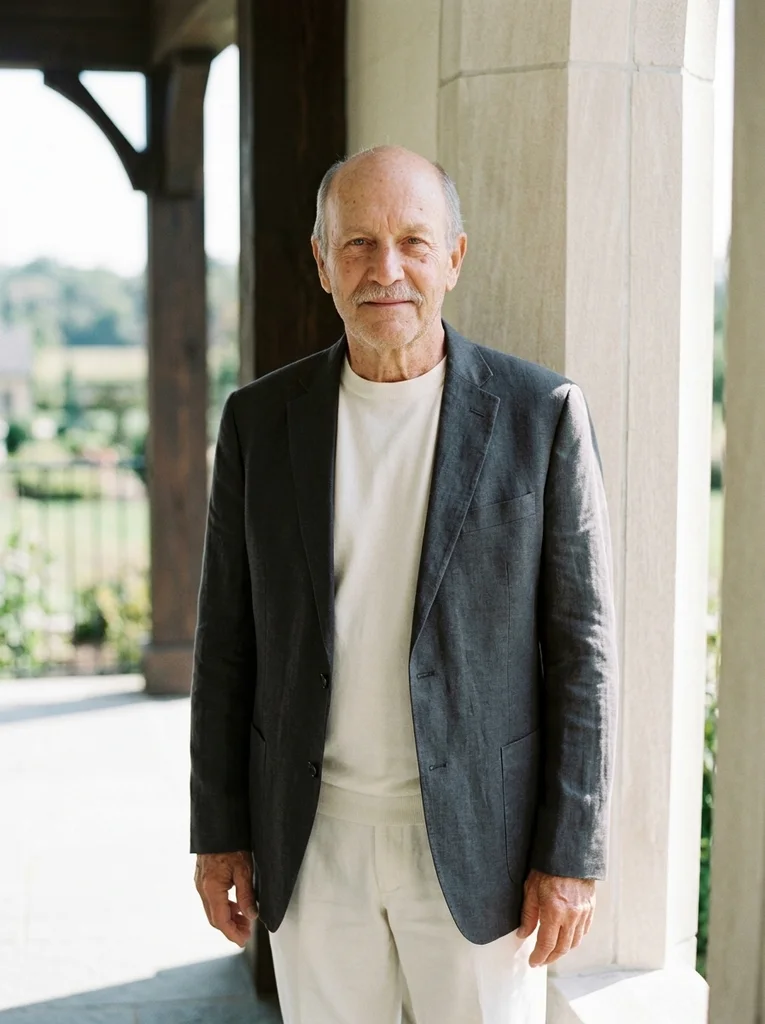
Example result, AI-generated, not a customer photo Sun Edge
Tactile charcoal linen at the boundary of luminous summer shade.
The full prompt is included with a subscription.See plans
- 11

Reference portrait, AI-generated 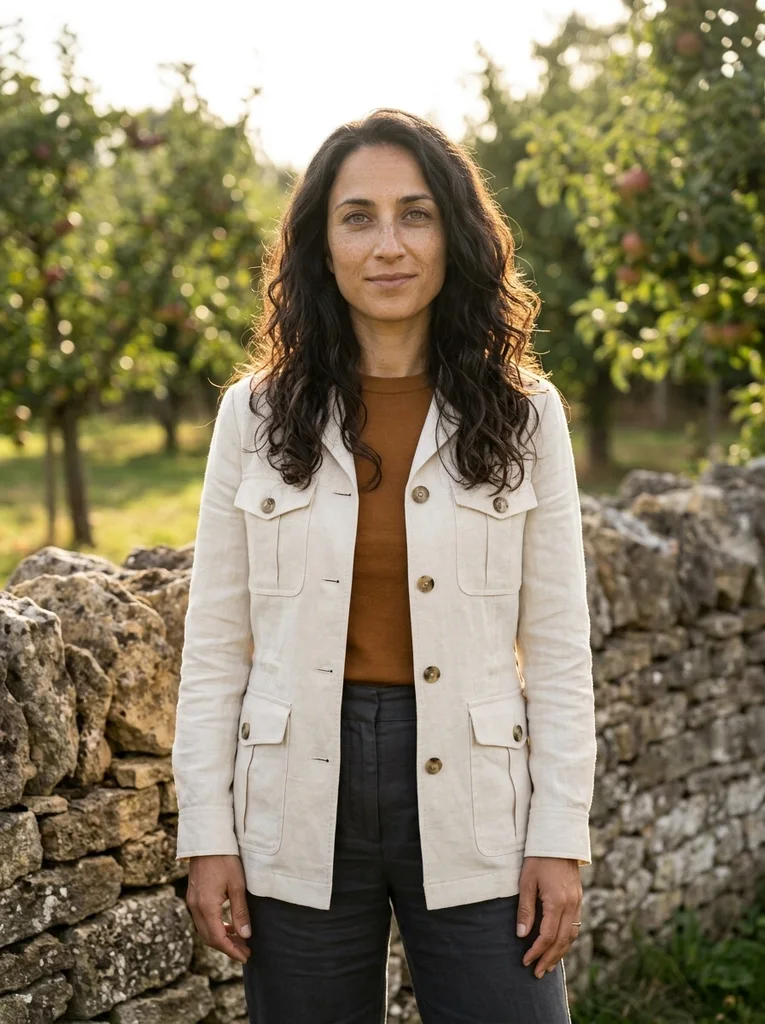
Example result, AI-generated, not a customer photo Orchard Linen
A confident garden portrait with cream linen and late sun.
The full prompt is included with a subscription.See plans
- 12
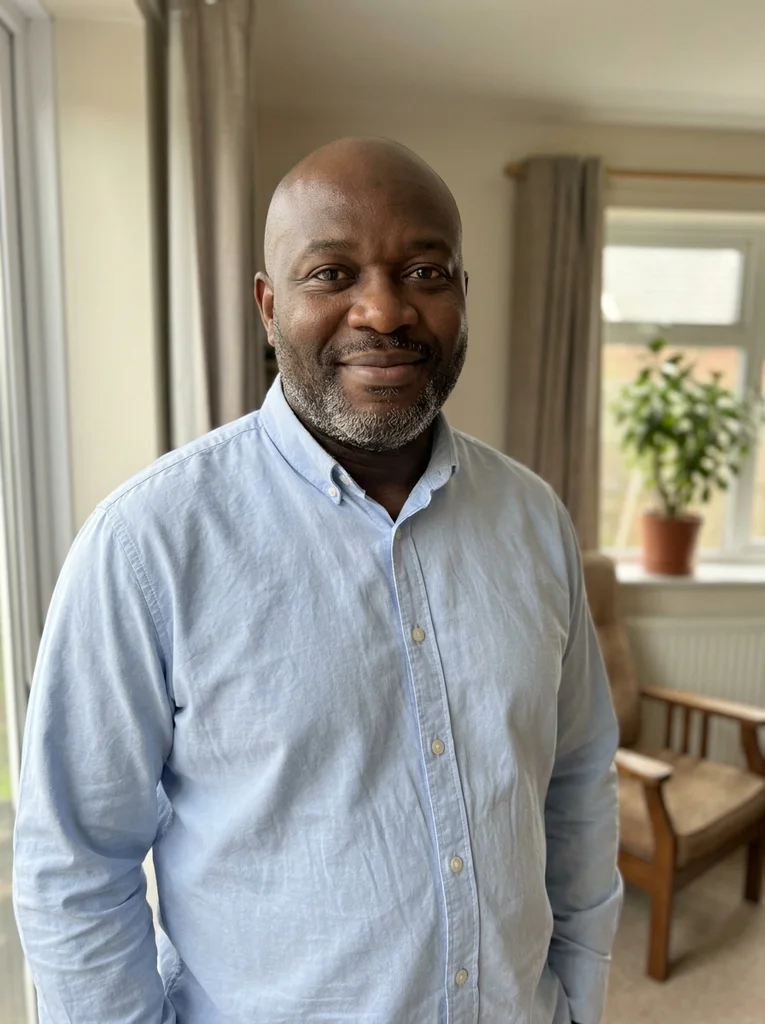
Reference portrait, AI-generated 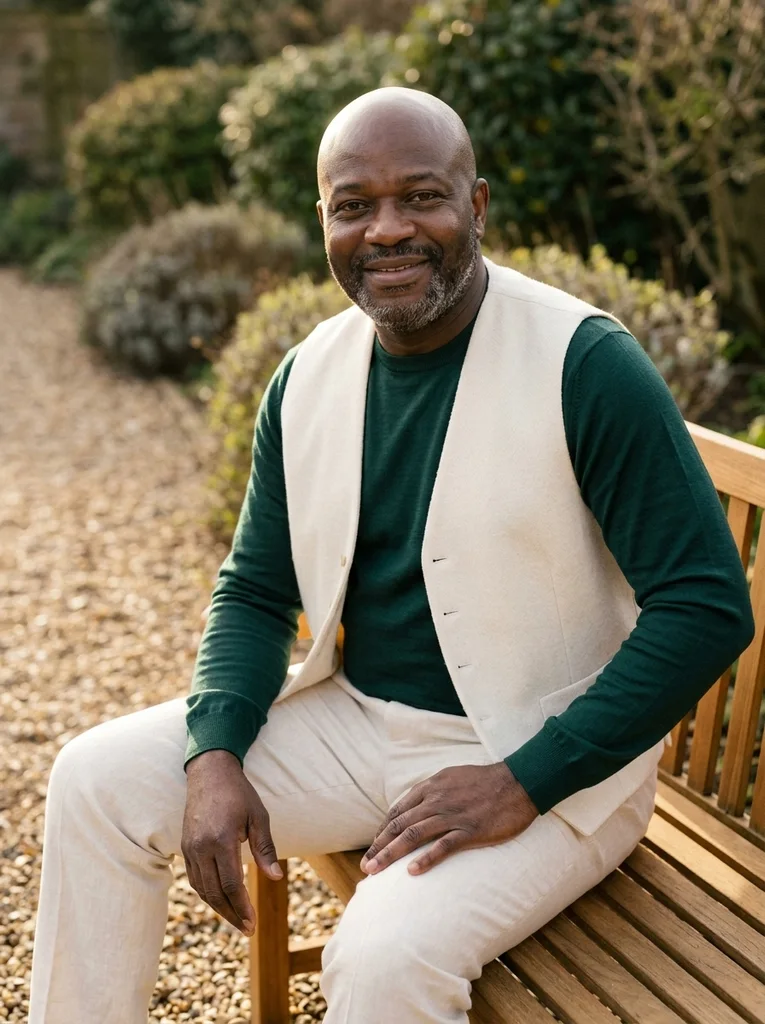
Example result, AI-generated, not a customer photo Garden Seat
Warm sunlight and sculptural timber seating for an easy summer editorial.
The full prompt is included with a subscription.See plans
- 13
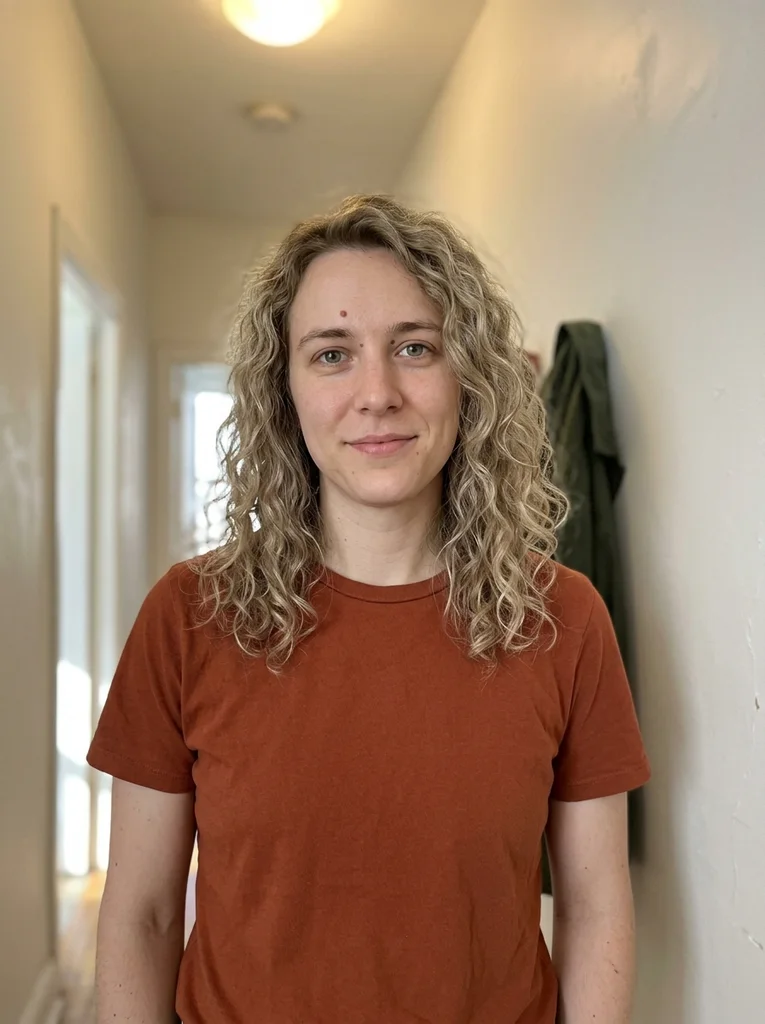
Reference portrait, AI-generated 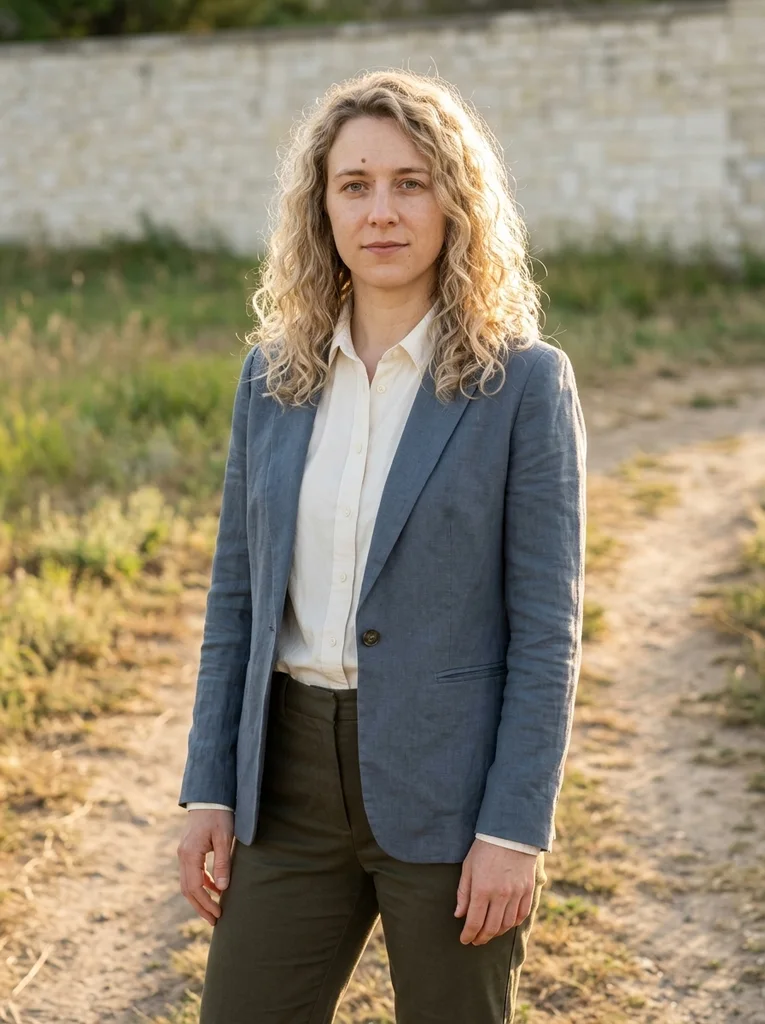
Example result, AI-generated, not a customer photo Meadow Tailoring
A polished linen silhouette at the sunlit edge of a meadow.
The full prompt is included with a subscription.See plans
- 14

Reference portrait, AI-generated 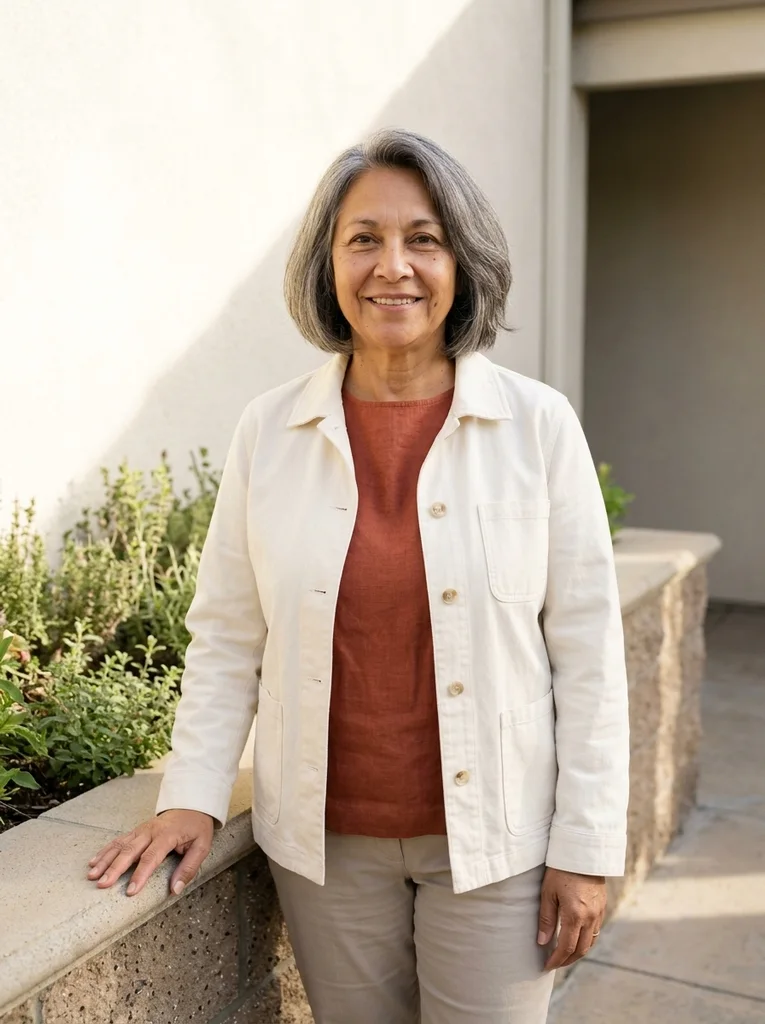
Example result, AI-generated, not a customer photo Herb Courtyard
Terracotta linen and soft greenery in a composed sunny portrait.
The full prompt is included with a subscription.See plans
- 15

Reference portrait, AI-generated 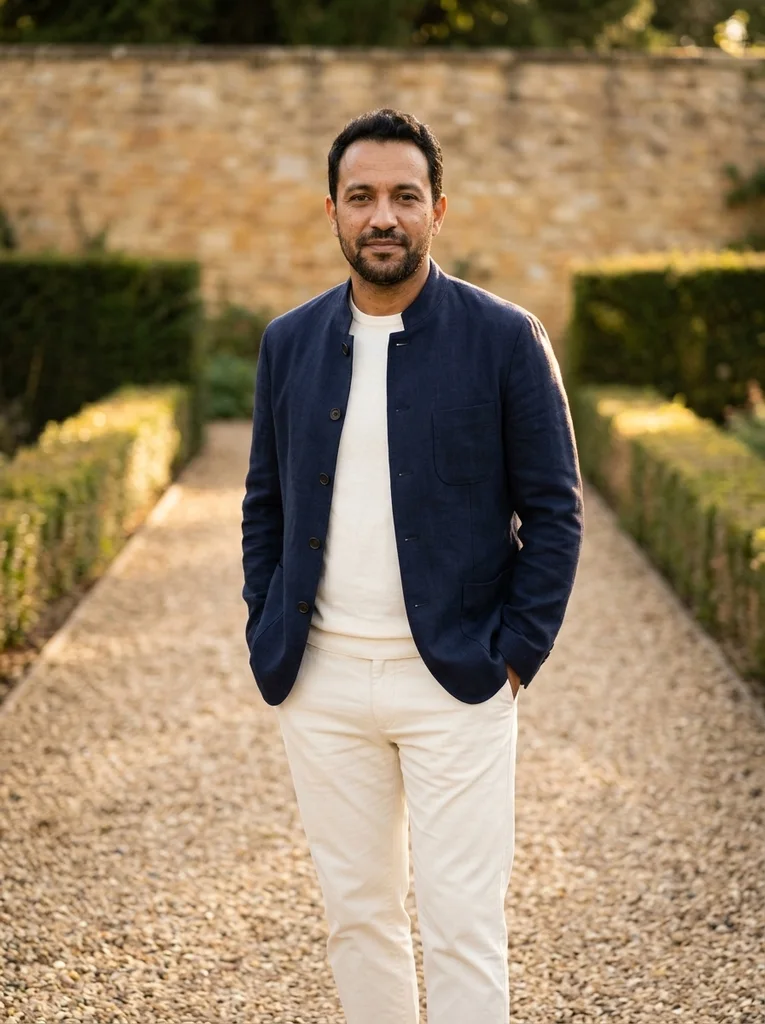
Example result, AI-generated, not a customer photo Green Path
Precise navy summer layers against a softly lit garden edge.
The full prompt is included with a subscription.See plans
- 16
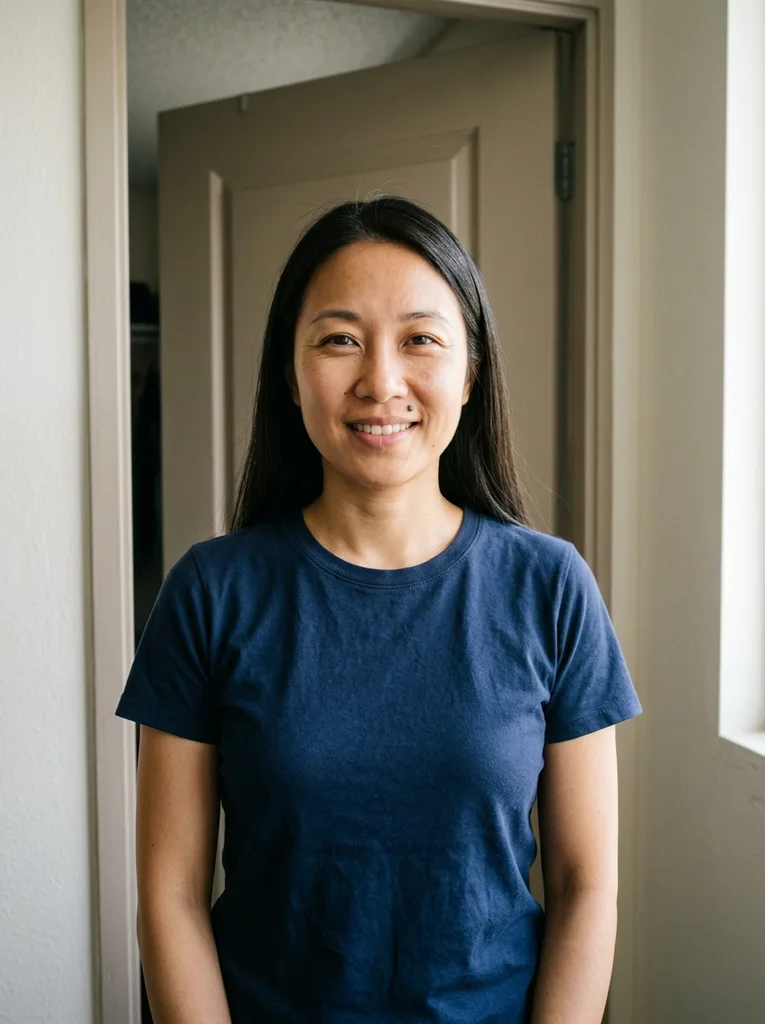
Reference portrait, AI-generated 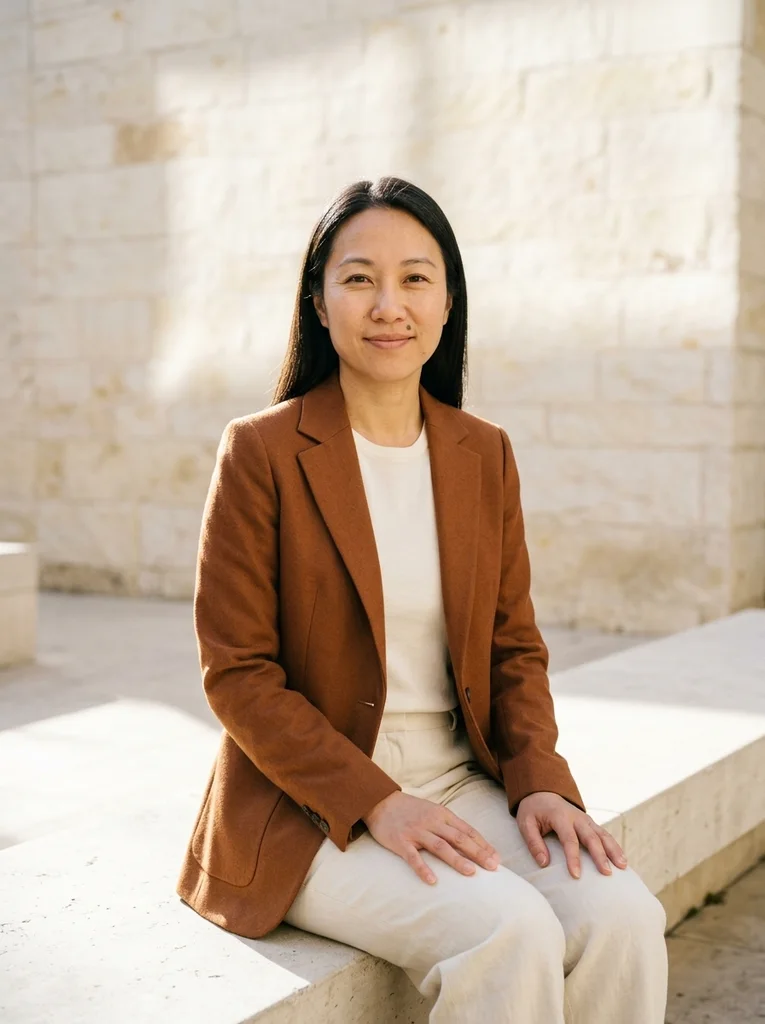
Example result, AI-generated, not a customer photo Low Stone Seat
Warm stone, cinnamon wool and a luminous seated portrait.
The full prompt is included with a subscription.See plans
- 17

Reference portrait, AI-generated 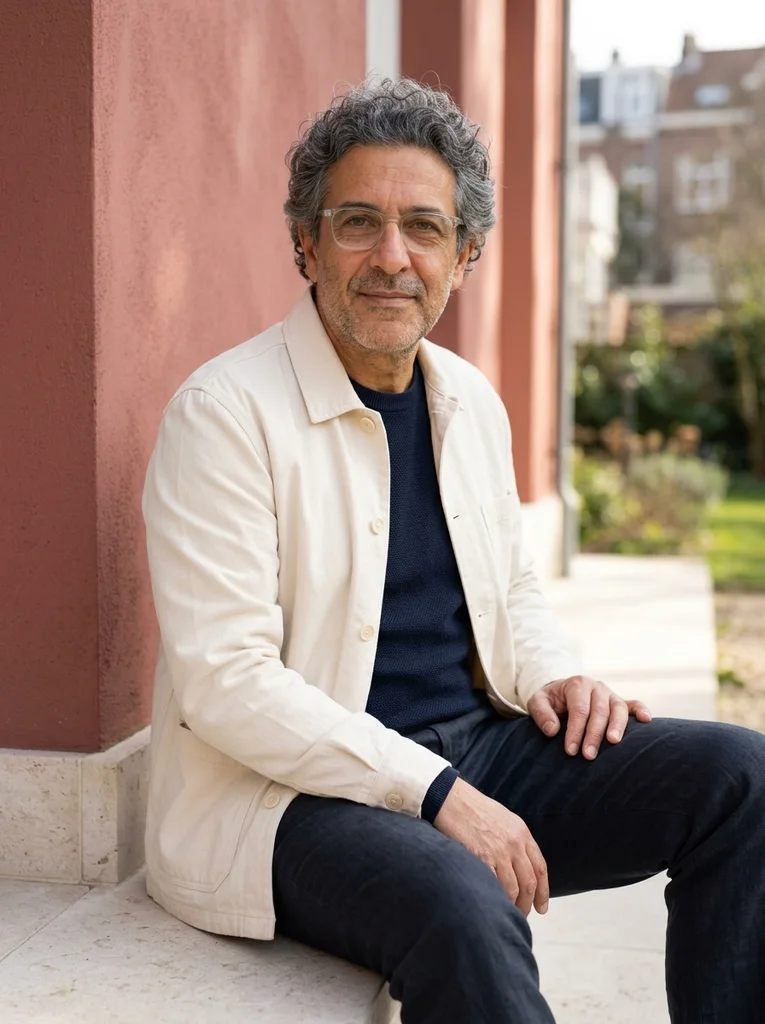
Example result, AI-generated, not a customer photo Terrace Steps
Cream cotton and dark linen on broad sunlit steps.
The full prompt is included with a subscription.See plans
- 18
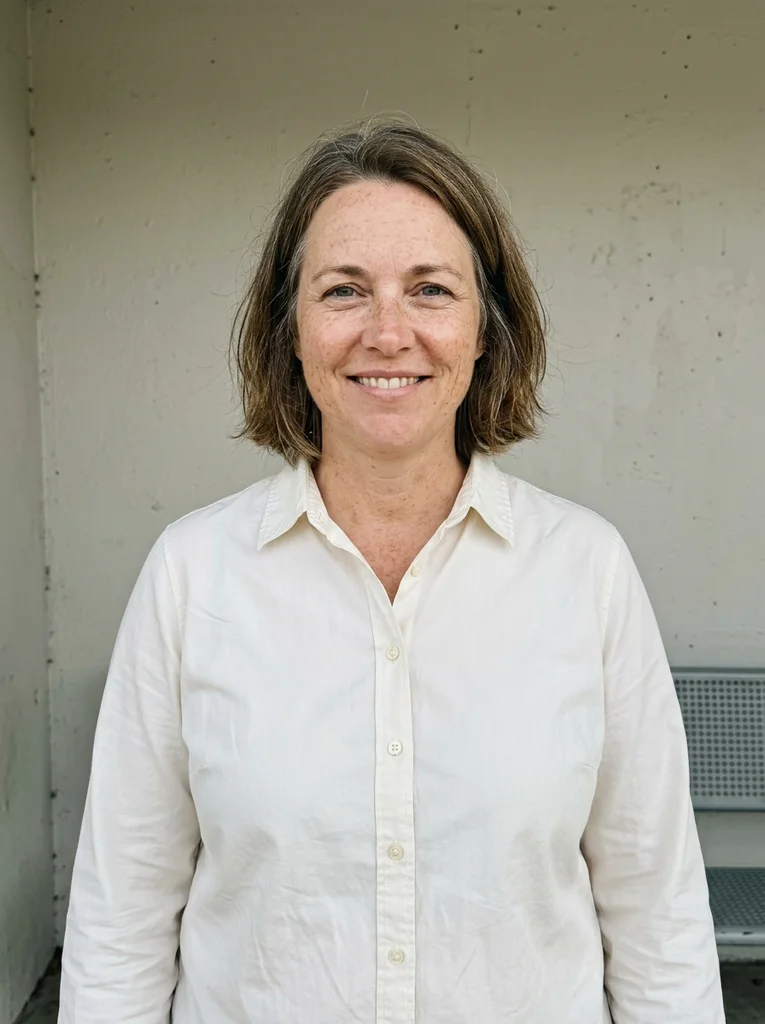
Reference portrait, AI-generated 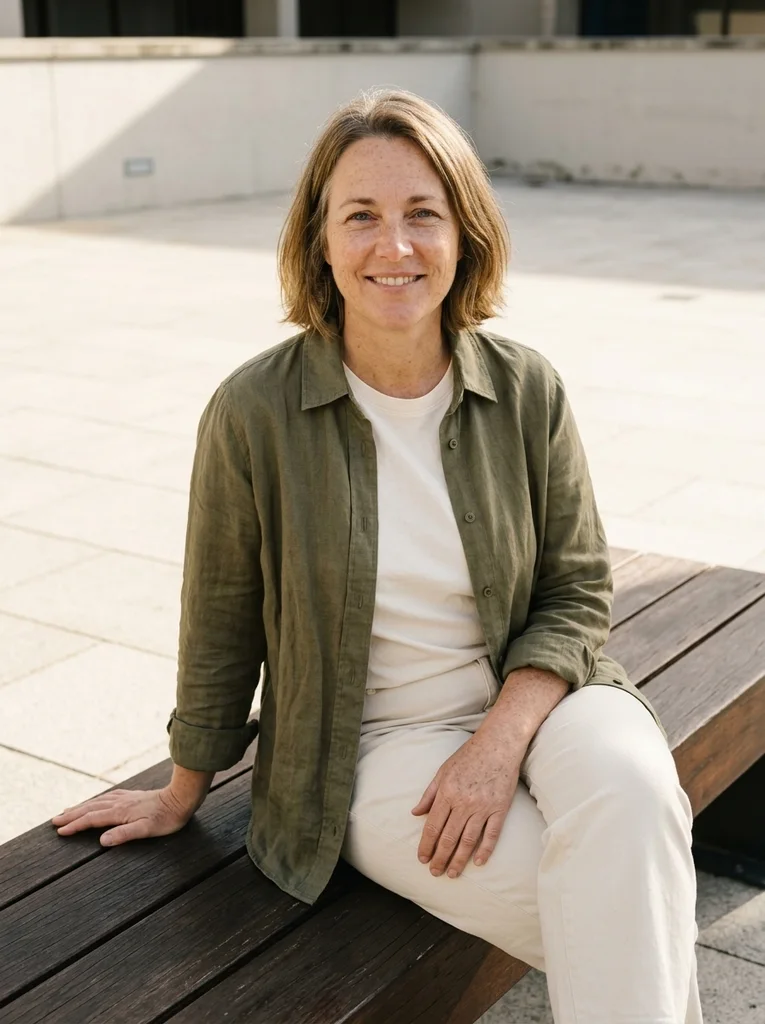
Example result, AI-generated, not a customer photo Bench Shadow
Rich olive linen and a sculptural bench in late afternoon.
The full prompt is included with a subscription.See plans
- 19

Reference portrait, AI-generated 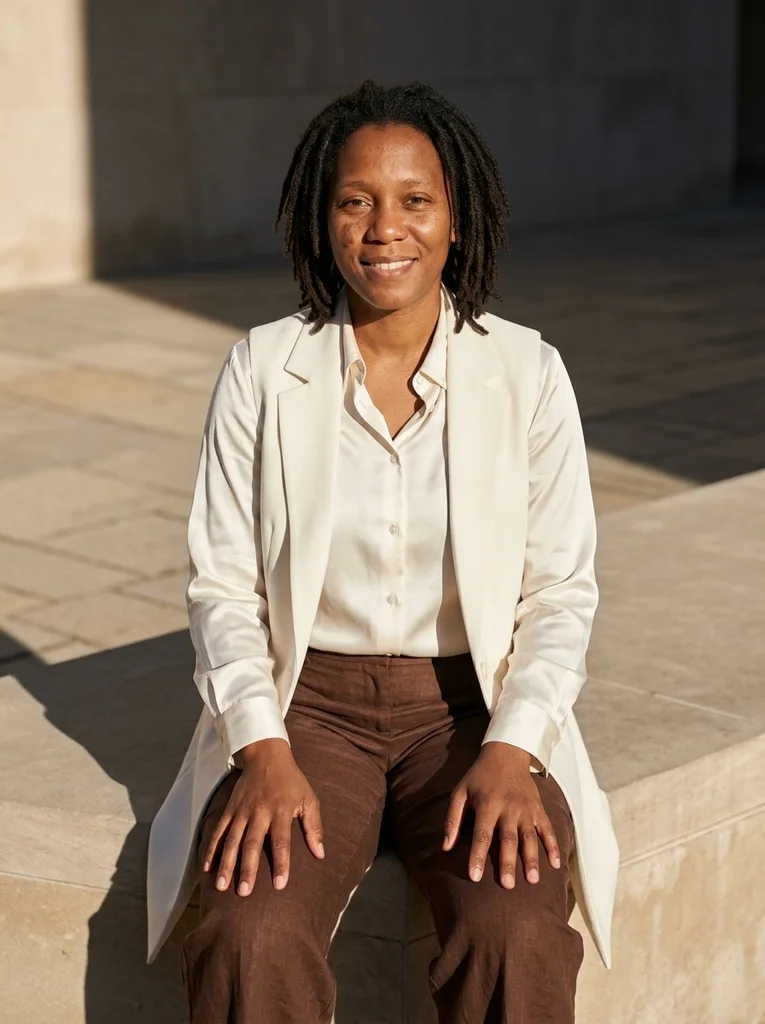
Example result, AI-generated, not a customer photo Sunlit Ledge
Light silk and chocolate tailoring in a relaxed stone-ledge portrait.
The full prompt is included with a subscription.See plans
- 20

Reference portrait, AI-generated 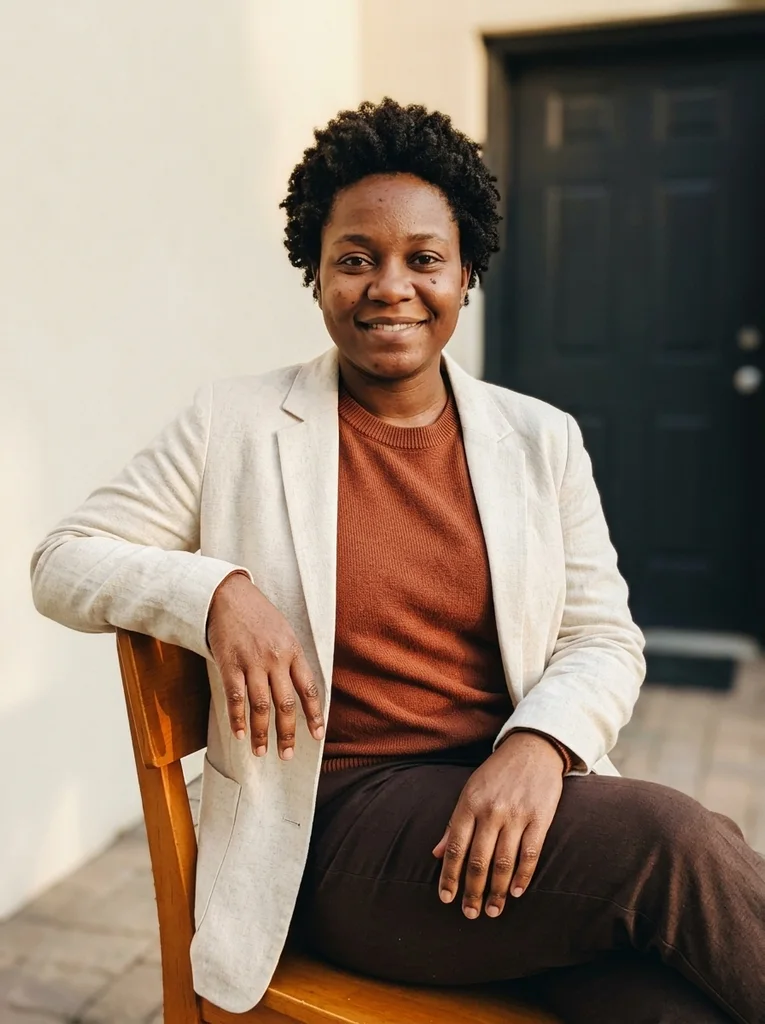
Example result, AI-generated, not a customer photo Amber Chair
A warm portrait with cream tailoring and a quiet timber chair.
The full prompt is included with a subscription.See plans
- 21

Reference portrait, AI-generated 
Example result, AI-generated, not a customer photo Ivory Summer
A clean summer outfit portrait shaped by true warm sunlight.
The full prompt is included with a subscription.See plans
- 22
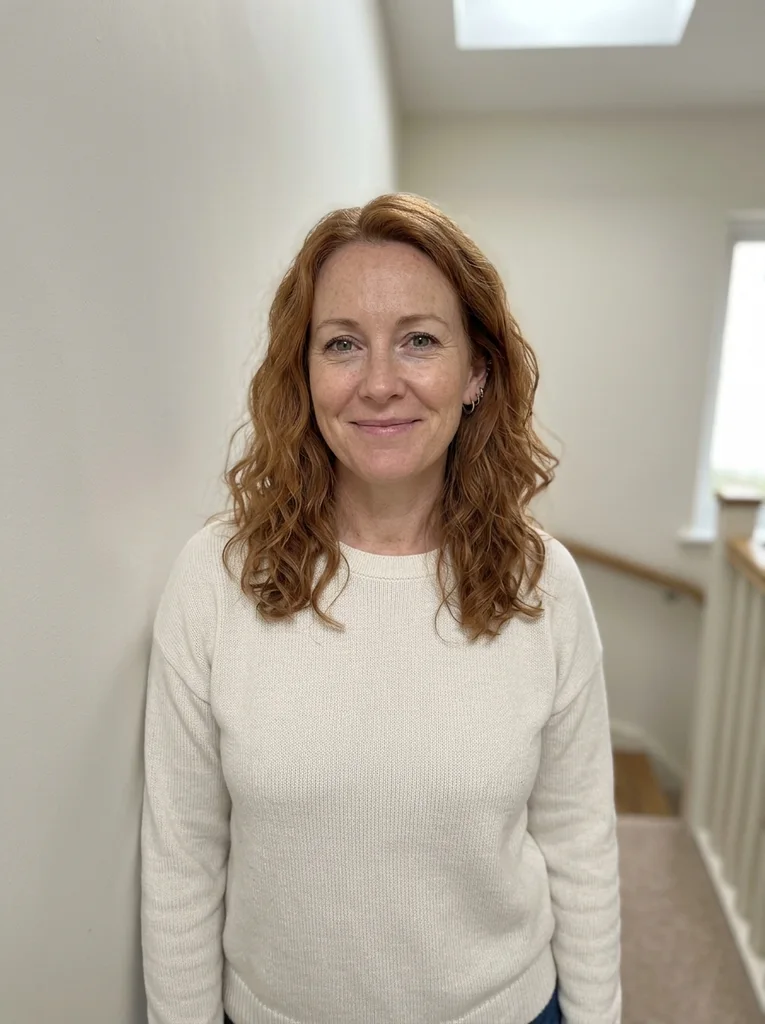
Reference portrait, AI-generated 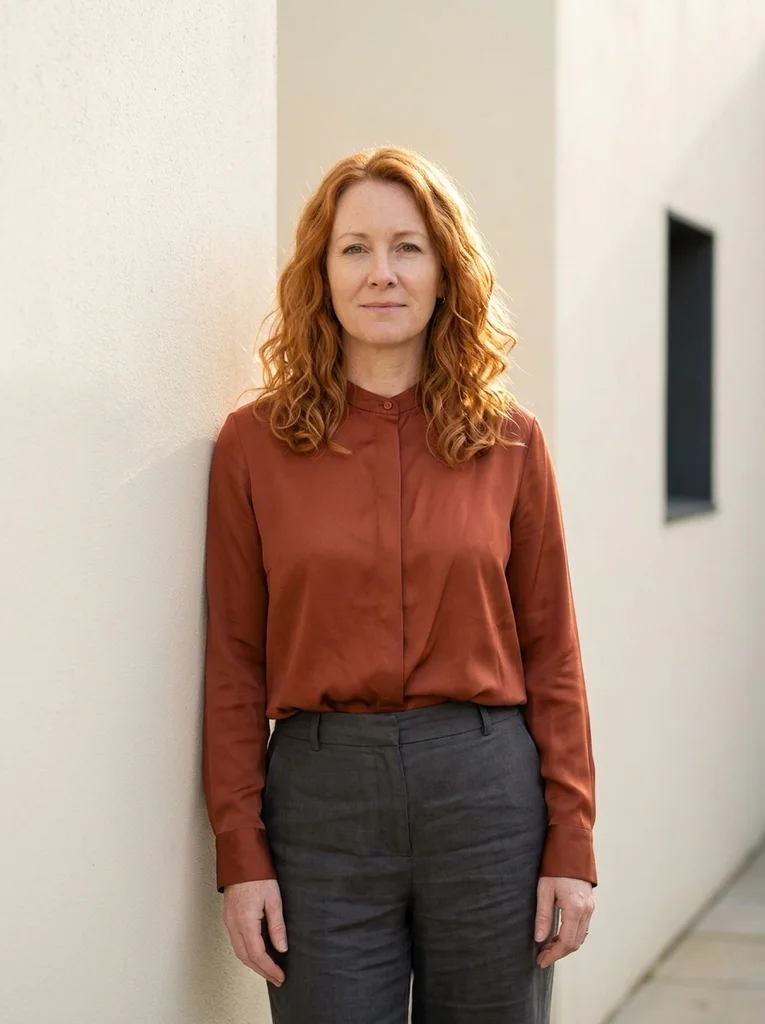
Example result, AI-generated, not a customer photo Rust Silk Hour
Rust silk catches late sun without losing natural skin color.
The full prompt is included with a subscription.See plans
- 23
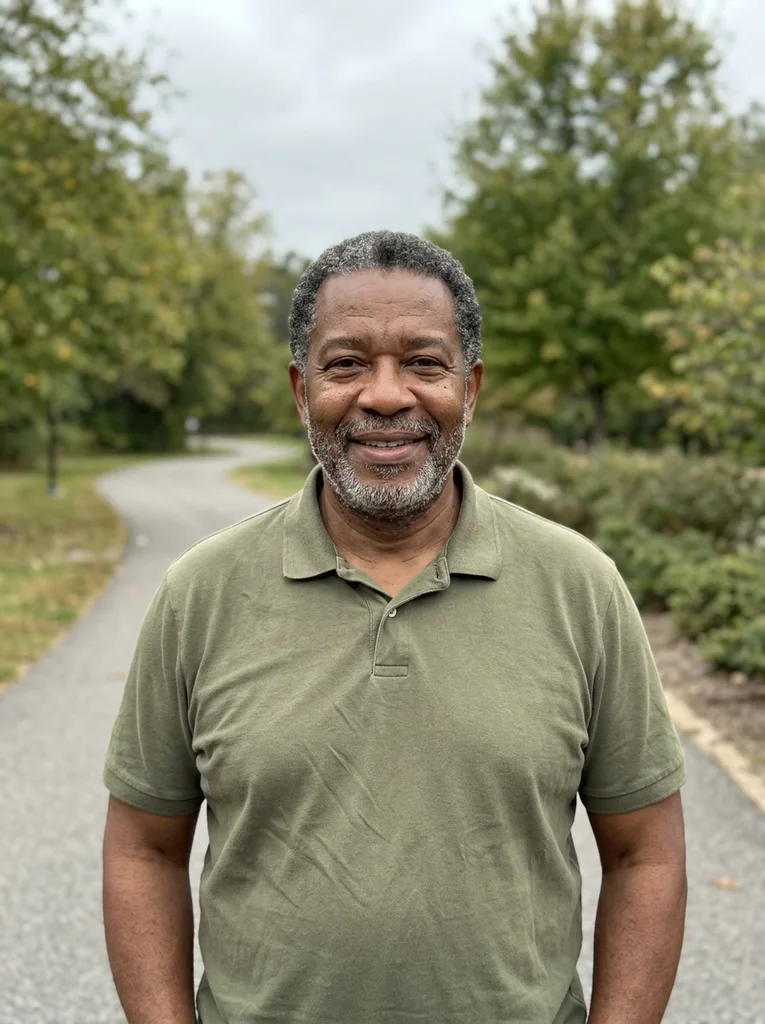
Reference portrait, AI-generated 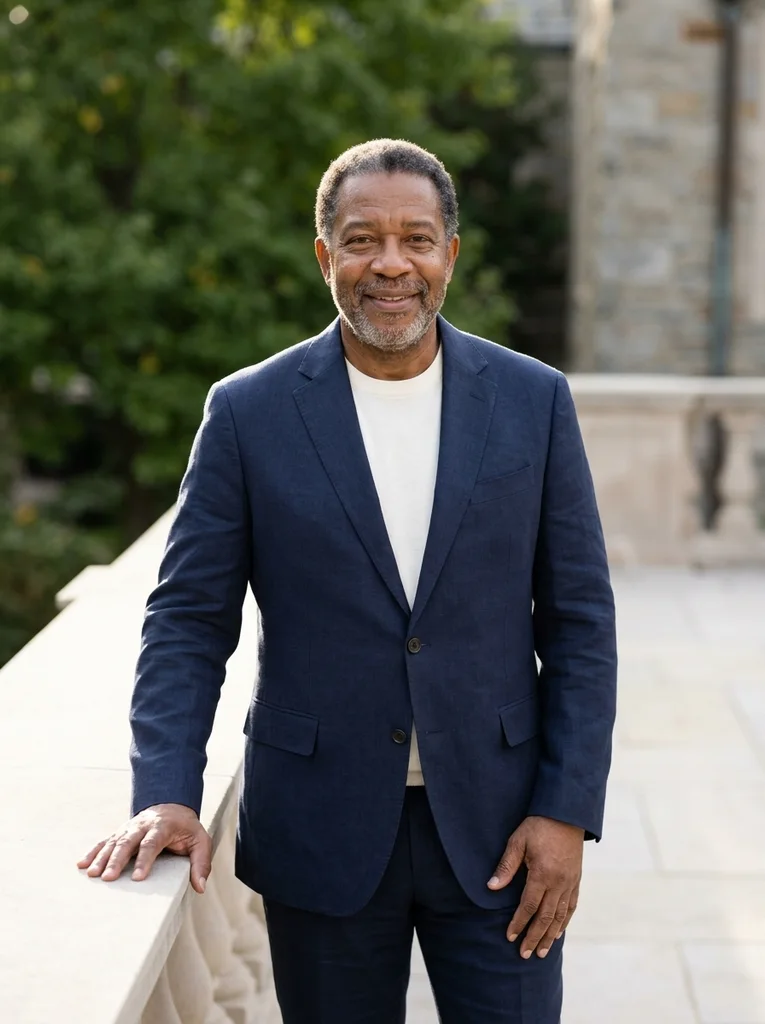
Example result, AI-generated, not a customer photo Navy Summer Form
A tailored navy silhouette with warm, luminous afternoon light.
The full prompt is included with a subscription.See plans
- 24
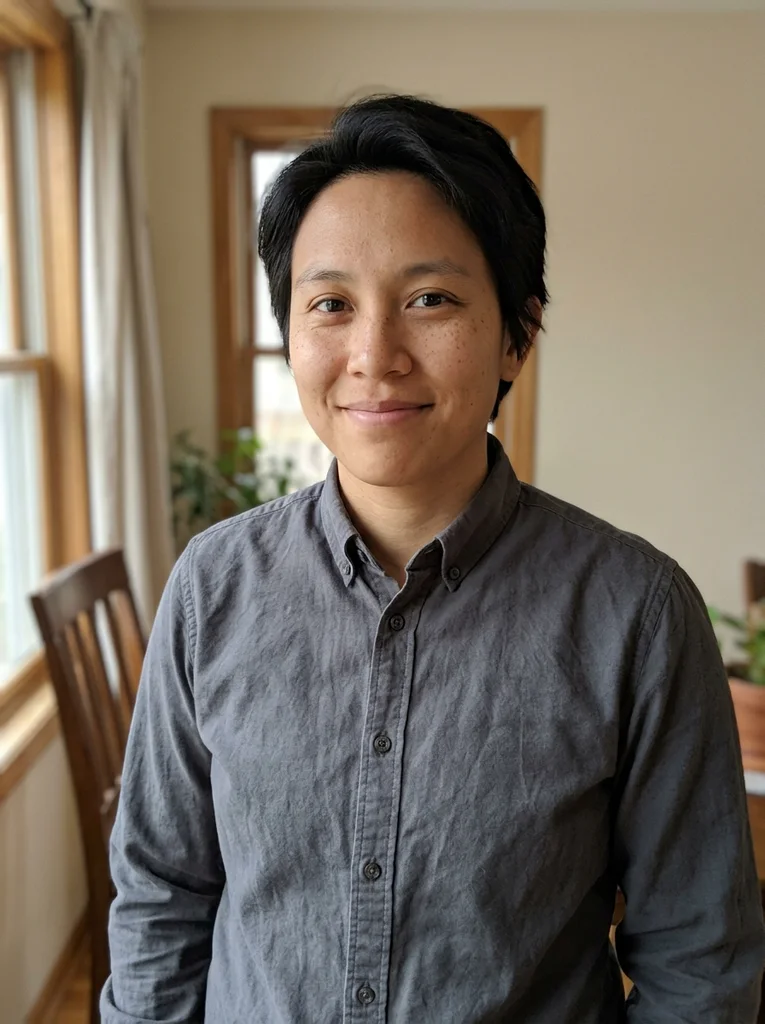
Reference portrait, AI-generated 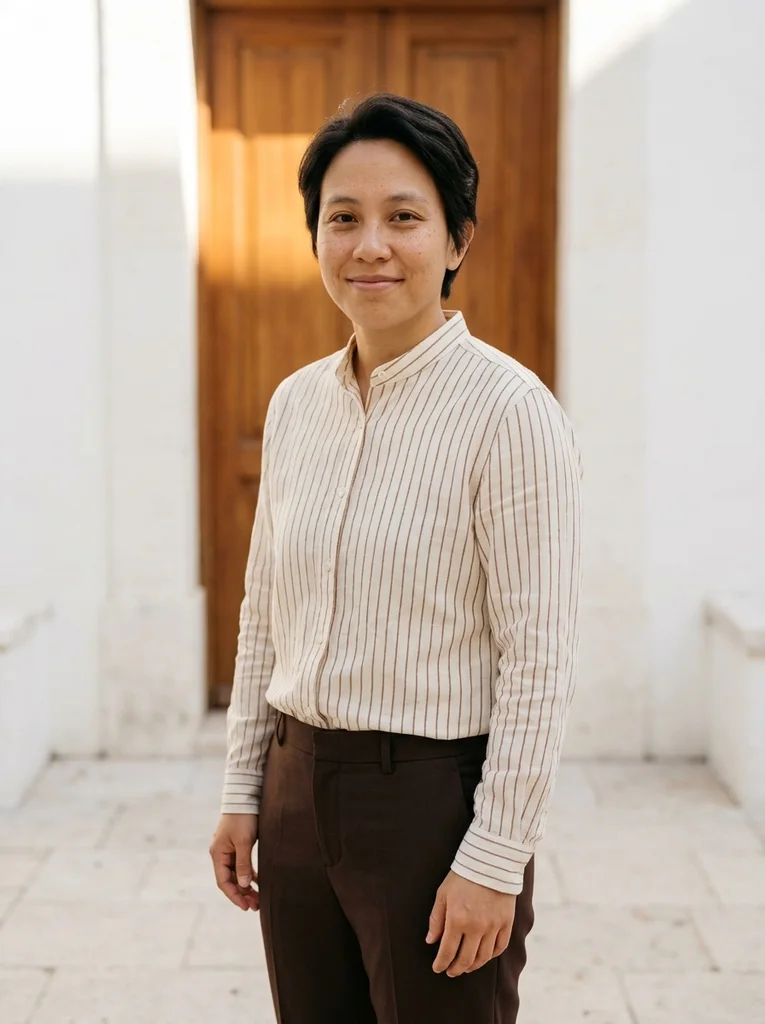
Example result, AI-generated, not a customer photo Soft Stripe
Fine stripes and sunlit stone create a relaxed magazine portrait.
The full prompt is included with a subscription.See plans
- 25
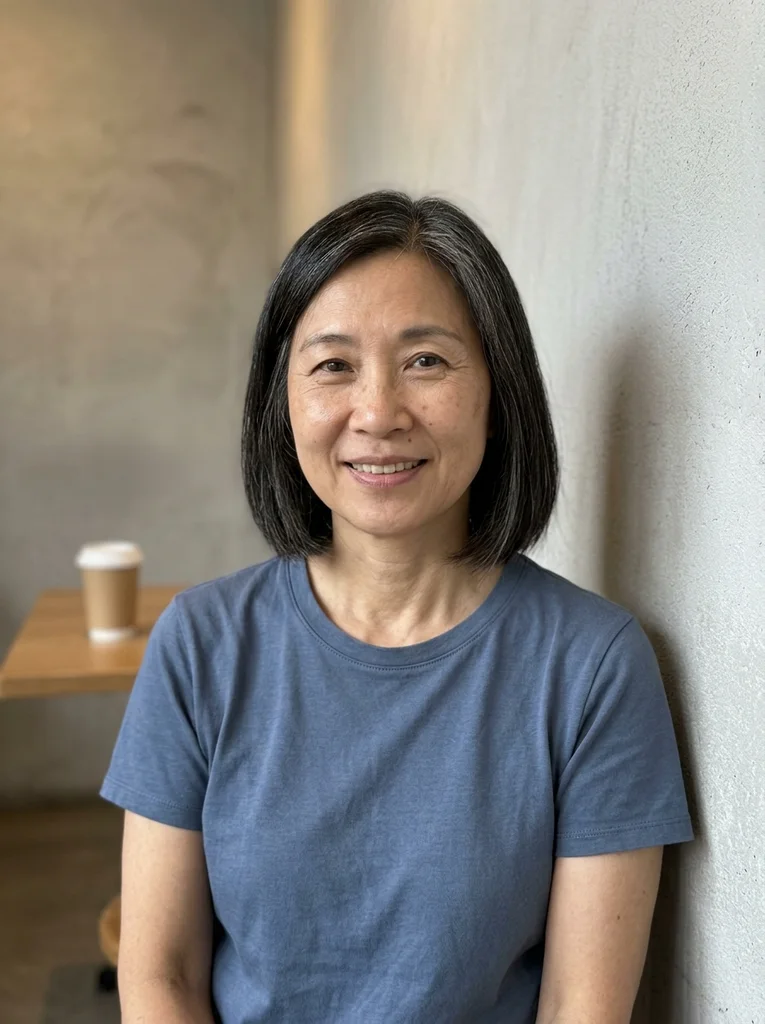
Reference portrait, AI-generated 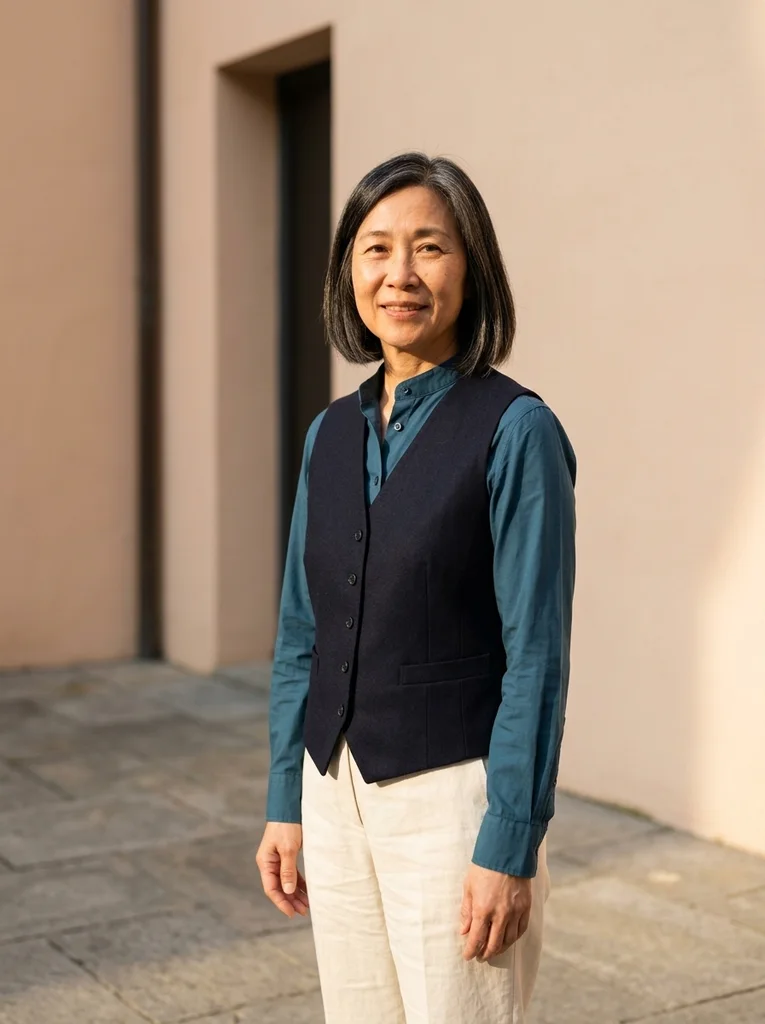
Example result, AI-generated, not a customer photo Petrol Cotton
A rich petrol summer portrait with clean lines and soft fill.
The full prompt is included with a subscription.See plans
How to use these prompts.
- 01
Start from a photo in neutral light
Pick a photo taken in open shade, on an overcast day or by a window, with your eyes open and relaxed. Indoor lamps add a yellow cast that can push skin toward orange once warm light is added.
- 02
Decide where the sun should fall
Browse for the setting you want: a sunlit wall, the edge of shade, a garden path, steps or a bench. Each uses the light differently, from direct side sun to warm reflected glow.
- 03
Run the prompt as written, then refine
Attach your photo in your AI image tool and paste the complete prompt before changing anything. Once you see how the light lands, adjust one detail at a time, such as the outfit color.
- 04
Judge skin color and shadow direction
Compare your skin tone with the original: it should look warmer, not tinted. Then check that shadows fall the same way on the face, the wall and the ground.
What defines this look.
Put the sun low and to one side
Low light from the side warms one cheek and the edge of the hair and leaves the other side in softer shade. Facing the sun head-on flattens the face and makes people squint.
Use a warm wall as a reflector
Plaster, limestone and pale stone bounce warm light into the shadow side of the face and act as a soft fill. A wall also shows the shadow shape, which tells the viewer where the sun is.
Look for the edge of the shade
Open shade next to a sunlit patch gives even light on the face without squinting, while the warm glow stays in the surroundings. An awning, an arcade or a porch edge all work.
Choose natural fabrics in muted colors
Linen, cotton, silk and light wool in cream, olive, navy, rust or charcoal sit comfortably in warm light. Highly saturated colors compete with the sun and can pull skin tones off.
Sit low with a loose pose
Steps, a bench or a low stone ledge invite a relaxed seat: weight on one side, one hand resting, shoulders loose. An unstaged posture suits unforced afternoon light.
Keep the background green and simple
A hedge, an orchard row or a meadow border adds soft green that balances the warm light. A wide, busy scene competes with the sun for attention.
Common problems and fixes.
Skin looks orange or tinted
Ask for natural, true-to-life skin color with the warmth in the light and the walls, and start from a photo with neutral color. Words such as glow or bronzed push skin toward orange.
There is a hazy glow or fake lens flare
Ask for clean, direct sunlight with clear shadow edges and no flare, bloom or haze. Real sun leaves a crisp shadow on a wall, while an added glow reads as a filter.
The light looks flat and has no direction
Choose a look with a visible shadow on a wall, step or path, because shadows show where the sun is. If the first result looks evenly lit, name the side the light comes from.
Eyes look squinted or half closed
Start from a source photo where your eyes are open and relaxed. If the sun seems to face you directly, choose a look in open shade or ask for the sun to come from the side.
FAQ
Common questions.
01What is golden hour in portrait photography?
It is roughly the hour after sunrise and the hour before sunset, when the sun is low and the light is warm and directional. A prompt does not need a clock time; it needs to describe the low sun and the warm light.
02How do I stop a golden hour photo prompt from turning skin orange?
Start from a photo with neutral color, ask for natural skin tone, and keep the warmth in the light and surroundings rather than on the face. Compare the result with your original and generate again if the skin looks tinted.
03Do golden hour portraits need lens flare?
No. Flare is optional and often looks added on. These examples rely on warm direct light, clear shadows and glow reflected from walls and the ground instead, which keeps the sunlight believable.
04What is open shade and why does it help?
Open shade is shade cast by a wall, awning or porch roof where you still face open sky. It gives soft, even light on the face without squinting, and nearby sunlit surfaces add a warm glow.
05Can I make a golden hour portrait from an indoor photo?
Yes, it can. The reference portraits in the examples are everyday-looking, many of them indoors, and the edit adds the outdoor setting and the sunlight. Choose a photo with natural color and a clear, open face.
06What is in the Sunlit Hour collection?
It covers courtyards with sun-warmed walls and the edge of shade beside bright sun. Other looks sit in gardens and at field edges, on stone steps or a bench in low sun, or in plain outfits under direct sun.
Keep exploring.
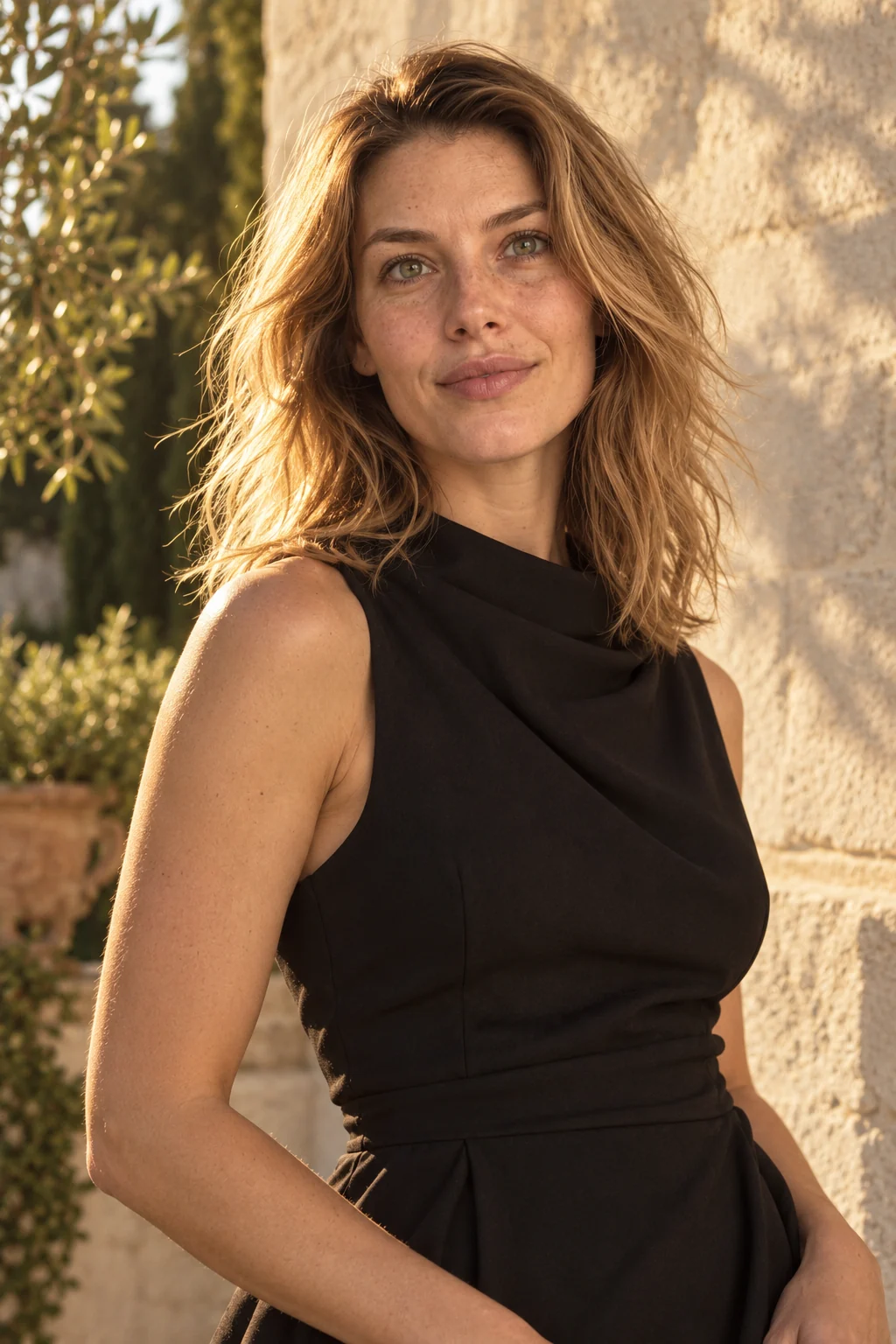

A little inspiration.
On the house.
10 free photo prompts, with examples and instructions. A small edit for your next photo, ready for your own image tool.
No account or payment needed.
Get the library
Your next look
starts here.
$5.99 / month
New looks and refined prompts, added regularly.
Included while your subscription is active.
- 500+ ready-to-copy photo prompts
- 20 curated collections with before-and-after examples
- New looks & ongoing prompt improvements
- Save favorites & revisit your looks
Renews monthly at $5.99.
Cancel renewal anytime. Image-tool fees separate.