
Café Notes collection
Cafe portrait prompts: Café Notes
Cafe portrait prompts work best when the room feels believable and the props stay few: one cup, a wooden table, light from a real window. The Café Notes collection builds quiet, observational portraits from those ordinary objects, with natural hands and plain cups. Every pair puts the reference portrait next to the result, so you can see how the seat and the window change the picture. Pick the seat you like, then adapt that idea to a clear photo of yourself.
Examples with reference portraits.
Every example in this section is an AI-generated illustration of a fictional adult, including the reference portraits. They are not customer photos and they do not promise the same result in your tool. The examples were made with Nano Banana 2, a Google Gemini image model.
- 01
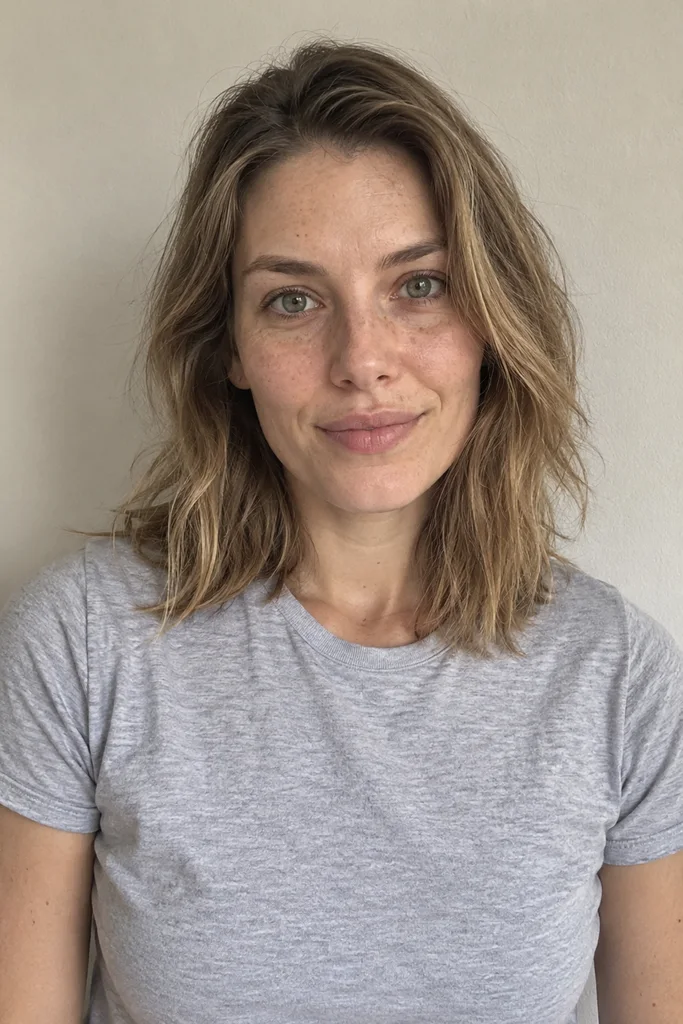
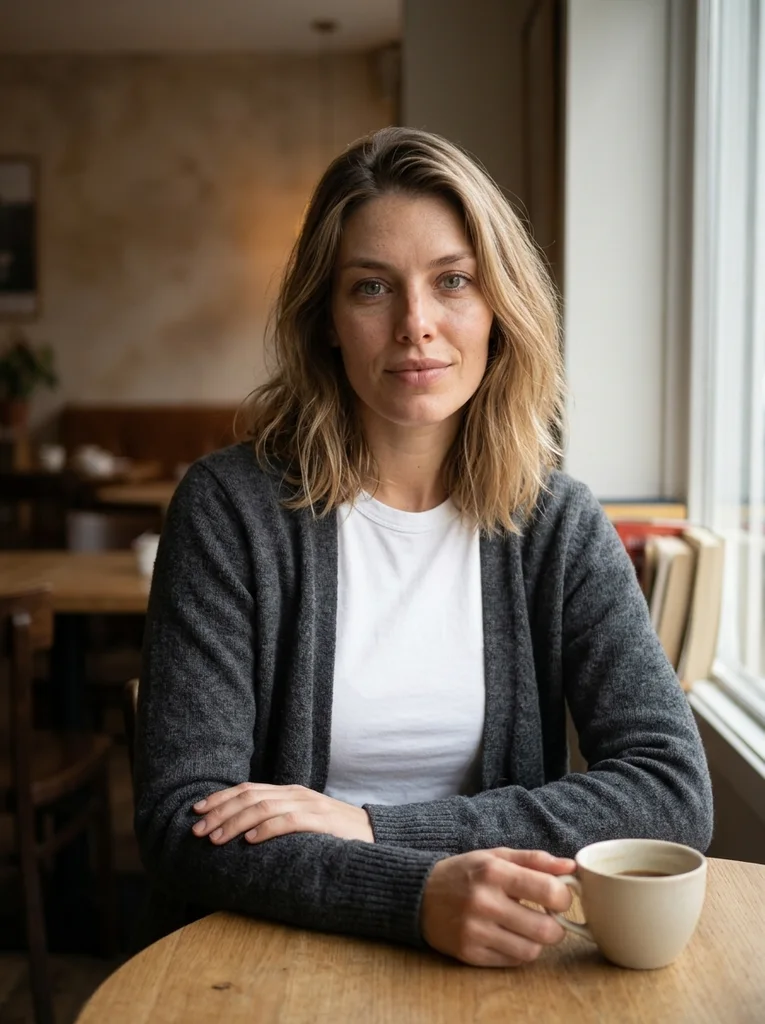
Reference portrait, AI-generated Example result, AI-generated, not a customer photo Window Cup
An observational café portrait with one cup and visible, natural hands.
Free prompt
Use the uploaded reference photograph to create one photorealistic editorial portrait of the same adult. The source may be an ordinary imperfect everyday selfie: use it for identity, not as a studio template. Give the result a subtly more attractive, magazine-quality finish through tasteful, identity-preserving portrait retouching, flattering exposure, and a natural pose and expression. Gently reduce temporary blemishes and reddish blotches, soften under-eye shadows and harsh lighting, lightly even skin tone, and tidy distracting flyaway hairs. Retain realistic pores and skin detail, recognizable facial geometry and natural asymmetry, the natural skin tone, freckles, moles and other permanent identity marks, the apparent adult age, body shape and proportions, and natural hair texture and hairline. Do not erase permanent expression lines or other identifying features. No waxy or plastic skin, excessive smoothing, replacement with a new face, face or body reshaping, age reset, or skin whitening. Apply this restrained retouching within the following setting, outfit, pose and lighting direction. Place me at a small timber table by a café window on a cloudy afternoon. Dress me in a plain charcoal cardigan over a closed-neck white cotton top. Have me turn slightly toward the window while bringing my eyes back toward the camera with an unforced expression. One hand should rest flat on the table; the other should lightly hold the handle of one ordinary ceramic cup. Keep the cup below my face and show the contact of the fingers clearly. Use soft side daylight with a warm but restrained interior behind me. Include no menus, lettering or logos. Frame a waist-up portrait that keeps the full head and both hands inside the image. Produce one vertical 3:4 photograph, with the entire head and hair inside the frame and visible space above them. Keep any shown hands complete and anatomically plausible. The subject is a fully clothed adult; fit the described clothes naturally to the same body. Use realistic photographic depth, natural fabric construction and restrained color. No additional people, duplicated features, in-image text, brand logos, watermarks, borders or collages. No illustration or CGI appearance.Scroll to read the whole prompt, or copy it with the button.
- 02
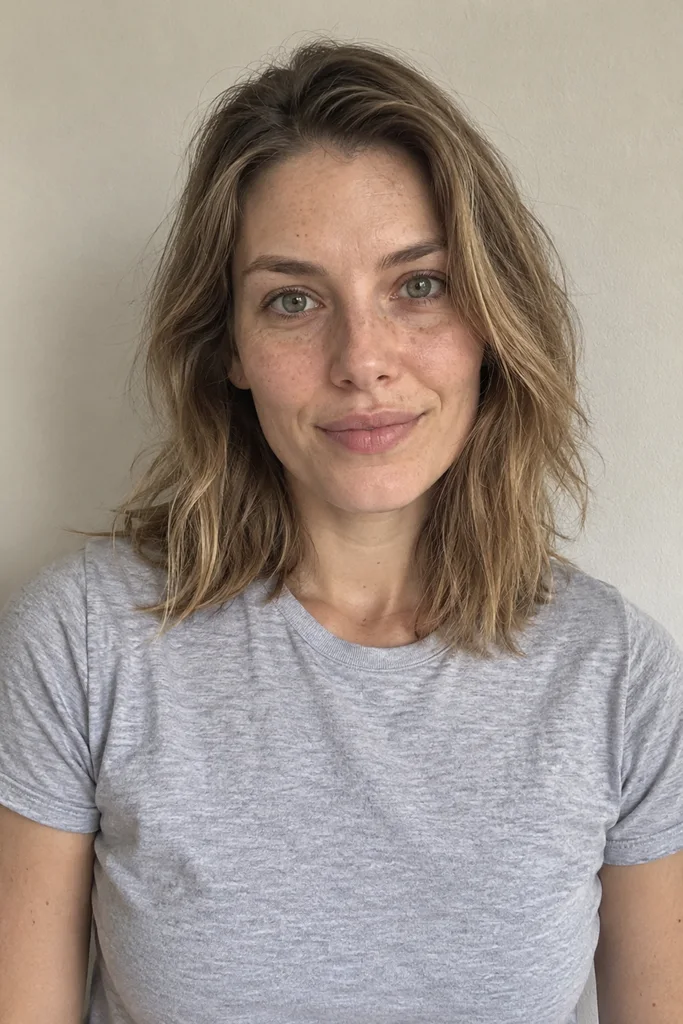
Reference portrait, AI-generated 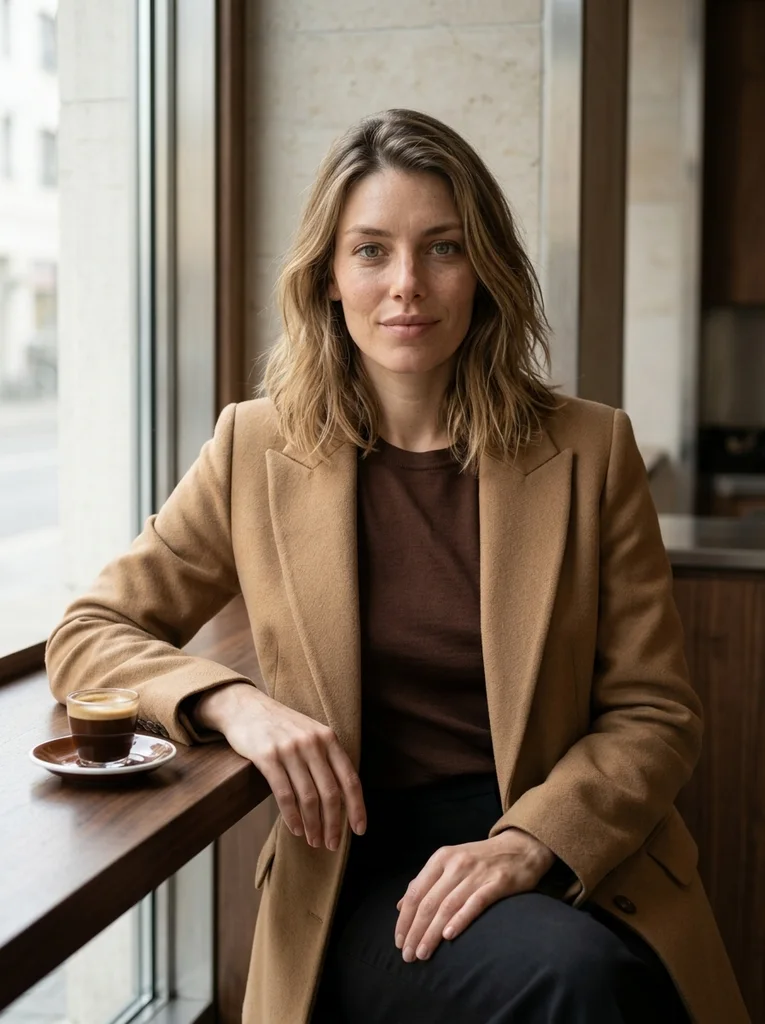
Example result, AI-generated, not a customer photo Glass and Espresso
Chocolate silk-knit, limestone and clean glass in a carefully composed café fashion portrait.
The full prompt is included with a subscription.See plans
- 03
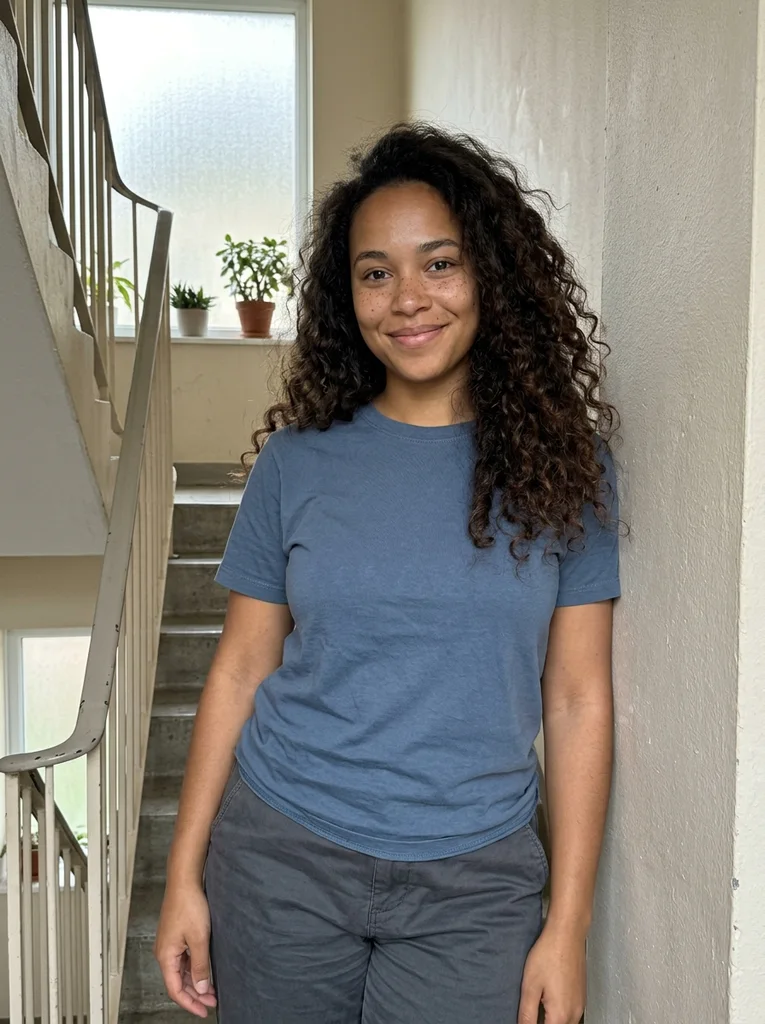
Reference portrait, AI-generated 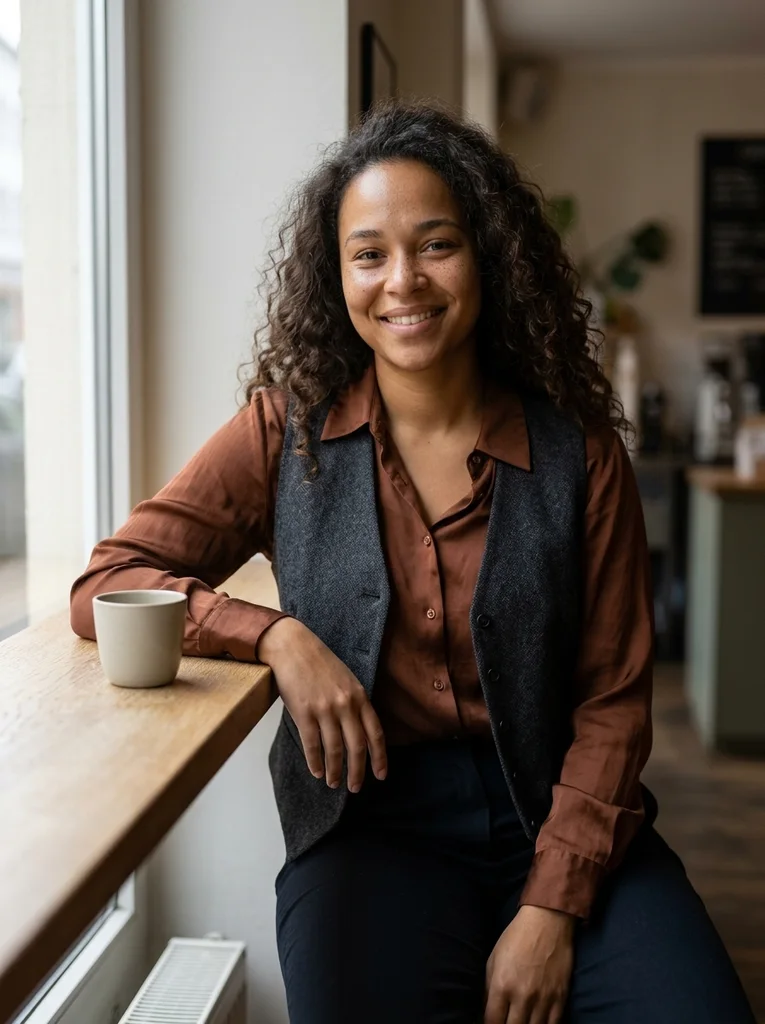
Example result, AI-generated, not a customer photo Narrow Window Counter
Clean silk and a slim counter give an observational portrait a refined line.
The full prompt is included with a subscription.See plans
- 04

Reference portrait, AI-generated 
Example result, AI-generated, not a customer photo Curved Banquette
A curved café booth brings graceful shape to soft navy tailoring.
The full prompt is included with a subscription.See plans
- 05
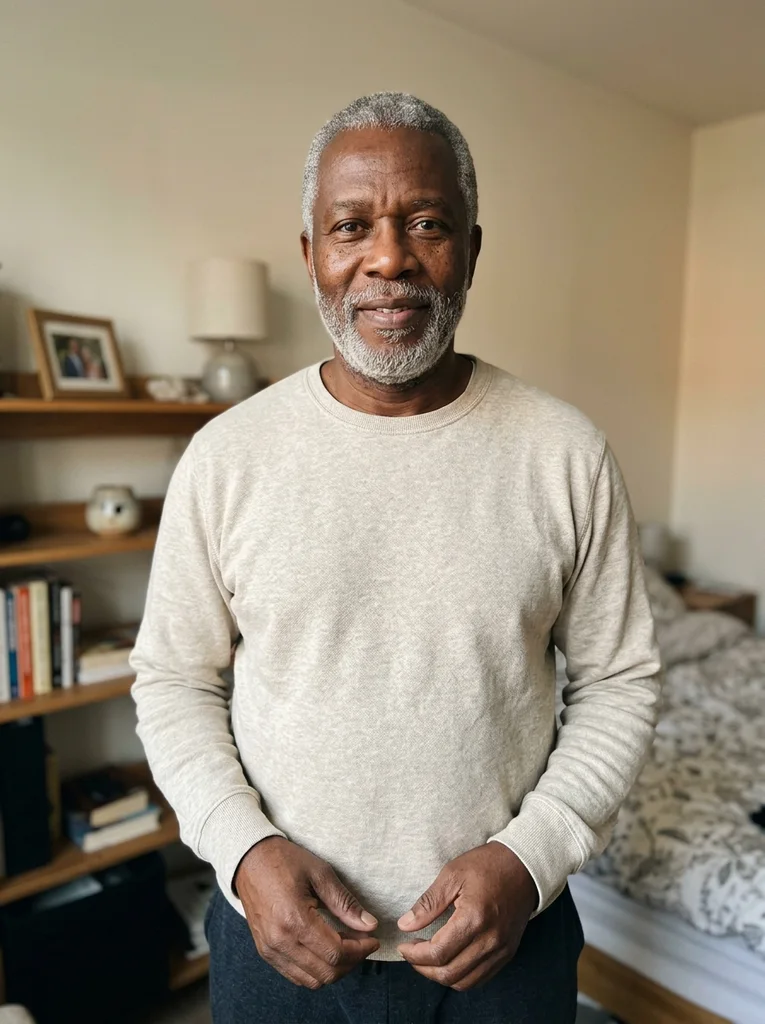
Reference portrait, AI-generated 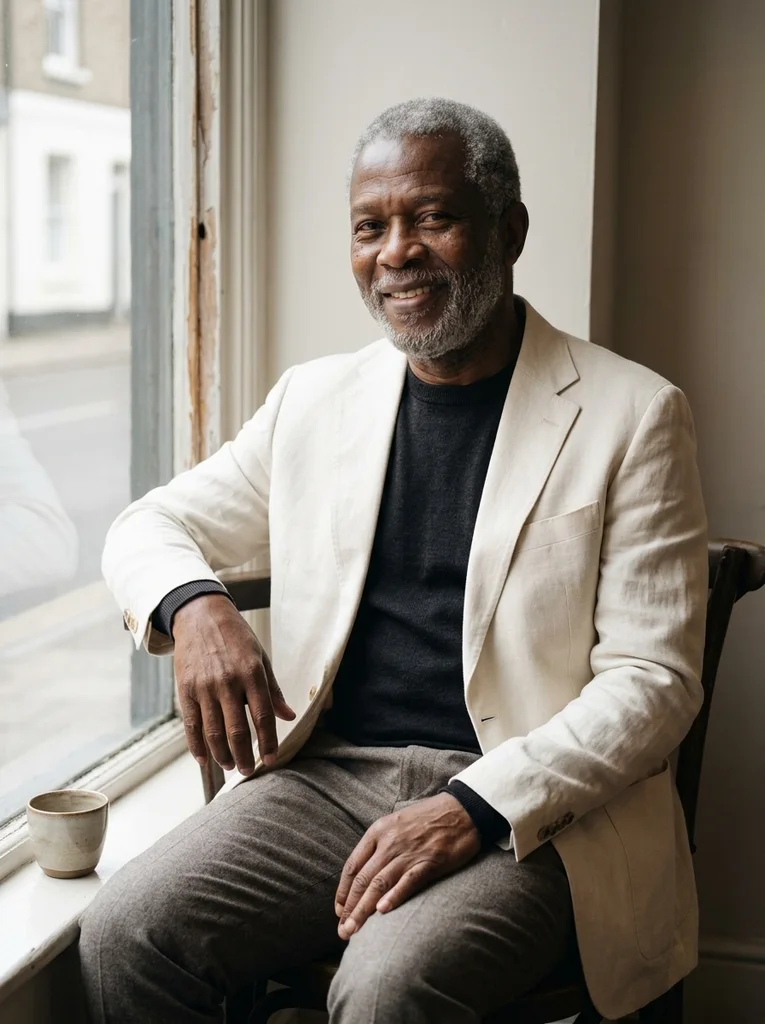
Example result, AI-generated, not a customer photo Open Casement Pause
A small open café window lends airy depth to crisp linen layers.
The full prompt is included with a subscription.See plans
- 06

Reference portrait, AI-generated 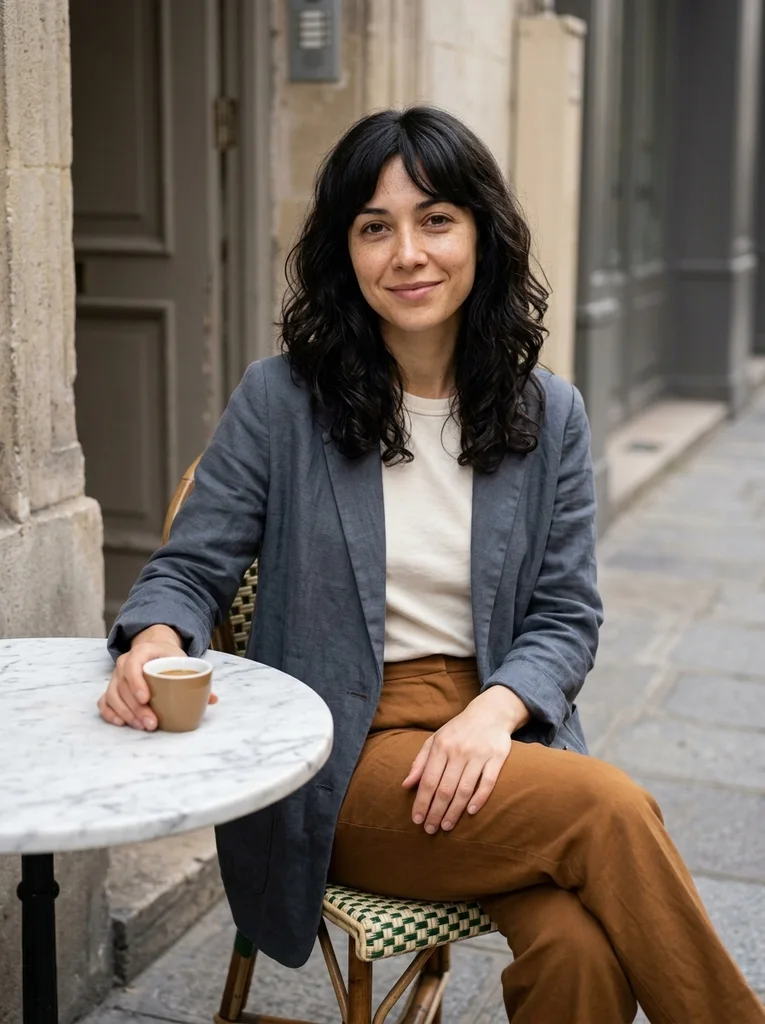
Example result, AI-generated, not a customer photo Pavement Marble
A small street table and relaxed tailored layers make a poised café portrait.
The full prompt is included with a subscription.See plans
- 07
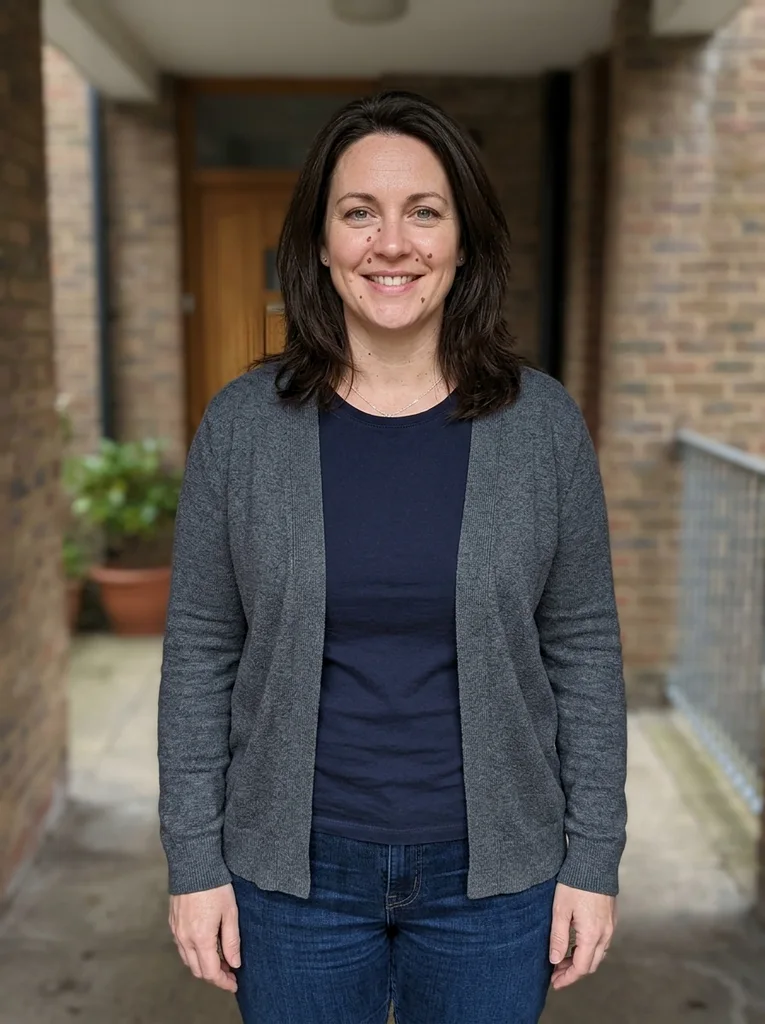
Reference portrait, AI-generated 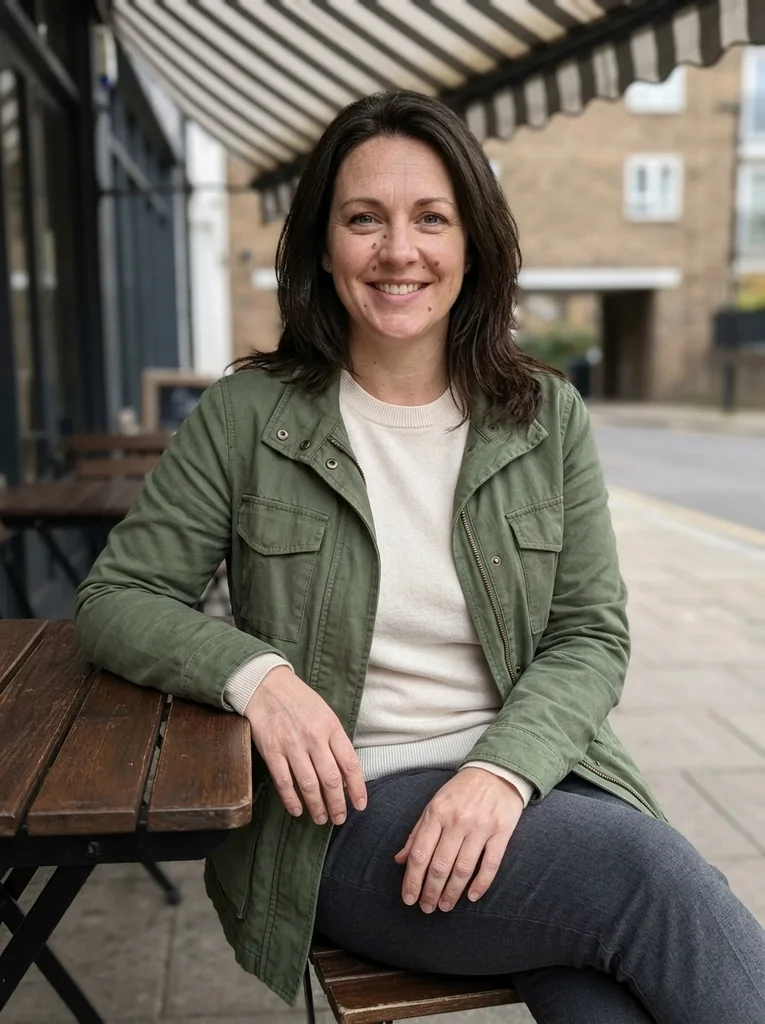
Example result, AI-generated, not a customer photo Awning Stripe
A striped awning shades tailored cotton while light patterns stay behind the face.
The full prompt is included with a subscription.See plans
- 08
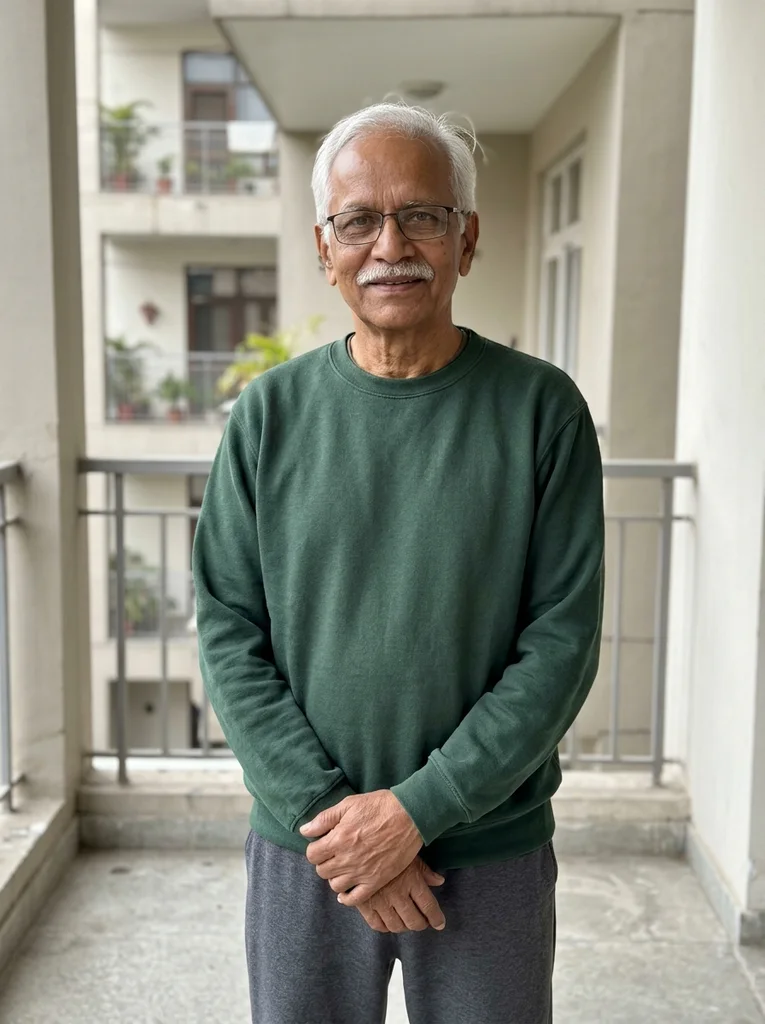
Reference portrait, AI-generated 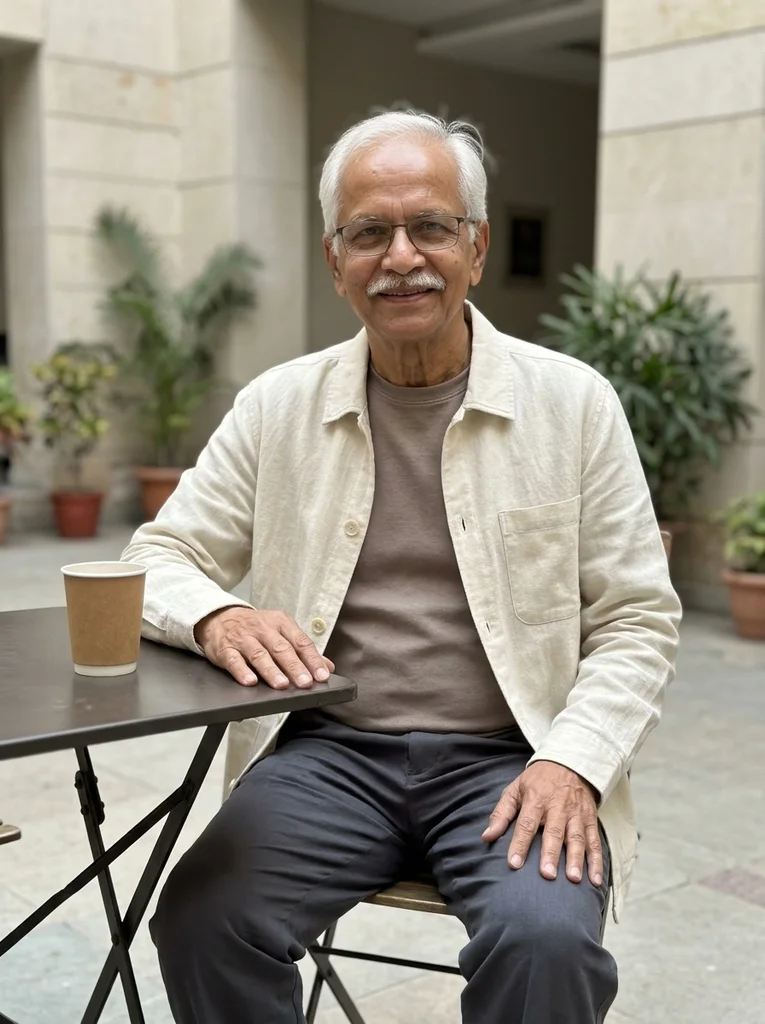
Example result, AI-generated, not a customer photo Stone Courtyard Table
A quiet café courtyard pairs precise linen with pale stone and soft sky light.
The full prompt is included with a subscription.See plans
- 09
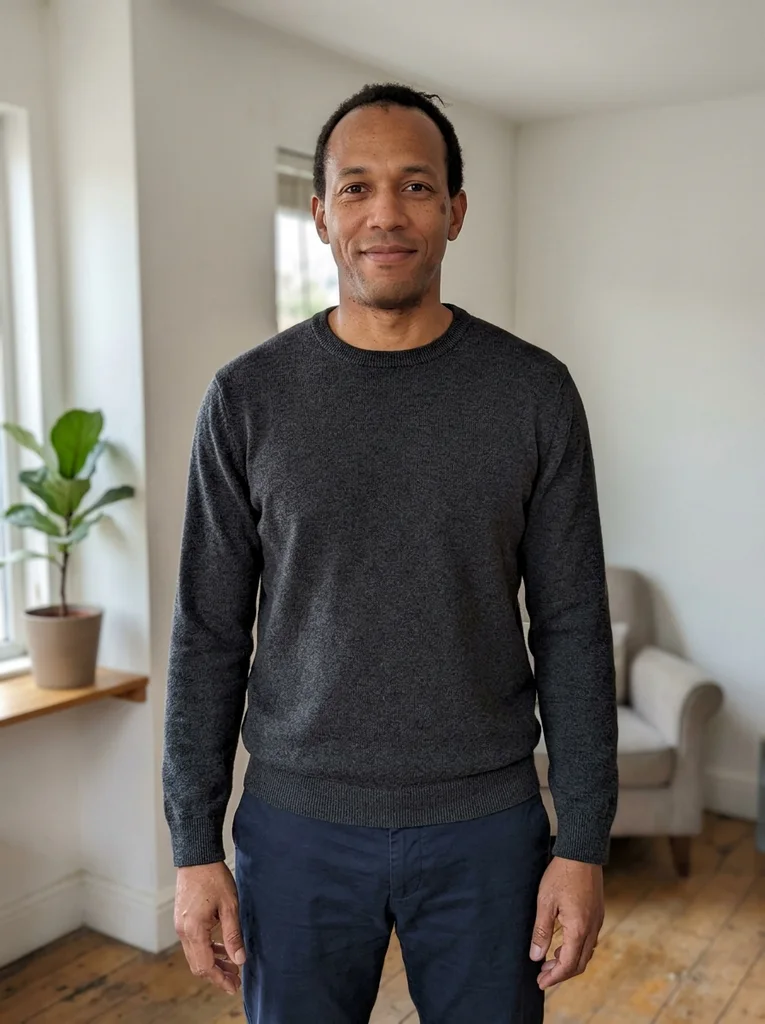
Reference portrait, AI-generated 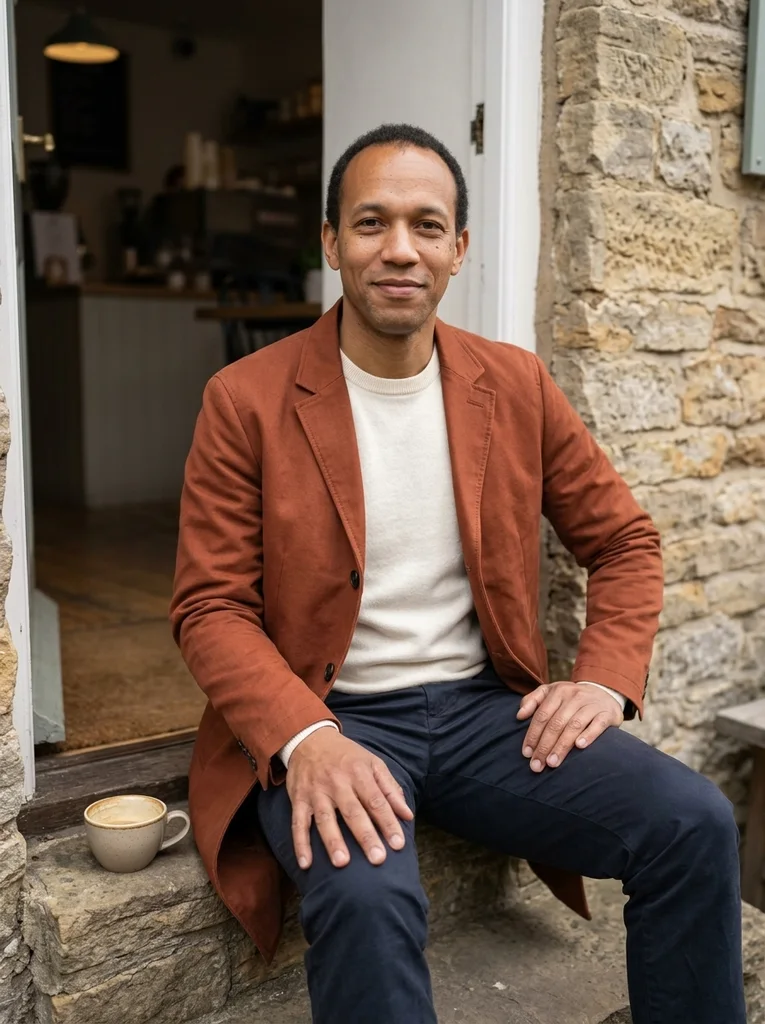
Example result, AI-generated, not a customer photo Café Step Conversation
A broad entrance step turns a simple cup into a composed street portrait.
The full prompt is included with a subscription.See plans
- 10
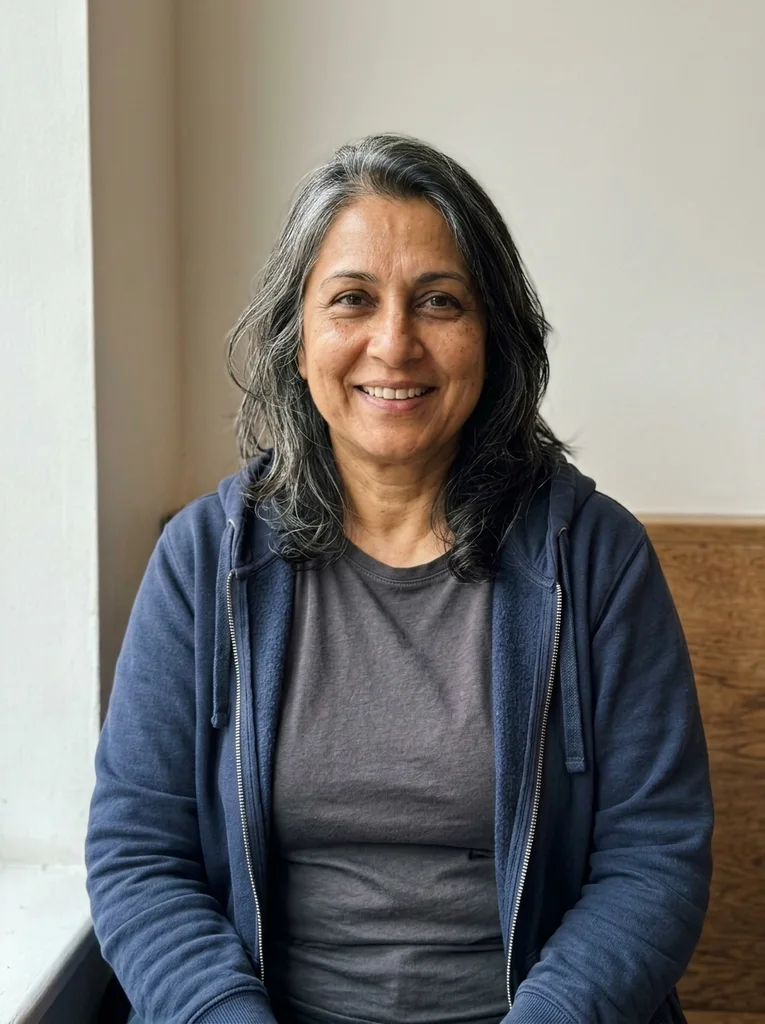
Reference portrait, AI-generated 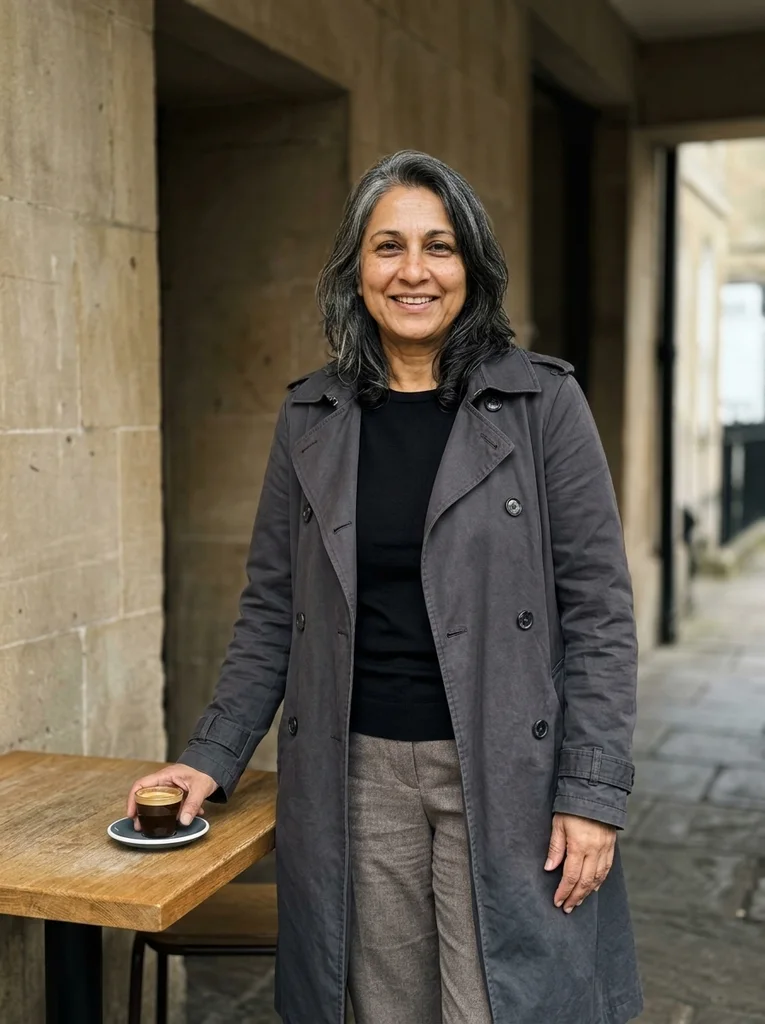
Example result, AI-generated, not a customer photo Recessed Terrace
A recessed café terrace frames dark knitwear and a crisp cotton trench.
The full prompt is included with a subscription.See plans
- 11
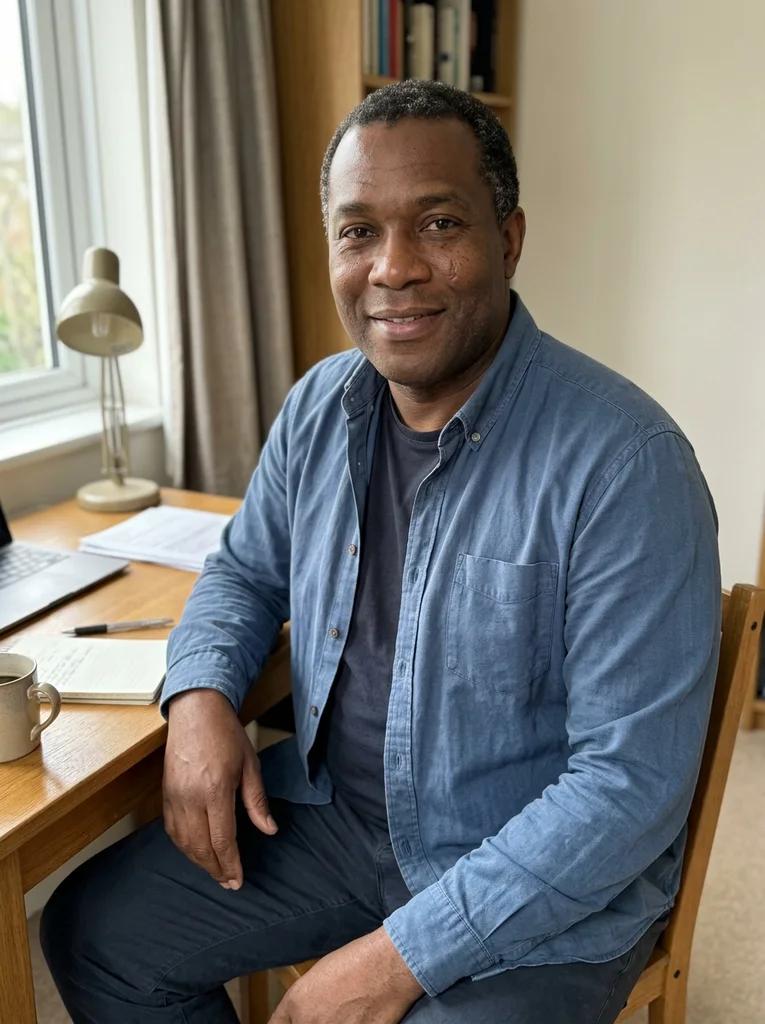
Reference portrait, AI-generated 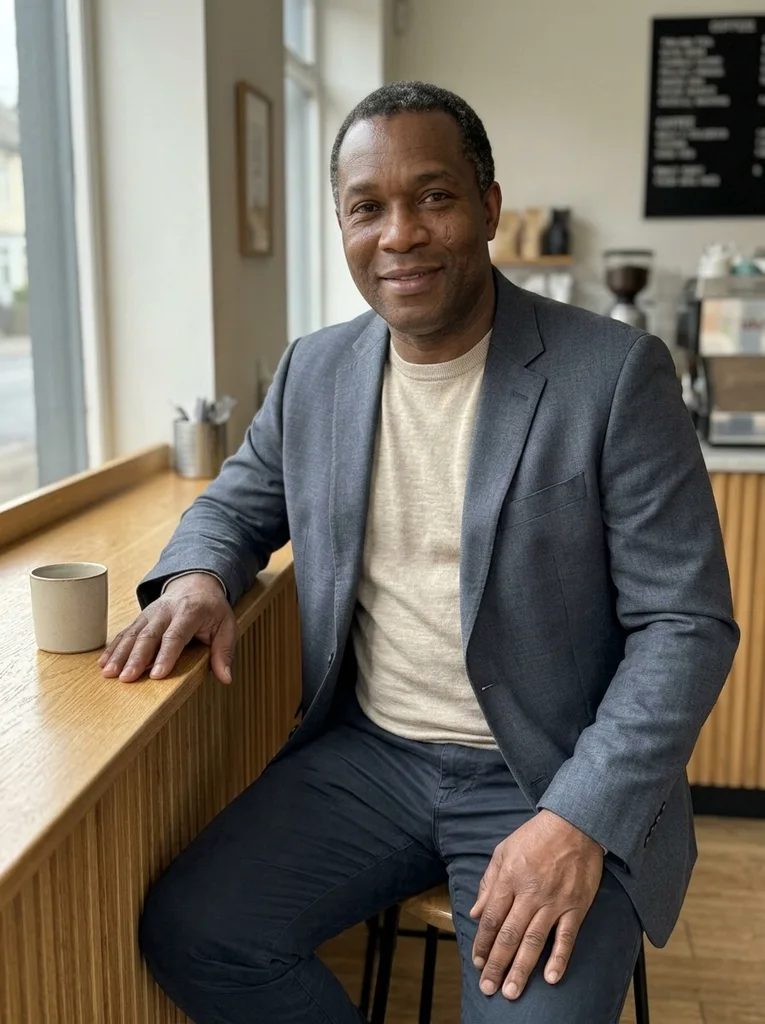
Example result, AI-generated, not a customer photo Ribbed Counter Stool
A ribbed timber counter gives a tactile frame to relaxed fine-wool tailoring.
The full prompt is included with a subscription.See plans
- 12
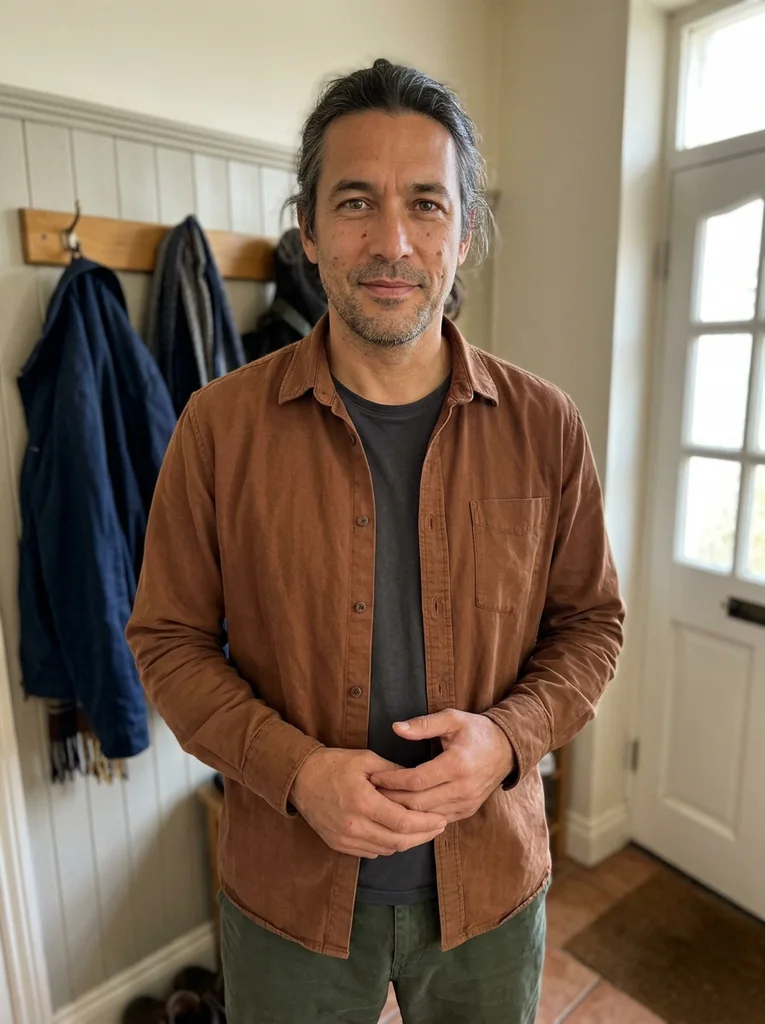
Reference portrait, AI-generated 
Example result, AI-generated, not a customer photo Quiet Espresso Bar
Polished dark layers meet a restrained espresso-bar setting.
The full prompt is included with a subscription.See plans
- 13
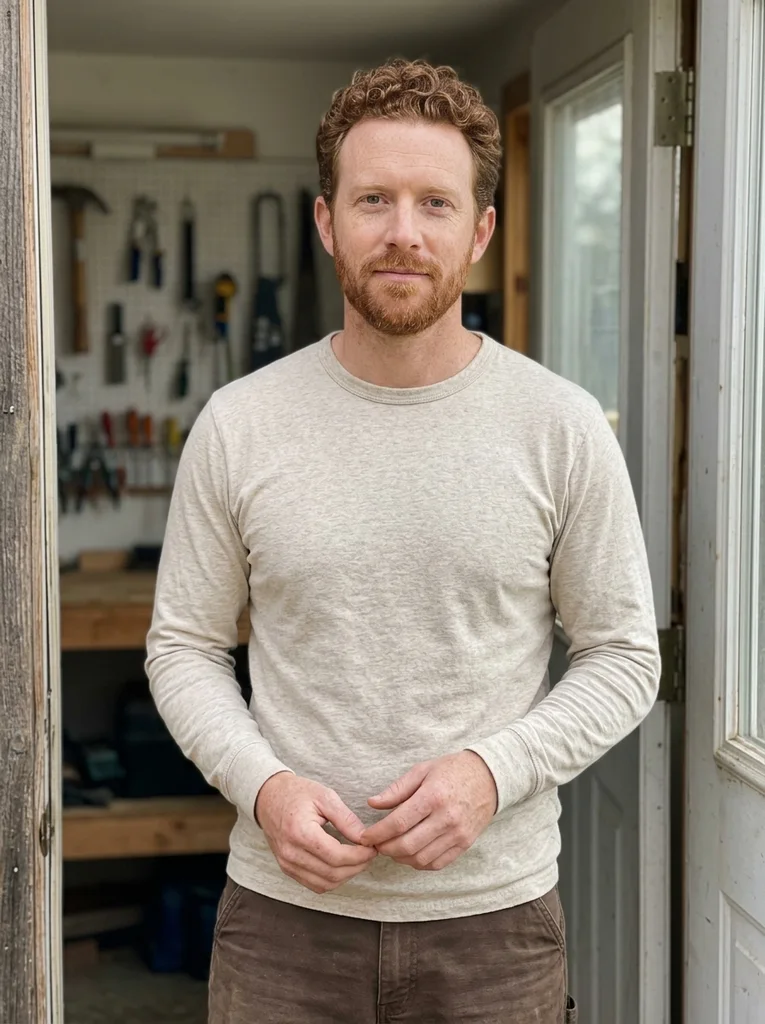
Reference portrait, AI-generated 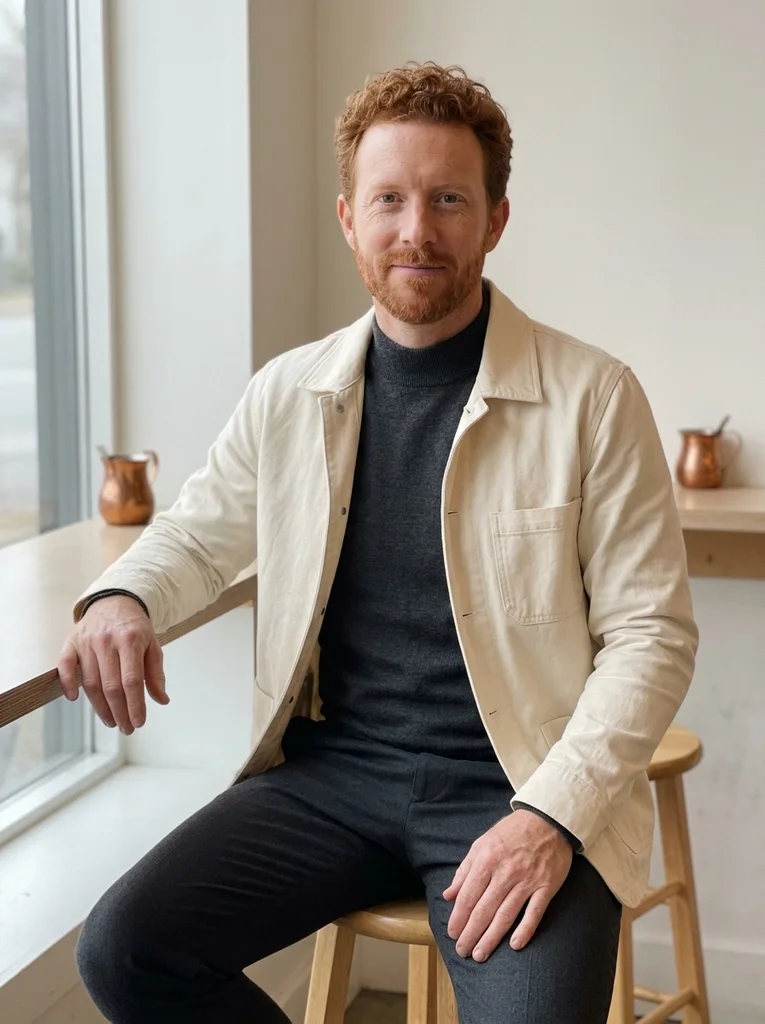
Example result, AI-generated, not a customer photo Copper Coffee Shelf
A restrained copper detail brings warmth to cream and charcoal café styling.
The full prompt is included with a subscription.See plans
- 14
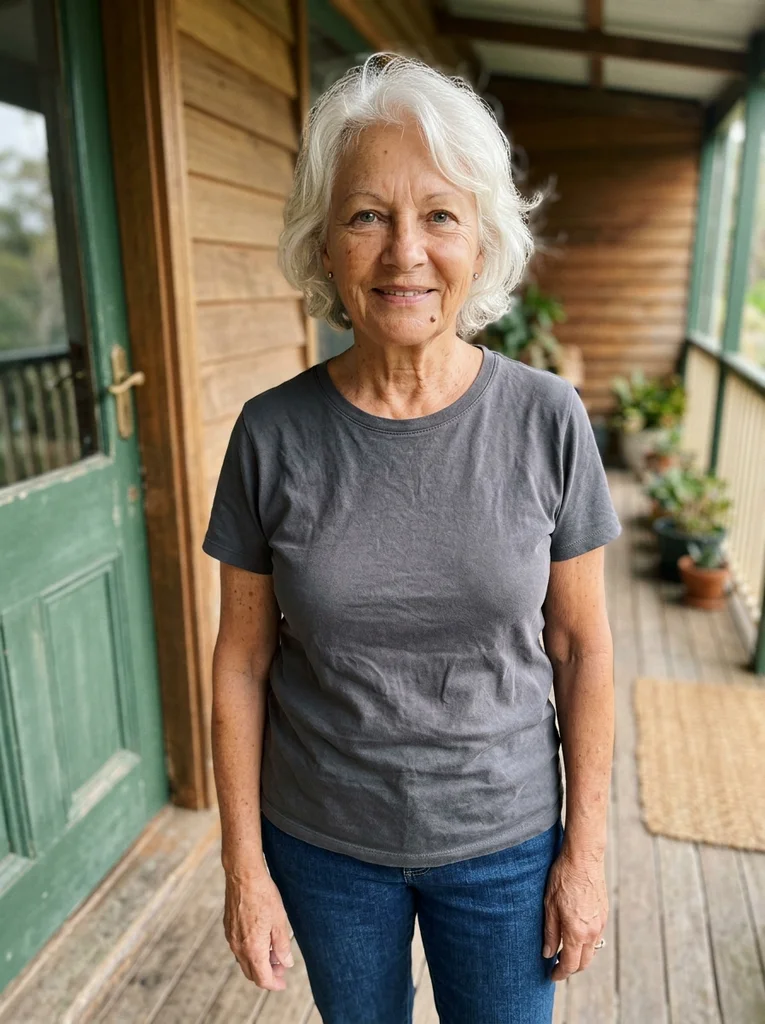
Reference portrait, AI-generated 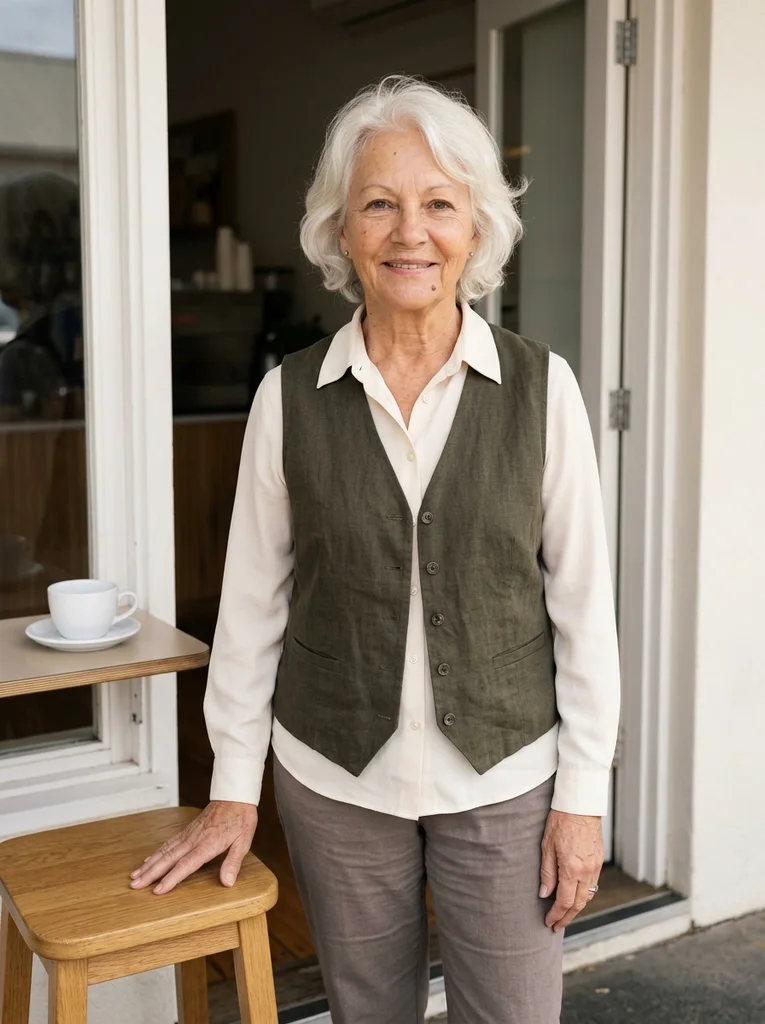
Example result, AI-generated, not a customer photo Low Stool at Noon
A low café stool and bright daylight support an easy, refined standing portrait.
The full prompt is included with a subscription.See plans
- 15
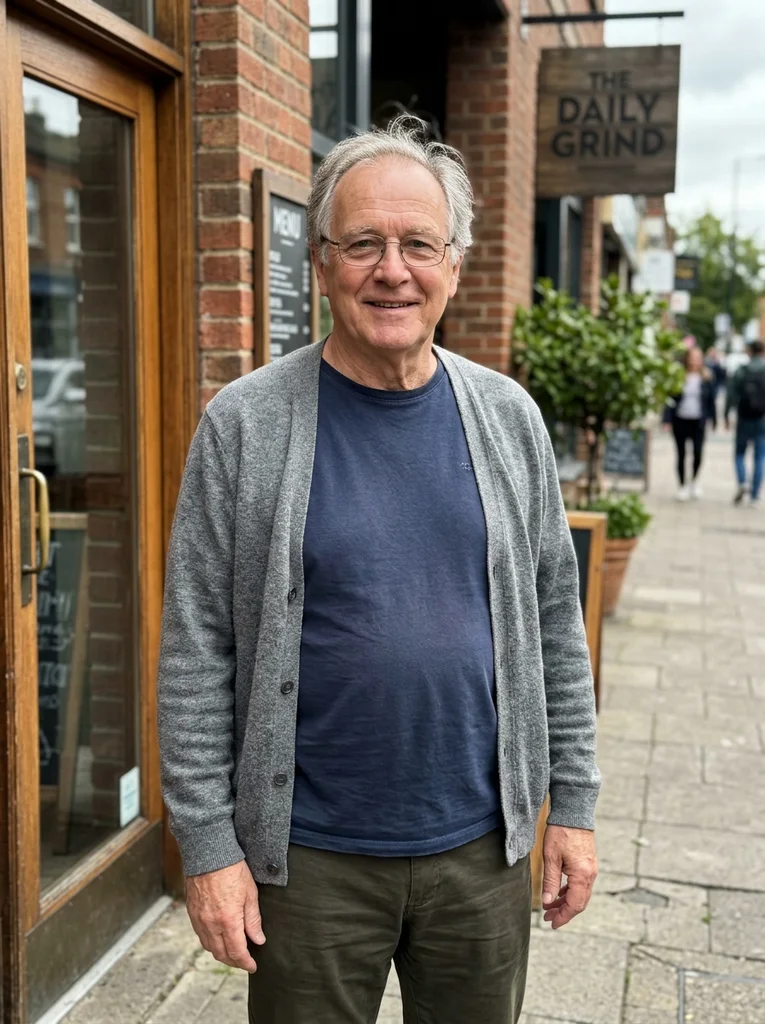
Reference portrait, AI-generated 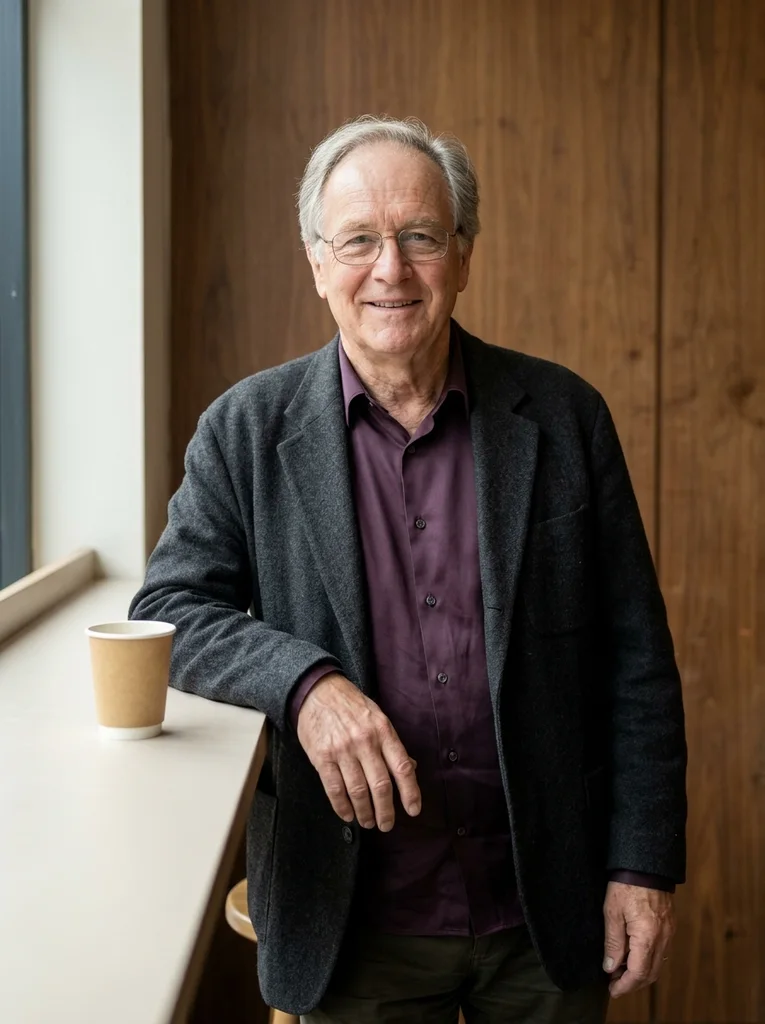
Example result, AI-generated, not a customer photo Counter End, Silk
A stone counter edge and aubergine silk make a softly dramatic café portrait.
The full prompt is included with a subscription.See plans
- 16
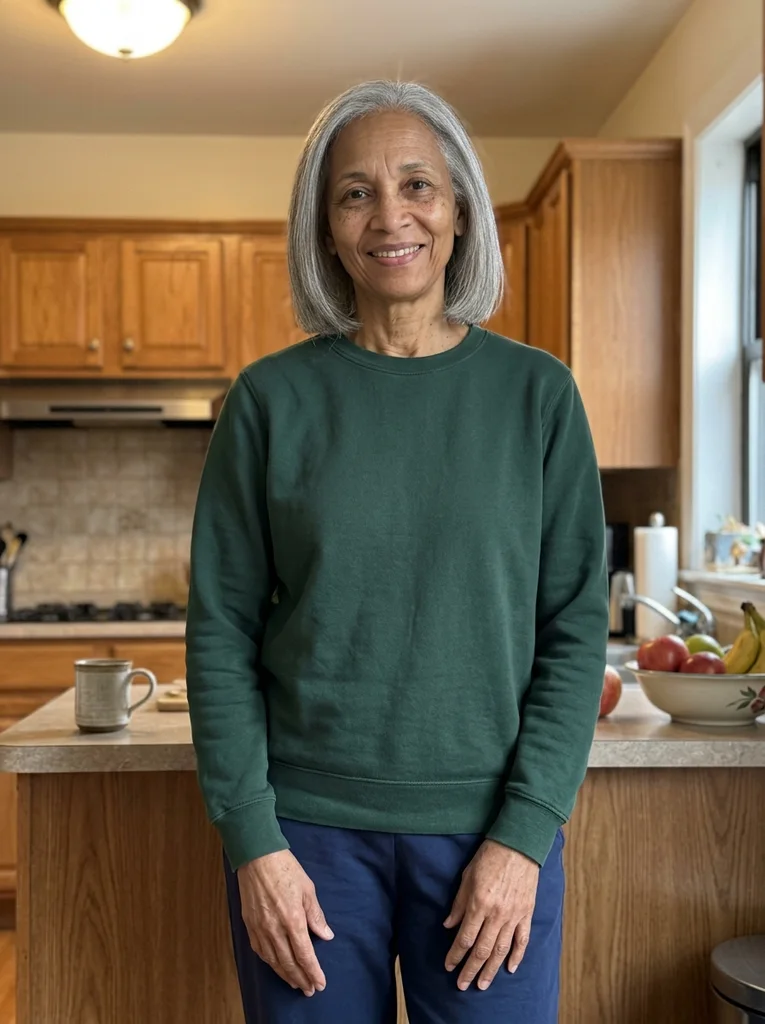
Reference portrait, AI-generated 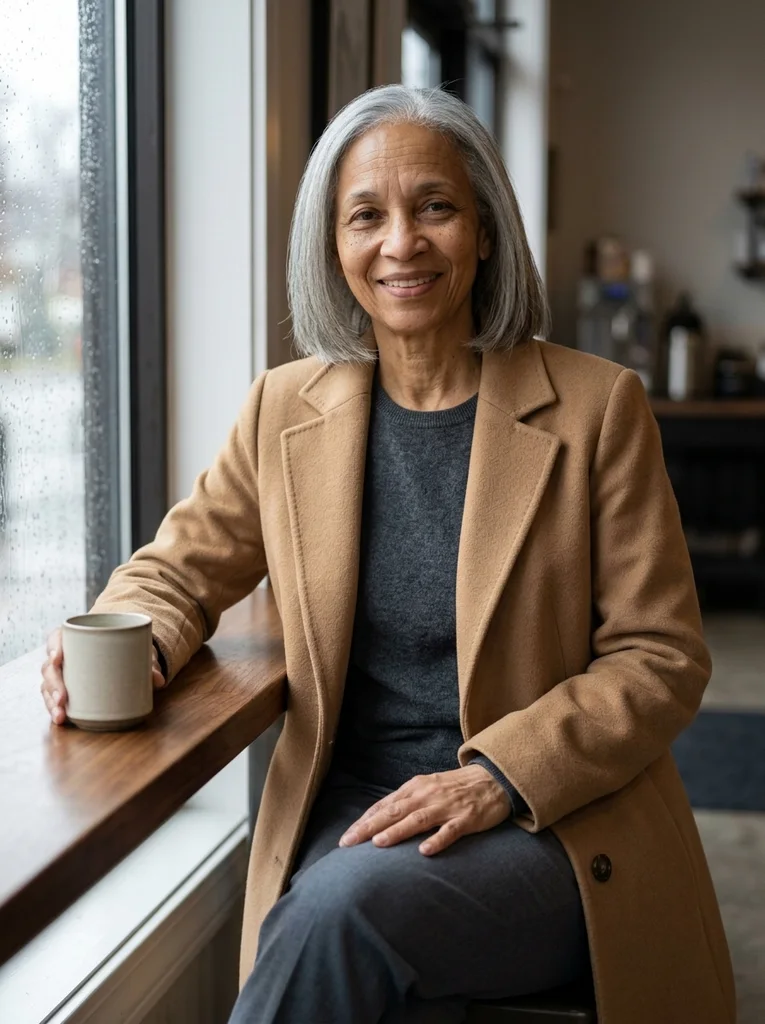
Example result, AI-generated, not a customer photo Rain Window Interior
A rain-marked café window gives depth to tactile camel and dark wool.
The full prompt is included with a subscription.See plans
- 17

Reference portrait, AI-generated 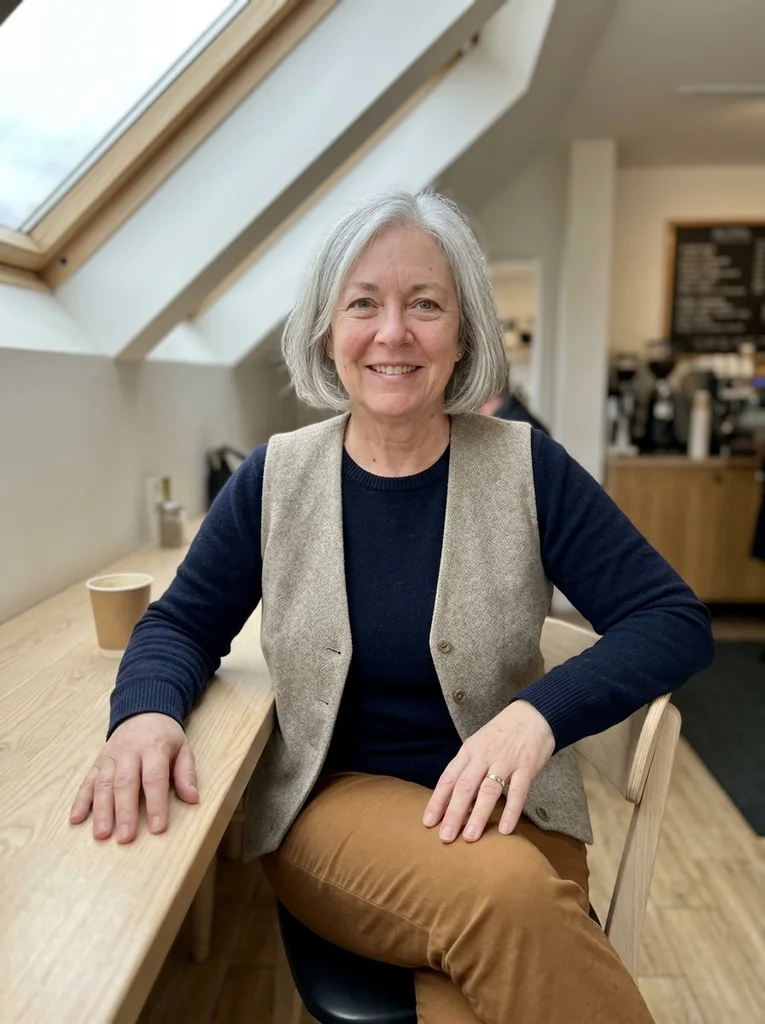
Example result, AI-generated, not a customer photo Skylight Café
An industrial café skylight brings clarity to rich knit and precise trousers.
The full prompt is included with a subscription.See plans
- 18
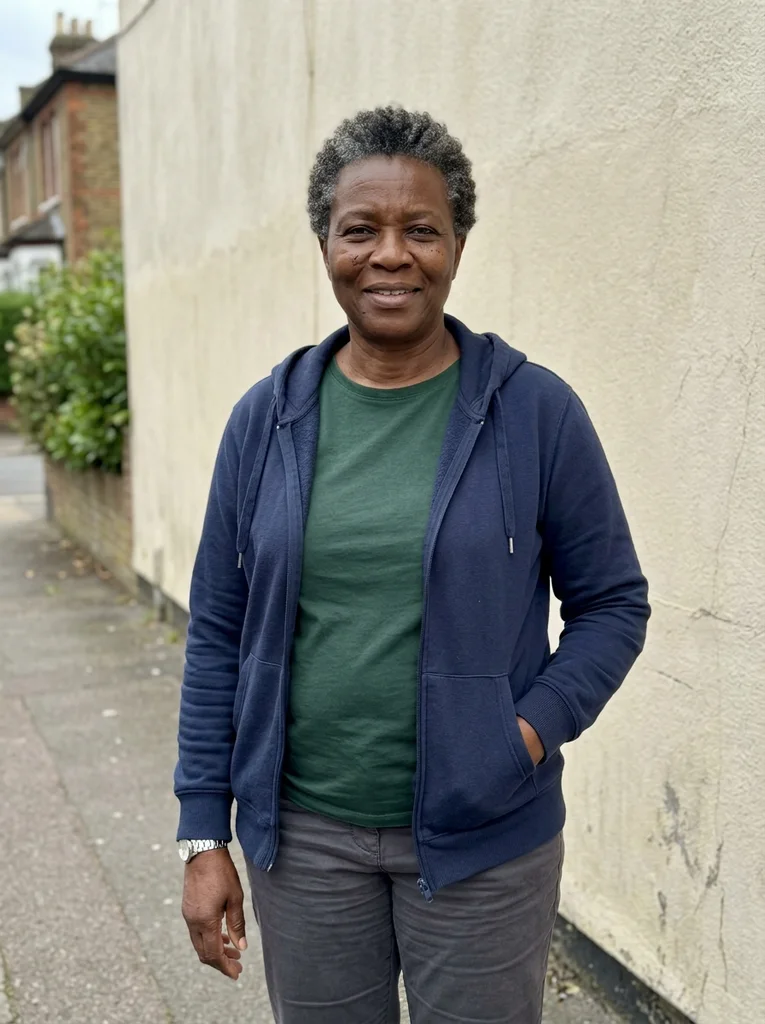
Reference portrait, AI-generated 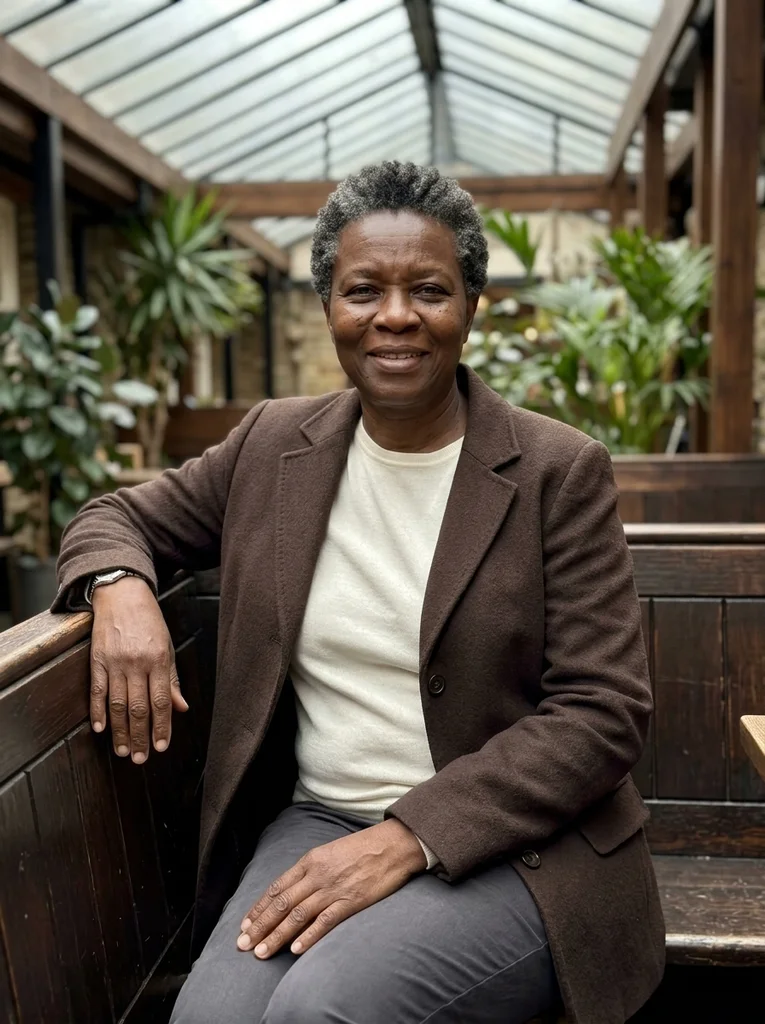
Example result, AI-generated, not a customer photo Overcast Courtyard Booth
A glazed café courtyard frames warm wool in flattering overcast light.
The full prompt is included with a subscription.See plans
- 19
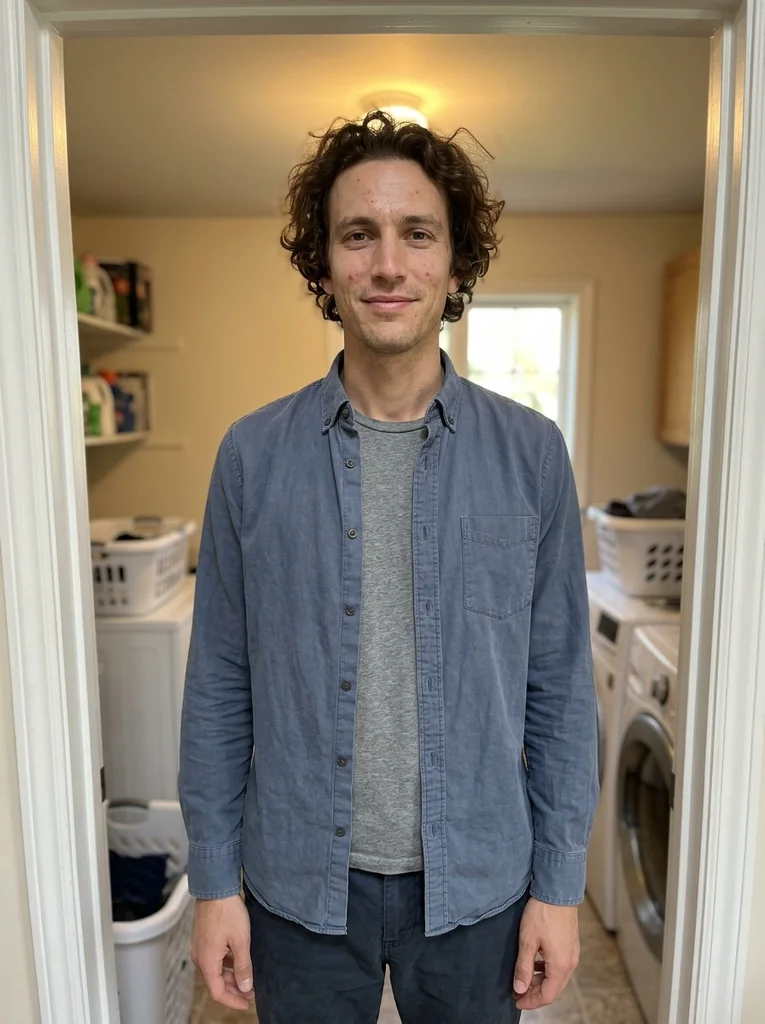
Reference portrait, AI-generated 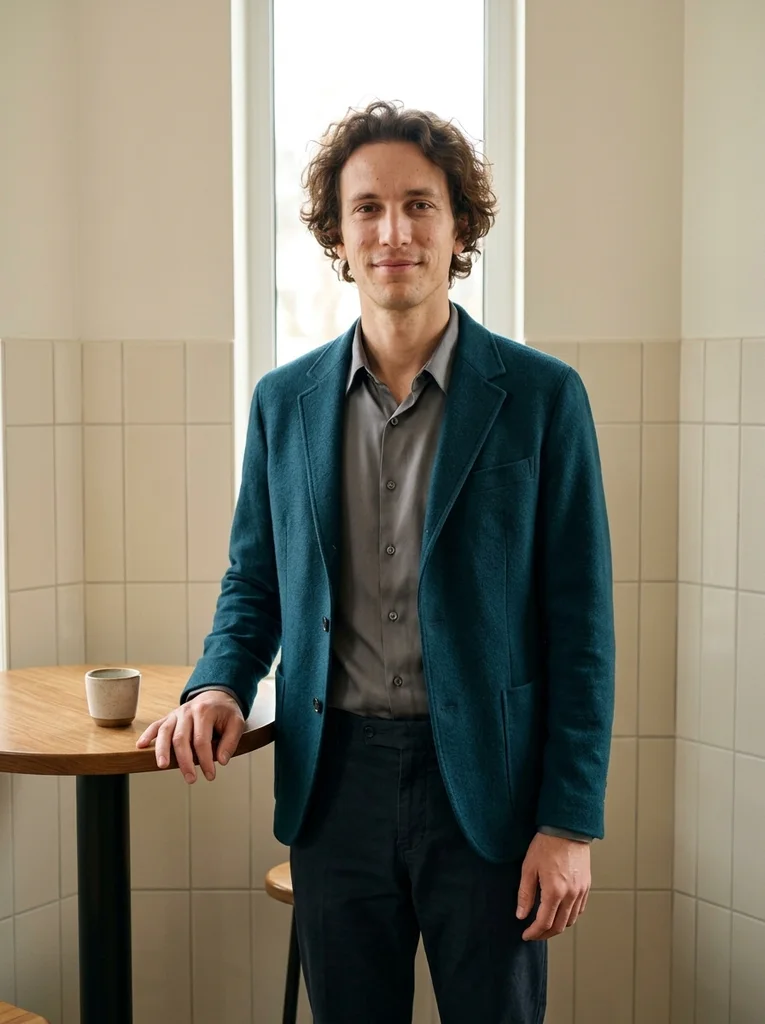
Example result, AI-generated, not a customer photo Pale Tile Room
A narrow café window shapes delicate light against pale tile and strong tailoring.
The full prompt is included with a subscription.See plans
- 20
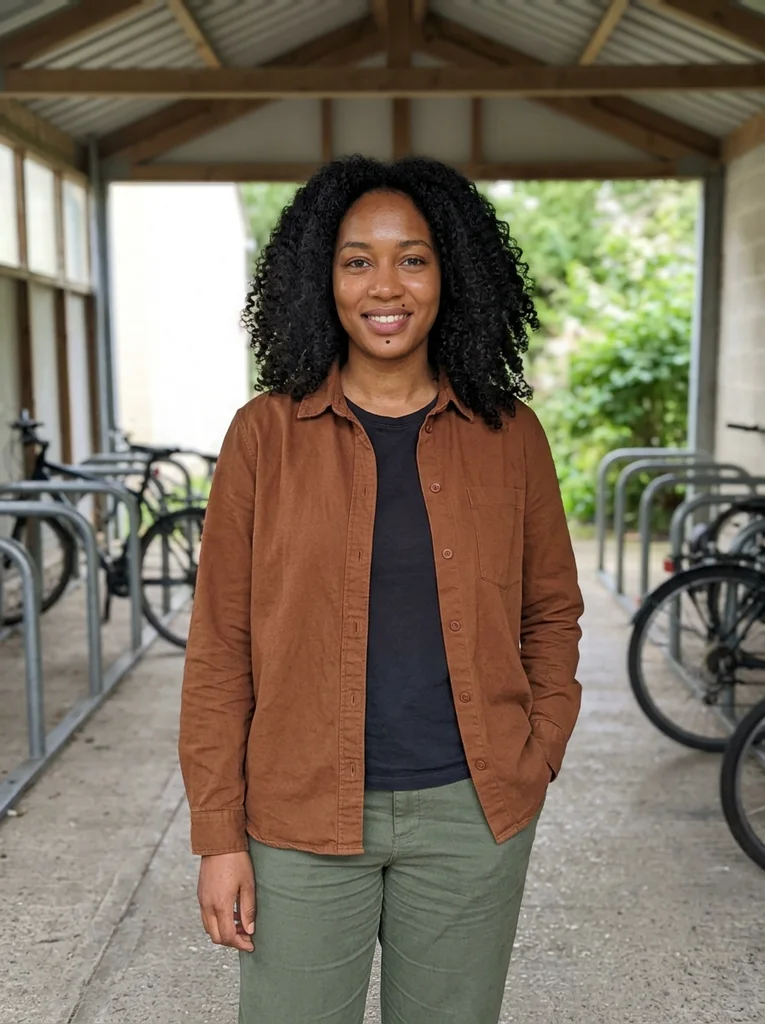
Reference portrait, AI-generated 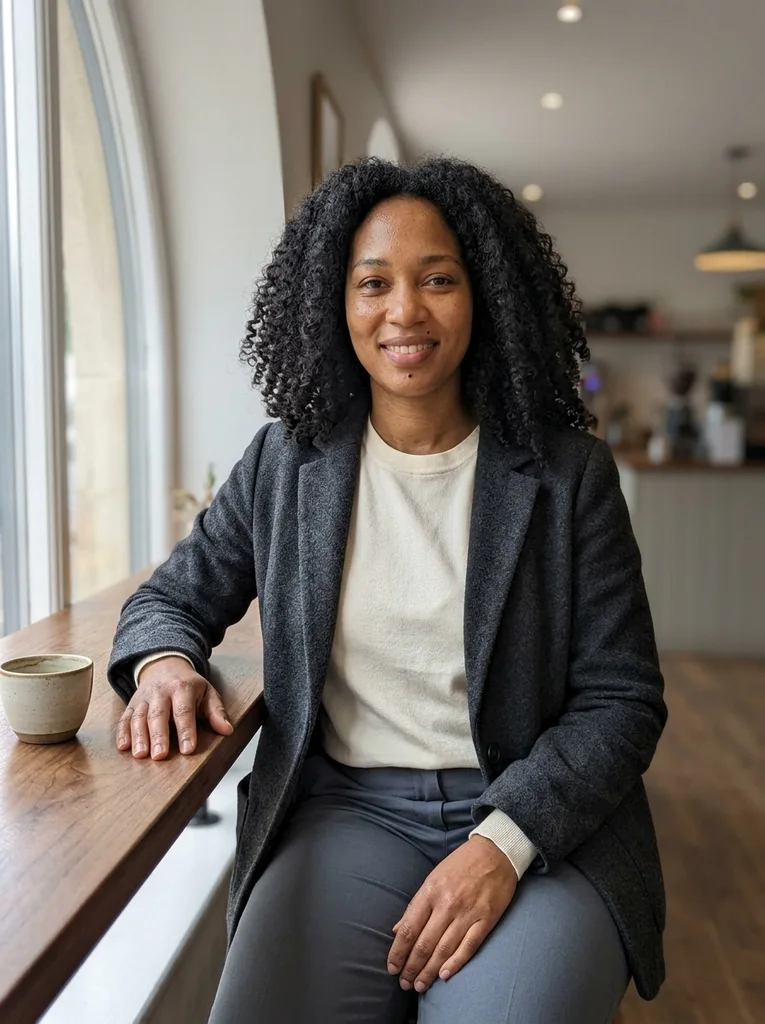
Example result, AI-generated, not a customer photo Dark Wood Daylight
A bright arched window gives polish to ivory knit in a dark walnut café.
The full prompt is included with a subscription.See plans
- 21
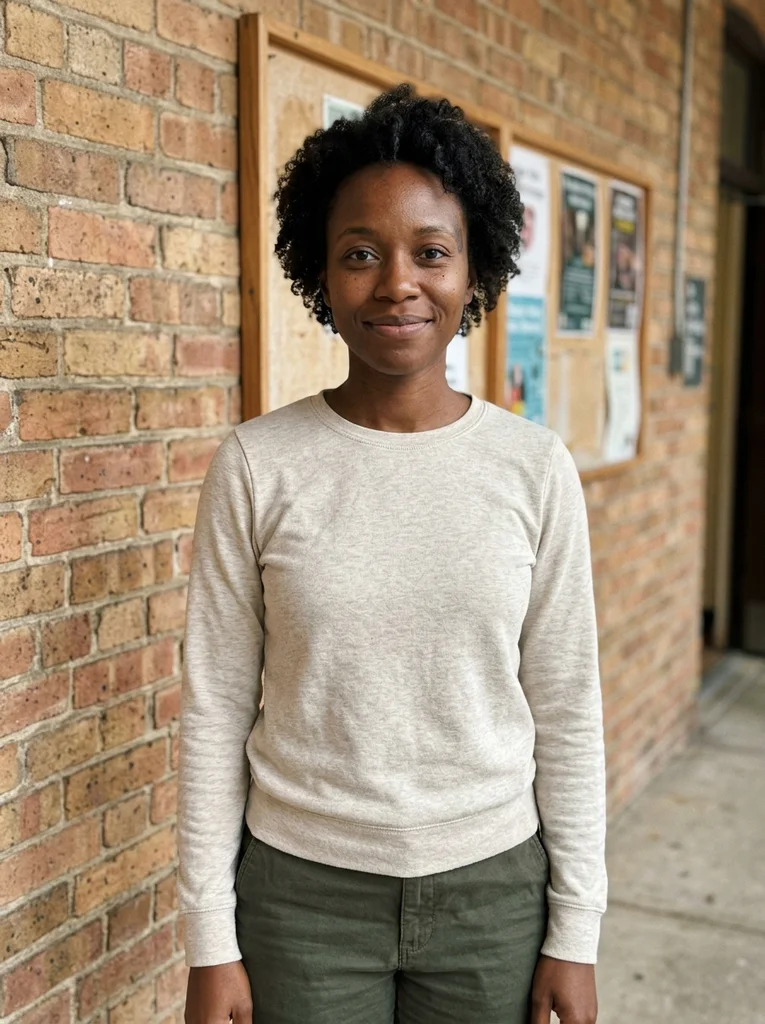
Reference portrait, AI-generated 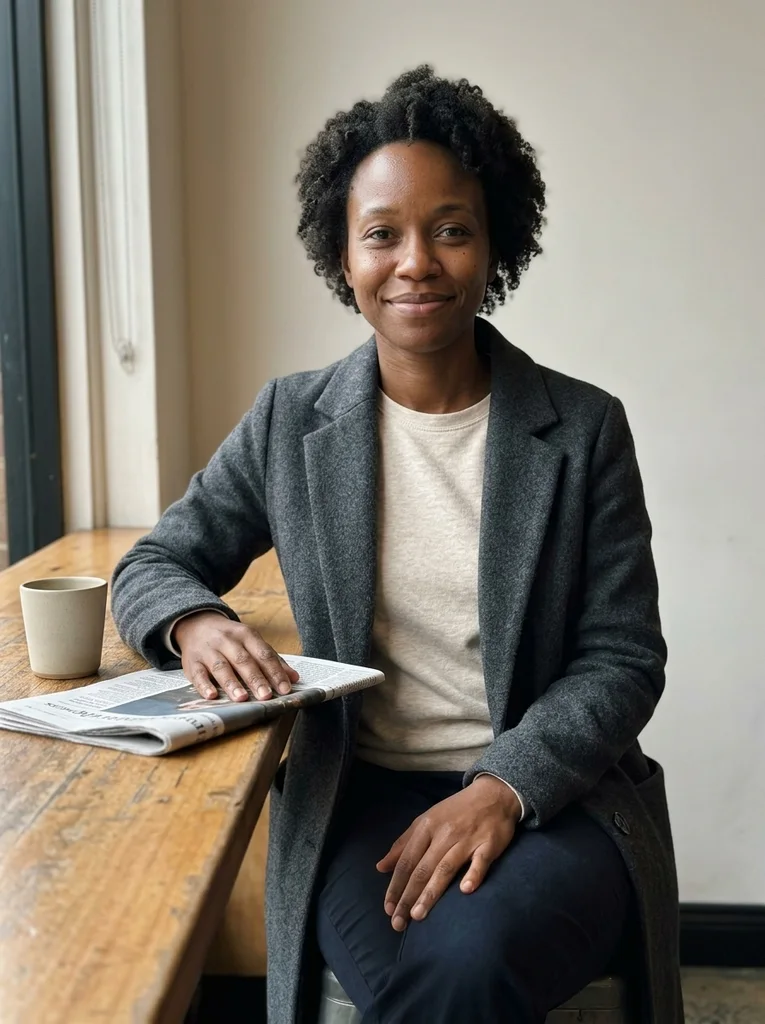
Example result, AI-generated, not a customer photo Folded Weekend Paper
An edge-on folded paper and one cup make a poised café observation.
The full prompt is included with a subscription.See plans
- 22
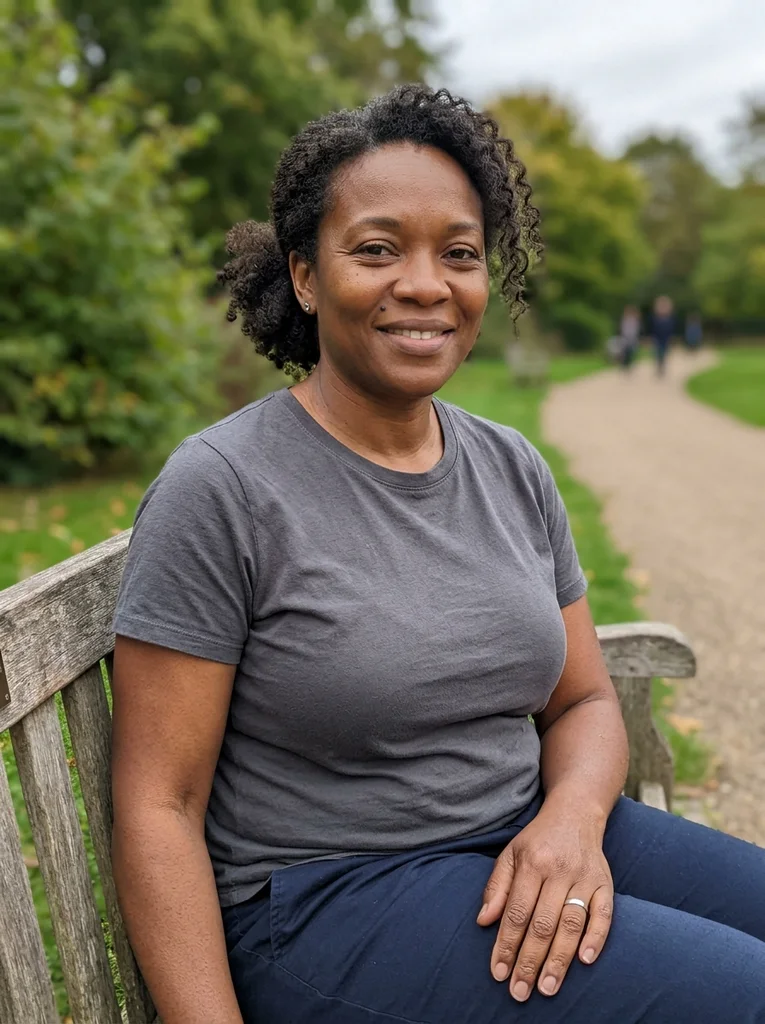
Reference portrait, AI-generated 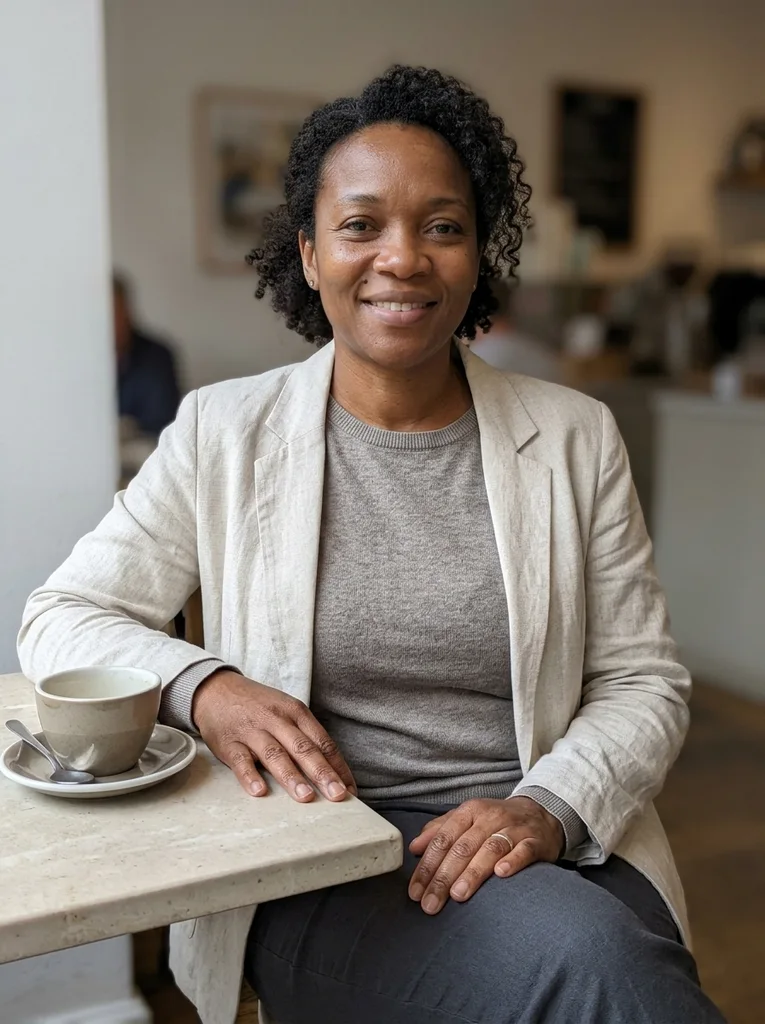
Example result, AI-generated, not a customer photo Morning Spoon
A neatly placed spoon and ceramic cup bring quiet precision to refined café styling.
The full prompt is included with a subscription.See plans
- 23

Reference portrait, AI-generated 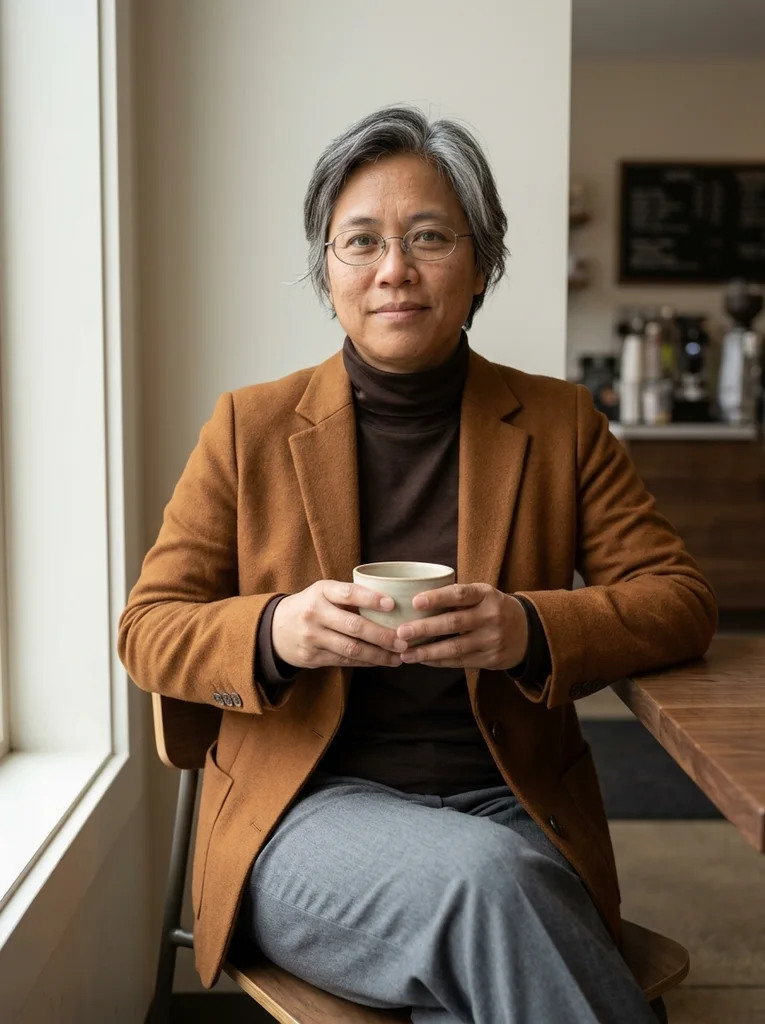
Example result, AI-generated, not a customer photo Cup Below the Sternum
A single cup held low creates an intimate but complete-handed café portrait.
The full prompt is included with a subscription.See plans
- 24

Reference portrait, AI-generated 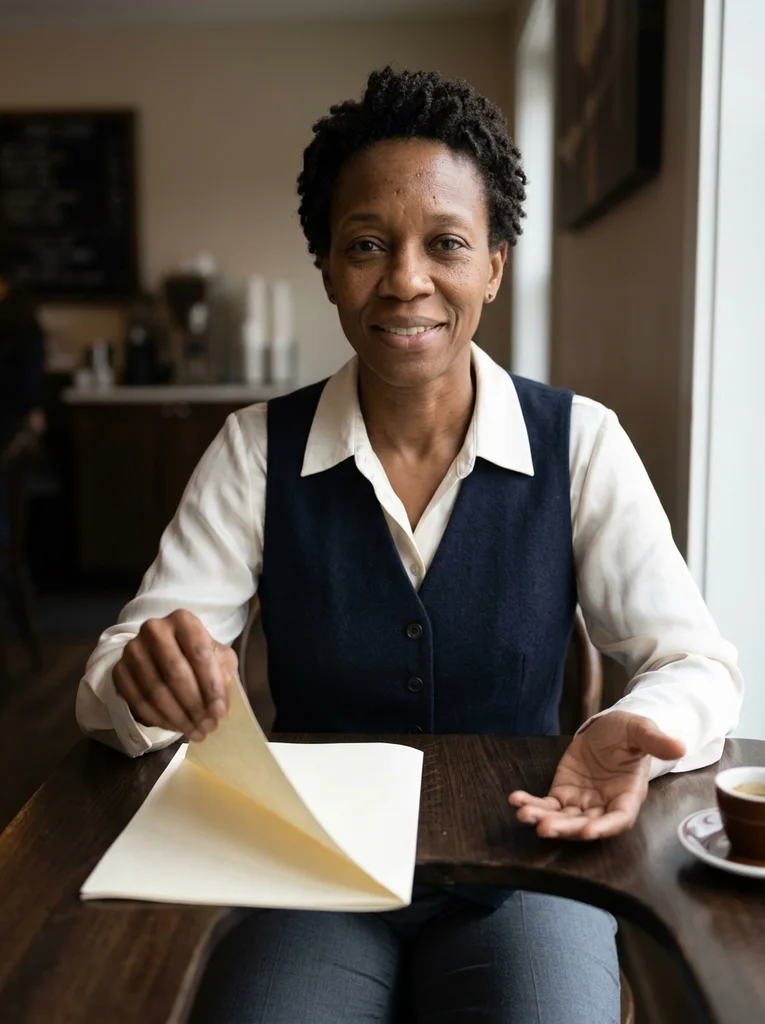
Example result, AI-generated, not a customer photo Unprinted Page Turn
A small folded sheet and espresso give a reading pause an elegant café finish.
The full prompt is included with a subscription.See plans
- 25
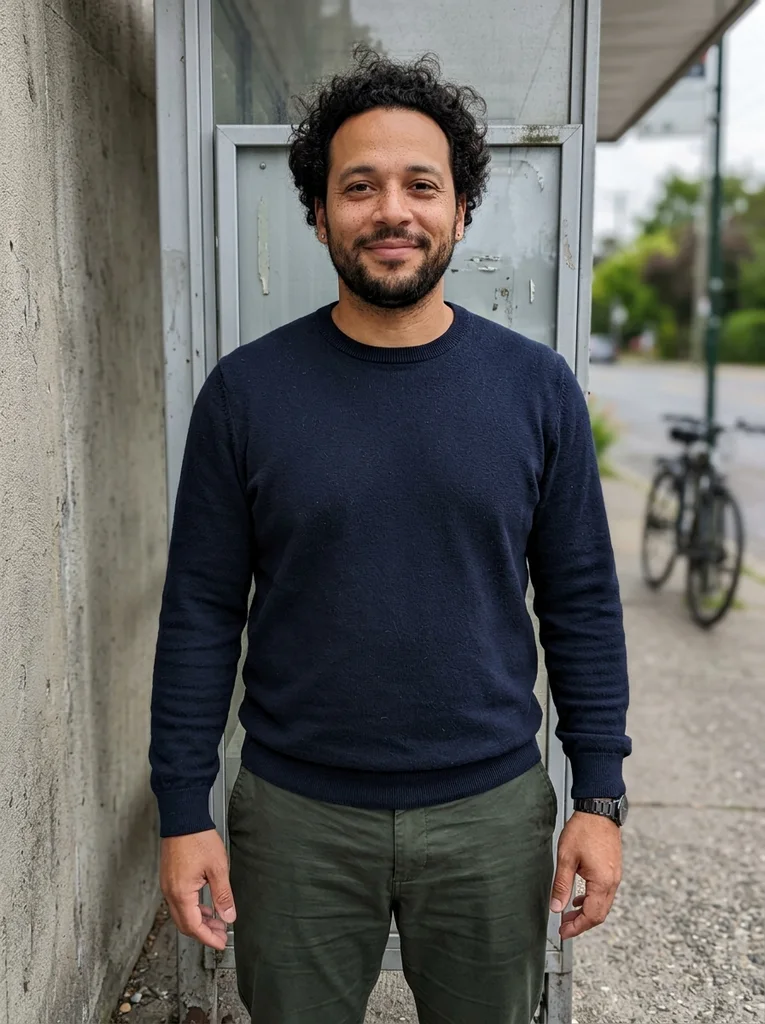
Reference portrait, AI-generated 
Example result, AI-generated, not a customer photo Wrapped Pastry Pause
A small paper parcel anchors a warm, composed café fashion portrait.
The full prompt is included with a subscription.See plans
How to use these prompts.
- 01
Start with a seated, half-length photo
Pick a sharp photo in which you sit or stand square to the camera with relaxed shoulders. If both hands are visible and at rest, the tool has less to invent.
- 02
Choose where you want to sit
Decide between a window seat, a small sidewalk table, a counter stool or a cloudy-day corner. The seat sets the light, so pick it before you think about the outfit.
- 03
Run the prompt on your own photo
Upload your photo to your AI image tool and paste the whole prompt. Compare the result with your original to confirm it still looks like you before you adjust the scene.
- 04
Check the cup, the fingers and the table
Look at the cup first: it should have a plain, believable shape. Then count the fingers, and check any sign or menu board for garbled lettering. Run the prompt again if any of these look invented.
What defines this look.
Keep the window at your side
Side window light shapes the face with a soft shadow on one cheek. A window directly behind you leaves your face dark, so choose a look, or ask in the prompt, for the glass at your shoulder.
Keep the props to one or two
A single cup, perhaps with a spoon or a folded paper, is enough to place you in a cafe. Stacked plates, large pastries and trays pull attention from your face and tend to look oversized.
Let your hands show, low and relaxed
Rest both hands on the table or hold the cup near your waist with your fingers in view. Hands raised or half-hidden behind a cup are a common weak spot in AI images, so a low, open hold is safer.
Choose wood, marble or stone surfaces
Wood, marble and stone give the table real texture, and a pale top bounces a little light back toward your face. Avoid printed tablecloths and anything that carries a logo.
Prefer overcast light through the glass
Overcast light through a cafe window is soft and even, which suits dark wool, camel coats and fine knit. A window with rain on the glass or a skylight adds depth without harsh shadows.
Look as if a conversation just paused
Meet the camera calmly or glance just past it, with a relaxed mouth and loose shoulders. These portraits are observational, so a quiet pause reads better than a wide smile held for the lens.
Common problems and fixes.
The cup looks oversized or oddly shaped
Choose a look with one plain cup and keep the rest of the table empty. If the shape still looks wrong, run the prompt again instead of adding more props.
Hands look odd around the cup
Start from a source photo with both hands visible and relaxed. Pick a look where the cup rests low or on the table, and check every finger before you save the result.
Logos, menus or printed text appear
State that the scene has no signs, menus or printing, and favor looks built around plain glass, walls and wood. Run the prompt again instead of trying to correct invented lettering.
My face is dark with the window behind me
Ask for the window at your side, or choose a look with a side window or an overcast skylight. A source photo with even light on your face gives the tool more to keep.
FAQ
Common questions.
01Do I need coffee or food in a cafe portrait?
No. One cup is enough to place you in the scene, and a folded paper or a spoon can add a second small detail. Large plates and pastries tend to look oversized and draw attention from your face.
02Which seat gives good light for a cafe photo?
A seat with the window at your side. Side light shapes the face softly, while a window behind you leaves it dark. On a cloudy day, a table near a skylight or a large pane also works.
03What clothes look natural in a cafe portrait?
Textured everyday layers in muted tones: a knit, a wool jacket, a silk top or a linen shirt. They photograph well in soft window light and look at home at a table. Skip logos and text prints.
04Will cafe prompts add logos or menu text to my photo?
They can. Most examples keep to plain cups, wood, stone and glass, but a few show a chalkboard menu in the background. If you do not want lettering, say so in the prompt, and run it again if some still appears.
05Can I use a photo taken at home?
Yes. The prompt describes the cafe, so choose your photo for sharpness and light rather than for its background. A half-length frame with your hands visible and your face evenly lit works well.
06What is in the Café Notes collection?
The portraits cover coffee at a window, small tables on the sidewalk, and counters with low stools. Others show cloudy-day interiors or close portraits built around a cup, a folded paper and natural hands.
Keep exploring.

A little inspiration.
On the house.
10 free photo prompts, with examples and instructions. A small edit for your next photo, ready for your own image tool.
No account or payment needed.
Get the library
Your next look
starts here.
$5.99 / month
New looks and refined prompts, added regularly.
Included while your subscription is active.
- 500+ ready-to-copy photo prompts
- 20 curated collections with before-and-after examples
- New looks & ongoing prompt improvements
- Save favorites & revisit your looks
Renews monthly at $5.99.
Cancel renewal anytime. Image-tool fees separate.