
Cold Weather collection
Winter portrait prompts: Cold Weather
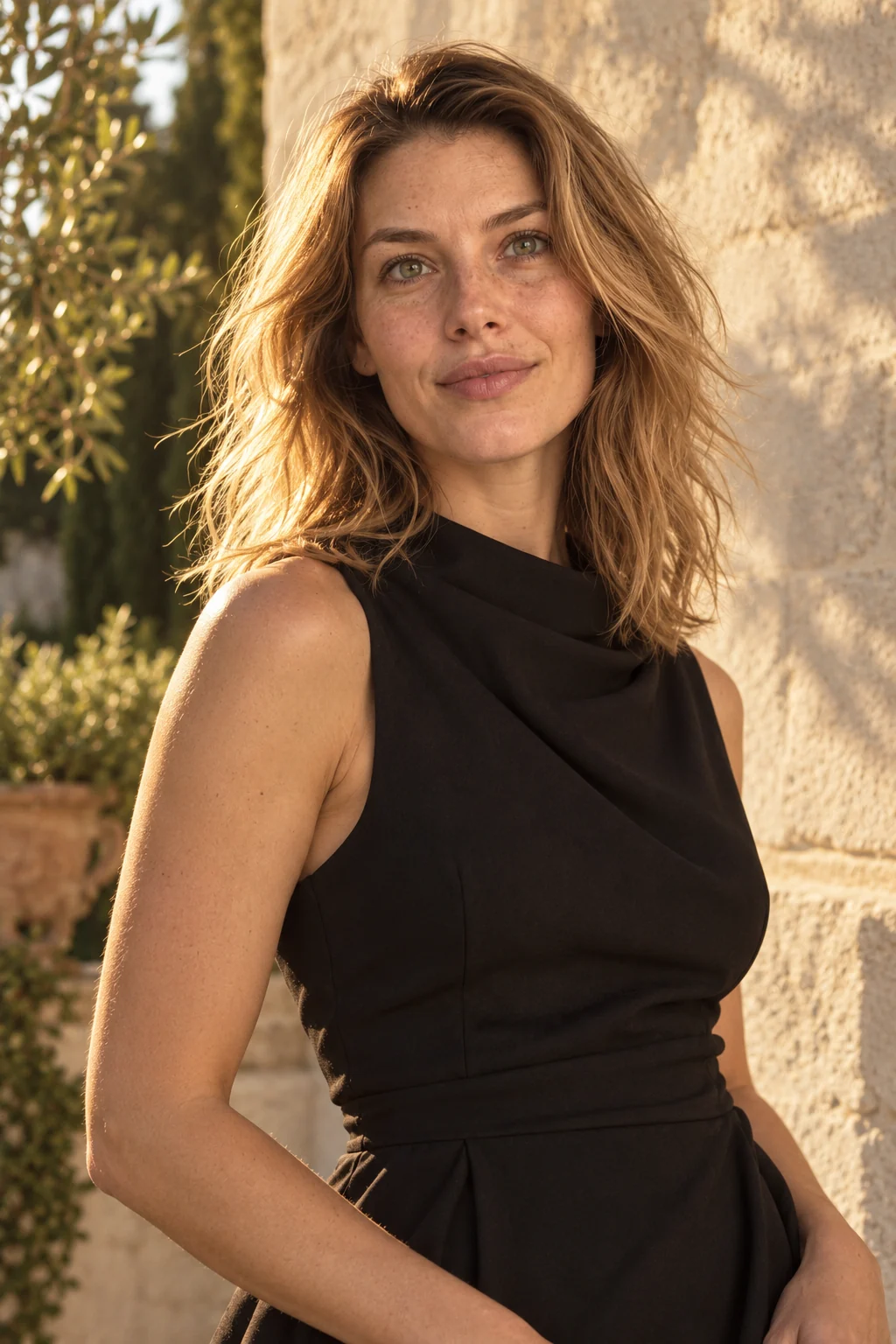
Winter portrait prompts work best when clothing and light carry the season: a wool coat, a soft knit, overcast daylight and no artificial snowstorm. The Cold Weather collection keeps skin color believable and the face fully visible, with scarves worn low and bare branches kept at a distance. Each result is shown with its reference portrait, so you can compare skin tone, fabric and light. Choose a pair, then try the same setup on a sharp photo of yourself.
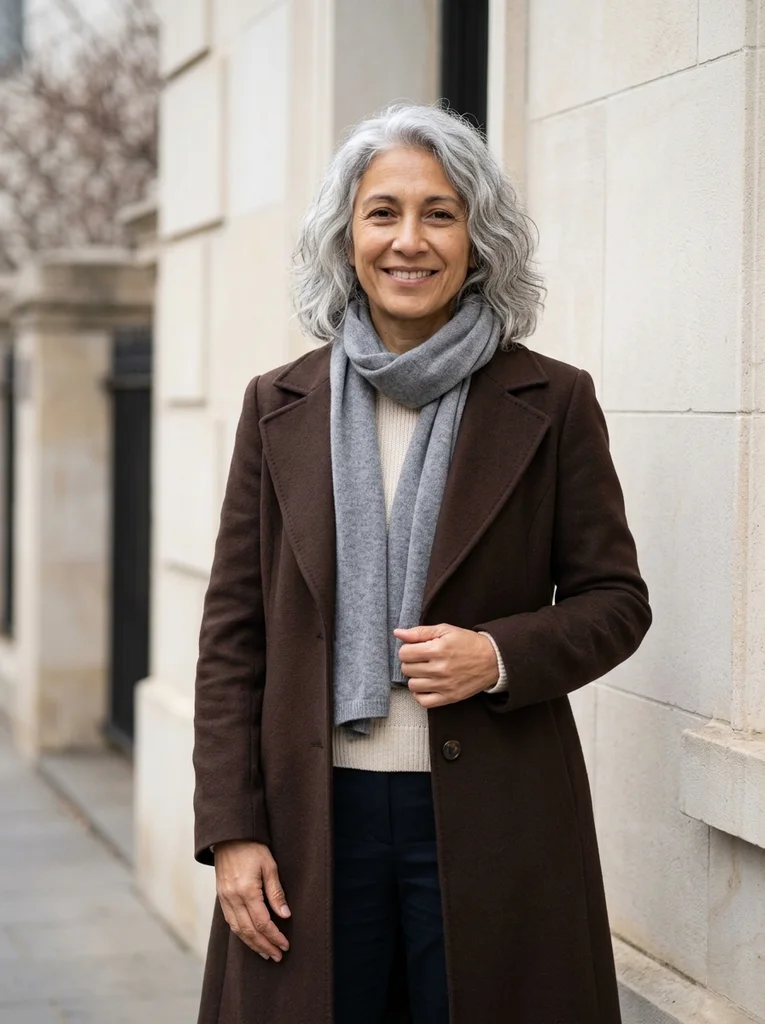
Examples with reference portraits.
Every example in this section is an AI-generated illustration of a fictional adult, including the reference portraits. They are not customer photos and they do not promise the same result in your tool. The examples were made with Nano Banana 2, a Google Gemini image model.
- 01

Reference portrait, AI-generated Example result, AI-generated, not a customer photo Winter Lines
A composed winter portrait with rich wool layers, pale stone and flattering cool daylight.
Free prompt
Use the uploaded reference photograph to create one photorealistic editorial portrait of the same adult. The source may be an ordinary imperfect everyday selfie: use it for identity, not as a studio template. Give the result a subtly more attractive, magazine-quality finish through tasteful, identity-preserving portrait retouching, flattering exposure, and a natural pose and expression. Gently reduce temporary blemishes and reddish blotches, soften under-eye shadows and harsh lighting, lightly even skin tone, and tidy distracting flyaway hairs. Retain realistic pores and skin detail, recognizable facial geometry and natural asymmetry, the natural skin tone, freckles, moles and other permanent identity marks, the apparent adult age, body shape and proportions, and natural hair texture and hairline. Do not erase permanent expression lines or other identifying features. No waxy or plastic skin, excessive smoothing, replacement with a new face, face or body reshaping, age reset, or skin whitening. Apply this restrained retouching within the following setting, outfit, pose and lighting direction. Create an elegant cool-season fashion portrait beside a pale limestone building, with restrained architectural lines and a few softly focused bare branches in the distance. Dress me in a beautifully constructed deep chocolate wool coat over a fine cream knit, with dark tailored trousers. Add a soft gray merino scarf arranged low around the neck, leaving the jaw, face and hair fully visible. Let the coat have a confident, clean silhouette while preserving my actual shoulders, waist and body shape. Stand me at a relaxed three-quarter angle, one complete hand lightly touching the coat edge and the other natural beside the body, with an easy assured expression. Use beautiful broad overcast light shaped by reflection from the pale stone, exposing the face clearly and keeping the natural skin tone truthful within the cool surroundings. Preserve the source gray hair, fine lines and permanent marks within tasteful magazine cleanup. Show wool fibers, scarf texture and accurate stitching. Frame from above all hair to mid-thigh with comfortable headroom and room around both hands. Keep the setting clean and photographic, with no snow effects or fashion logos. Produce one vertical 3:4 photograph, with the entire head and hair inside the frame and visible space above them. Keep any shown hands complete and anatomically plausible. The subject is a fully clothed adult; fit the described clothes naturally to the same body. Use realistic photographic depth, natural fabric construction and restrained color. No additional people, duplicated features, in-image text, brand logos, watermarks, borders or collages. No illustration or CGI appearance.Scroll to read the whole prompt, or copy it with the button.
- 02
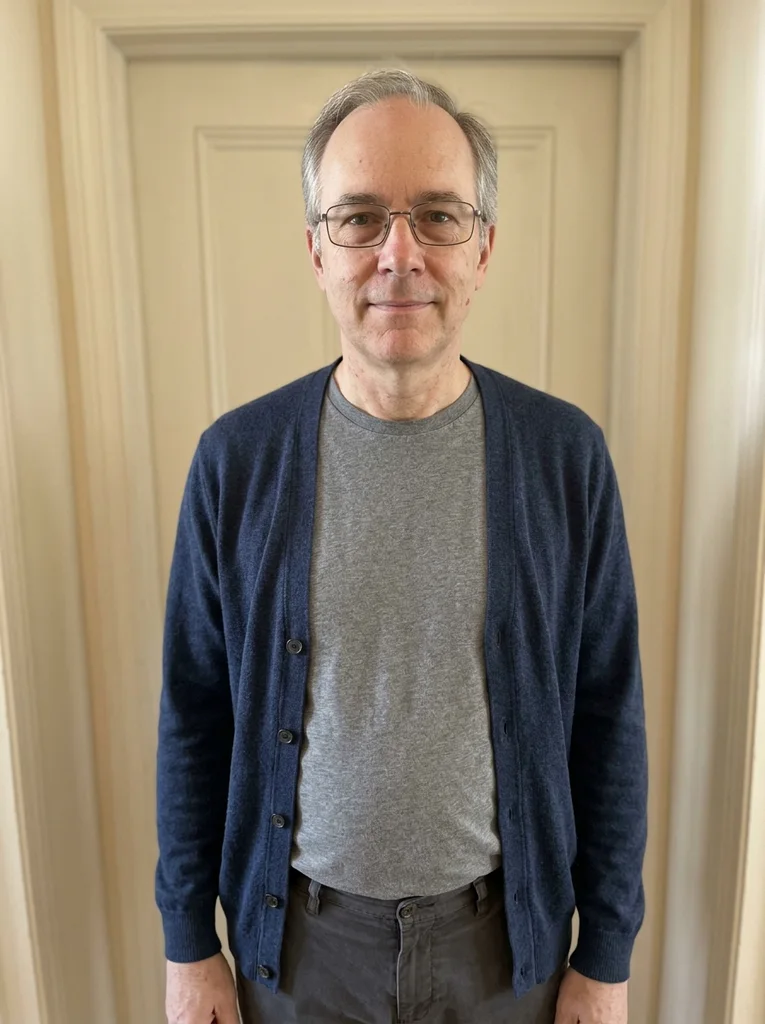
Reference portrait, AI-generated 
Example result, AI-generated, not a customer photo Pale Wall, Slate Coat
A slate coat and pale wall create a calm architectural winter editorial.
The full prompt is included with a subscription.See plans
- 03
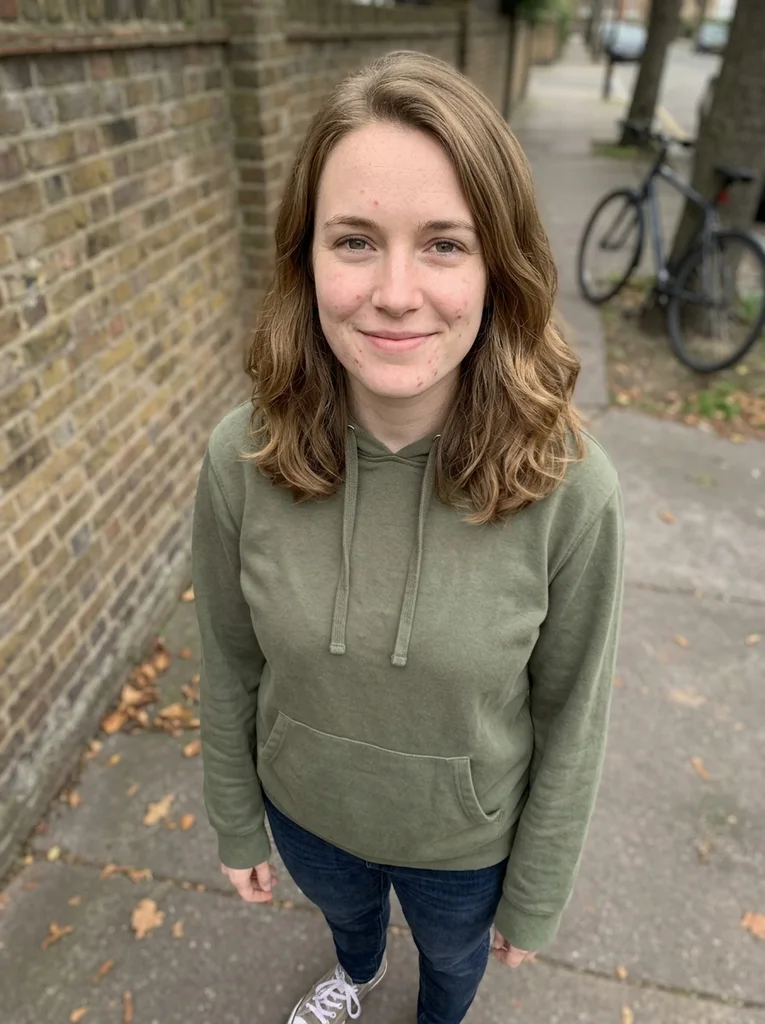
Reference portrait, AI-generated 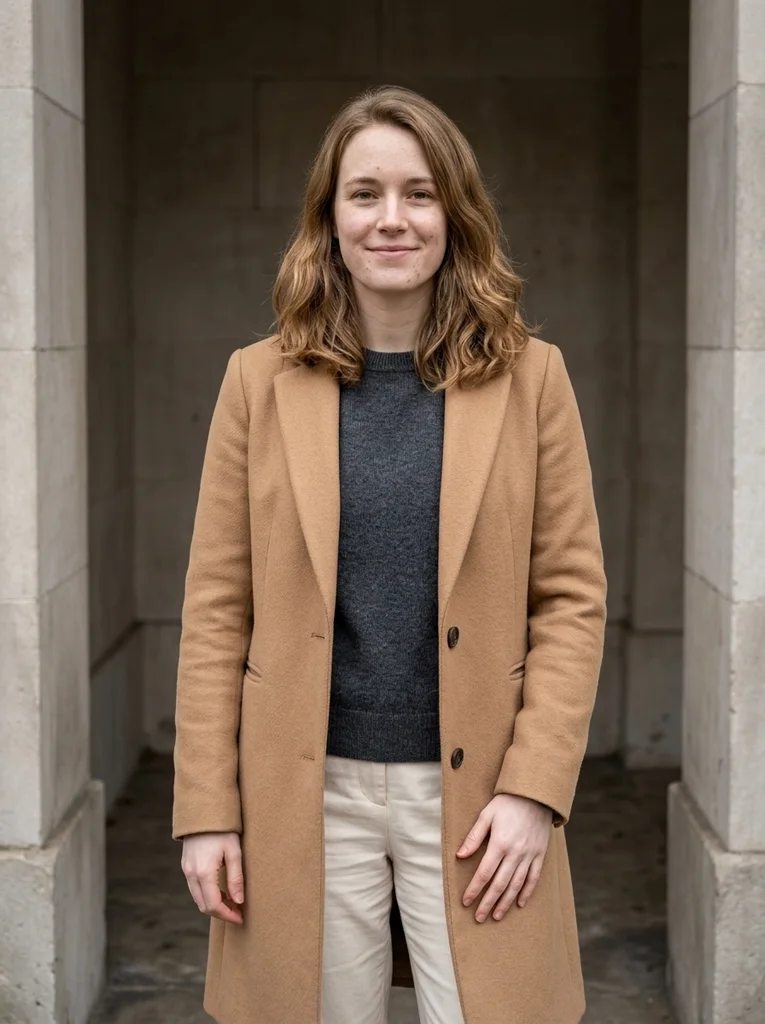
Example result, AI-generated, not a customer photo Winter Recess, Camel Wool
A sheltered facade recess and camel wool make a rich, quietly posed winter portrait.
The full prompt is included with a subscription.See plans
- 04

Reference portrait, AI-generated 
Example result, AI-generated, not a customer photo Bench at the Facade
A low facade bench and fine wool offer a seated cool-weather editorial with open skin tones.
The full prompt is included with a subscription.See plans
- 05
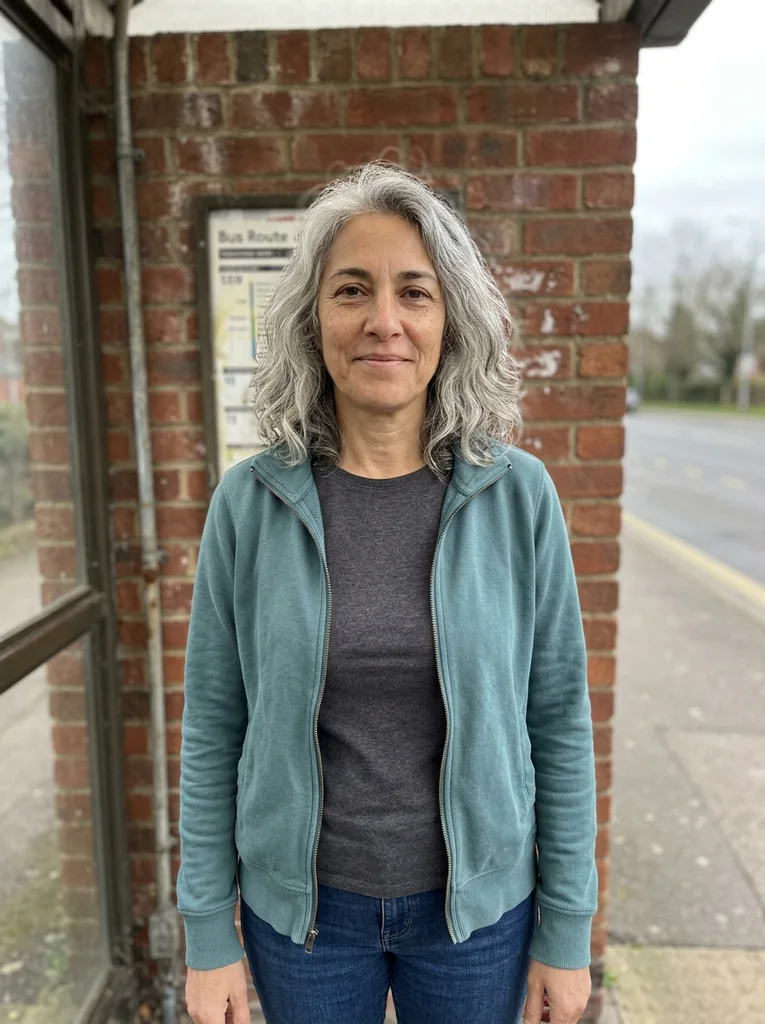
Reference portrait, AI-generated 
Example result, AI-generated, not a customer photo Coat Collar, Chalk Stone
A close wool-coat portrait places an elegant collar against cool chalk stone.
The full prompt is included with a subscription.See plans
- 06

Reference portrait, AI-generated 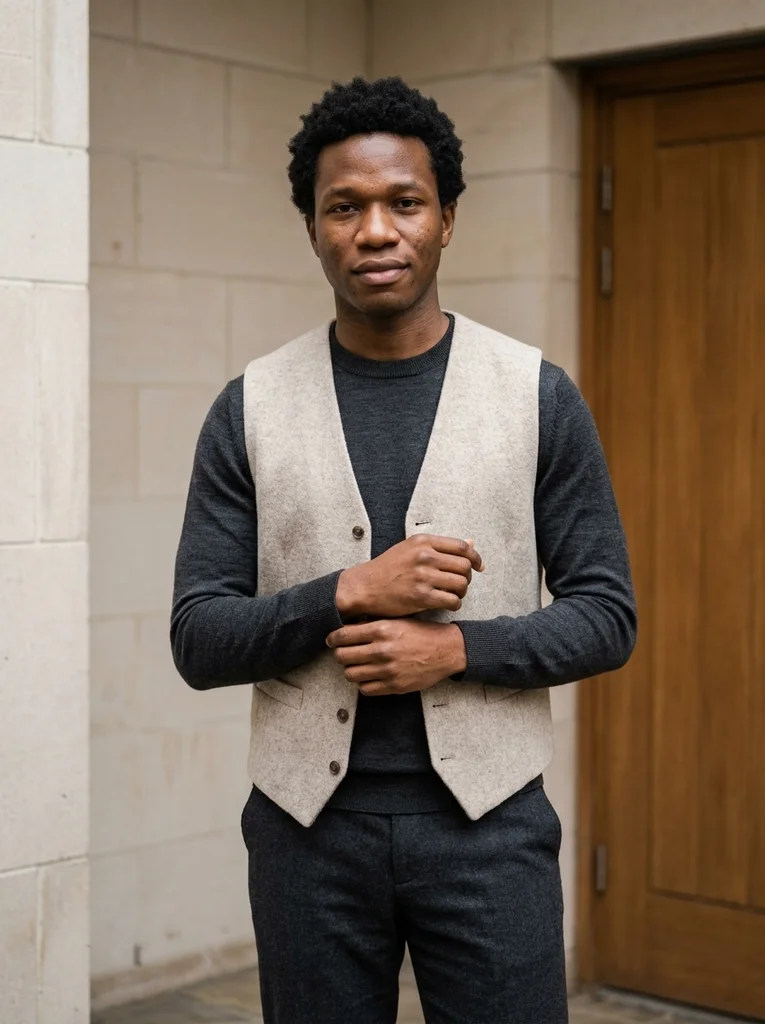
Example result, AI-generated, not a customer photo Sheltered Knit, Indigo
A sheltered street corner and indigo knit make winter texture feel rich and approachable.
The full prompt is included with a subscription.See plans
- 07
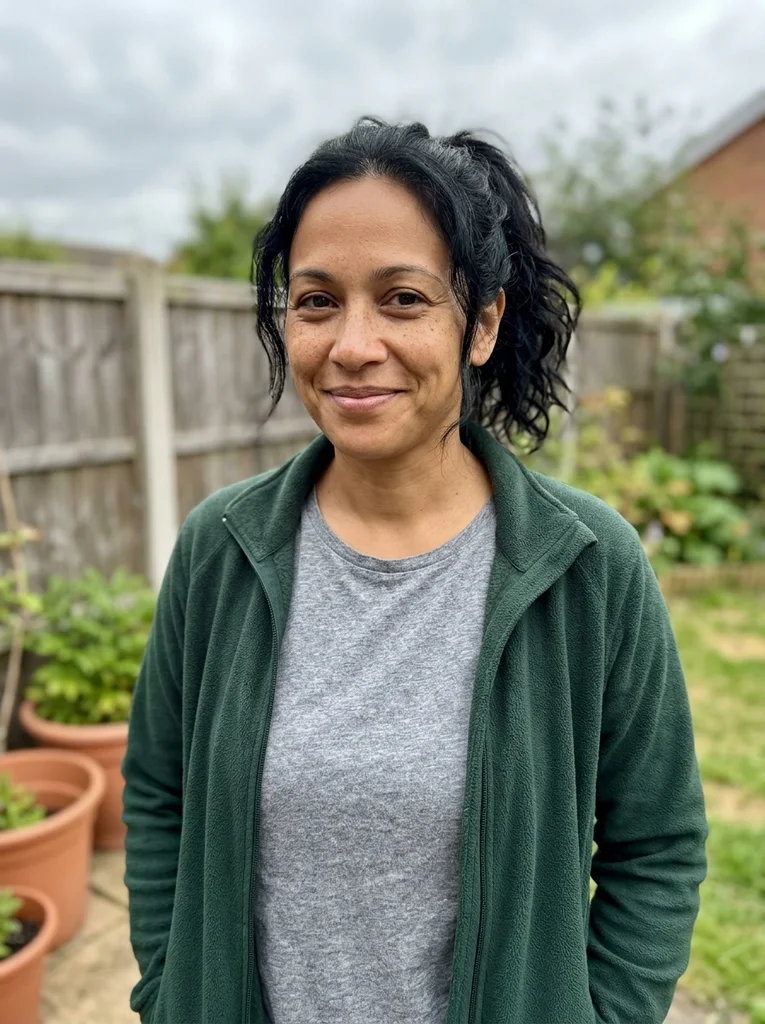
Reference portrait, AI-generated 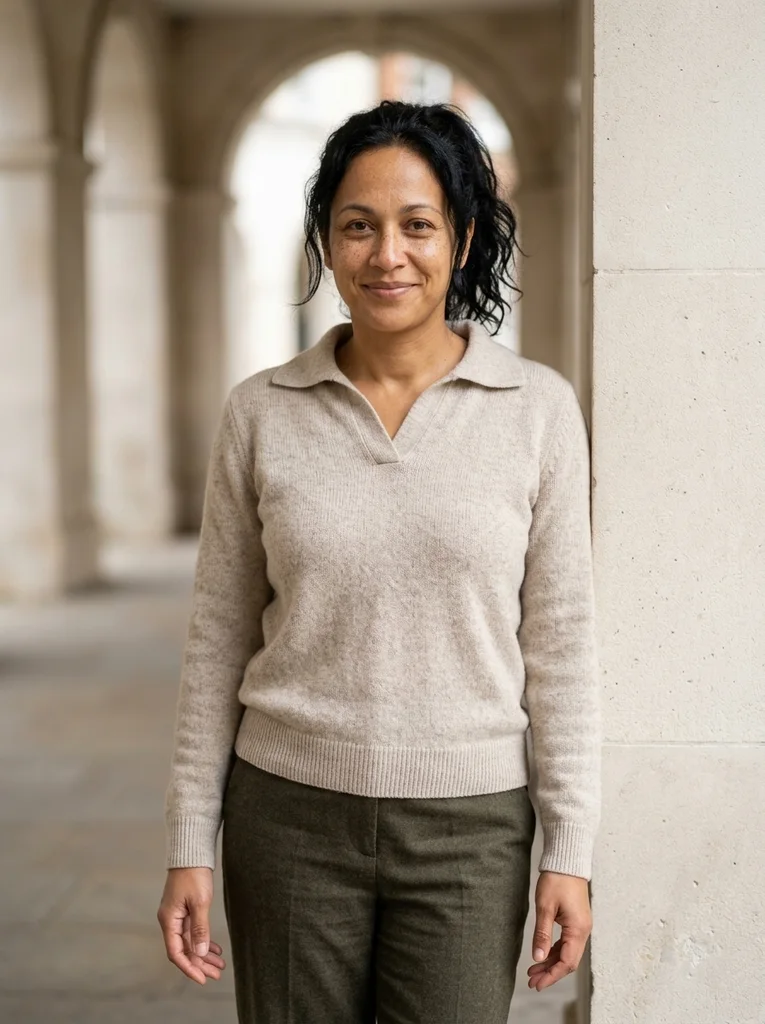
Example result, AI-generated, not a customer photo Arcade Knit, Soft Collar
A soft knit collar and quiet arcade turn a sheltered winter pause into a tactile portrait.
The full prompt is included with a subscription.See plans
- 08
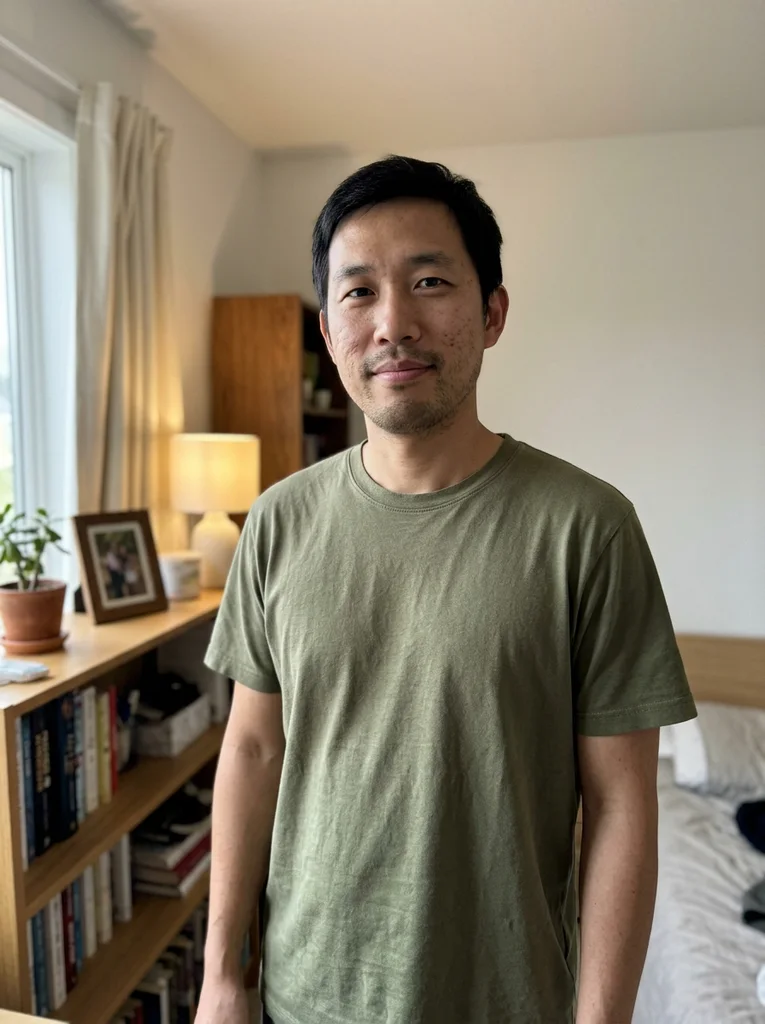
Reference portrait, AI-generated 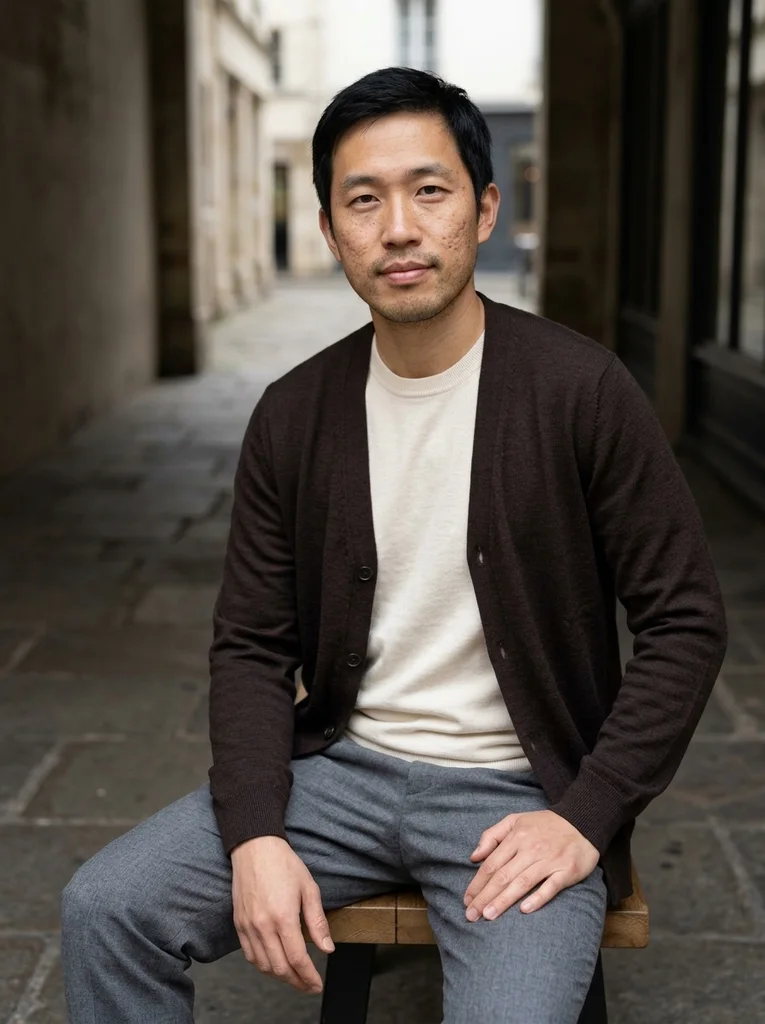
Example result, AI-generated, not a customer photo Winter Seat, Merino Layers
A sheltered seat and layered merino give a cool-season portrait calm, photographic depth.
The full prompt is included with a subscription.See plans
- 09

Reference portrait, AI-generated 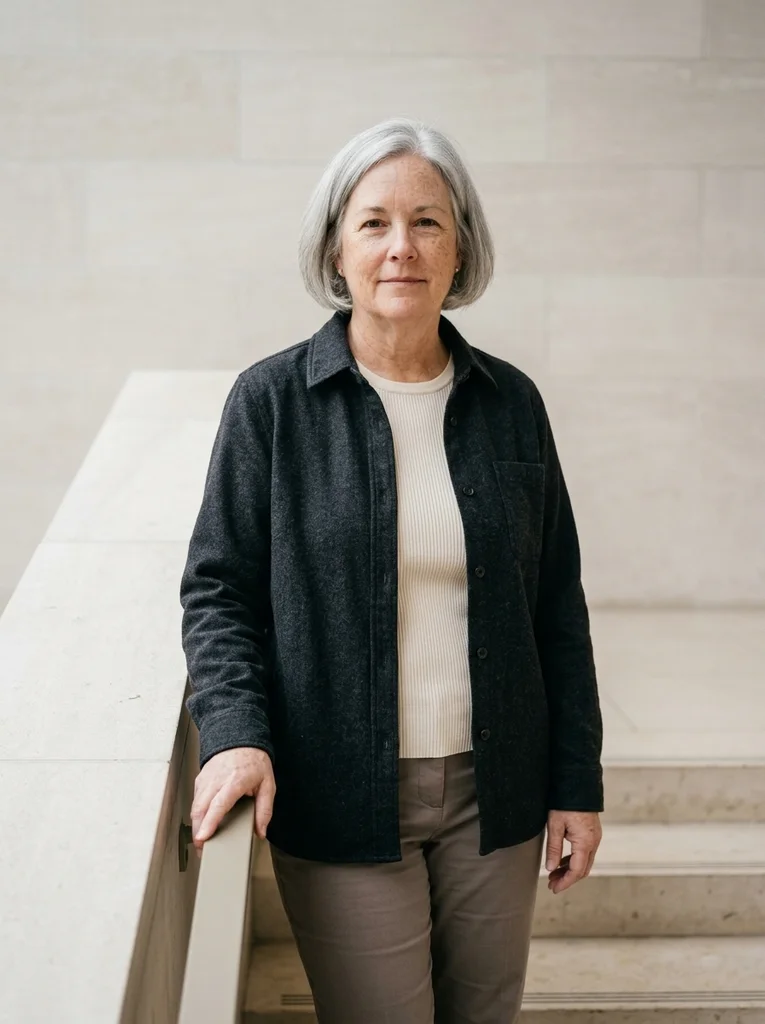
Example result, AI-generated, not a customer photo Sheltered Steps, Rib Knit
Refined rib knit and broad steps make a clean winter portrait with balanced daylight.
The full prompt is included with a subscription.See plans
- 10

Reference portrait, AI-generated 
Example result, AI-generated, not a customer photo Deep Knit, Pale Shelter
A close dark-knit portrait uses a pale shelter to keep winter skin light flattering.
The full prompt is included with a subscription.See plans
- 11

Reference portrait, AI-generated 
Example result, AI-generated, not a customer photo Bare Branches, Cream Wool
Cream wool and distant bare branches give a cool path portrait tactile clarity.
The full prompt is included with a subscription.See plans
- 12

Reference portrait, AI-generated 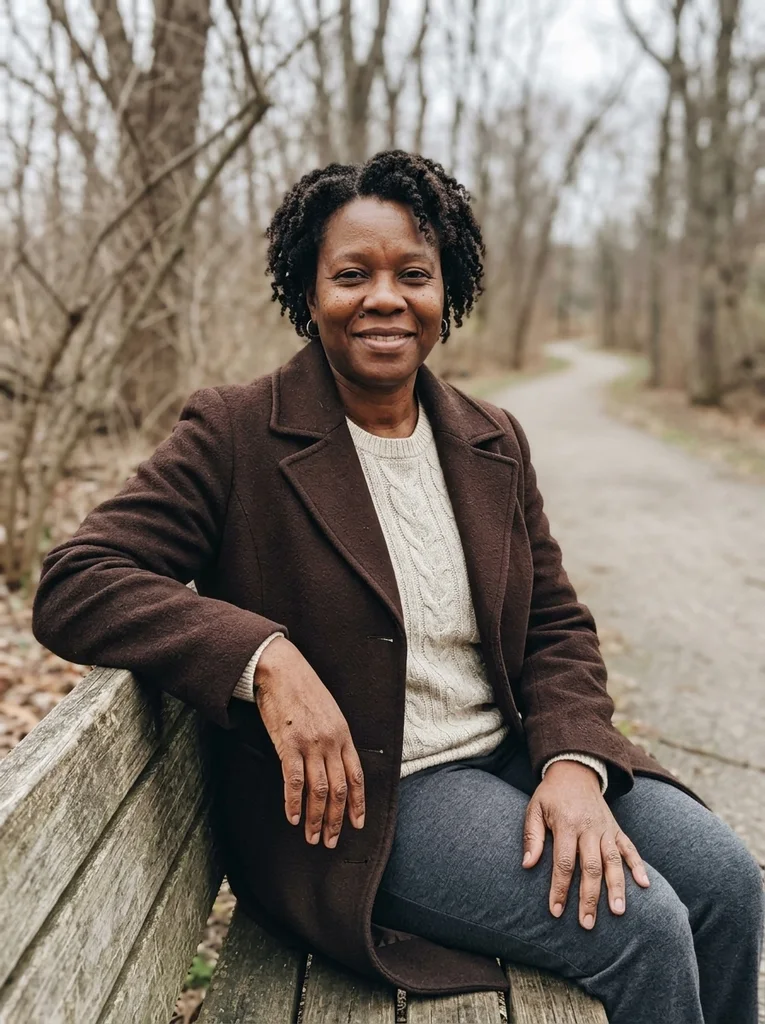
Example result, AI-generated, not a customer photo Path Bench, Long Coat
A low path bench and long wool coat create a softly lit winter editorial.
The full prompt is included with a subscription.See plans
- 13
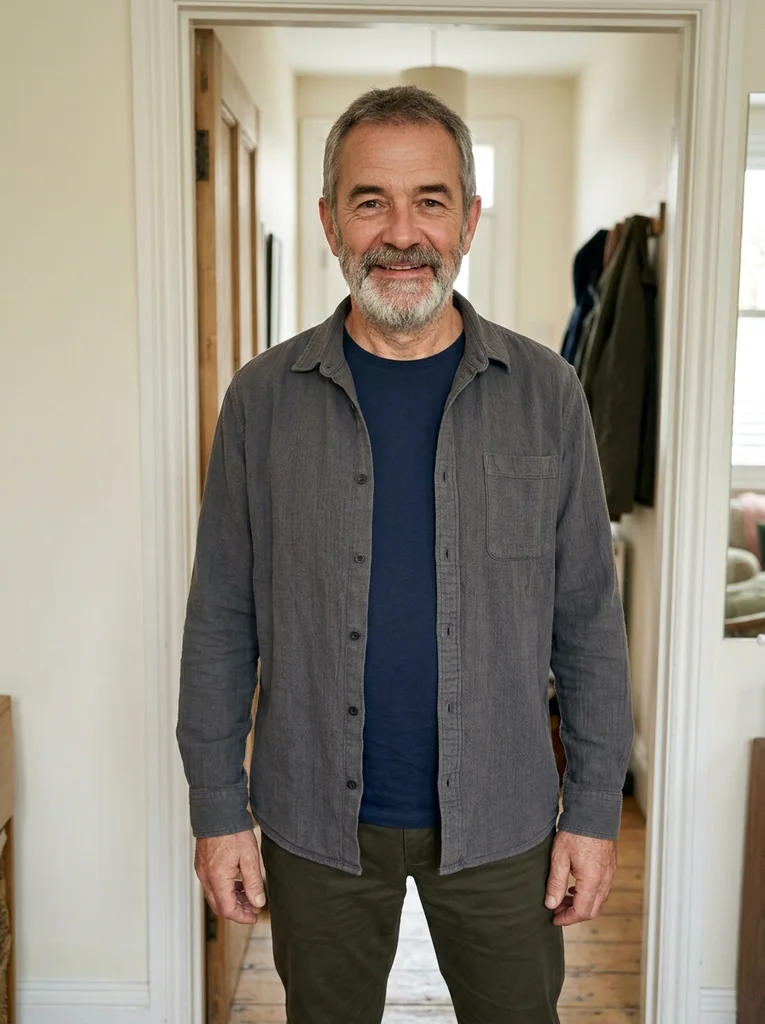
Reference portrait, AI-generated 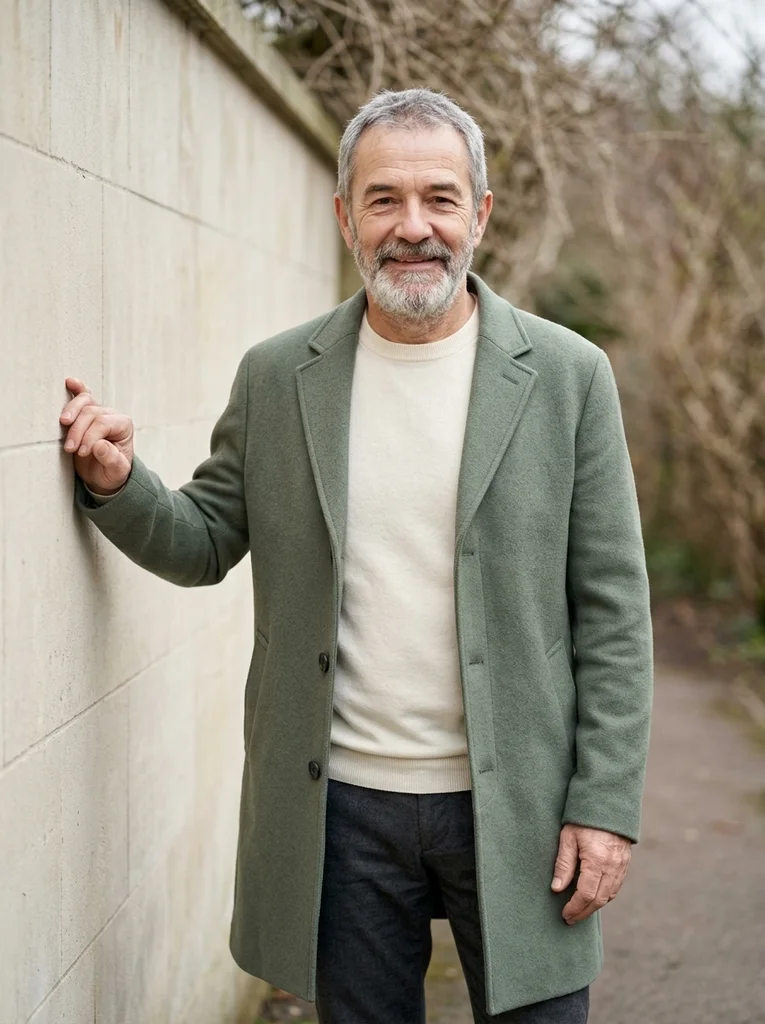
Example result, AI-generated, not a customer photo Pale Path Wall, Soft Sage
A soft sage coat and pale path wall offer a bright, refined winter portrait.
The full prompt is included with a subscription.See plans
- 14
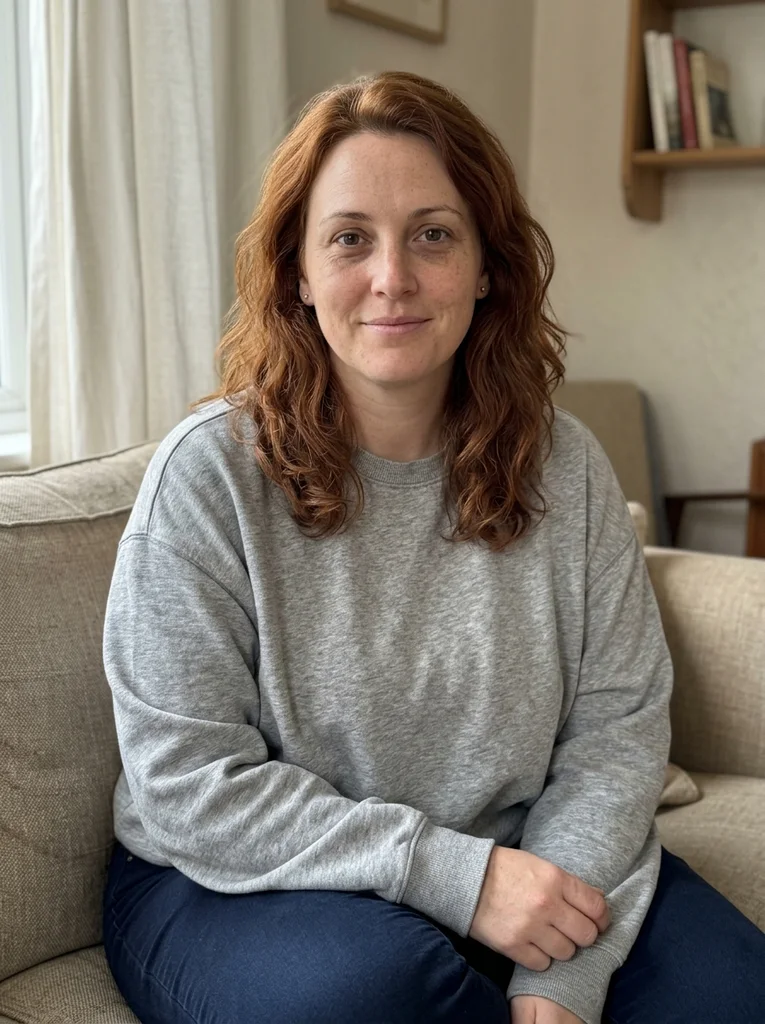
Reference portrait, AI-generated 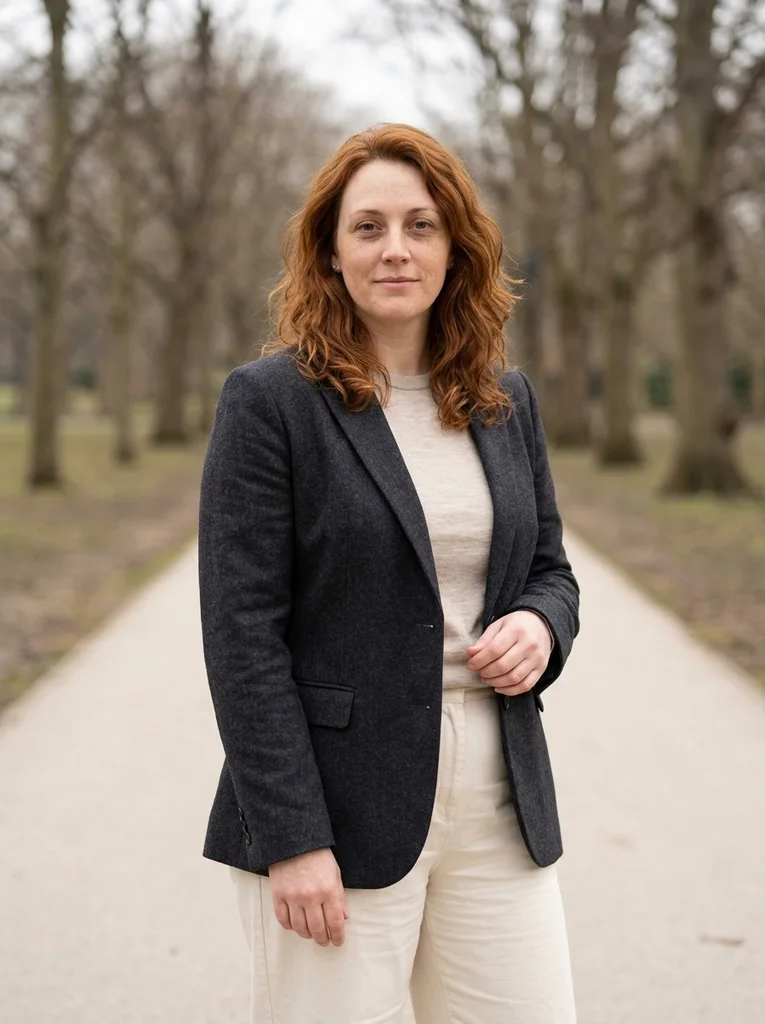
Example result, AI-generated, not a customer photo Winter Turn, Fine Wool
A stable path-side turn and fine wool make a quietly dynamic cool-season portrait.
The full prompt is included with a subscription.See plans
- 15
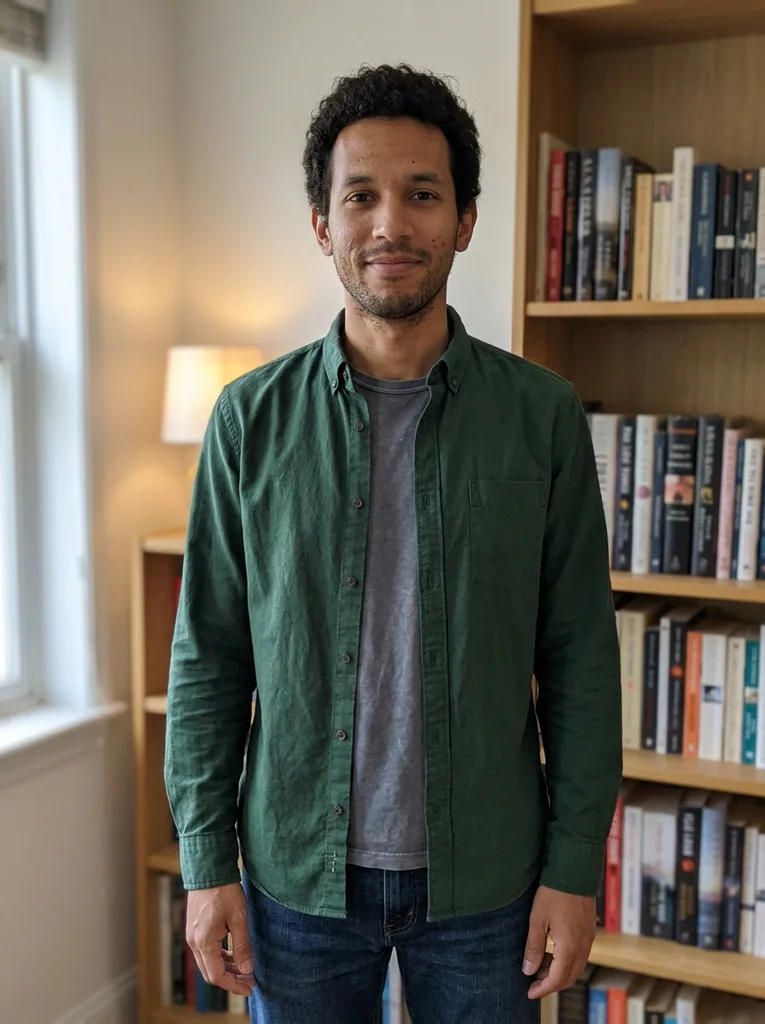
Reference portrait, AI-generated 
Example result, AI-generated, not a customer photo Branches, Close Cashmere
A close cashmere portrait lets distant winter branches frame rather than compete with the face.
The full prompt is included with a subscription.See plans
- 16
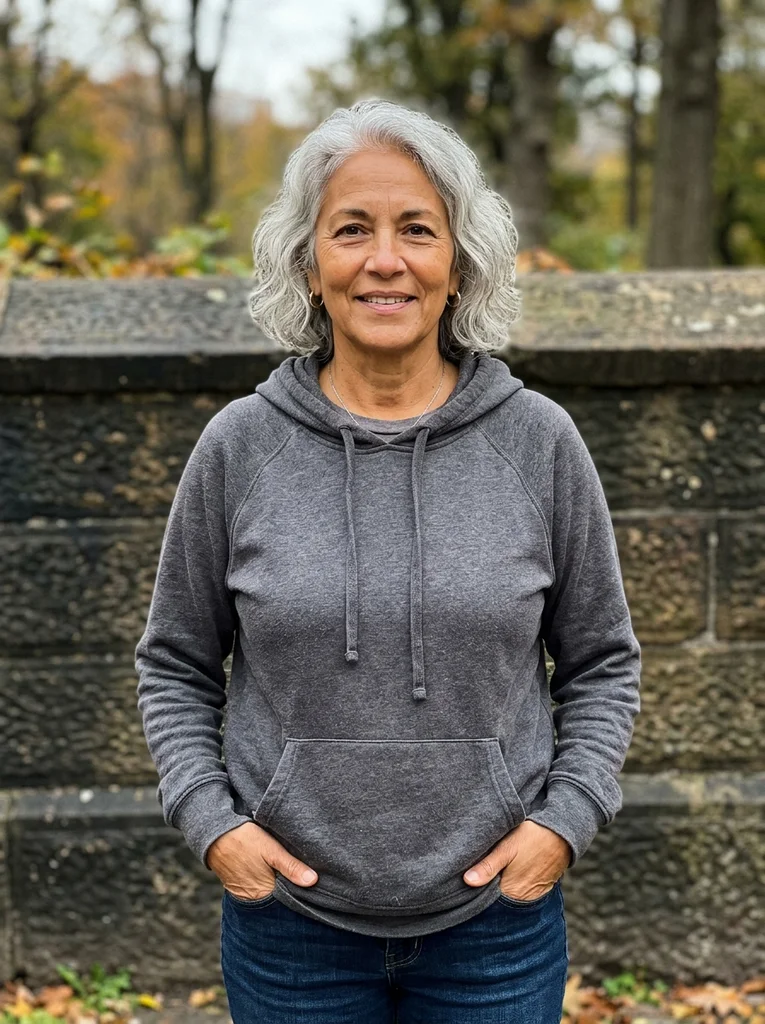
Reference portrait, AI-generated 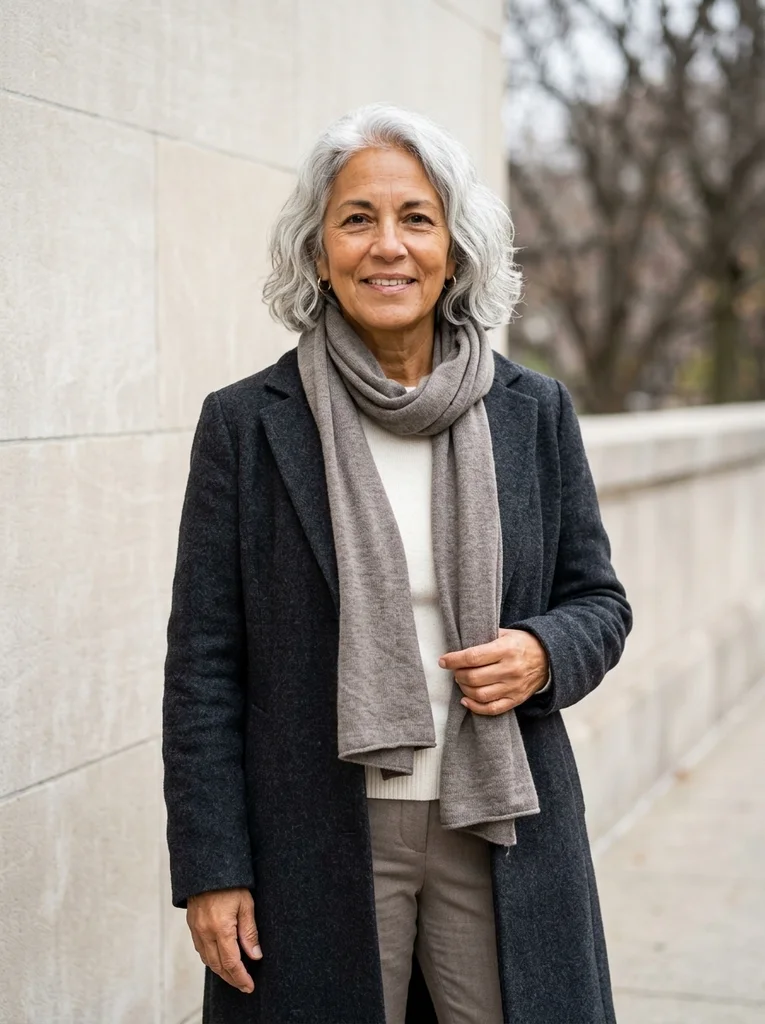
Example result, AI-generated, not a customer photo Low Scarf, Dark Wool
A softly arranged scarf and dark wool create a winter portrait with the face fully visible.
The full prompt is included with a subscription.See plans
- 17

Reference portrait, AI-generated 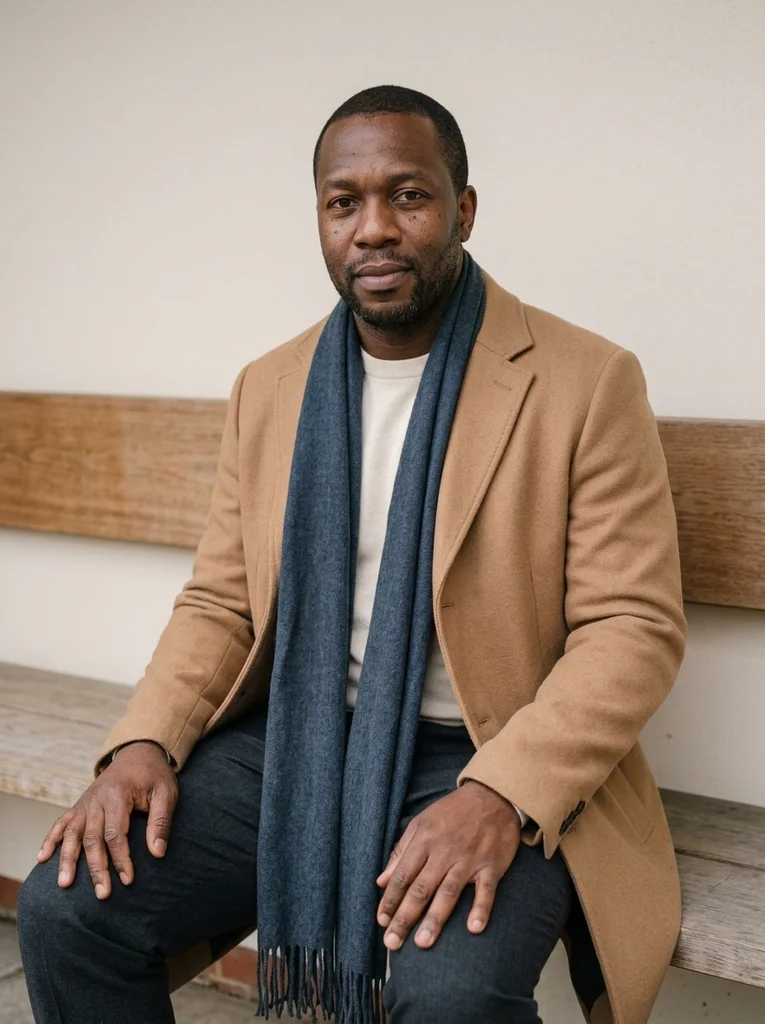
Example result, AI-generated, not a customer photo Scarf at the Bench
A low scarf and seated coat silhouette make a tactile winter portrait with clear hands.
The full prompt is included with a subscription.See plans
- 18
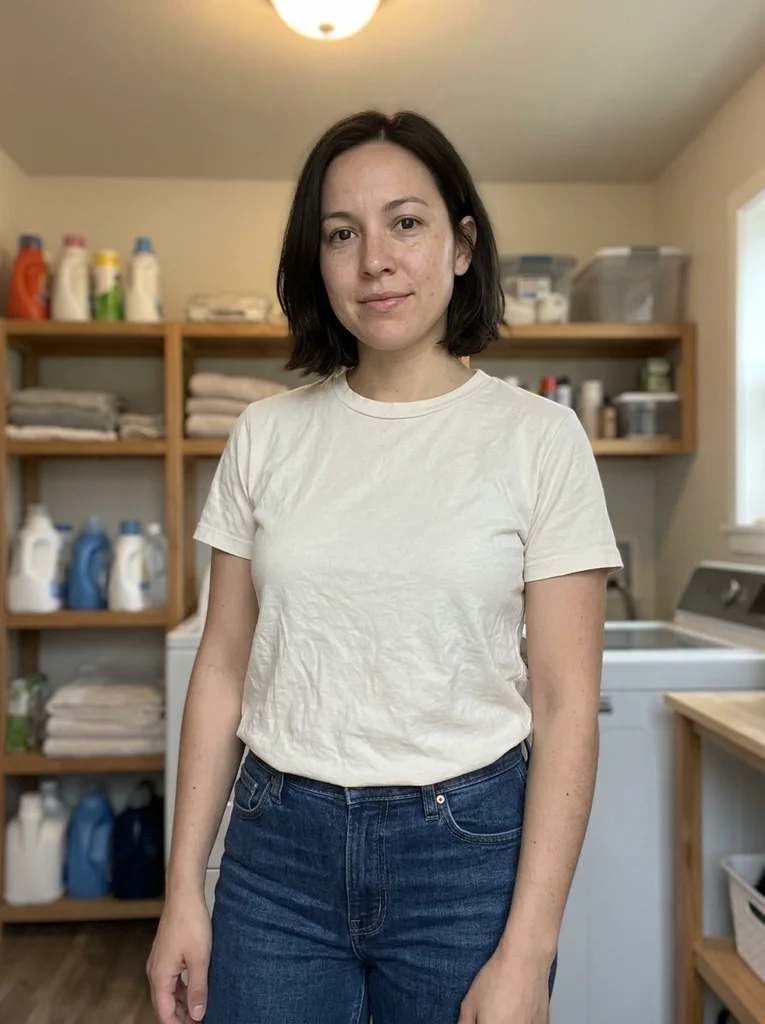
Reference portrait, AI-generated 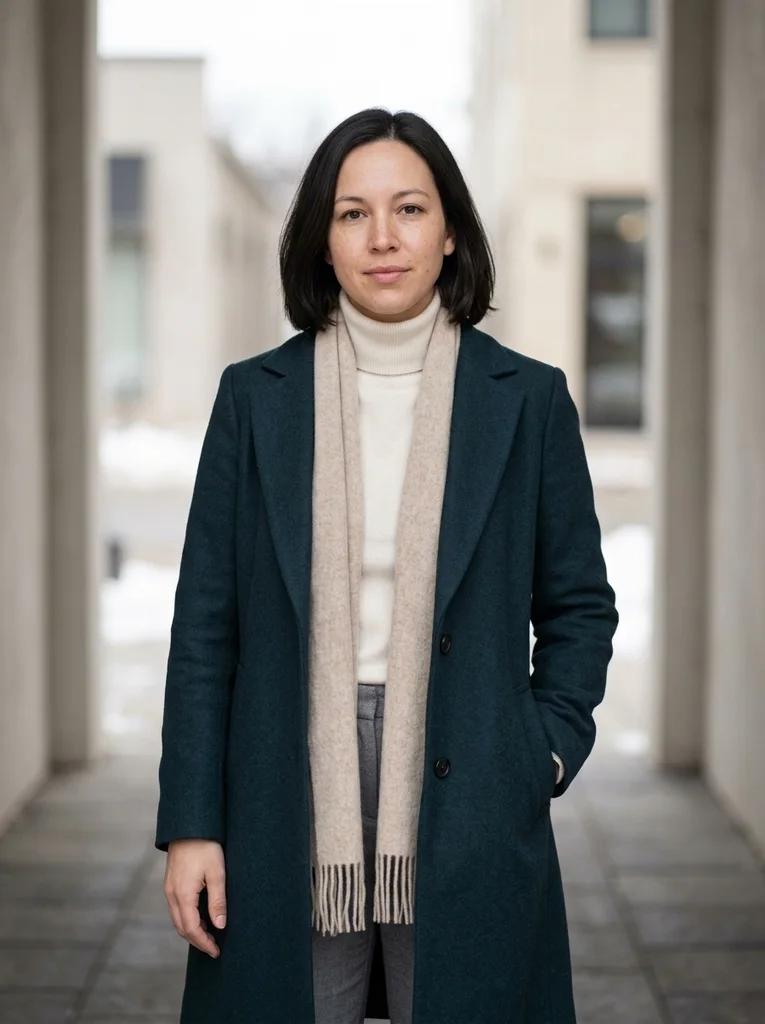
Example result, AI-generated, not a customer photo Soft Scarf, Pale Recess
A softly folded scarf and pale recess balance warm clothing with neutral winter light.
The full prompt is included with a subscription.See plans
- 19
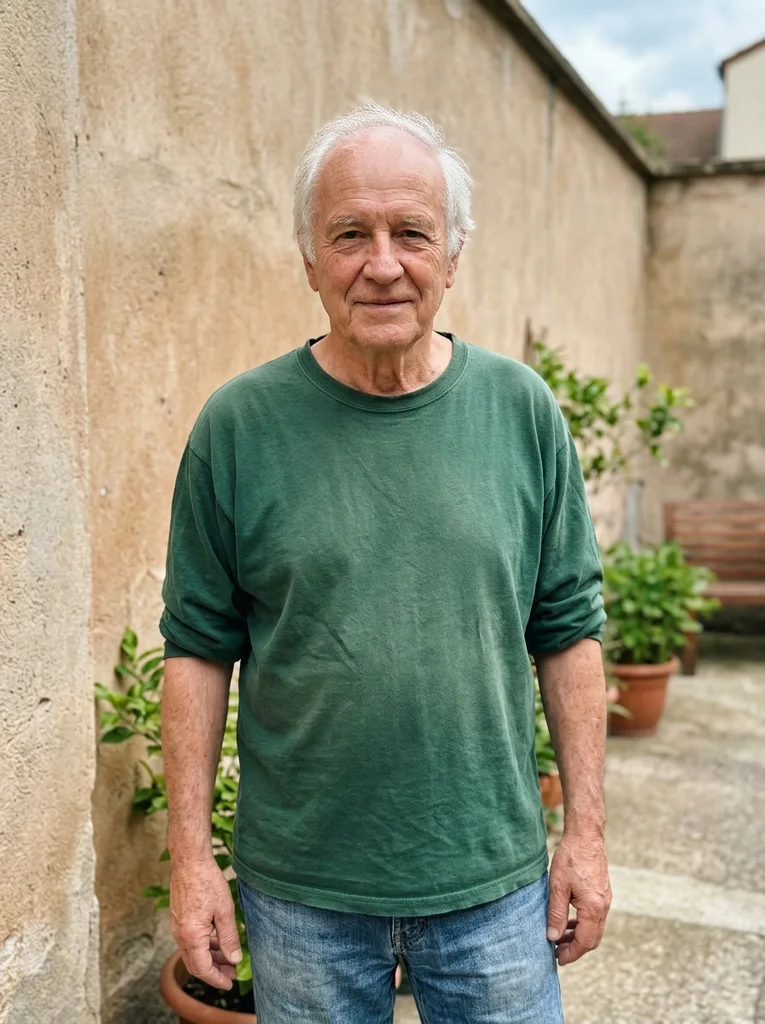
Reference portrait, AI-generated 
Example result, AI-generated, not a customer photo Scarf Collar, Close Light
A close portrait makes fine scarf fibers and natural facial detail the focus.
The full prompt is included with a subscription.See plans
- 20
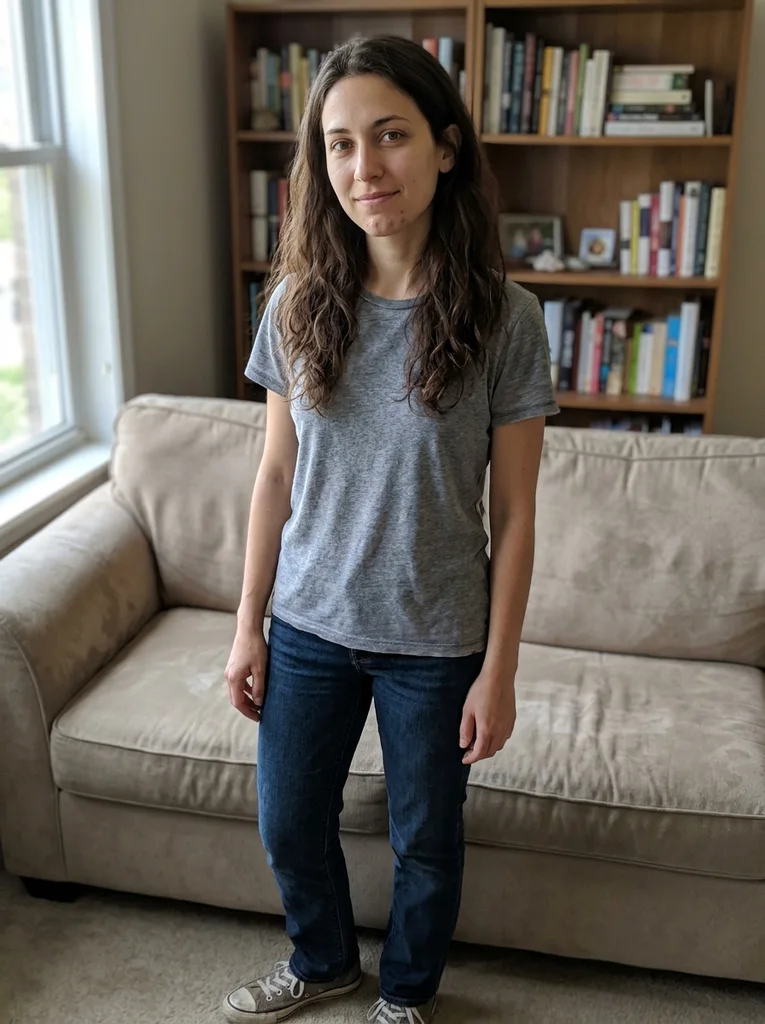
Reference portrait, AI-generated 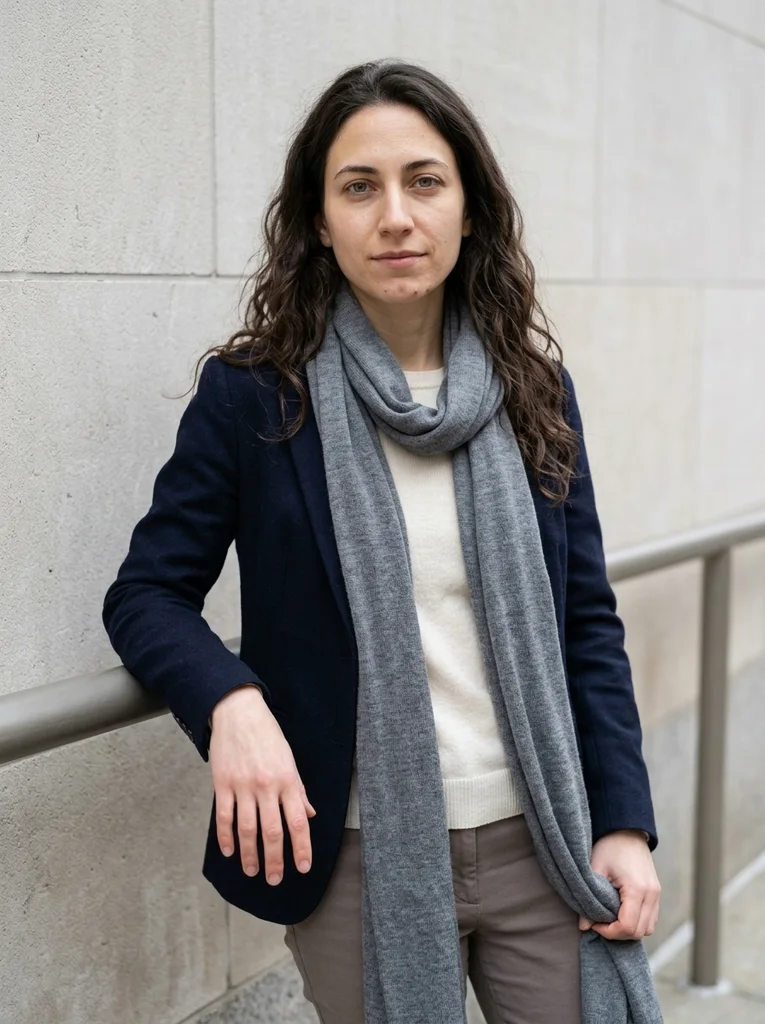
Example result, AI-generated, not a customer photo Scarf End, Winter Cotton
A low scarf end and refined wool-cotton layering make a practical winter editorial.
The full prompt is included with a subscription.See plans
- 21

Reference portrait, AI-generated 
Example result, AI-generated, not a customer photo Cool Morning, Felted Wool
Felted wool and an empty morning street create a clean, naturally colored winter portrait.
The full prompt is included with a subscription.See plans
- 22
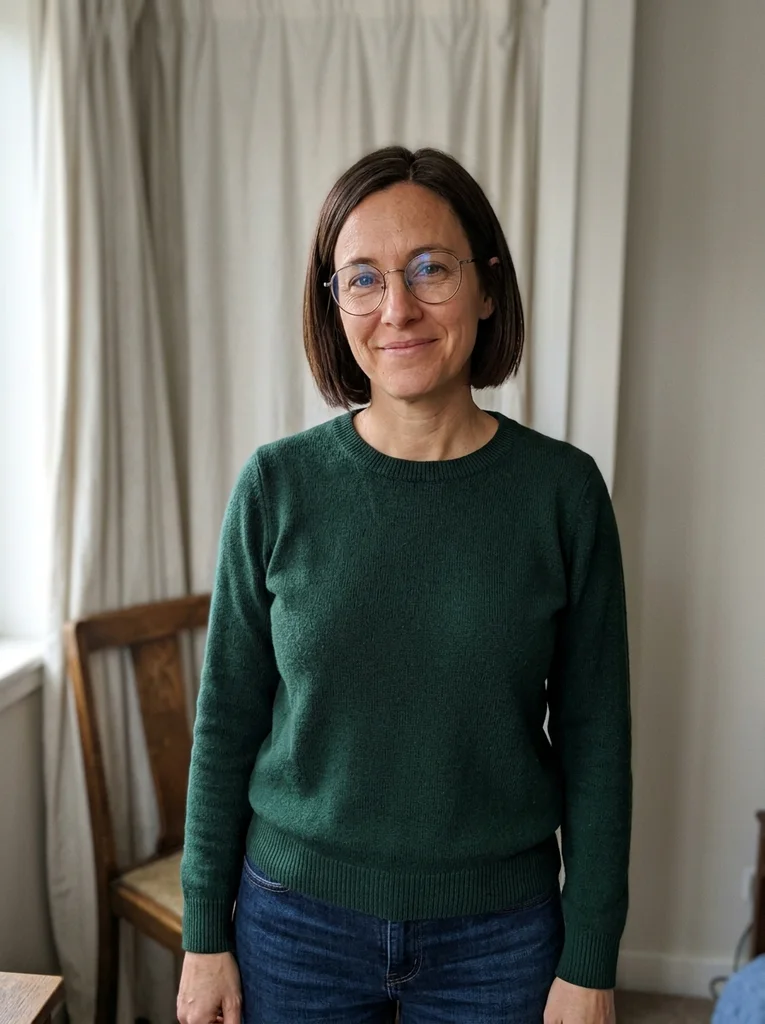
Reference portrait, AI-generated 
Example result, AI-generated, not a customer photo Morning Seat, Oat Knit
Oat knit and a sheltered morning seat make a light, tactile cool-season editorial.
The full prompt is included with a subscription.See plans
- 23
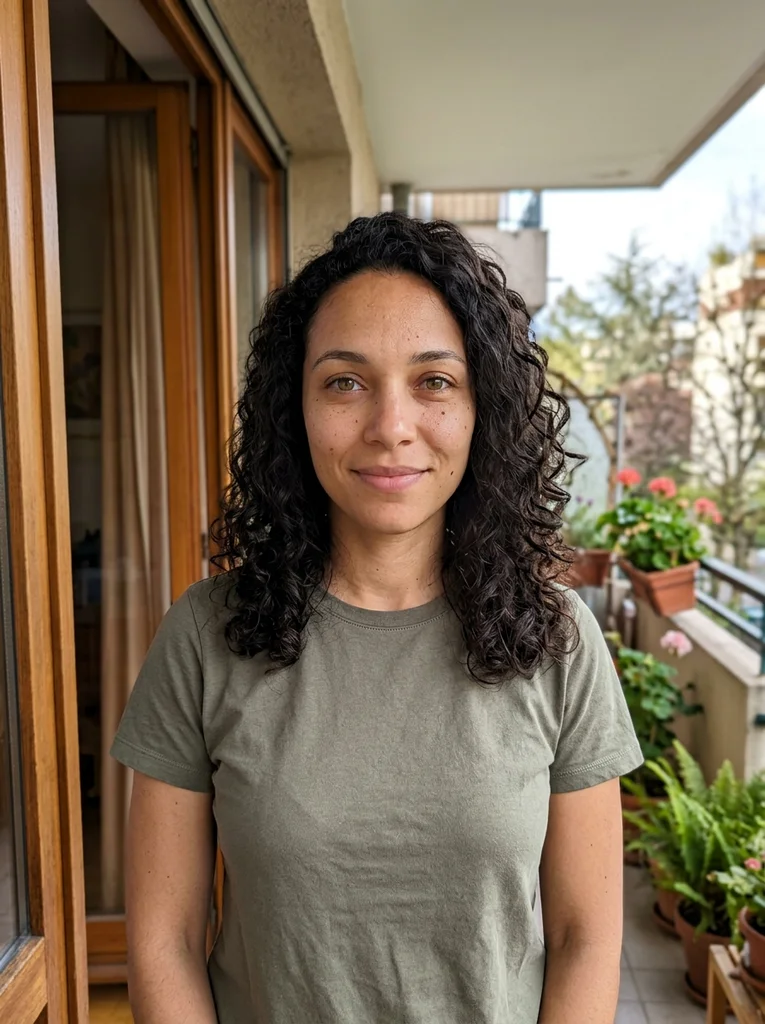
Reference portrait, AI-generated 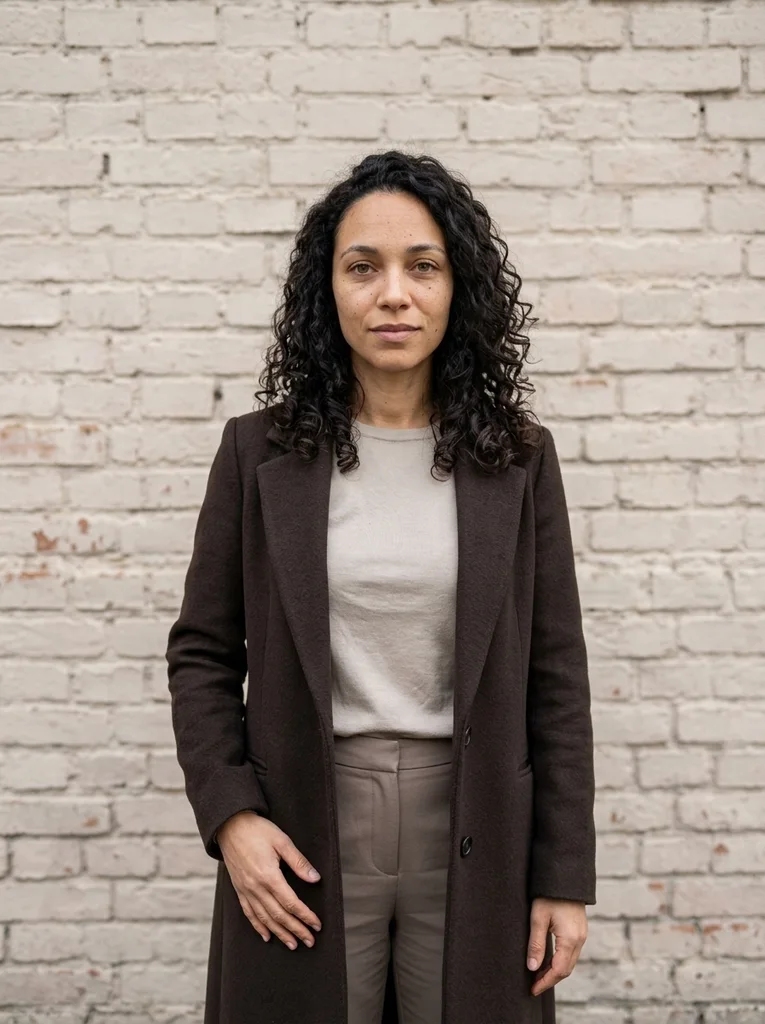
Example result, AI-generated, not a customer photo Muted Brick, Fine Coat
A muted brick wall and fine wool coat give a quiet winter portrait warm material contrast.
The full prompt is included with a subscription.See plans
- 24

Reference portrait, AI-generated 
Example result, AI-generated, not a customer photo Morning Ledge, Ribbed Layers
A low pale ledge and refined rib layers create a balanced cool-season standing portrait.
The full prompt is included with a subscription.See plans
- 25
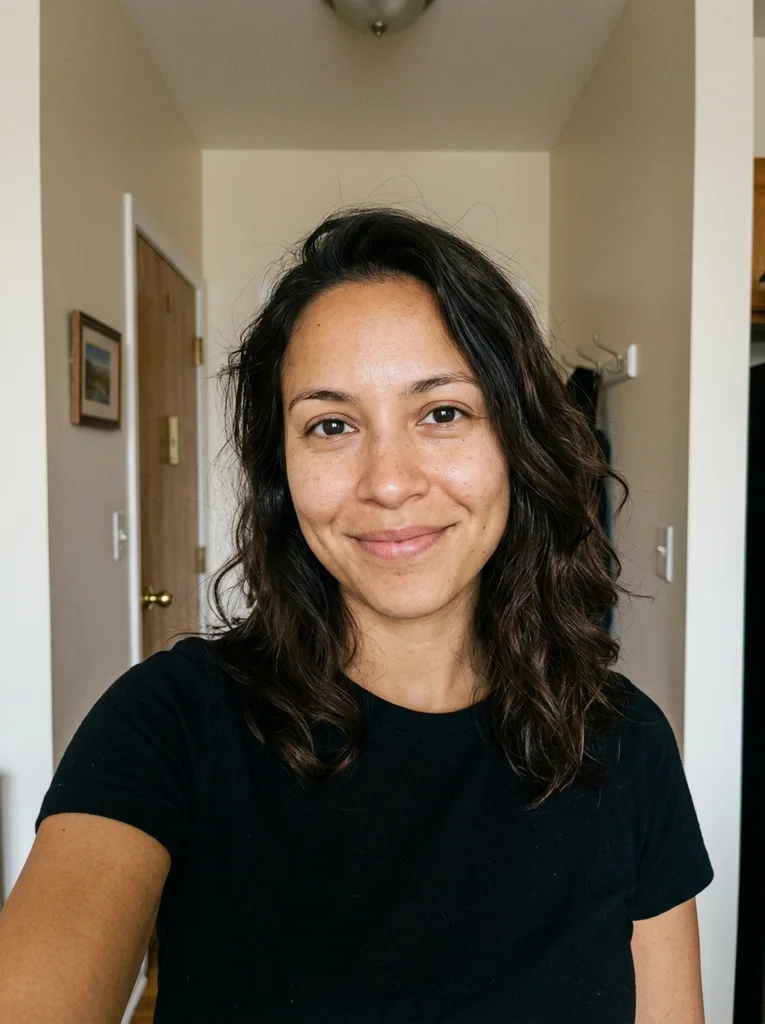
Reference portrait, AI-generated 
Example result, AI-generated, not a customer photo Quiet Morning, Close Wool
A close winter portrait places a refined wool neckline against a restrained morning street.
The full prompt is included with a subscription.See plans
How to use these prompts.
- 01
Use a bare-headed photo in even light
Take a sharp photo without a hat, hood or scarf, so your hairline, ears and jaw are visible. Window light or an overcast day keeps skin tone natural, which the cool-season looks depend on.
- 02
Choose a layer and a sheltered setting
Browse by what you want to wear. Try a long wool coat by a pale wall, a knit in a sheltered corner or a low scarf by a pale wall. The coat or knit sets the mood for the whole portrait.
- 03
Generate a few results and compare them
Add your photo as the reference in your AI image tool and paste the prompt in full. If the tool can produce several results, generate a few and compare them side by side.
- 04
Check skin tone, scarf and collar
Look at skin tone first: cheeks and hands should look warm and natural, not gray or blue. Then check that the scarf sits below your chin and the collar stays clear of your face.
What defines this look.
Let one wool layer carry the season
Choose a single dominant layer in wool, cashmere or felted fabric, in a solid tone such as slate, camel, chocolate, cream or sage. Keep what is underneath simple so the texture reads clearly.
Let a pale wall lift the light
In looks set beside a pale stone wall, the wall bounces overcast light back onto your face. That opens up the shadows under your eyes and chin and helps skin avoid a gray cast in cool daylight.
Keep exposed skin looking natural
Choose looks lit by neutral daylight and avoid heavy color grading. Your face and hands are usually the only exposed skin in a winter frame, so they should keep a believable warmth.
Wear the scarf low and loose
The scarf should sit below your chin with the ends falling over the coat, so your mouth, jaw and cheeks stay visible. A scarf pulled up to the nose hides the face the portrait is built around.
Keep bare branches in the background
Distant branches add season without clutter when they sit behind you and stay soft. Keep them away from your head so they frame the portrait instead of crossing your face.
Use sheltered spots for knitwear
Arcades, recesses, broad steps and low benches give shelter from the wind and even light, so a knit looks cozy rather than cold. A seated pose with visible hands also feels relaxed.
Common problems and fixes.
Skin looks gray, blue or over-graded
Describe natural skin color in soft overcast light and avoid cold-filter words such as icy or frosty. A source photo in neutral, even daylight also gives the tool a truer reference for your complexion.
The scarf covers my mouth or chin
Choose a look where the scarf sits low and state that your face must stay fully visible. If the scarf rises anyway, run the prompt again rather than editing the result.
Snow, frost or fur appears in the scene
Say the weather is dry and overcast, and leave fur trim out. The cool-season look comes from coats, knitwear and gray daylight, so it holds up without falling snow.
Layers look bulky and shapeless
Winter clothing can swallow the frame. Choose one coat over a slim knit, or a closer portrait where the collar and neckline stay in view. Avoid stacking several thick layers.
FAQ
Common questions.
01What should I wear for a winter portrait?
One wool coat or knit in a solid tone, such as slate, camel, chocolate or cream, with a scarf worn low. Texture matters more than pattern, because wool and knit fibers show clearly in soft overcast light.
02Do winter photo prompts need snow?
No. The Cold Weather examples rely on coats, knitwear and overcast light for the season. They avoid artificial snowstorms, glossy fur and heavy color grading. Without snow, the face stays the focus and skin color stays natural.
03What light suits a winter portrait?
Soft overcast daylight suits these portraits best, ideally with a pale wall nearby to reflect light into the face. Early mornings give muted, quiet tones. Cold filters and heavy grading can turn skin gray or blue.
04Can I keep a scarf on in a winter portrait?
Yes, if it sits low and loose so your mouth and jaw stay visible. One group of examples is built around scarves worn that way, with the face fully clear and the hands in view.
05Can I use a winter prompt on a summer photo?
Yes. The prompt describes the coat, the scene and the light. A sharp face and even lighting matter more than the season of your photo, so leave out sunglasses and hats.
06What is in the Cold Weather collection?
The portraits show coats in front of light stone buildings and knit sweaters in sheltered city corners. Others use paths lined with bare trees, scarves arranged below the face, or quiet early mornings in muted tones.
Keep exploring.

A little inspiration.
On the house.
10 free photo prompts, with examples and instructions. A small edit for your next photo, ready for your own image tool.
No account or payment needed.
Get the library
Your next look
starts here.
$5.99 / month
New looks and refined prompts, added regularly.
Included while your subscription is active.
- 500+ ready-to-copy photo prompts
- 20 curated collections with before-and-after examples
- New looks & ongoing prompt improvements
- Save favorites & revisit your looks
Renews monthly at $5.99.
Cancel renewal anytime. Image-tool fees separate.